What a Professional WordPress Security Scanner Should Do After Detection
The value of a professional WordPress security scanner is not detection alone. A useful WordPress security scanner should turn vulnerability, malware, public-exposure, API, configuration, and log findings into prioritization, evidence, accountable remediation, verification, and measurable risk reduction. Business-critical WordPress sites need more than a stream of disconnected alerts.
A scanner should explain which findings are urgent, which are informational, which need developer review, which may require a WAF or hosting control, and which could affect revenue, uptime, customer trust, compliance posture, or search visibility.
Why a Pass-or-Fail Scanner Is Not Enough
Modern WordPress sites may include ecommerce flows, custom code, REST APIs, membership logic, marketing automation, cloud services, multiple administrators, and third-party integrations. A single red or green score cannot describe that operating surface.
OWASP describes web application vulnerability scanners as automated tools that normally test from the outside for conditions such as cross-site scripting, injection, path traversal, and insecure server configuration. Those tools are useful, but OWASP also notes that scanners have different strengths and weaknesses. Automated detection therefore needs context and validation.
Separate actively exposed risk from informational findings, stale software, and conditions that require validation.
Show the affected component, route, response, version, timestamp, source, and reason the finding matters.
Identify whether the safest response is patch, remove, restrict, replace, monitor, investigate, or escalate.
Retest after remediation and preserve scan history so teams can see whether risk improved or returned.
Connect Vulnerabilities With the Actual WordPress Inventory
A mature WordPress vulnerability scanner should identify core, plugins, themes, must-use plugins, custom components, versions, active state, fixed releases, and available vulnerability context. A version match is the beginning of review, not the final decision.
Teams need to know whether the affected component is active, publicly reachable, business-critical, abandoned, or safe to remove. Aegisify Audit is positioned to connect Agent-side inventory with plugin, theme, core, CVE, fixed-version, and dependency findings so remediation can be prioritized instead of reduced to an unranked list.
Review Malware Indicators Without Promising Automatic Cleanup
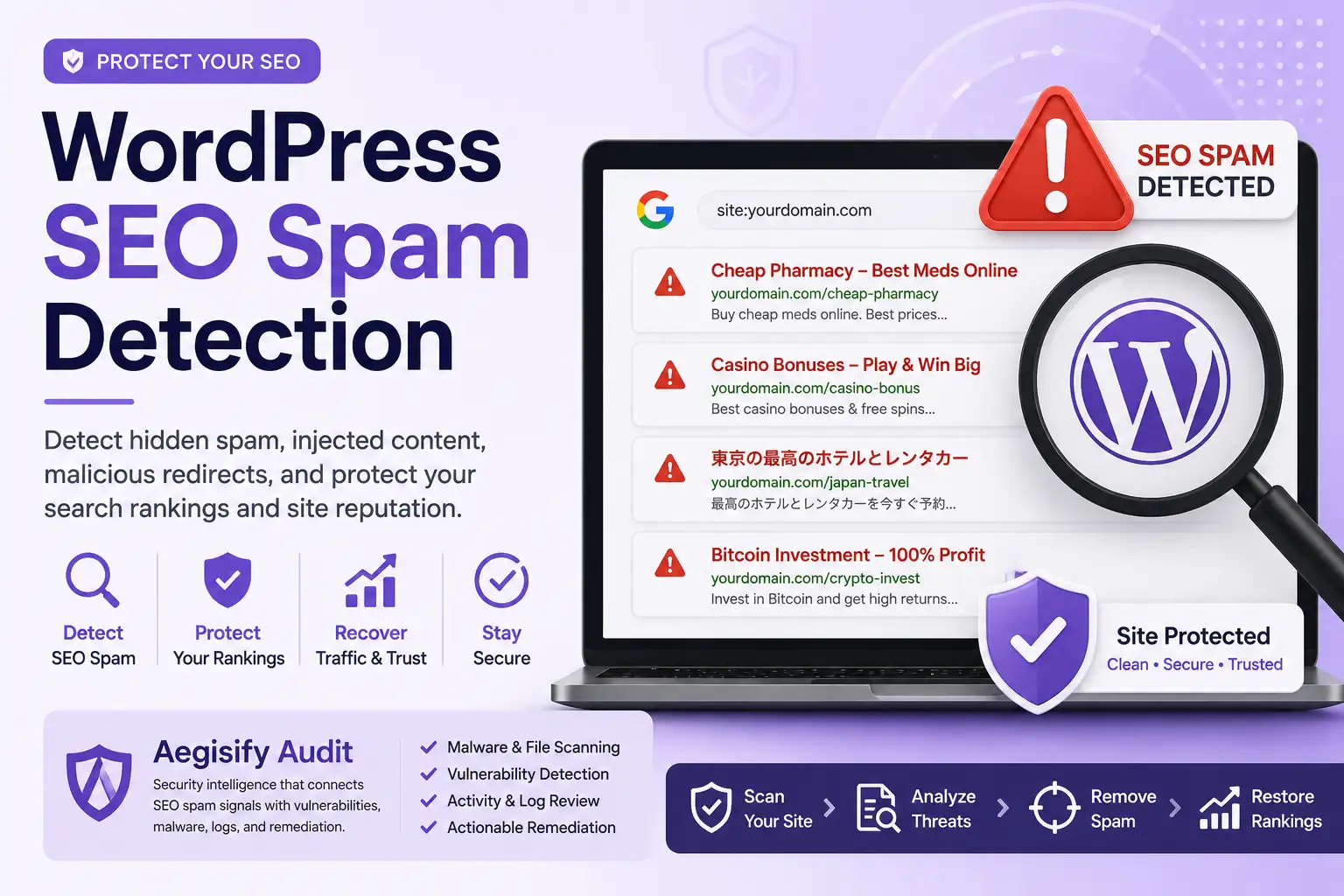
Malware risk is broader than a known signature. Review backdoors, suspicious file changes, obfuscation, SEO spam, malicious redirects, unknown administrators, debug-log exposure, blacklist or reputation warnings, and unexpected behavior.
These signals do not always prove compromise. A professional WordPress malware scanner should preserve evidence and guide investigation. Aegisify should be positioned as helping teams identify, correlate, and prioritize malware indicators for human-reviewable remediation—not as guaranteeing complete automated removal.
Use DAST-Style Review to See What the Running Site Exposes
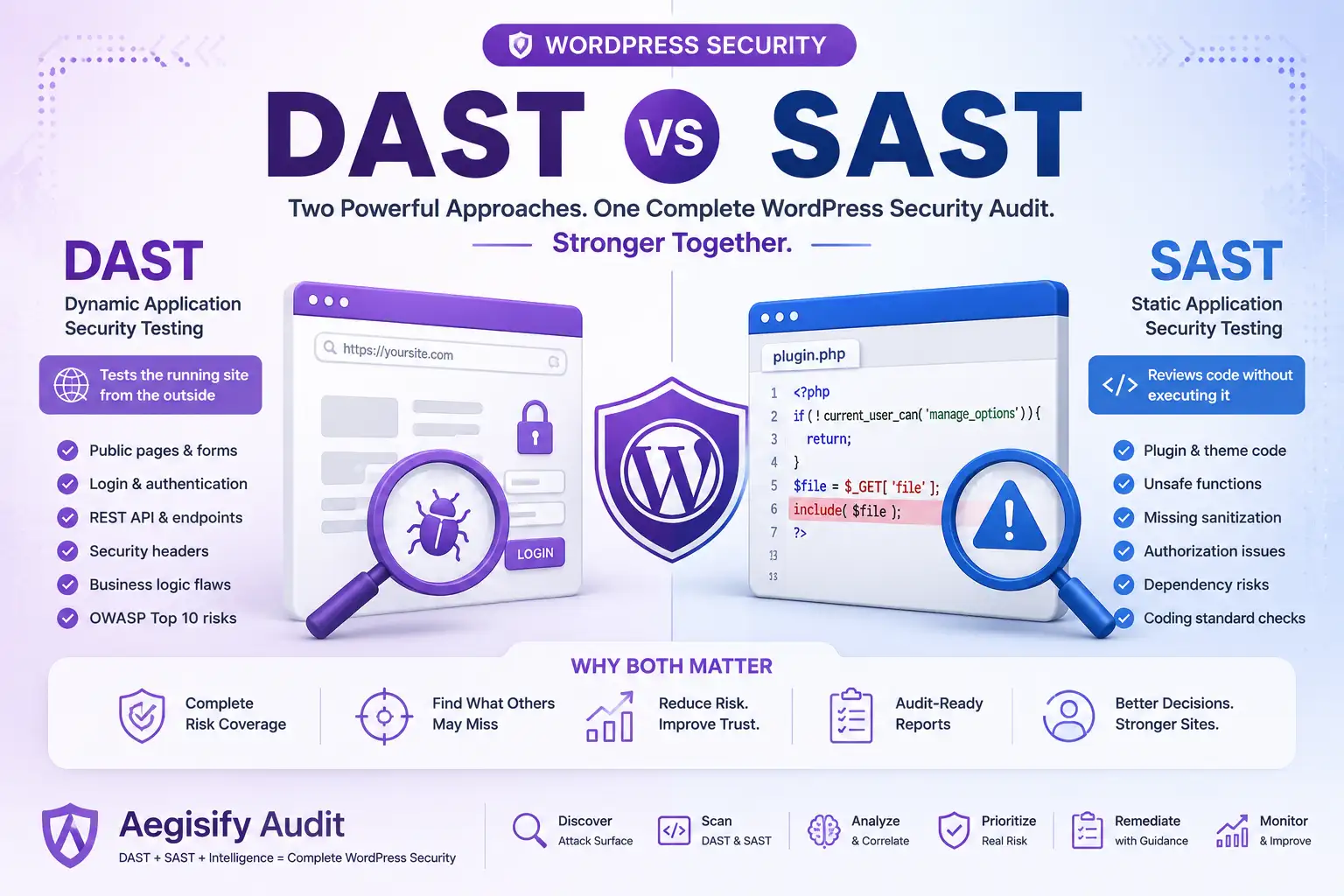
Dynamic application security testing evaluates a running application through black-box requests and response analysis. For WordPress, a DAST-style workflow can review headers, cookies, login surfaces, forms, public artifacts, application routes, REST behavior, OpenAPI or GraphQL hints, and candidate payload families such as injection, server-side request forgery, or path traversal.
A scanner should never describe every candidate as a confirmed exploit. Findings need reproducible evidence, authorization-safe testing, and human validation. Aegisify’s user-provided product direction combines public attack-surface review with WordPress inventory, code analysis, logs, and reporting.
Turn Scanner Output Into Accountable Security Work
Use Aegisify Audit to connect WordPress inventory, vulnerability intelligence, public exposure, APIs, malware indicators, logs, evidence, and remediation planning.
Inventory Routes and Review Authorization
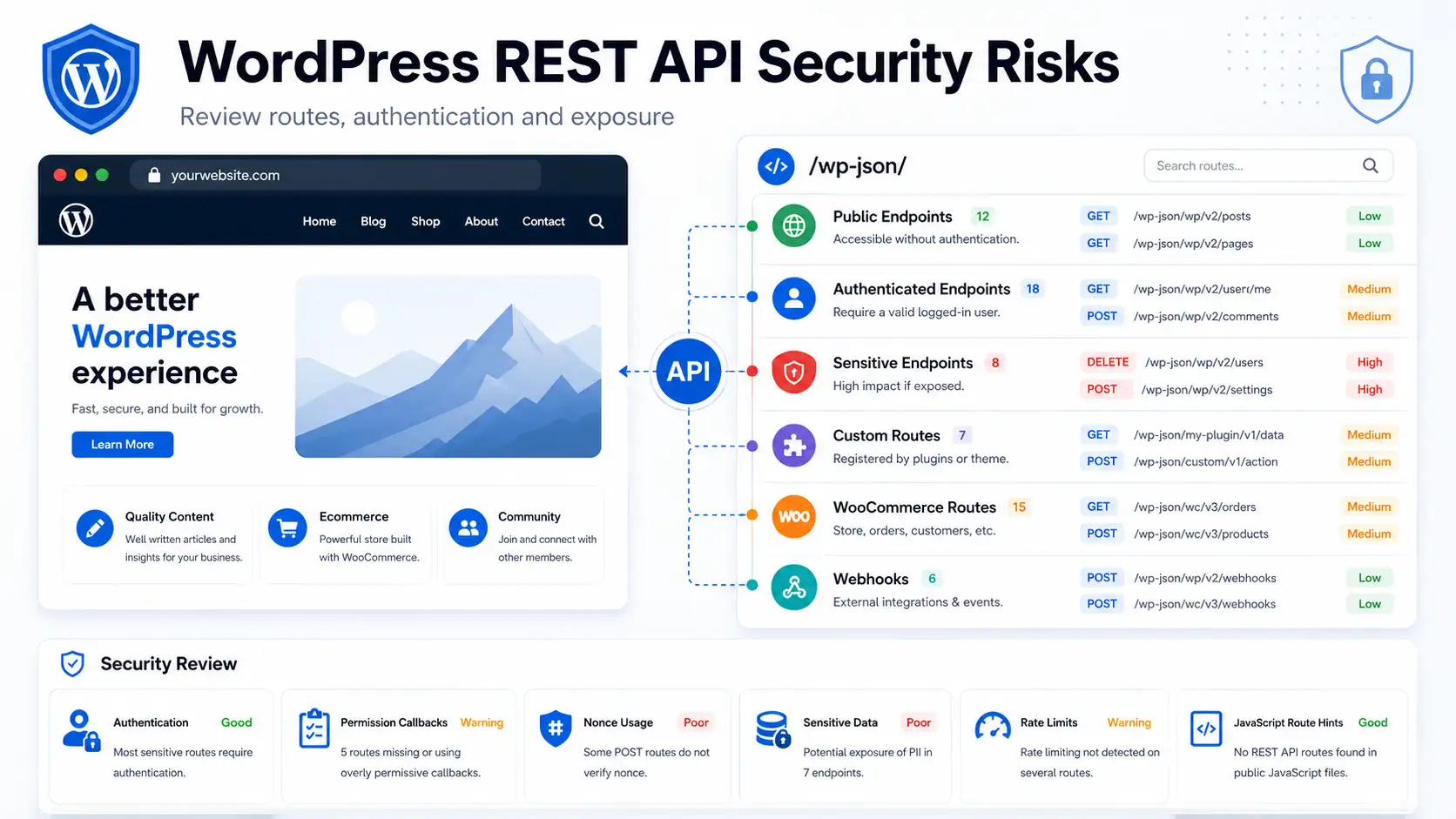
The WordPress REST API is a normal application interface. The audit question is not whether an API exists, but whether its exposure, permissions, returned data, and business behavior are appropriate. WordPress requires custom REST routes to define a permission_callback, making authorization an explicit design responsibility.
A professional WordPress API security scanner should inventory namespaces, custom plugin routes, WooCommerce APIs, JavaScript-exposed paths, authentication requirements, permission behavior, and sensitive responses. Current OWASP API guidance highlights authorization, authentication, resource consumption, security configuration, inventory management, and unsafe API consumption as recurring risk areas.
Give Engineers Evidence and Leadership Clarity
Security engineers need technical evidence. Developers need the affected code, route, version, and fix direction. Site owners and executives need business impact, priority, ownership, status, and trend.
A useful report should connect severity, confidence, evidence, affected asset, business context, recommended response, owner, due date, remediation state, and retest result. Aegisify’s supplied product direction includes reports, risk scoring, scan history, alerts, and AI-assisted recommendations. AI should summarize and organize evidence; people should approve changes and validate results.
| Capability | Basic Security Scanner | Aegisify Audit Direction |
|---|---|---|
| Plugin Vulnerabilities | Shows affected plugin names and advisories. | Connects component inventory with vulnerability context, fixed-version guidance, evidence, risk scoring, and remediation planning. |
| Malware Indicators | Checks files, signatures, or a limited set of known patterns. | Adds context from redirects, SEO spam, reputation, suspicious users, logs, file changes, and cleanup review. |
| Exposed Files | Flags readable logs, backups, configuration clues, or artifacts. | Explains potential privacy, attack-surface, debugging, operational, and remediation impact. |
| DAST-Style Testing | May be limited to simple HTTP or configuration checks. | Reviews web-facing behavior, routes, APIs, headers, cookies, public artifacts, and supported payload families. |
| Reporting | Produces generic scanner output for a technical user. | Organizes findings for security reviewers, engineers, site owners, executives, and agencies. |
| Remediation | Provides static advice without ownership or verification. | Supports human-reviewable guidance, accountable tasks, evidence, retesting, monitoring, and historical comparison. |
From Detection to Measurable Risk Reduction
The scanner becomes an operational system when every finding moves through a repeatable lifecycle.
Identify vulnerabilities, exposure, malware indicators, API conditions, and configuration gaps.
Confirm the evidence, affected asset, reachability, confidence, and business context.
Rank by exploitability, exposure, impact, operational importance, and available controls.
Route the work to an owner: site administrator, developer, host, security team, or vendor.
Patch, remove, replace, restrict, configure, block, investigate, or monitor safely.
Rescan, retest, compare evidence, and confirm the control did not break the site.
Track risk score, open findings, recurrence, response time, and historical posture.
Why the First Scan Is Only the Beginning
WordPress risk changes when a plugin updates, a new user is added, a form is installed, a REST route appears, a debug log grows, custom code changes, or a new advisory is published. Recurring scans, alerts, history, reports, and retesting make a scanner more useful after the initial assessment.
Aegisify Shield can complement the audit with hardening and activity monitoring. Aegisify WAF can support WordPress-aware request controls. Aegisify Backup can provide recovery and rollback preparation. These products do not replace secure development, hosting controls, or qualified incident response.
Professional WordPress Security Scanner FAQ
Is a vulnerability scanner the same as a security audit?
No. A scanner detects potential conditions. An audit adds inventory, validation, business context, evidence, ownership, remediation planning, and verification.
Can a WordPress scanner confirm every vulnerability?
No. Automated tools can produce false positives, false negatives, and incomplete evidence. High-risk findings require validation.
Should every public REST API route be blocked?
No. WordPress and plugins use REST APIs for legitimate functionality. Review permissions, authentication, returned data, and intended exposure before changing access.
Can Aegisify guarantee malware removal or complete security?
No. Aegisify should be positioned as helping teams detect, correlate, prioritize, remediate, and verify risk without guaranteeing complete security or automatic cleanup.
What should teams measure over time?
Track critical findings, remediation time, recurring issues, vulnerable components, exposed routes, malware indicators, verification status, and changes in risk posture.
WordPress and Application Security References
Editorial references include OWASP Vulnerability Scanning Tools, OWASP DAST Guidance, OWASP API Security Top 10, Hardening WordPress, WordPress REST API Handbook, and Adding Custom WordPress REST Endpoints.