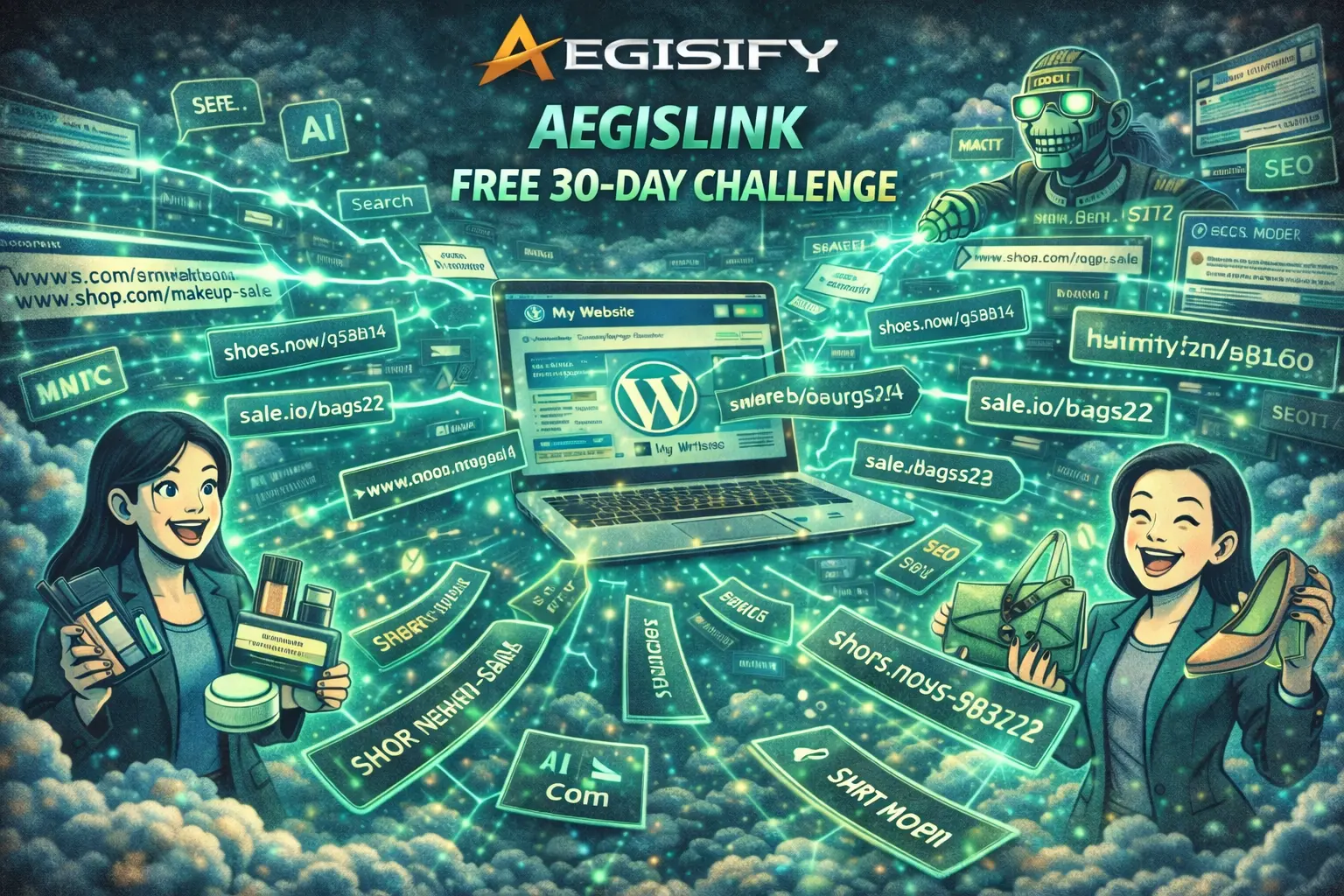
How Smarter Internal Links and Branded Short URLs Can Connect a WooCommerce Store
WooCommerce internal linking, branded WordPress short links, smart keyword linking, link-health monitoring, and privacy-conscious link analytics can turn a disconnected store into a clearer customer journey. Aegisify Links brings those capabilities into WordPress so store owners can connect content with products, manage campaign URLs on their own domain, and measure how visitors move between pages.
Sophia’s boutique illustrates the problem. She had quality products, growing social traffic, and useful beauty and style content. Yet many product pages were isolated from the articles and categories that could help shoppers discover them. Her challenge was not simply attracting more visitors. It was guiding the visitors she already had toward relevant products and next steps.
Sophia Had Traffic, but Her Store Pages Were Not Working Together
Sophia built an online boutique from her living room, selling handmade purses, beauty accessories, and curated makeup collections for professionals and college students. Her social audience was growing, and visitors regularly opened her tutorials, category pages, and product listings.
The problem appeared deeper in the journey. A lipstick tutorial did not naturally guide a reader to a matching cosmetic bag. A handbag styling article did not consistently point to the featured collection. Seasonal campaign links were long, difficult to organize, and scattered across social posts, email messages, and influencer content.
Each page could perform on its own, but the store lacked a deliberate link structure connecting discovery content, product categories, individual products, and campaign destinations.
Isolated Products
Important products received few contextual links from tutorials, guides, category content, or related pages.
Manual Linking Work
Editors had to remember every relevant product and repeatedly add links across an expanding content library.
Unmanaged Campaign URLs
Long product and promotion URLs were difficult to brand, group, update, and review across channels.
Limited Link Evidence
Analytics showed page traffic, but Sophia lacked a focused view of which managed links attracted clicks or failed.
Why Internal Linking Matters for WooCommerce SEO and Product Discovery
Google uses links to discover pages and understand relationships across a website. Its ecommerce guidance recommends connecting menus to categories, categories to subcategories, and those pages to products. Google also notes that links from prominent pages and useful content can help communicate the relative importance of a product.
That does not mean adding the same keyword link everywhere. Useful internal links need crawlable <a href> markup, concise and descriptive anchor text, relevant surrounding context, and a destination that genuinely helps the visitor. Excessive, repetitive, or forced keyword linking can reduce readability and create a poor customer experience.
From Tutorial to Product Discovery: A Connected Store Journey
Connect Approved Keywords With Relevant Products and Content
Aegisify Links supports automatic keyword linking and internal-link recommendations inside WordPress. Sophia can map an approved phrase such as “professional cosmetic bag” to a relevant collection, or review suggestions that connect a styling article to a featured handbag category.
Administrator control remains important. A phrase should not link every time it appears, and one page should not become overloaded with repetitive anchors. The safer workflow is to define priority destinations, set reasonable limits, review context, exclude inappropriate pages, and confirm that each link improves the reader’s next step.
Create Branded Campaign Paths on the Store’s Own Domain
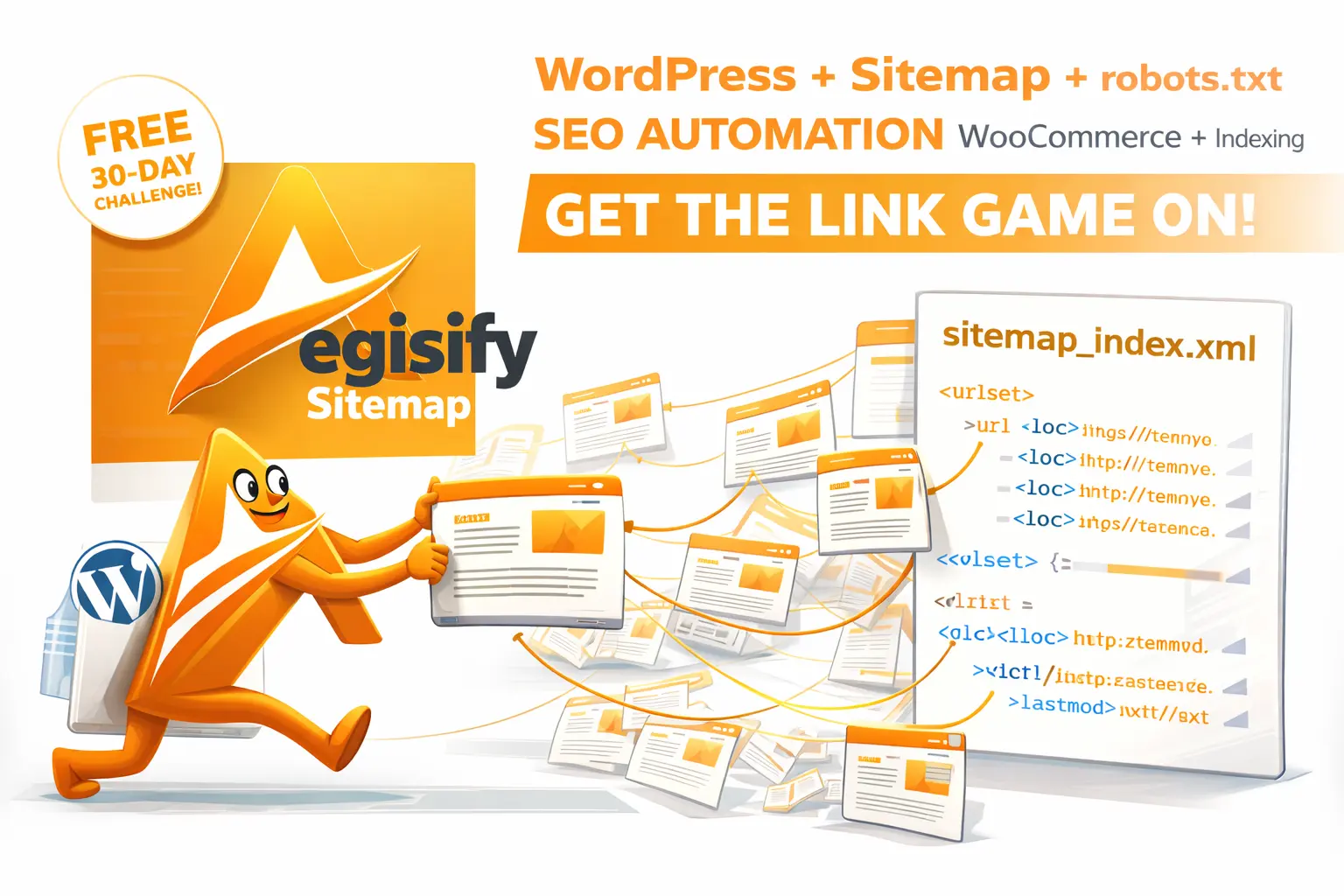
Aegisify Links creates managed paths such as /go/summer-handbag or /go/makeup-kit on the WordPress site’s own domain. Sophia can use those paths in social profiles, email campaigns, printed materials, QR codes, and influencer promotions without depending on an unrelated URL-shortening domain.
The official feature page documents 301, 302, and 307 redirect options, expiration controls, UTM campaigns, grouping, tags, device and country targeting, and bulk creation. Redirect type must match the business purpose: a permanent destination change differs from a temporary promotion or test.
Manage Product Links Without Repeating the Same Task
For stores with many products, manual link creation quickly becomes operational debt. Aegisify Links can generate short links from posts, products, categories, tags, or pasted URL lists. The current product page also documents WooCommerce-ready product sharing, CSV import and export, QR codes, campaign organization, and bulk workflows.
Sophia can organize links around seasonal launches, influencer partners, product categories, or channels. When a promotion changes, she can manage the destination centrally rather than searching through every published post or social profile that contains the branded path.
Measure Managed-Link Activity and Find Broken Destinations
Aegisify Links records clicks, referrers, and user-agent information locally with privacy-conscious logging and no external tracking pixel, giving Sophia a focused view inside WordPress.
Link-health monitoring checks destination URLs and flags broken or unreachable targets. That matters when products are removed, categories change, landing pages expire, or campaign URLs redirect unexpectedly. Local link analytics should complement—not replace—consent management, ecommerce analytics, order attribution, and business-intelligence systems.
| Capability | Sophia’s Use | Operational Benefit |
|---|---|---|
| Automatic keyword linking | Connect beauty tutorials with approved product or category destinations. | Reduces repetitive editorial work while preserving contextual navigation. |
| Internal-link recommendations | Find content that could support important product and collection pages. | Helps identify isolated pages and missed customer-journey connections. |
| Branded short URLs | Share memorable paths in social, email, print, and influencer campaigns. | Keeps the store domain visible and allows centralized destination management. |
| Bulk and CSV tools | Create or organize links for seasonal products and campaign lists. | Supports larger catalogs without repeating one-link-at-a-time workflows. |
| QR codes | Connect packaging, events, displays, or printed cards with product pages. | Extends managed paths into offline marketing while retaining measurement. |
| Health monitoring | Detect expired products, failed redirects, and unreachable campaign pages. | Reduces broken journeys that can waste traffic and frustrate customers. |
What Changed for Sophia’s Operating Model
Sophia did not need a promise of instant rankings or guaranteed conversion growth. She needed a repeatable system for connecting useful content with relevant products, managing campaign links, checking destinations, and reviewing evidence.
Her tutorials could now support matching categories. Product launches could use consistent branded paths. Old campaign destinations could be updated centrally. Link reports could reveal which managed paths attracted attention and which links needed maintenance.
The business outcome is better control. Revenue impact must be measured through WooCommerce orders, attribution, conversion analytics, average order value, and testing—not inferred from clicks alone.
WooCommerce Internal Linking FAQ
Can internal links guarantee higher WooCommerce rankings?
No. Internal links can help search engines discover pages and understand site relationships, but rankings depend on many technical, content, relevance, quality, and competitive signals.
Should every product keyword automatically become a link?
No. Links should be relevant, limited, readable, and useful. Administrators should review context and avoid repetitive anchor text or excessive automation.
Are branded short URLs safe for SEO?
They can be used safely when redirects are configured intentionally, destinations remain relevant, redirect chains are avoided, and permanent versus temporary redirect types match the campaign purpose.
Does Aegisify Links replace Google Analytics or WooCommerce reporting?
No. It provides link-level operational analytics inside WordPress. Ecommerce conversion, revenue, consent, advertising, and attribution analysis may require additional systems.
Is Sophia a verified Aegisify customer case study?
No. Sophia is an illustrative composite used to explain a common WooCommerce linking problem and the product workflow without presenting unverified customer results.
Product and Search Documentation
Editorial references include Aegisify Links, Aegisify SEO, Google link best practices, Google ecommerce site-structure guidance, and WordPress Plugin Check update guidance.