If You Do Not Know What WordPress Exposes, How Do You Know What to Protect?
A WordPress website cannot be protected effectively through assumptions.
You may have a firewall enabled, a security plugin installed, automatic updates configured, and several dashboards reporting that everything is healthy. But none of those controls answers the most important question:
Your website may expose REST API routes, AJAX actions, login endpoints, XML-RPC services, plugin-generated URLs, forms, uploads, ecommerce workflows, webhooks, public files, author information, software-version clues, and administrative behavior. Some exposures are necessary. Others may be unnecessary, misconfigured, outdated, or insufficiently monitored.
Security begins with visibility. You must understand what exists, what is reachable, what software created it, who is using it, and how it behaves. Only then can you decide what to protect, monitor, restrict, challenge, allow, or block.
That is the difference between installing security tools and operating a WordPress security program.
Your WordPress Exposure Is Larger Than One Login Page
Every route, service, workflow, integration, and software component can add context to the attack surface.
The Three Questions Every WordPress Owner Should Be Able to Answer
What is externally exposed?
Identify what can be reached from outside WordPress and determine which exposures create meaningful security or business risk.
Which bots should be trusted?
Separate legitimate discovery from abusive automation and activity that is actively searching for weaknesses or vulnerable entry points.
Are your controls actually working?
Verify that WordPress core, plugins, themes, updates, vulnerability checks, monitoring, and enforcement behave as expected.
Move From Separate Dashboards to Connected WordPress Security Intelligence
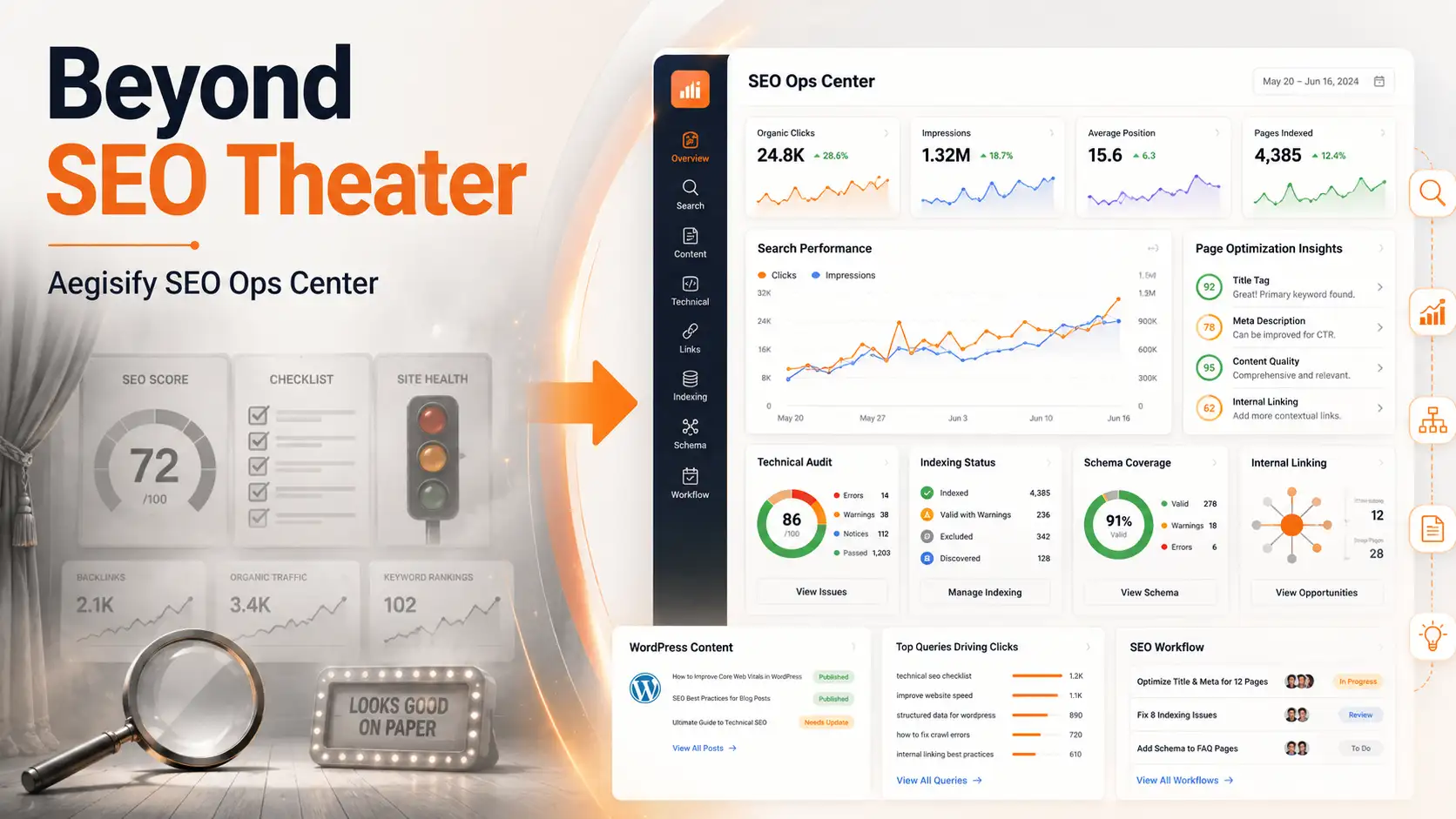
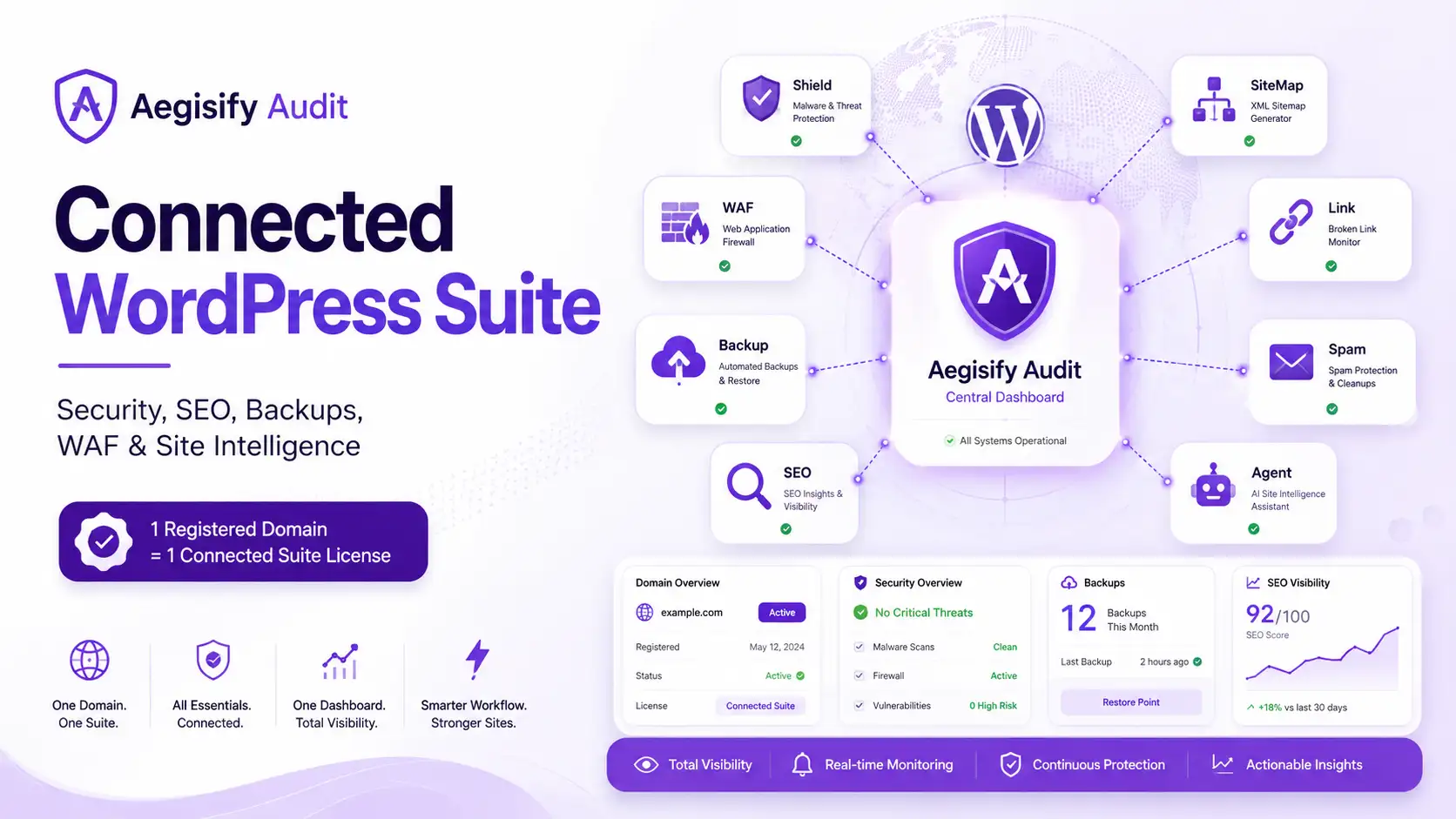
When these answers live in separate dashboards—or are not available at all—site owners are forced to guess. Aegisify connects external scanning, authorized WordPress-side intelligence, request-level protection, software inventory, activity evidence, file monitoring, vulnerability information, and reviewable remediation into a broader WordPress security workflow.
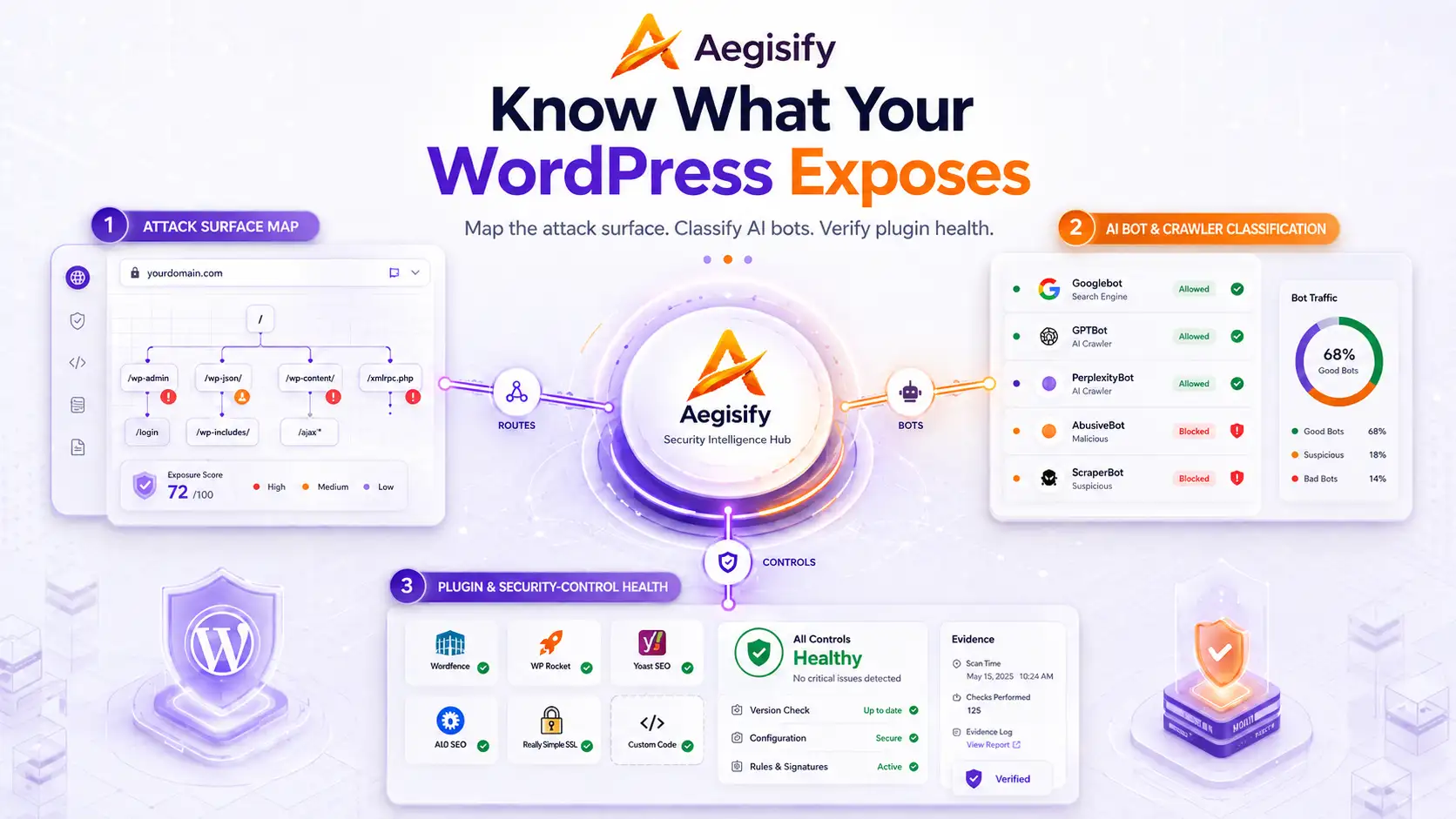
Map the WordPress Attack Surface
Correlate public exposure with authorized WordPress evidence before deciding what to protect, monitor, or block.
Classify AI Bots Before Enforcing Policy
Separate beneficial discovery, training collection, aggressive automation, spoofed identities, and malicious scanning.
Verify Plugin and Security-Control Health
An active plugin is not automatically healthy. Verify versions, vulnerabilities, file changes, runtime behavior, updates, and recovery readiness.
Intelligence Core Audit · Agent · WAF · Shield Evidence Correlated
You Cannot Protect an Attack Surface You Have Not Mapped
The WordPress attack surface includes every reachable component, route, service, integration, credential workflow, and software dependency that could affect the confidentiality, integrity, or availability of the website.
For a simple blog, that surface may include login pages, comments, forms, plugins, themes, feeds, and public content. For a WooCommerce store, membership platform, customer portal, learning system, or SaaS documentation site, the surface can be significantly larger. It may include checkout operations, payment integrations, Store API routes, customer accounts, webhooks, scheduled actions, authenticated endpoints, file uploads, third-party scripts, and custom application logic.
External Visibility Shows What the Internet Can See
External WordPress security scanning can identify publicly reachable conditions such as:
- Login and authentication surfaces
- REST API exposure
- Redirect behavior
- HTTP methods and headers
- Transport-security conditions
- Public application routes
- Information disclosure
- Security-header gaps
- Observable software and service behavior
- OWASP-style attack indicators
This is the perspective available to a bot, researcher, customer, integration, or potential attacker without WordPress administrator access.
Internal Evidence Explains What Created the Exposure
The customer-authorized Aegisify Agent can provide software inventory, plugin and theme versions, activation status, available updates, dependencies, configuration posture, code and file signals, activity events, and optional logs.
That context can associate a public endpoint with the plugin or application component that created it, review a suspicious file alongside recent administrative activity, and evaluate a reported vulnerability against the installed version, activation status, available update, and role of the affected component.
Map Public Exposure
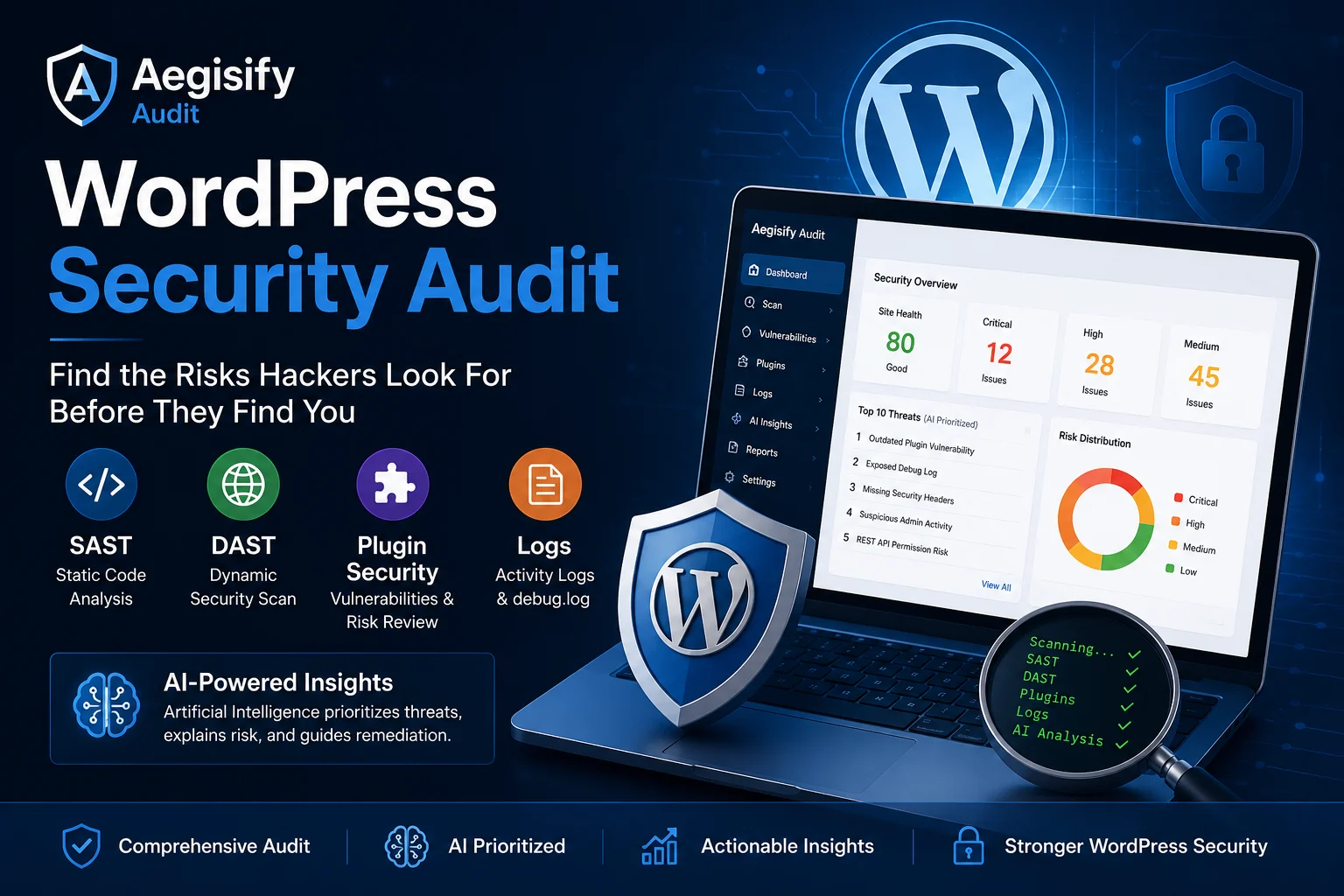
Aegisify Audit adds external assessment, findings, evidence, prioritization, and rescanning to show how the WordPress environment behaves from outside the site.
Explain Internal Context
Aegisify Agent adds authorized WordPress intelligence so external findings can be understood alongside software, configuration, code, dependencies, activities, and optional logs.
How Aegisify Helps Map the WordPress Attack Surface
- Inventory public routes, APIs, authentication surfaces, and externally observable behavior.
- Identify installed WordPress core, plugins, themes, versions, and dependencies.
- Review available software updates and known vulnerability conditions.
- Connect public findings with internal technical evidence.
- Prioritize findings by severity, confidence, affected asset, and potential business impact.
- Document remediation and rescan to verify whether conditions improved.
Not Every AI Bot Should Be Treated the Same
The term AI bot is too broad to function as a useful security policy. Automated systems can support search discovery, model training, user-requested retrieval, content collection, vulnerability scanning, credential attacks, or abusive automation.
Some systems crawl public pages to support search discovery or answer-engine citations. Some collect content that may be used to improve future AI models. Some fetch a page because a user requested it. Others scrape content without meaningful publisher benefit. Malicious automation may fingerprint the application, enumerate routes, probe plugins, test parameters, search for outdated components, attempt credential attacks, or scan for known vulnerabilities.
Search and Answer Crawlers
These systems may crawl eligible public pages to support search discovery, citations, or answer experiences.
- Potential publisher visibility
- Public-content access
- Policy and scope controls
Training and Content Crawlers
These systems may collect eligible content for model improvement, training, grounding, or other provider-defined uses.
- Publisher choice matters
- Robots directives may differ
- Access can be selectively governed
Malicious and Abusive Automation
These requests may search for vulnerable entry points, enumerate application behavior, scrape at scale, or attempt account and application abuse.
- Identity can be spoofed
- Behavior must be inspected
- Enforcement may be required
Search Crawlers, Training Crawlers, and Malicious Scanners Are Different
OpenAI distinguishes between OAI-SearchBot, which supports discovery and visibility in ChatGPT search experiences, and GPTBot, which publishers may disallow when they do not want eligible content considered for potential model training. Google similarly provides the Google-Extended control for certain Gemini training and grounding uses without making that control equivalent to blocking Google Search.
These distinctions matter because a website may choose to:
A blanket “block all AI bots” rule could reduce legitimate search and answer-engine visibility. A blanket “allow all AI bots” rule could expose the site to scraping, impersonation, resource consumption, or malicious scanning. The correct policy depends on identity, purpose, destination, behavior, request integrity, frequency, and risk.
User-Agent Names Are Not Enough
A request that identifies itself as a trusted crawler is not automatically trustworthy. User-agent strings can be copied or spoofed. Teams should evaluate documented network ranges, verified bot programs, request behavior, rate patterns, reverse validation, destination paths, provider guidance, firewall controls, robots behavior, and published IP information.
Robots.txt Expresses a Preference
A robots.txt file communicates crawler policy to systems that voluntarily follow it. It is not an access-control system. Private or sensitive information should be protected through authentication, authorization, firewall policy, and other enforceable controls.
Aegisify WAF Can Help Teams
- Observe bots, scanners, crawlers, and repeated automation.
- Monitor WordPress REST routes and AJAX actions.
- Detect malformed or suspicious requests.
- Apply rate limits, challenges, temporary blocks, or explicit policies.
- Review why a request was flagged.
- Preserve attack-signature and request-integrity inspection for recognized search and AI crawlers.
- Keep trusted services and legitimate integrations within narrow, verifiable boundaries.
An Active Plugin Is Not Necessarily a Healthy Plugin
WordPress can tell you whether a plugin is installed, active, inactive, or awaiting an update. That information is useful, but it does not prove that the plugin is healthy, compatible, secure, correctly configured, or functioning as intended.
A Plugin Can Be Active While It Is:
- Running an outdated or vulnerable version
- Producing PHP warnings or fatal errors
- Registering unnecessary public routes
- Conflicting with another plugin or theme
- Failing scheduled jobs
- Modifying important files unexpectedly
- Creating database or performance problems
- Exposing insecure configuration
- Breaking after a WordPress core update
- Appearing active while a critical function has stopped working
Maintenance Must Include Verification
WordPress recommends keeping plugins updated, checking compatibility information, and maintaining a current backup before applying updates because update problems can occur.
But updating is only one step. Teams must also confirm that the intended function still works, no new exposure was created, dependent workflows remain operational, and recovery is available if the change fails.
A Reliable Plugin-Management Process Should Answer
What version is installed?
Is it active, inactive, or abandoned?
Is an update available?
Does the installed version have a known vulnerability?
Is it compatible with the current WordPress and PHP environment?
What routes, jobs, database objects, files, and integrations does it create?
Did anything change after the update?
Is the intended business function still working?
Did the update create new exposure, errors, or conflicts?
Can the site be restored if the update fails?
How Aegisify Helps Verify Plugin and Software Health
Aegisify Agent provides WordPress software inventory for core, installed plugins, themes, versions, activation status, available updates, and supporting dependencies. It also supplies internal context for evaluating software health, configuration posture, and known vulnerability conditions.
Aegisify Audit adds external testing and correlation to determine whether a plugin-related route, API, authentication surface, or application behavior is visible from outside the site.
Aegisify Shield adds activity monitoring, file-integrity review, malware scanning, WordPress hardening, administrator protection, critical-file monitoring, and configuration intelligence.
Aegisify WAF adds the runtime perspective by monitoring requests to application routes, APIs, login workflows, and dynamic functions produced by WordPress and its plugins.
Evidence Should Help Administrators Answer
- What was detected?
- Which asset or route was affected?
- Why was the request considered suspicious?
- Was it monitored, challenged, rate-limited, or blocked?
- Which rule or policy made the decision?
- Was the action appropriate?
- Did the control create a false positive?
- Did remediation reduce the exposure?
- Did the application continue to function?
Aegisify’s Evidence-Led Operating Model
WordPress Security Requires a Connected View
No single security signal tells the whole story. An external scan does not know everything happening inside WordPress. An internal inventory does not show every outside-in attack path. A firewall does not prove every plugin is current or healthy. A plugin update does not prove the application still works. A robots.txt rule does not stop a malicious scanner. A security alert does not prove the correct response occurred.
External assessment, findings, evidence, prioritization, and verification.
Authorized software inventory, configuration, code, dependencies, activities, and optional logs.
Application-aware request inspection, API monitoring, bot control, and reviewable enforcement.
Hardening, activity intelligence, administrator protection, file integrity, critical files, and malware review.
Backup, restore, migration, and recovery support.
Sitemap and robots.txt governance.
Stop Guessing About Your WordPress Security
You should not have to guess which routes are exposed, which bots are legitimate, which plugins are vulnerable, or whether your security controls are enforcing the right policies.
Aegisify helps WordPress owners, agencies, ecommerce operators, developers, and security teams move from disconnected alerts to clearer, evidence-led action. Start by mapping the environment. Then decide what to protect, what to monitor, what to allow, and what to block.