WordPress Security Audit and Risk Intelligence Platform

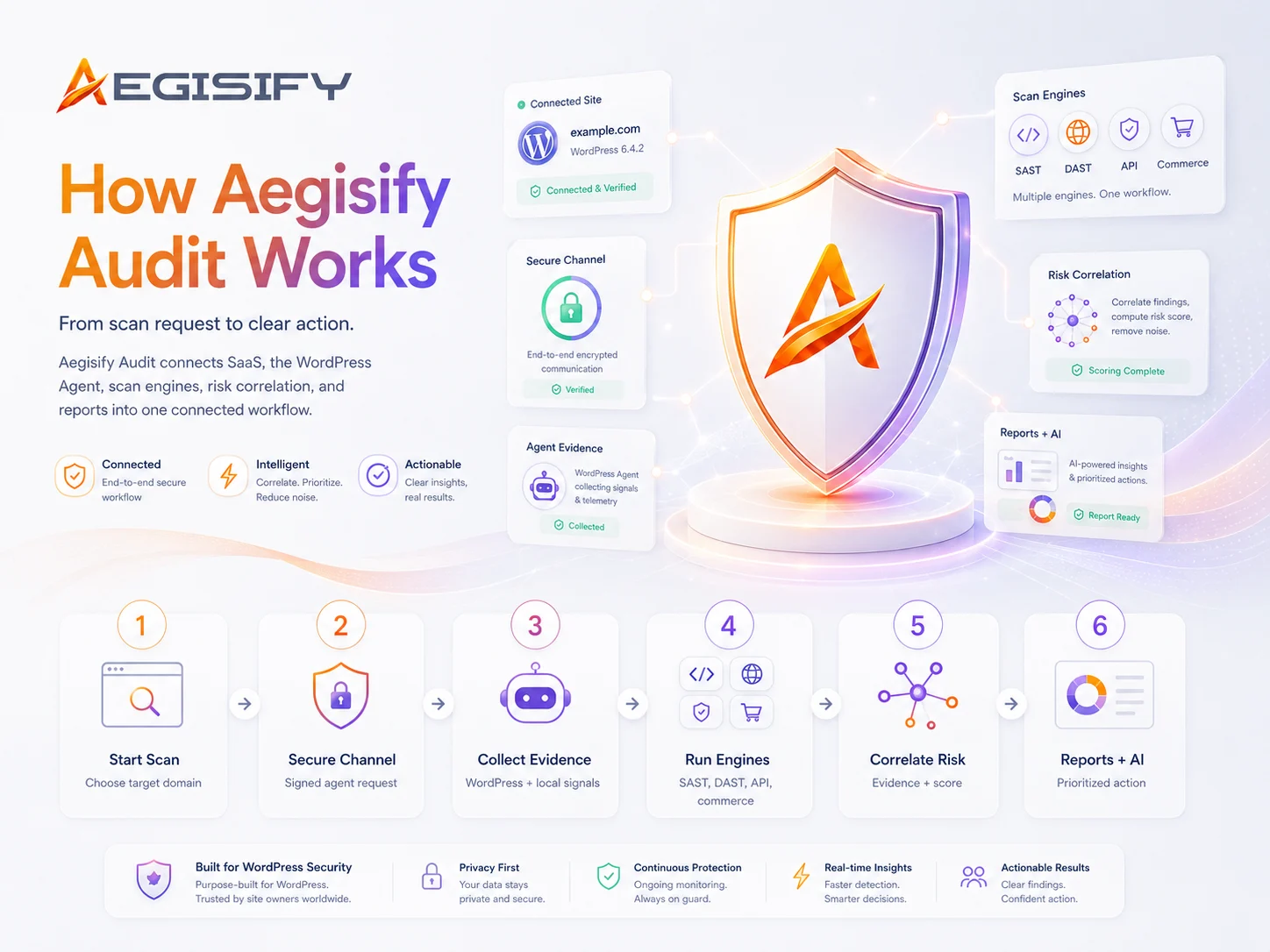
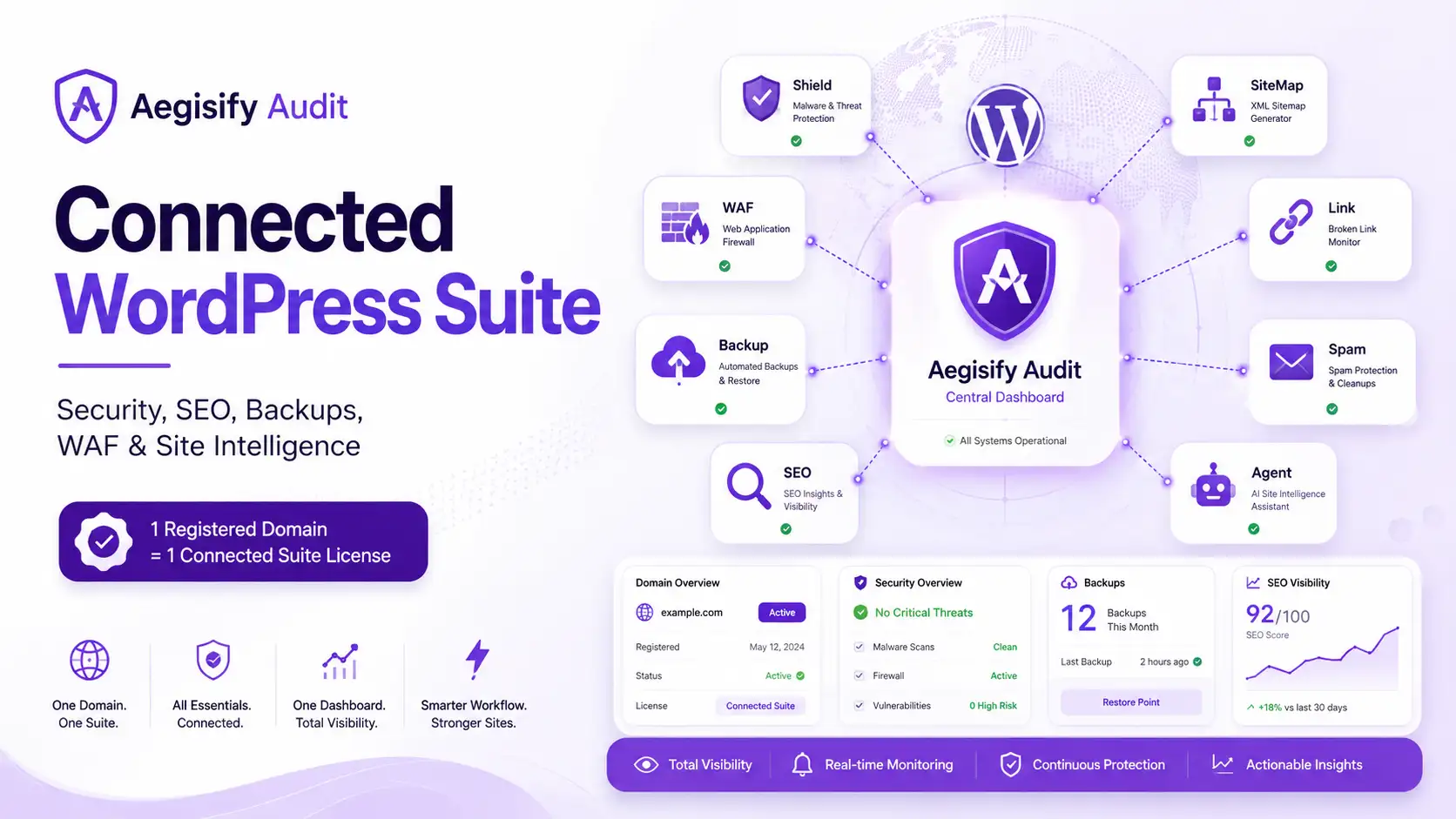
Aegisify Audit is a SaaS security assessment and site-intelligence platform built specifically for WordPress.
It combines external application testing with evidence collected by the connected Aegisify Agent inside WordPress. Together, they help organizations identify vulnerable software, exposed application routes, insecure configurations, code-level weaknesses, unexpected changes, operational risks, and WooCommerce-specific concerns.
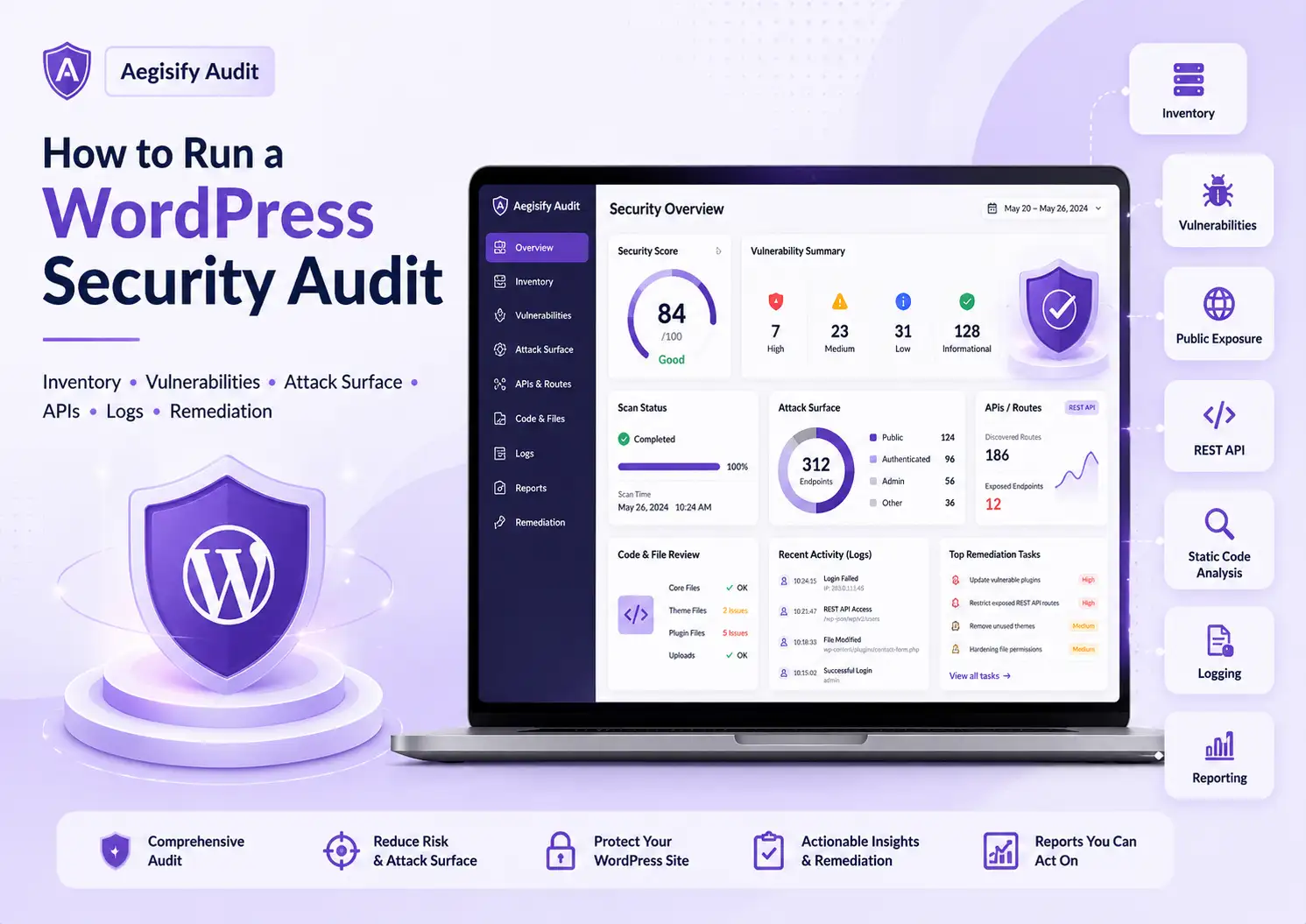
Instead of presenting another disconnected list of alerts, Aegisify Audit brings findings into one organized workflow so teams can understand what changed, what matters, what should be investigated first, and whether corrective actions improved the environment.
See WordPress Risk From the Outside In
External scans show what the public application exposes. The Aegisify Agent reveals deeper evidence from inside WordPress.
Aegisify Audit brings both views together to help you identify vulnerable software, exposed routes, code-level weaknesses, configuration drift, suspicious changes, application risk, and recovery gaps—then understand what deserves attention first.
Your WordPress Site Can Look Healthy and Still Carry Risk
① A working homepage does not tell you whether an outdated component is exposed through a public endpoint.
② A clean plugin dashboard does not show whether a custom integration contains an authorization weakness.
③ A recent update does not confirm that unexpected files, settings, scheduled tasks, or privileged accounts have not changed.
And a long list of security warnings does not tell your team what should be investigated first.
Aegisify Audit connects external exposure, internal WordPress evidence, software risk, code findings, activity, and operational change so you can move from scattered alerts to a clearer security workflow.
One Platform. Two Views of Your WordPress Environment.
External Application View
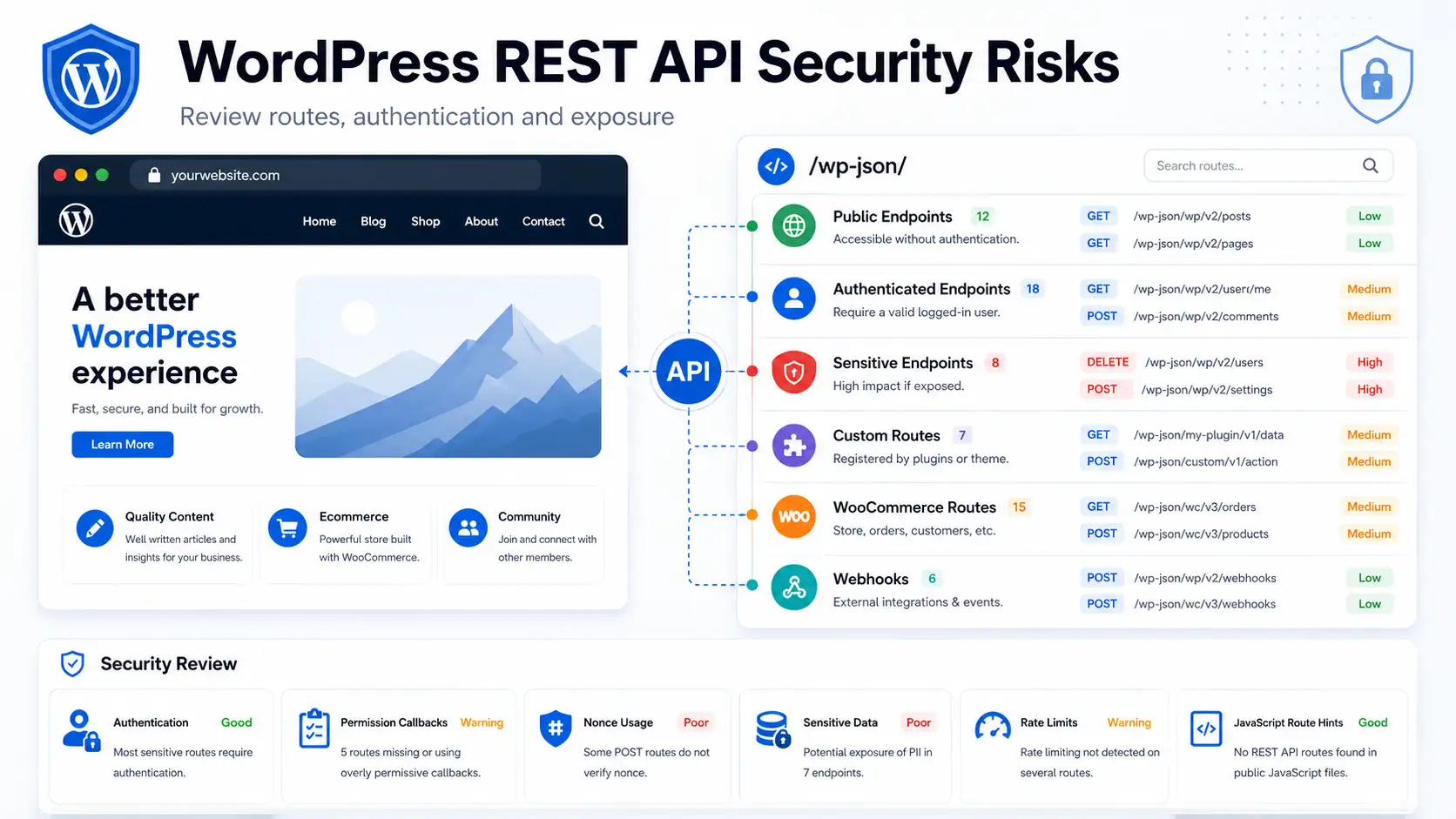
Assess the public-facing website, application routes, login surface, APIs, forms, browser assets, security headers, and other reachable services.
See the environment from the perspective of an external request without relying only on what WordPress reports internally.
Internal Agent View
Connect the encrypted Aegisify Agent to collect authorized WordPress-side evidence about installed software, configuration, permissions, code, dependency manifests, file changes, activity, and application health.
Connected Risk View
Bring both evidence sources into one domain-level dashboard.
Review what is exposed, what exists internally, what changed, what may be vulnerable, and what should be verified next.
Continuous WordPress Security Visibility and Audit Intelligence
Aegisify Audit (SaaS & WordPress WebApp Security Scanner)
Get A Visual of What’s Exposed, What Changed, And What To Fix First.
Aegisify Audit connects verified-domain scanning, agent-assisted WordPress code and dependency review, DAST, API discovery, WooCommerce risk, logs, threat intelligence, and AI-assisted remediation into one evidence-led workflow. Get the facts & proof about Aegisify Audit by going to https://aegisify.com/facts-proof/.
01.
Deep WordPress & Dependency Visibility
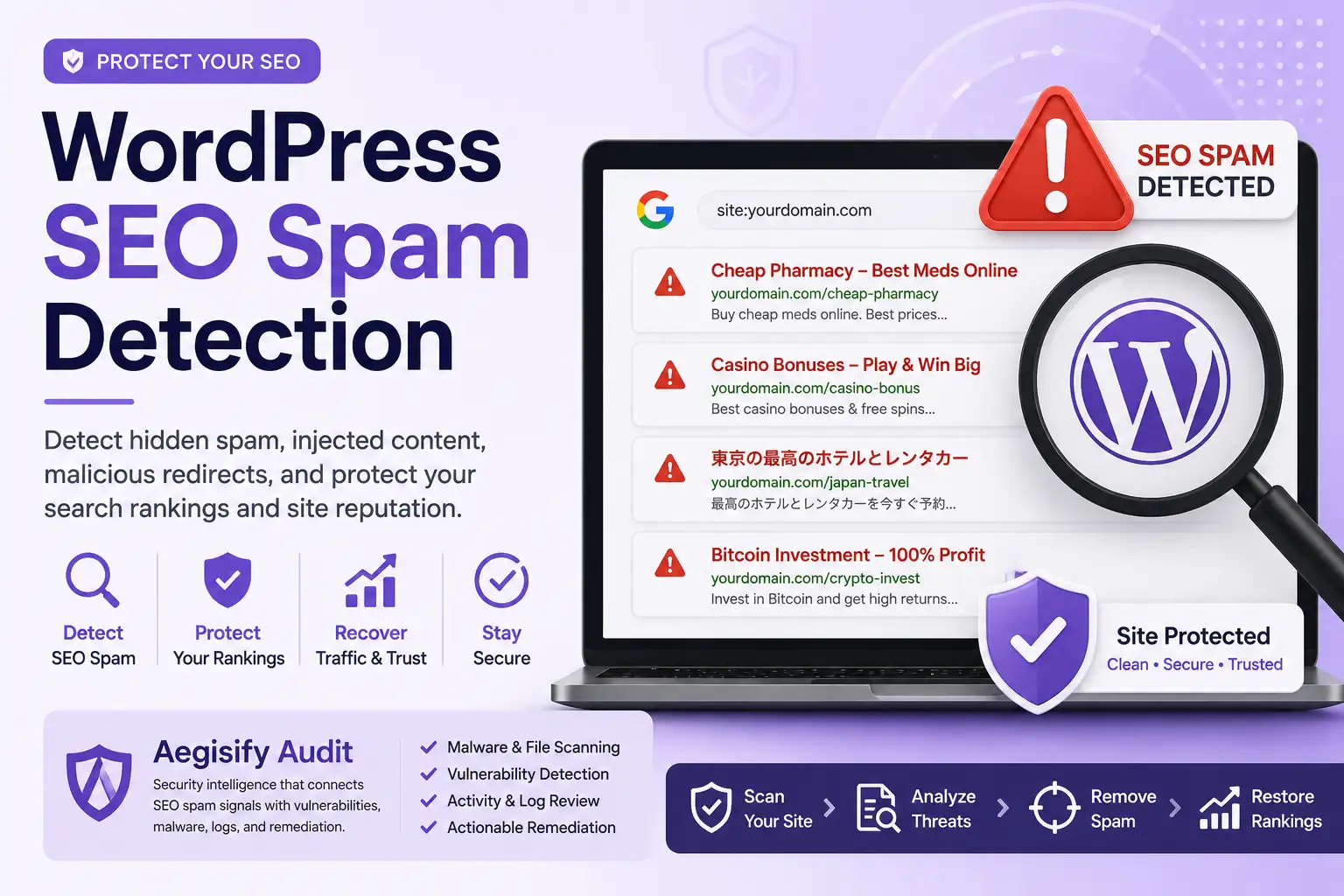
Agent-assisted reviews for WordPress core, plugins, themes, Composer, npm, PyPI, software-risk signals, hardening drift, and known vulnerable components.
02.
OWASP-Aligned Web & API DAST
Run Quick DAST, Enterprise DAST: App & Commerce, Deep Auth DAST, and API DAST across public routes, headers, cookies, REST, OpenAPI, GraphQL, and auth boundaries.
03.
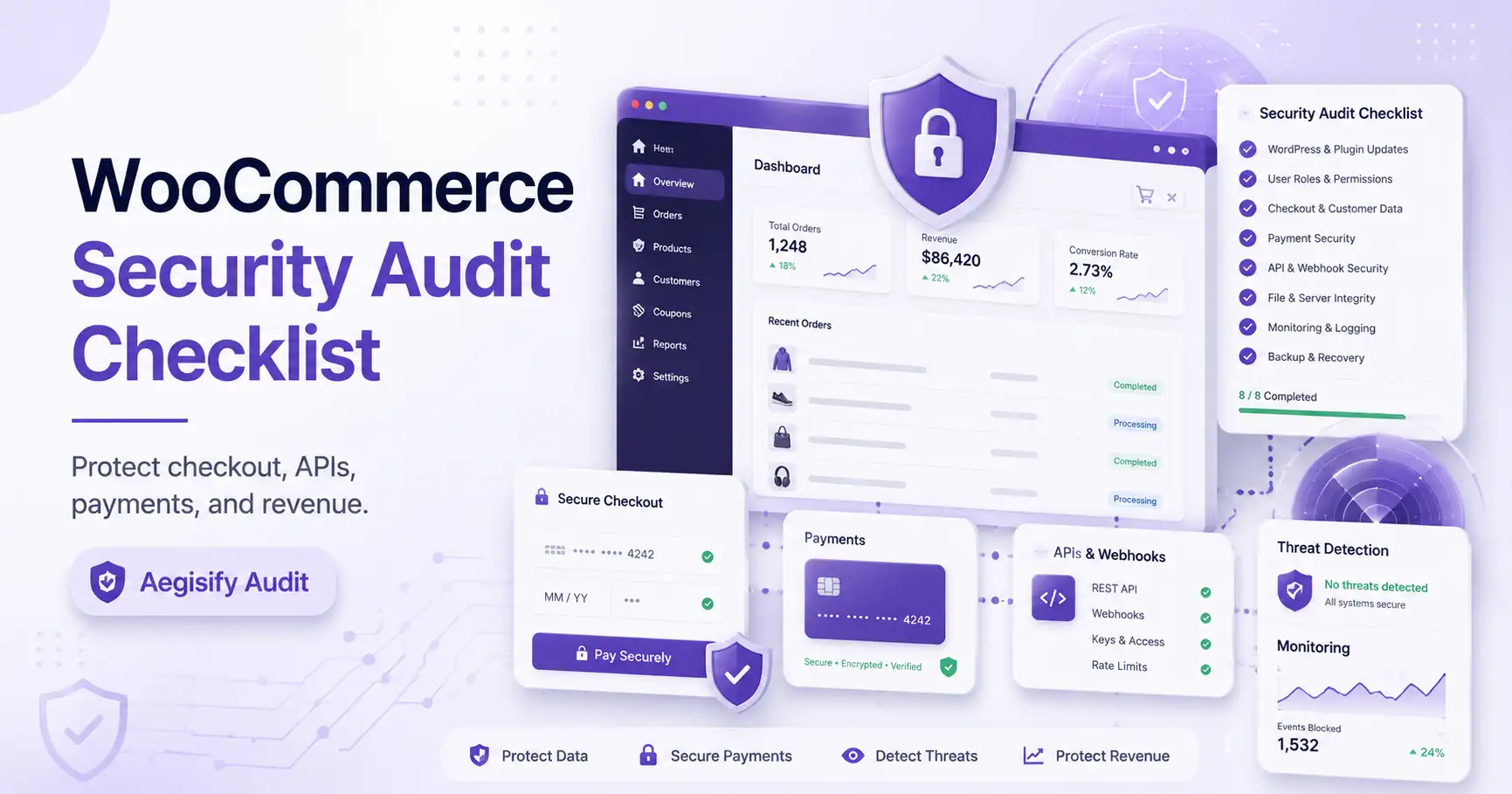
WooCommerce & Business Flow Review
Review checkout, cart, Store API, payment, webhook, HPOS, Action Scheduler, order ownership, privacy, and abuse signals that can affect revenue and trust.
04.
Evidence, AI Triage & Reports
Turn findings, logs, activity events, threat intel, compliance context, and scan deltas into prioritized Top 10 Threats, remediation steps, and CSV/PDF/XML reports.
Agent-Assisted Static & Vulnerability Scans
Go deeper than external checks. Review WordPress code hygiene, custom rule findings, PHPCS/WPCS signals, known vulnerable components, dependency risk, and hardening drift across the site you own.
Dynamic DAST, API & Commerce Coverage
Validate real exposure across public routes, REST, GraphQL, OpenAPI/Swagger hints, browser-facing surfaces, auth boundaries, and WooCommerce workflows with evidence users can review.
AI-Assisted Evidence & Remediation
Use dashboard AI analysis, Top 10 Threats, log review, threat-intel context, and human-reviewable remediation guidance to decide what to fix first and how to verify the change.


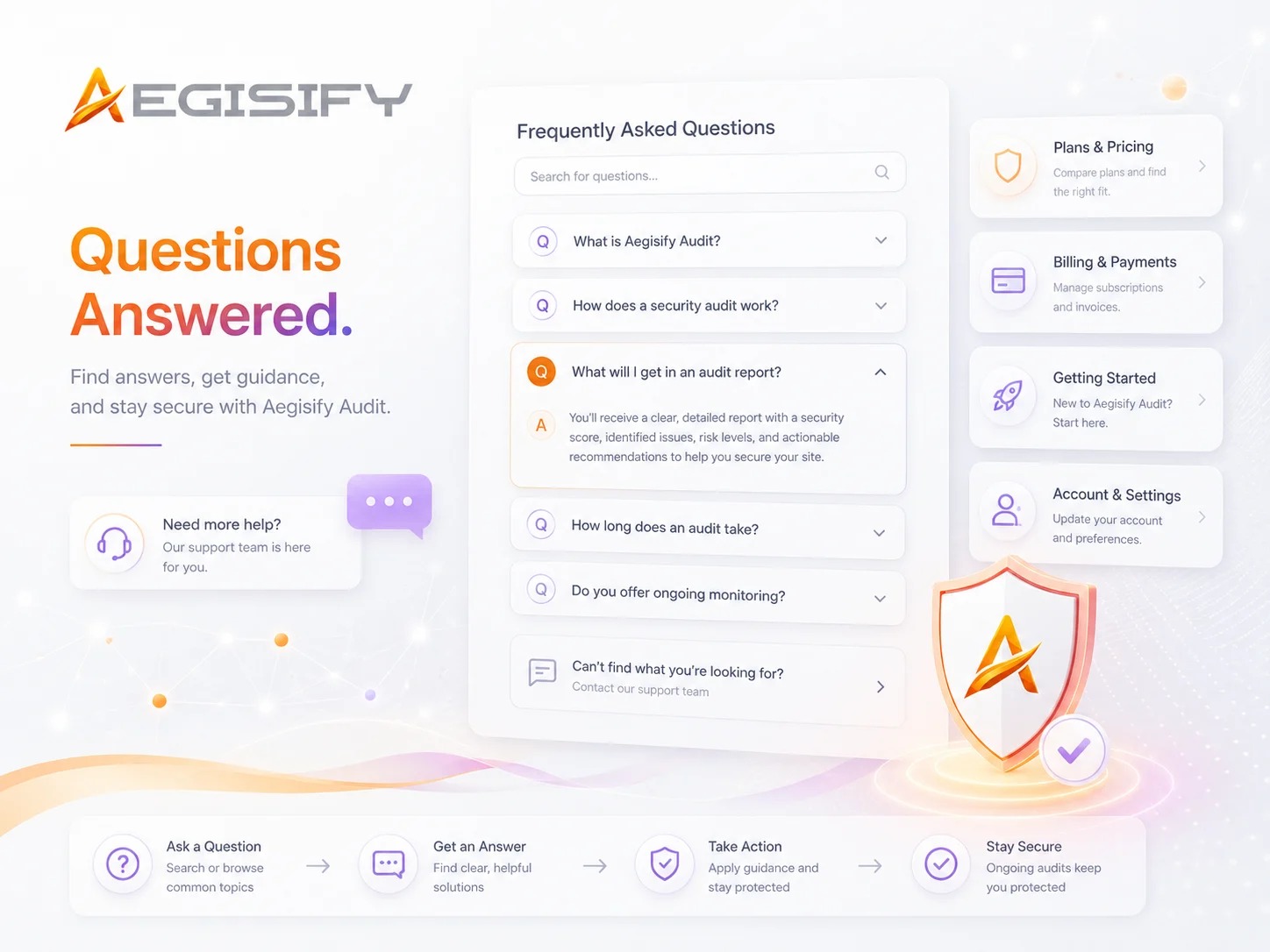
Got Questions? We got Answers.
Aegisify Audit is a WordPress security audit and site-intelligence platform. It brings security findings, WordPress configuration data, code and dependency signals, reports, and guided analysis into one place so you can understand what matters and what to address first.
You will need an email address, a WordPress website you are authorized to manage, access to install a WordPress plugin, and a supported payment method. Company information is optional during registration.
Choose a plan, create an account or sign in, complete checkout, and activate your account through the email sent to you. After activation, you can add your WordPress domain, install the Aegisify Agent, connect it using your security key, and begin onboarding.
Yes. Select the sign-in option during registration and use your existing Aegisify credentials. Your subscription will be connected to your existing account number rather than creating a separate account.
Choose based on the number of WordPress sites you need to cover, the number of team members who need access, and the depth of scanning, reporting, and support you require. Starter is designed for smaller deployments, while Pro and Business support broader site coverage, additional users, and more advanced capabilities.
Yes, depending on the target or domain limit included with your plan. Agencies and organizations managing several WordPress sites should select a plan that provides enough site capacity and team access for their workflow.
The Aegisify Agent is needed for the full connected-site audit workflow. It creates an authenticated connection between your WordPress site and Aegisify Audit and provides deeper visibility into installed software, configurations, logs, dependencies, and other authorized site data.
Aegisify can verify the domain through a secure HTTPS connection with the installed Agent and the security key provided in your account. DNS TXT verification is also available as an optional secondary verification method.
You can begin after your payment is confirmed, your account is activated, your target domain is added, and the Aegisify Agent is connected and verified. The portal will then guide you through available scans, schedules, findings, and reports.
Aegisify Audit currently uses PayPal for subscription checkout. The payment is linked to your Aegisify account number so your plan, account owner, domains, and subscription remain connected. PayPal will display the available funding options during checkout.
Yes. Registration creates your Aegisify account and account number, but an active subscription is required before the complete audit service can be activated. You can return to the subscription process and complete payment using the same registered account.
Check your spam, junk, and filtered email folders first. You can also use the resend-activation option in the signup process. Make sure you are checking the same email address used to register the account.
Yes, subject to the user limits of your selected plan. Accounts may include Root Owner and Administrator roles, with the primary Root Owner retaining control over subscription and account-level decisions.
Creating an account does not change your WordPress website. Installing the Agent establishes an authorized connection for audit and site-intelligence functions. Any separate action that could modify your site should be reviewed and intentionally initiated through the appropriate workflow.
Yes. The primary Root Owner can cancel the account subscription. Cancellation stops future renewal billing and immediately locks access to the account and its connected services.
After cancellation, the account and its data are retained for 14 days to give the primary Root Owner an opportunity to renew. If the account is not renewed during that period, the permanent deletion process begins for account users, configurations, domains, Agent connections, scans, findings, reports, logs, and related account data.
Still need answers, please contact us today!