Aegisify Agent Documentation: Connect WordPress to Deeper Security Audit Intelligence
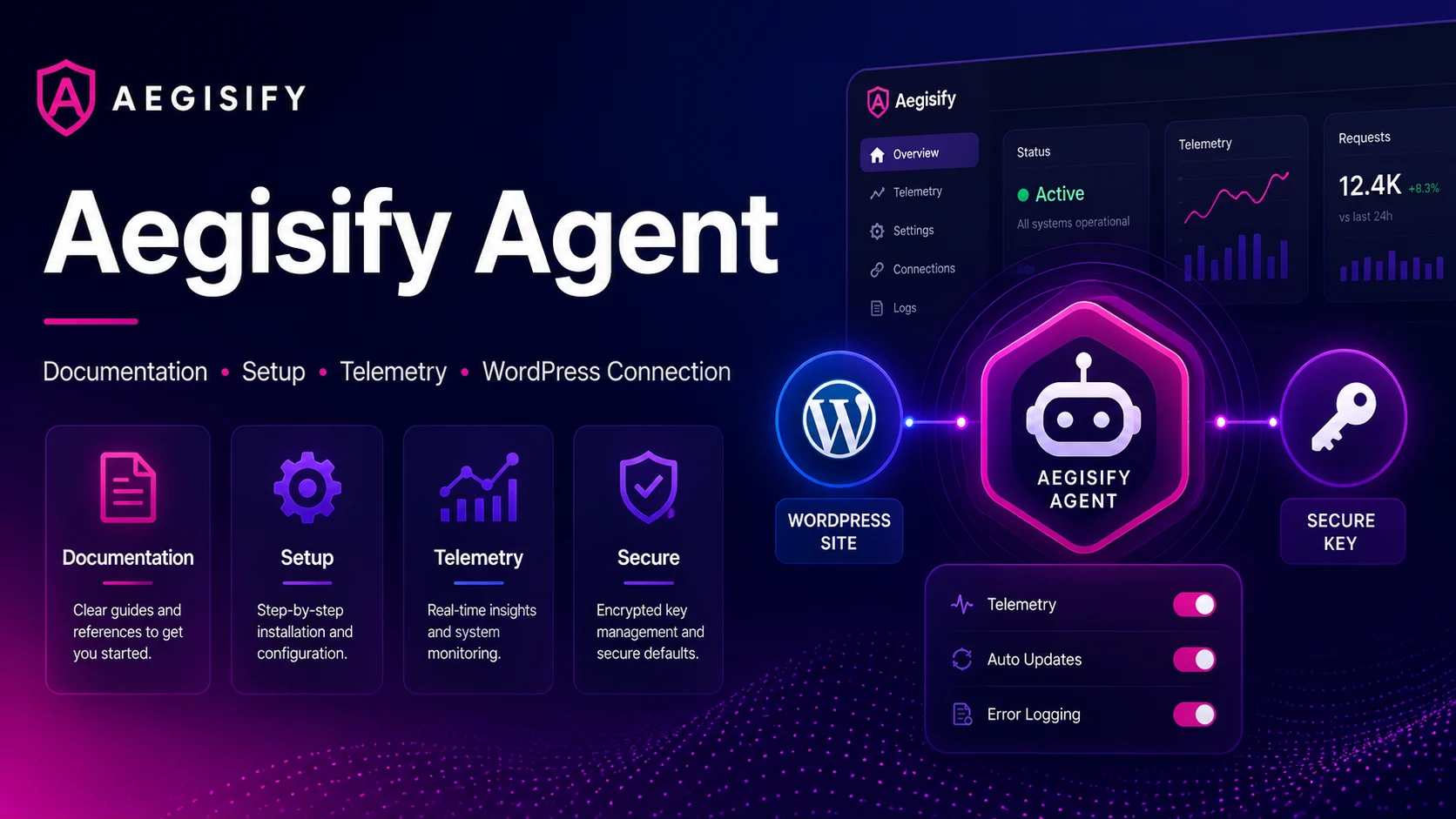
Aegisify Agent adds authorized, WordPress-side visibility beyond an external scan, bringing plugin and theme intelligence, configuration, dependencies, code signals, activity events, and optional logs into Aegisify Audit.
Administrators control the connection and telemetry, while technical and business teams receive clearer findings, risk priorities, reports, and human-reviewable AI-assisted recommendations.

How can Aegisify AI help?
Ask about Aegisify or WordPress: errors, plugins, security, SEO, compatibility, troubleshooting, comparisons, or launch a free website scan.
Aegisify Facts & Truth
Deeper WordPress Security Intelligence Starts Inside the Site
An external scan can reveal what the public and a potential attacker may see from outside a WordPress website. The Aegisify Audit Agent adds the internal context needed to understand what is installed, how the environment is configured, what has changed, and which technical signals may require attention.
Installed by an authorized WordPress administrator, the Agent securely connects the website to Aegisify Audit. It brings WordPress-side security evidence into the SaaS platform, where findings can be organized, correlated, prioritized, and translated into clearer remediation decisions.
For WordPress professionals and security architects, this provides deeper technical visibility. For marketing teams and executives, it creates a clearer understanding of the risks that may affect website availability, customer trust, ecommerce operations, lead generation, and business continuity.
What the Aegisify Agent Adds to the Audit
The Agent extends the audit beyond publicly visible website behavior. Depending on the enabled capabilities, it can provide structured security signals from the WordPress environment, including:
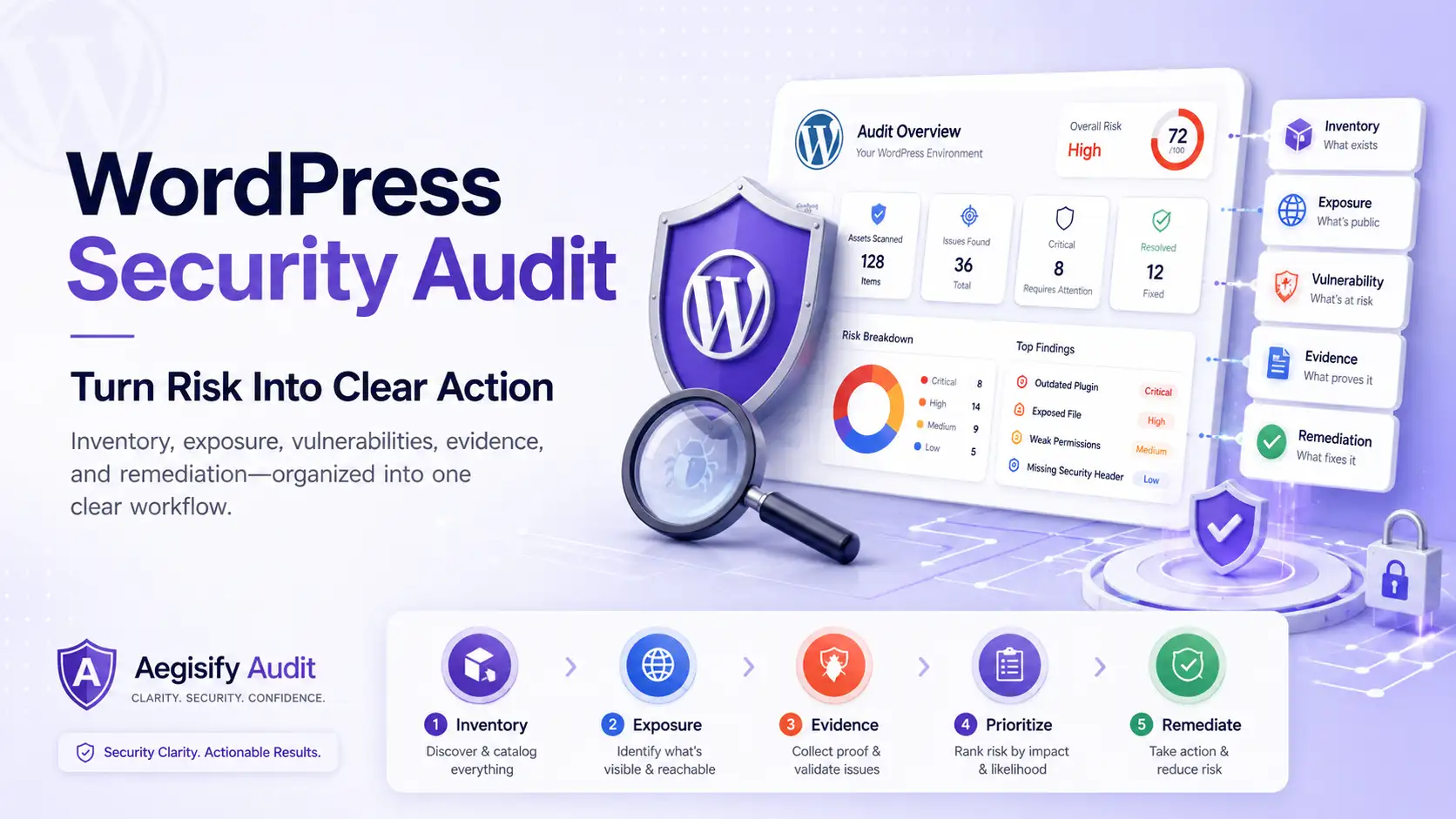
- WordPress software inventory: Visibility into WordPress core, installed plugins, themes, versions, activation status, available updates, and supporting dependencies.
- Configuration posture: Technical context around WordPress settings, access controls, exposed functionality, and security-hardening conditions.
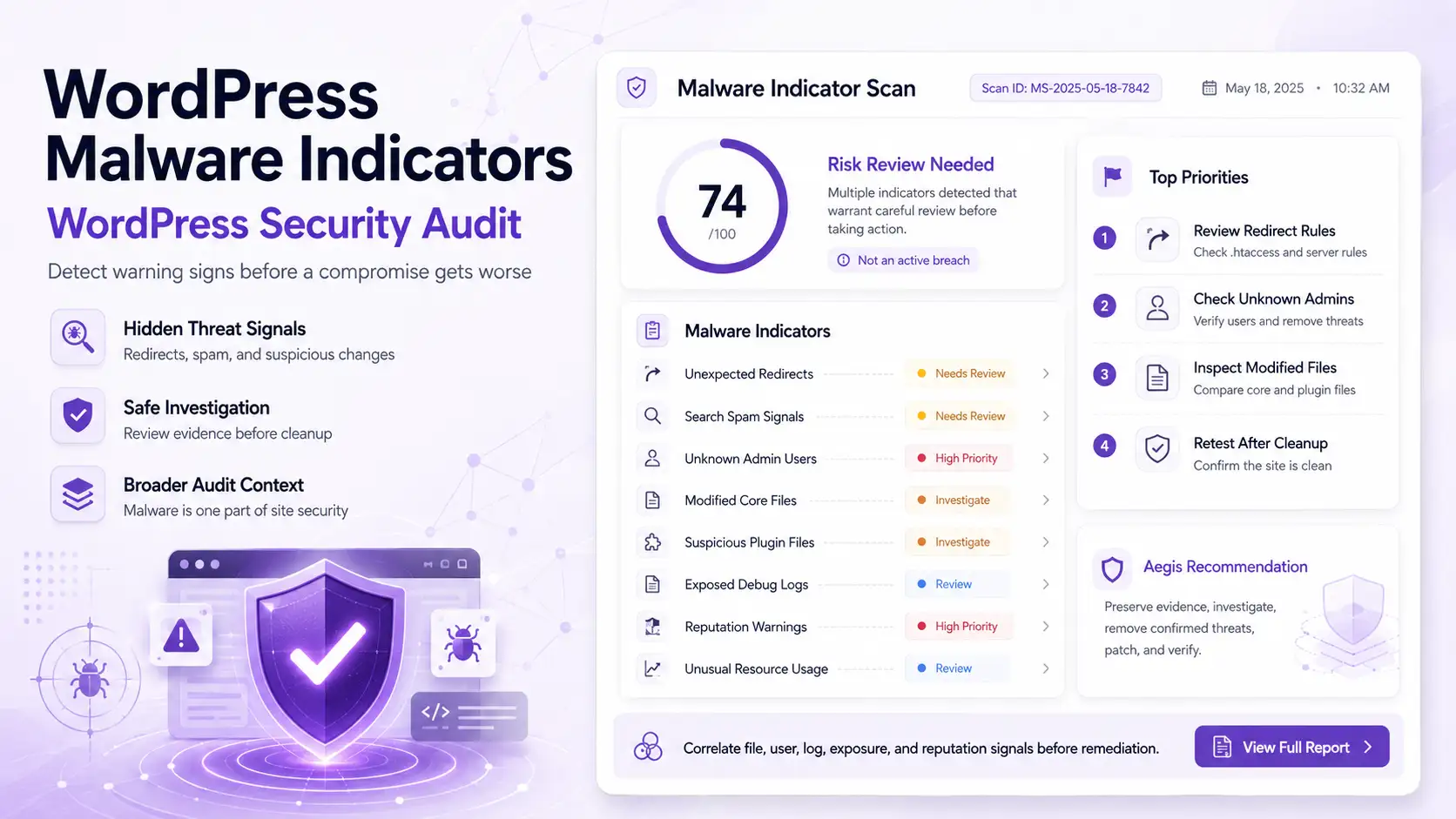
- SAST-style analysis: Code and file signals that may reveal suspicious patterns, risky functions, unexpected files, or potentially unsafe modifications.
- Plugin, theme, and dependency risk: Security intelligence that helps teams evaluate known vulnerabilities, outdated components, software health, and supply-chain exposure.
- WordPress activity events: Supported signals involving authentication, user accounts, administrative actions, plugin or theme changes, files, and configuration updates.
- Optional diagnostic logs: Additional context from supported logs that may help explain PHP errors, plugin conflicts, failed operations, or security-relevant behavior.
External Visibility and Internal Evidence Working Together
Aegisify Audit uses two complementary perspectives to help teams understand WordPress risk.
| Audit Perspective | What It Reveals | Why It Matters |
|---|---|---|
| Public external scanning | Public routes, APIs, authentication surfaces, HTTP behavior, redirects, transport security, and security headers. | Helps teams understand what is externally observable without requiring WordPress administrator access. |
| WordPress Agent intelligence | Installed software, versions, dependencies, configuration, code and file signals, activity events, and optional logs. | Adds the internal technical context needed to investigate findings and plan a more informed response. |
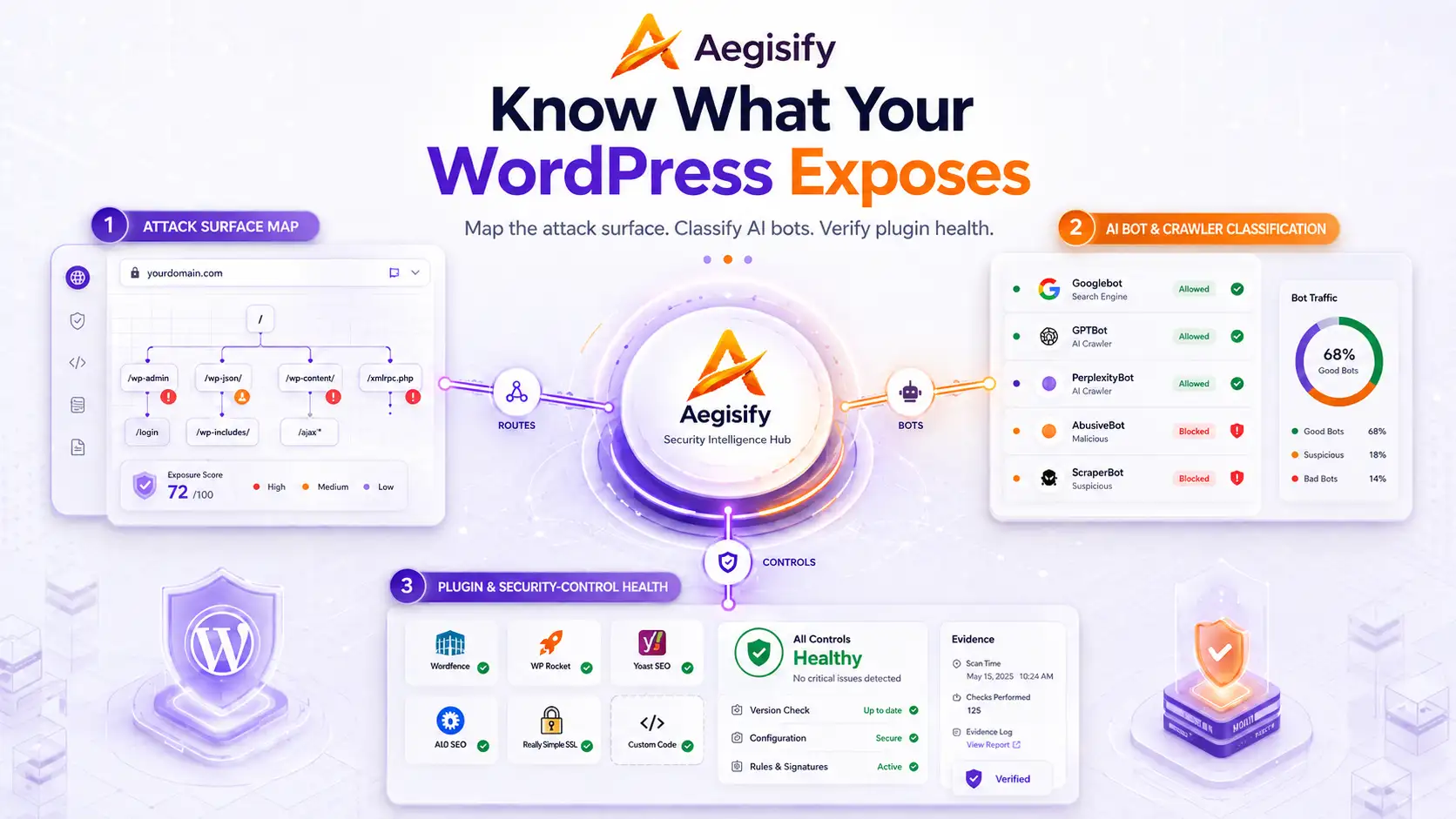
Together, these perspectives help teams move beyond a surface-level finding. A publicly exposed endpoint can be evaluated alongside the plugin that created it. A suspicious file can be reviewed with recent activity events. A known vulnerability can be considered with the installed version, component status, and potential business impact.
A Customer-Authorized Connection
The Aegisify Agent does not connect to a WordPress website automatically. An authorized administrator installs and activates the plugin, associates the website with its corresponding Aegisify Audit target, and completes the connection using a unique security key from the SaaS dashboard.
The connection is verified over an encrypted SSL/TLS session before supported scan and telemetry operations are performed. This process helps ensure that the correct WordPress website is connected to the correct customer-authorized target.
How the Agent Connects to Aegisify Audit
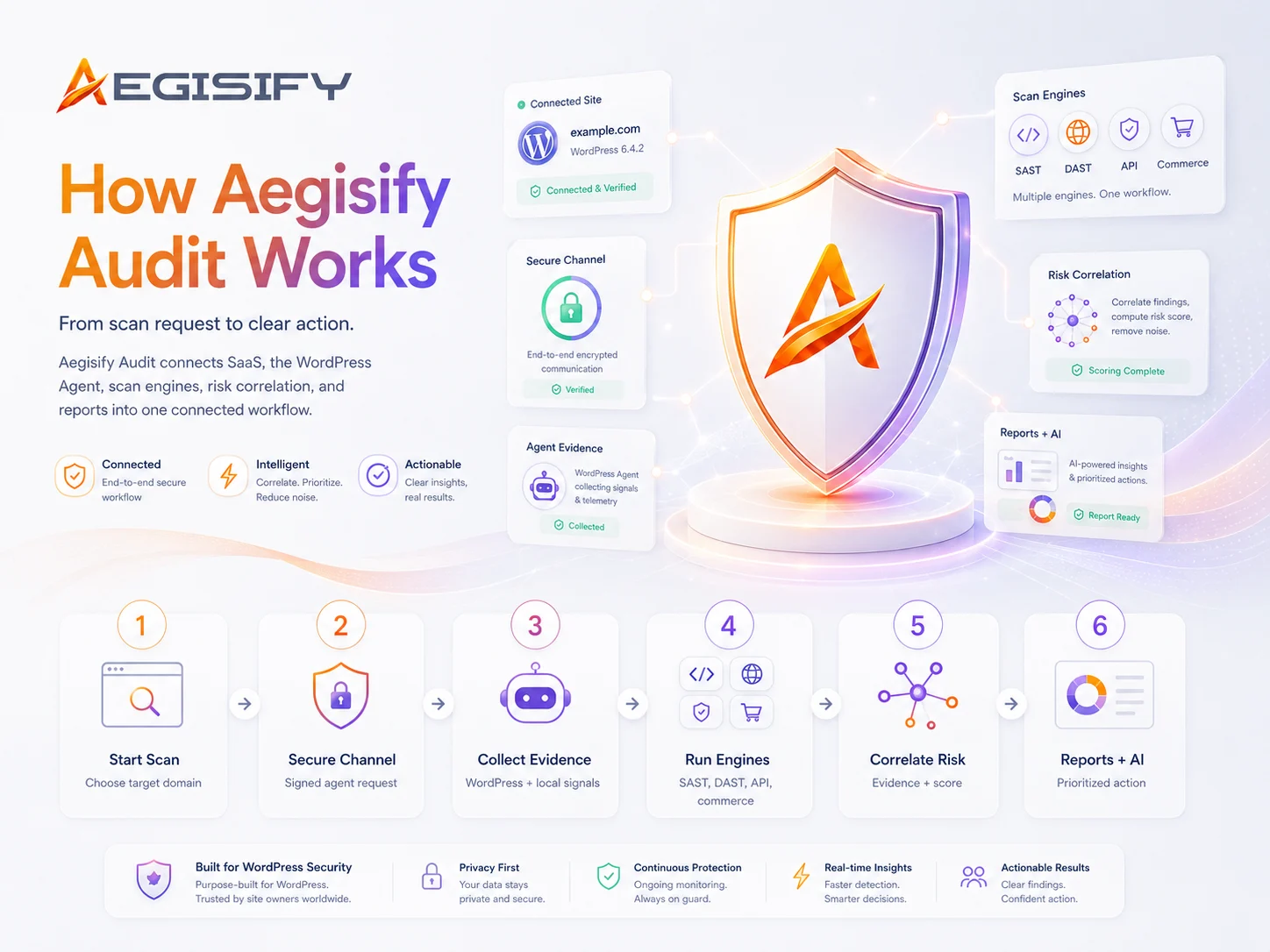
Connecting the Agent follows a straightforward, administrator-controlled workflow:
- The customer creates or signs in to an Aegisify Audit account.
- The authorized WordPress domain is added as an audit target in the SaaS dashboard.
- The Aegisify Audit Agent is downloaded and installed through the WordPress plugin administration area.
- A unique security key is copied from the Aegisify Audit target and entered into the Agent settings.
- The Agent verifies the encrypted connection between WordPress and the SaaS platform.
- The administrator selects the supported telemetry and scanning capabilities appropriate for the environment.
- Authorized scans can then be initiated through the Agent or the Aegisify Audit workflow.
Customer-Controlled Telemetry
Aegisify keeps supported telemetry controls visible to the WordPress administrator. Depending on the available capabilities, customers can control access to security signals such as software inventory, local scan findings, WordPress activity events, dependency data, and optional diagnostic logs.
This gives organizations greater control over the depth of the audit. A security architect may require broader technical evidence for investigation, while a marketing-managed website may begin with software risk, configuration, and public exposure before enabling additional telemetry.
Diagnostic log access remains optional because logs can contain sensitive information when a plugin, theme, custom application, or hosting environment writes confidential values into them.
From WordPress Telemetry to Clearer Decisions
The Agent sends supported structured security telemetry to Aegisify Audit, where the information can be organized into findings, risk summaries, dashboards, and reports.
Aegisify can also use AI-assisted analysis to summarize technical evidence, identify relationships between findings, reduce repetitive noise, and help teams determine which issues deserve review first.
AI-generated explanations and recommendations remain human-reviewable. Authorized WordPress administrators, developers, and security professionals retain responsibility for evaluating findings and approving remediation decisions.
Disconnecting the Agent
Customers remain in control of the Agent connection. An authorized WordPress administrator can deactivate or remove the plugin through the WordPress Plugins area. The associated security key can also be removed or rotated through the Aegisify Audit target settings.
Deactivating the plugin stops new Agent-side scanning and telemetry activity. Removing or rotating the security key helps prevent the previous Agent configuration from reconnecting to the SaaS target.
Aegisify Agent FAQ
Does the Agent replace a web application firewall?
No. The Agent provides internal audit visibility and structured security evidence. A web application firewall serves a different purpose by inspecting and filtering incoming web traffic according to configured protections.
Does the Agent guarantee that a WordPress site is secure?
No security tool can guarantee that a website will never be compromised. The Agent improves visibility into software, configuration, code, files, activity, and supported telemetry. Effective WordPress security still requires layered controls, timely updates, backups, access management, monitoring, and professional review.
Does Artificial Intelligence run inside the WordPress Agent?
The Agent collects and structures supported WordPress-side security signals. Aegisify Audit SaaS can use those signals for AI-assisted summarization, risk correlation, prioritization, and reporting.
Can the Agent be used without an external scan?
The Agent provides valuable internal evidence, while external scanning provides a different view of the website’s publicly observable exposure. Using both gives teams a broader and more useful understanding of the WordPress environment.
Who should install and manage the Agent?
The Agent should be installed and managed by an authorized WordPress administrator or another professional who has approval to configure security scanning and telemetry for the website.
See What a Surface Scan Cannot Show
Connect Aegisify Agent to bring WordPress software inventory, plugin and theme intelligence, configuration posture, code and file signals, activity events, and optional logs into one organized security audit workflow.
Give WordPress professionals the technical evidence they need—and give executives, marketing leaders, and security architects a clearer view of risk, impact, and remediation priorities.