Aegisify Changelog: Product, Agent, Scan, and Trust Updates
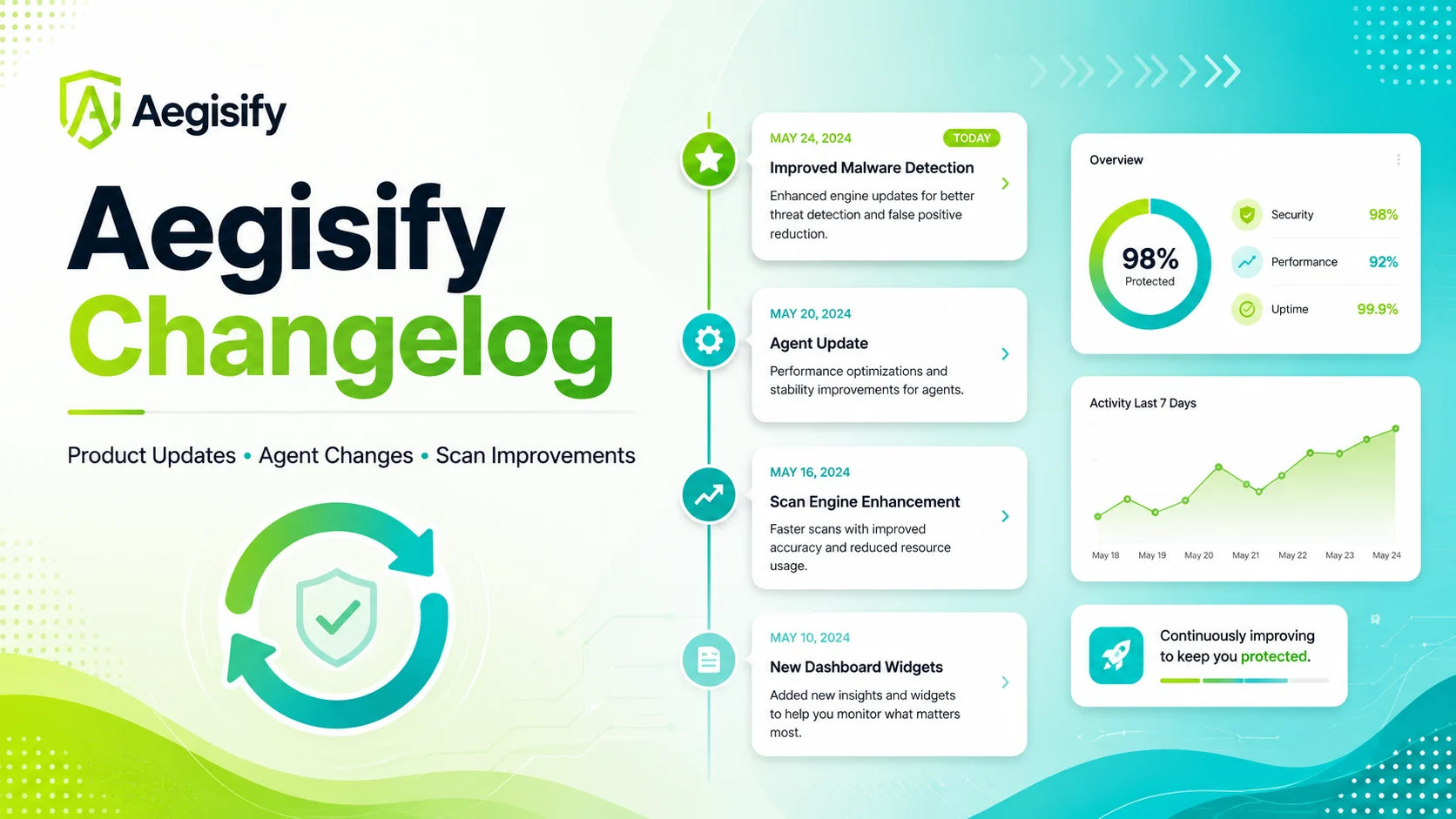
The Aegisify Changelog gives WordPress professionals, security leaders, marketers, and executives one place to follow meaningful product, security, privacy, Agent, scan, and AI-assisted analysis updates.
Each entry explains what changed, why it matters, and how the improvement supports stronger oversight and better WordPress security decisions.

How can Aegisify AI help?
Ask about Aegisify or WordPress: errors, plugins, security, SEO, compatibility, troubleshooting, comparisons, or launch a free website scan.
Aegisify Facts & Truth
Aegisify Product Changelog
Aegisify continues to evolve as WordPress security risks, software dependencies, customer expectations, and website operations change. This changelog highlights meaningful improvements across the Aegisify platform so WordPress professionals, marketing teams, executives, and security architects can understand what has changed and why it matters.
Updates focus on changes that improve security visibility, product reliability, data transparency, audit clarity, customer control, and the ability to move from technical findings to informed action.
Recent Product Focus
| Product Area | What Improved | Why It Matters |
|---|---|---|
| Trust and transparency | Expanded public information covering security, privacy, data handling, responsible disclosure, Agent operations, scan types, product changes, and sample audit reporting. | Gives technical and business stakeholders a clearer understanding of how Aegisify operates before they connect a WordPress environment. |
| Aegisify Agent | Improved documentation around Agent installation, secure SaaS connection, security-key use, telemetry controls, WordPress activity signals, and optional diagnostic log access. | Helps administrators and security architects understand how internal WordPress evidence is collected, controlled, and connected to the audit workflow. |
| Security scan clarity | Clarified the roles of public external scanning, SAST-style analysis, DAST-style exposure checks, plugin and theme intelligence, dependency review, activity events, logs, and AI-assisted prioritization. | Shows customers how different security signals work together to provide a broader view than a single scan or vulnerability list. |
| Privacy and data handling | Expanded explanations of the technical data the Agent may process, the information it is not designed to collect during routine audits, how optional logs are handled, and how customers can disconnect the Agent. | Provides greater visibility and control for organizations with privacy, security, governance, or internal approval requirements. |
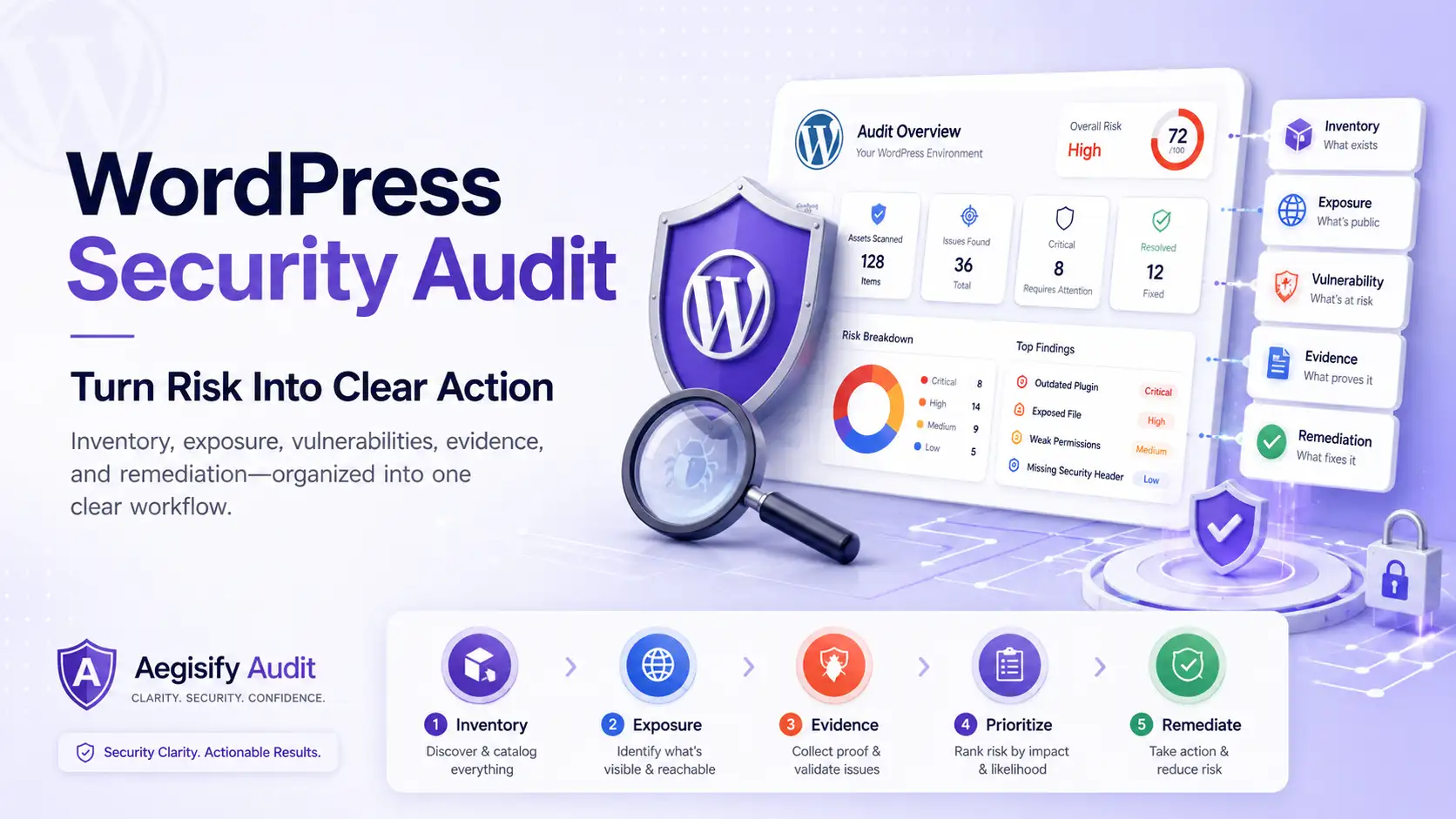
| Audit reporting | Added a sanitized sample WordPress Security Audit report structure that demonstrates how findings, risk context, technical evidence, and remediation priorities may be presented. | Helps WordPress experts, executives, and prospective customers understand the expected audit output before starting a subscription. |
What You Will Find in the Changelog
Aegisify updates are organized by the part of the platform they affect. This makes it easier to follow changes that matter to your role, website, or security program.
- Security: Vulnerability remediation, authentication, authorization, hardening, access control, and responsible disclosure improvements.
- Agent: WordPress installation, secure connection, compatibility, telemetry, inventory, activity monitoring, and local scanning improvements.
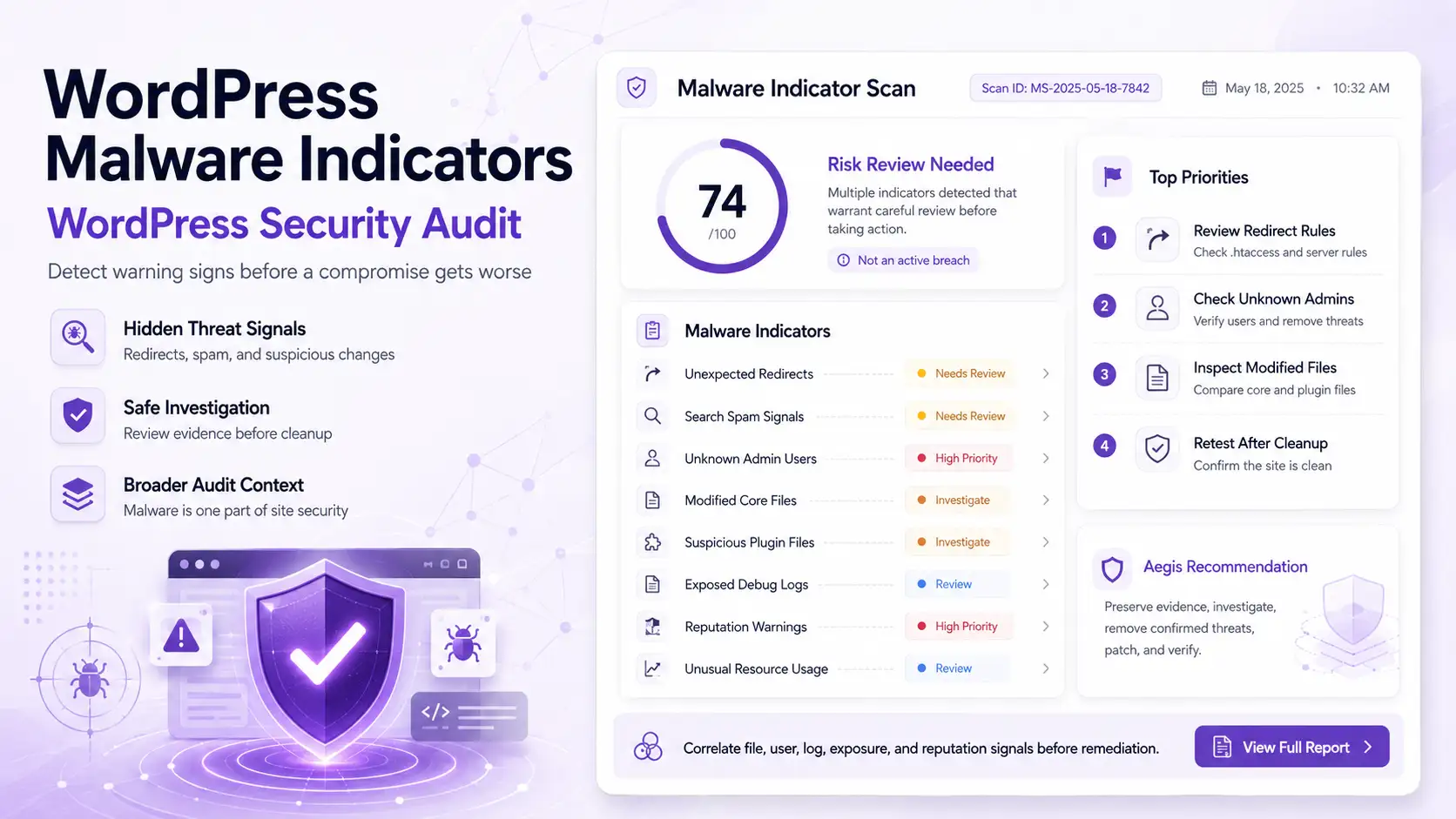
- Scan Types: External scanning, SAST-style analysis, DAST-style checks, plugin and theme intelligence, dependency review, API discovery, logs, and malware indicators.
- AI-Assisted Analysis: Improvements to finding summaries, risk correlation, prioritization, remediation guidance, and report clarity.
- Privacy and Data Controls: Updates involving telemetry transparency, data handling, retention, deletion, security keys, and customer control.
- Documentation: New and updated setup guides, technical references, FAQs, trust content, and sample reports.
Clear Updates for Technical and Business Teams
Each published update is intended to answer the questions customers care about most: What changed? Which part of the platform is affected? Why does the change matter? Is any customer action required?
WordPress administrators and developers can follow technical changes that affect integrations, scans, plugins, themes, or configuration. Security architects can track improvements involving telemetry, access controls, evidence, and risk analysis. Marketing leaders and executives can see how product changes support website resilience, customer trust, revenue operations, and business continuity.
Security-sensitive implementation details may be summarized when publishing them in full could expose customer environments, reveal an attack path, or increase operational risk.
What Each Product Update Includes
| Update Detail | What It Tells Customers |
|---|---|
| Release date | When the improvement, correction, or documentation update became available. |
| Product category | Whether the change affects security, the Agent, scan types, AI-assisted analysis, privacy controls, reporting, or documentation. |
| Improvement summary | A clear explanation of the capability, workflow, protection, or customer experience that changed. |
| Customer impact | How the update affects WordPress administrators, agencies, marketing teams, executives, developers, or security professionals. |
| Required action | Whether customers need to update a plugin, review a setting, reconnect an Agent, change a configuration, or take no action. |
Why Product Transparency Matters
WordPress is a continuously changing environment. Core software evolves, plugins and themes release updates, vulnerabilities are disclosed, new attack techniques emerge, and business requirements change.
A public changelog helps customers see that Aegisify is actively maintained and that important product, security, privacy, and documentation improvements are communicated openly. It also gives organizations a practical record they can reference during internal security reviews, vendor assessments, operational planning, and change-management discussions.
Stay Current With Your WordPress Security Posture
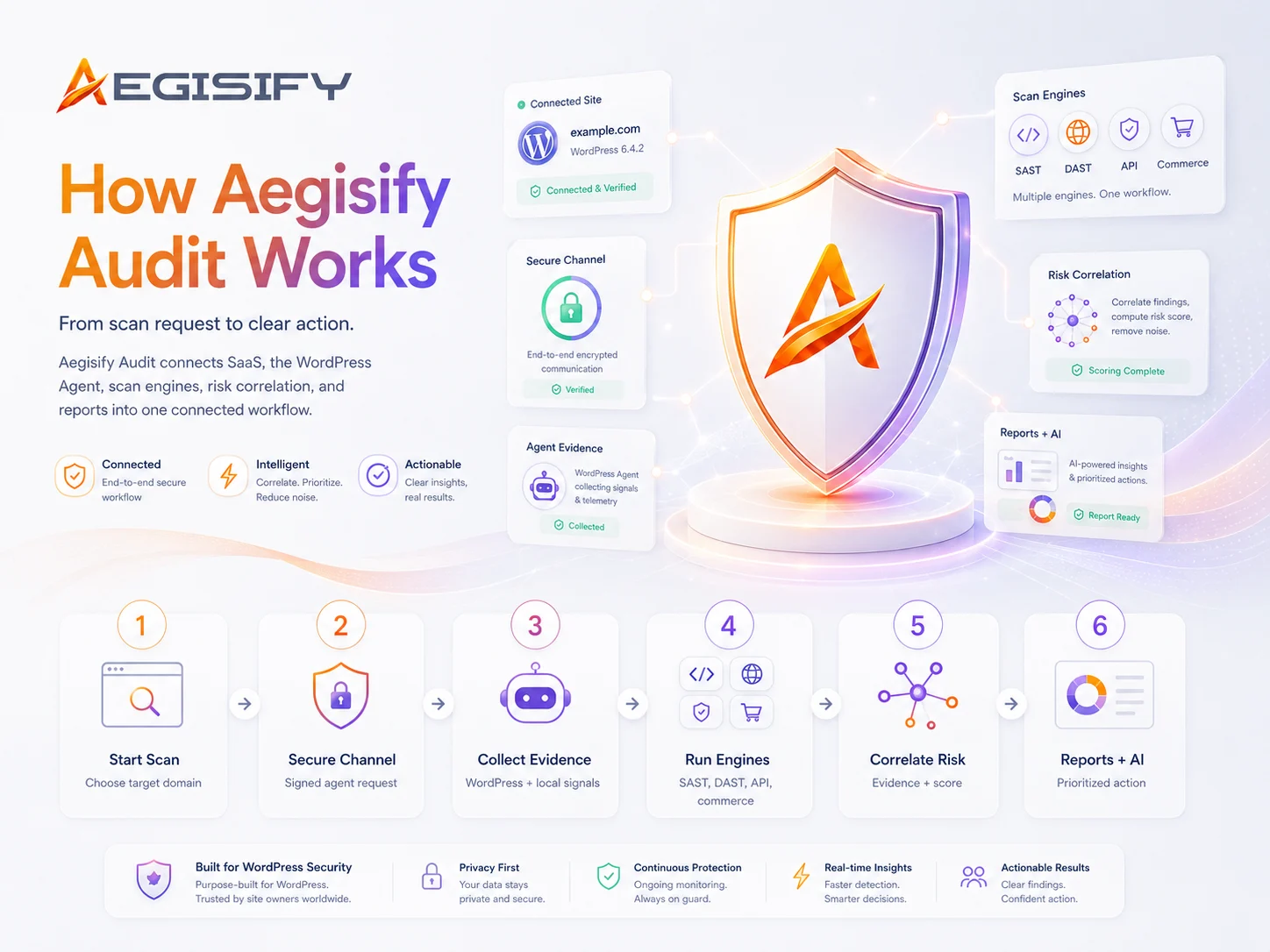
Aegisify Audit helps bring public exposure, plugin and theme risk, code-analysis signals, WordPress activity, optional logs, and AI-assisted prioritization into one organized security workflow.
Review your current WordPress risk picture, follow meaningful product improvements, and give your technical and business teams a clearer path from security evidence to action.