Aegisify Audit Scan Types: SAST, DAST, Plugin Security, Logs, and AI Analysis for WordPress
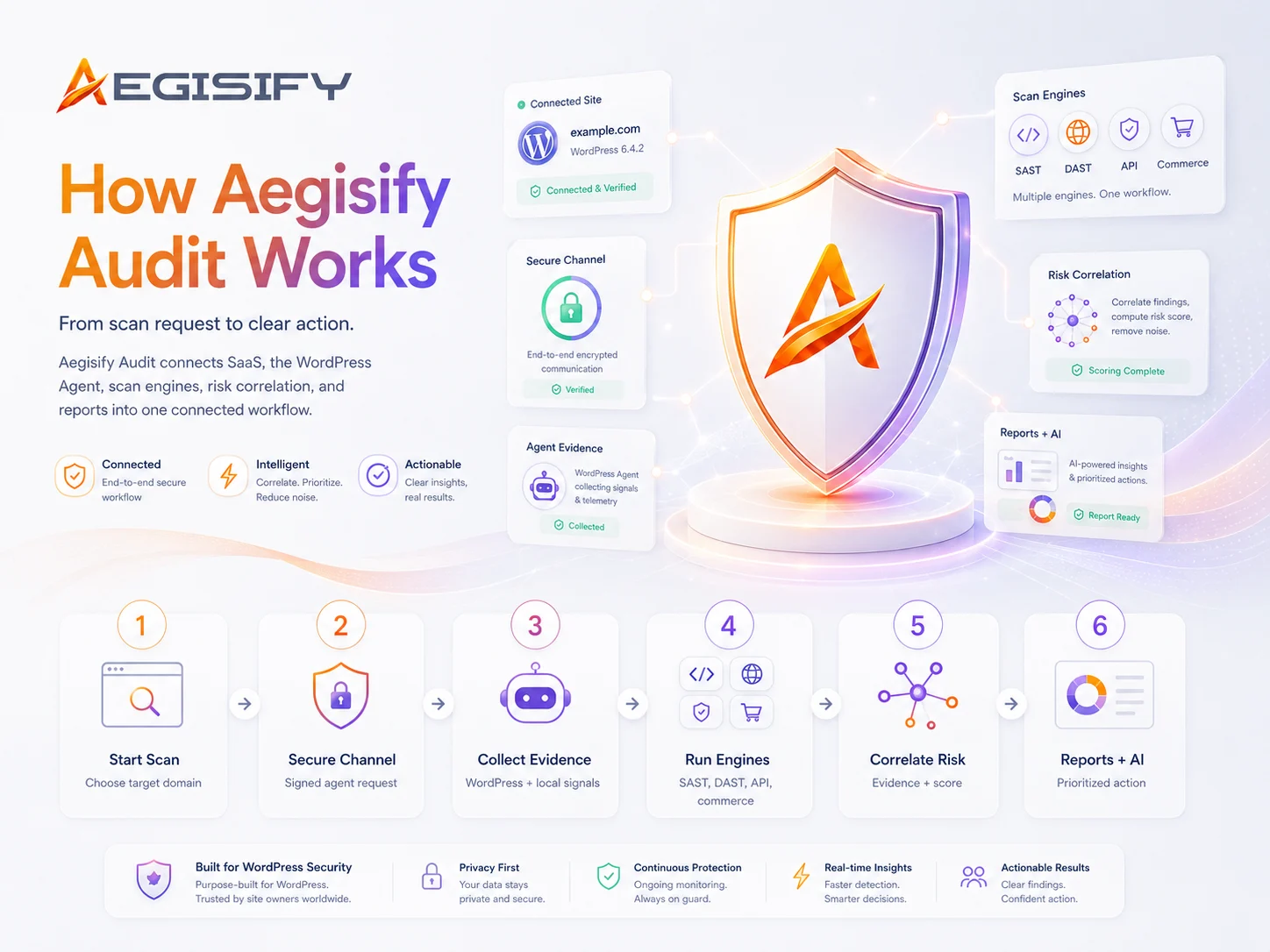
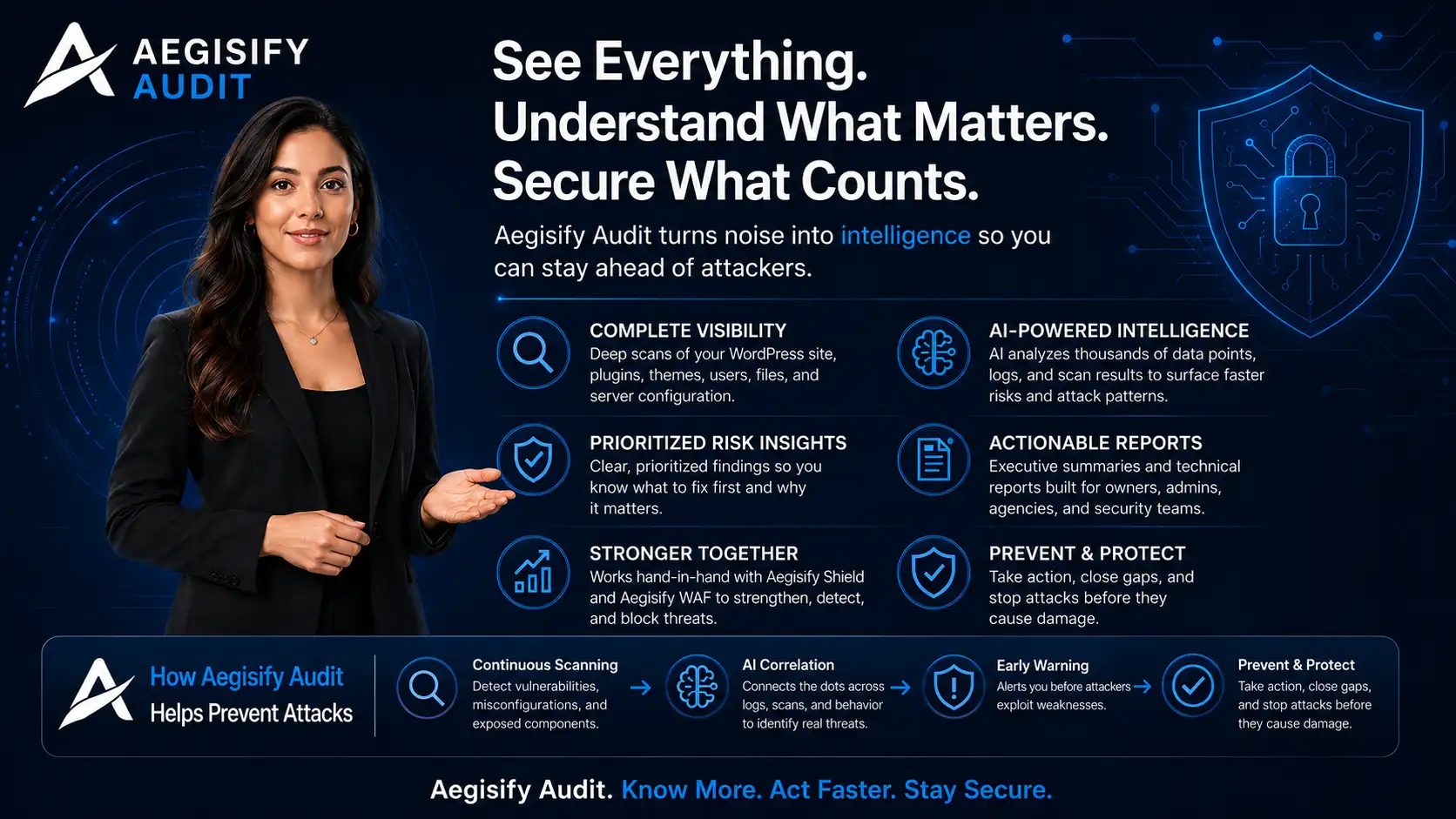
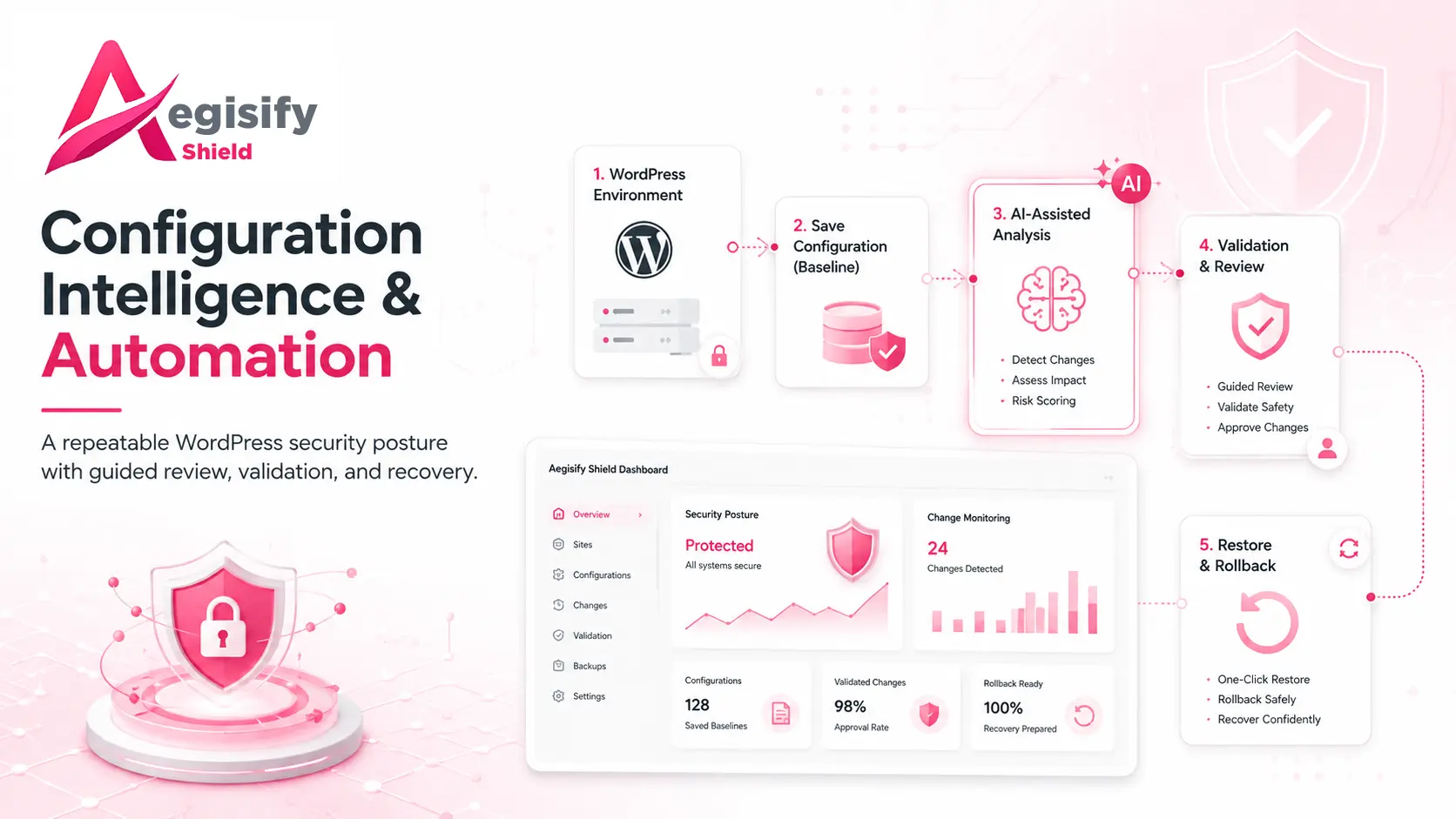
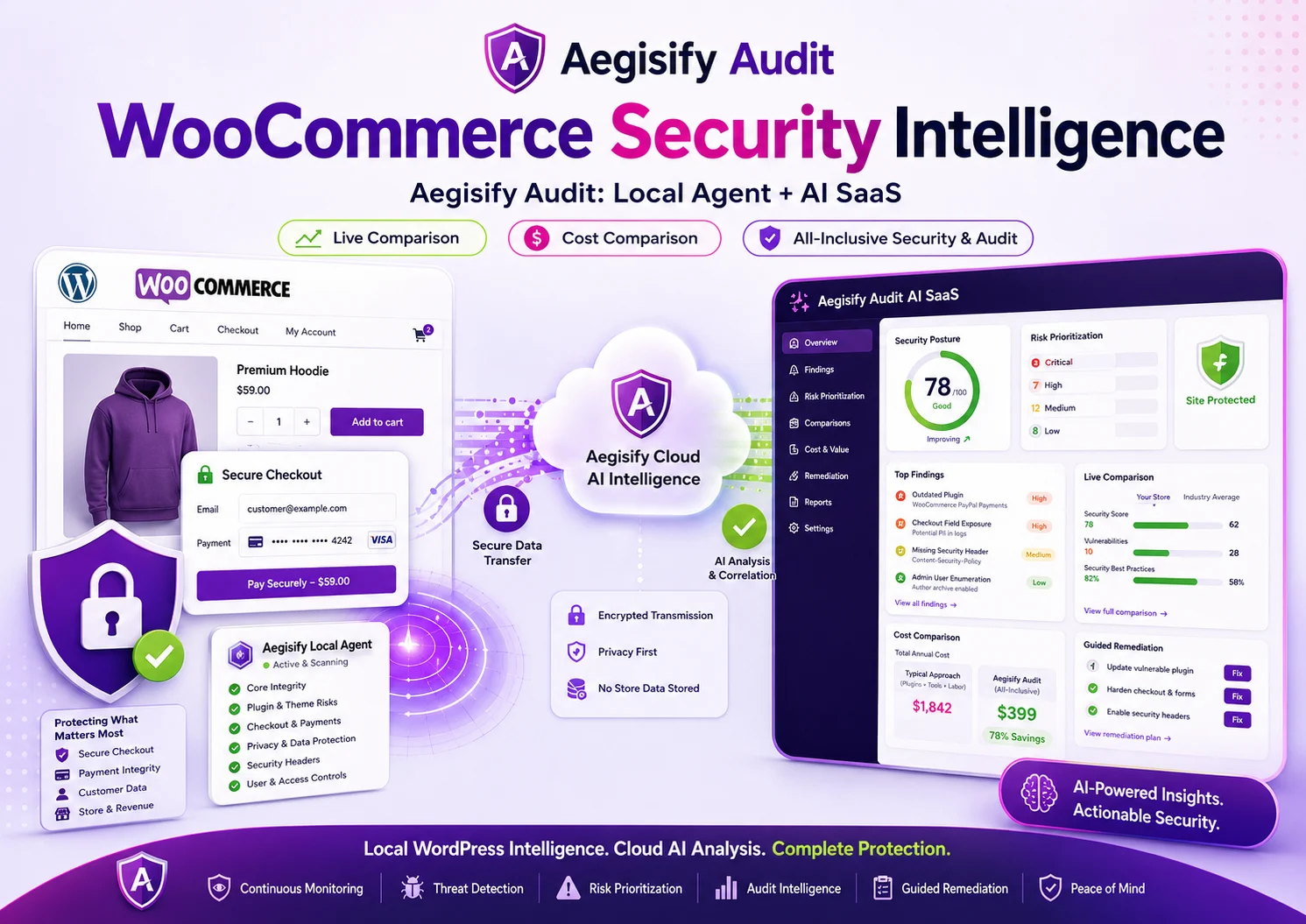
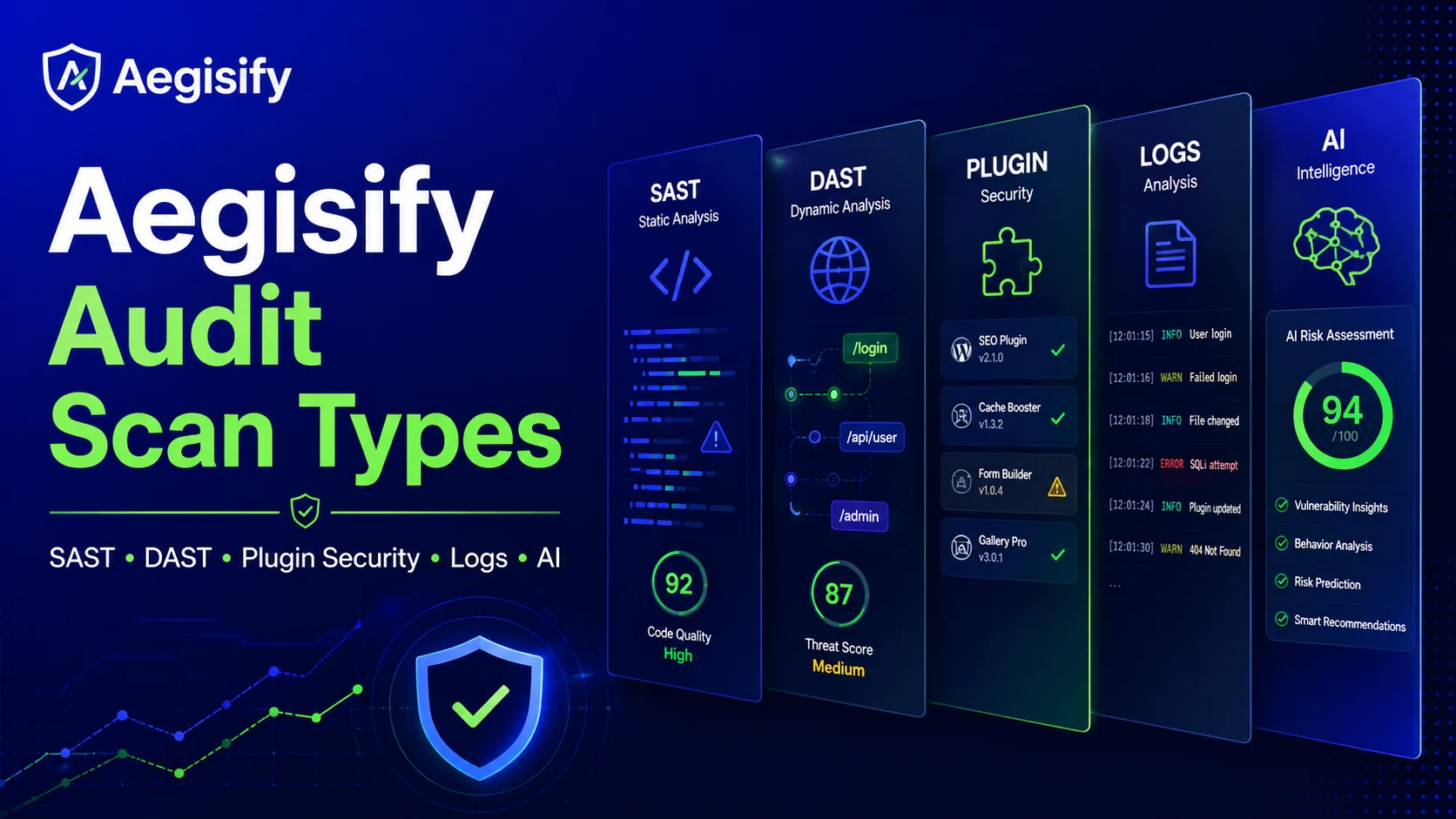
A complete WordPress security assessment requires more than a single scan. Aegisify Audit combines external exposure, plugin and theme risk, configuration, code signals, activity events, optional logs, and AI-assisted prioritization in one connected workflow.
Technical teams gain stronger evidence for investigation, while agencies, WooCommerce operators, marketing leaders, and executives gain a clearer view of business risk and which actions should come first.

How can Aegisify AI help?
Ask about Aegisify or WordPress: errors, plugins, security, SEO, compatibility, troubleshooting, comparisons, or launch a free website scan.
Aegisify Facts & Truth
A More Complete View of WordPress Security
A single scan rarely tells the complete story of a WordPress website. Public exposure, vulnerable plugins, suspicious code, configuration changes, activity events, and operational errors can each reveal a different part of the site’s security posture.
Aegisify Audit brings these signals into one connected workflow, helping WordPress professionals investigate technical findings while giving marketing leaders, executives, and security architects a clearer understanding of business risk, customer impact, and remediation priorities.
1. Public External Security Scan
The public external scan examines the website from the perspective of an outside visitor. It reviews publicly observable security conditions without requiring WordPress administrator access or an installed Agent.
The scan can surface transport security concerns, exposed routes, missing or incomplete security headers, authentication entry points, API visibility, redirect behavior, and other externally detectable risk indicators.
Business value: Provides a fast first view of the website’s public security posture and helps teams understand what customers, search engines, automated tools, and potential attackers may be able to observe.
2. DAST-Style Exposure Analysis
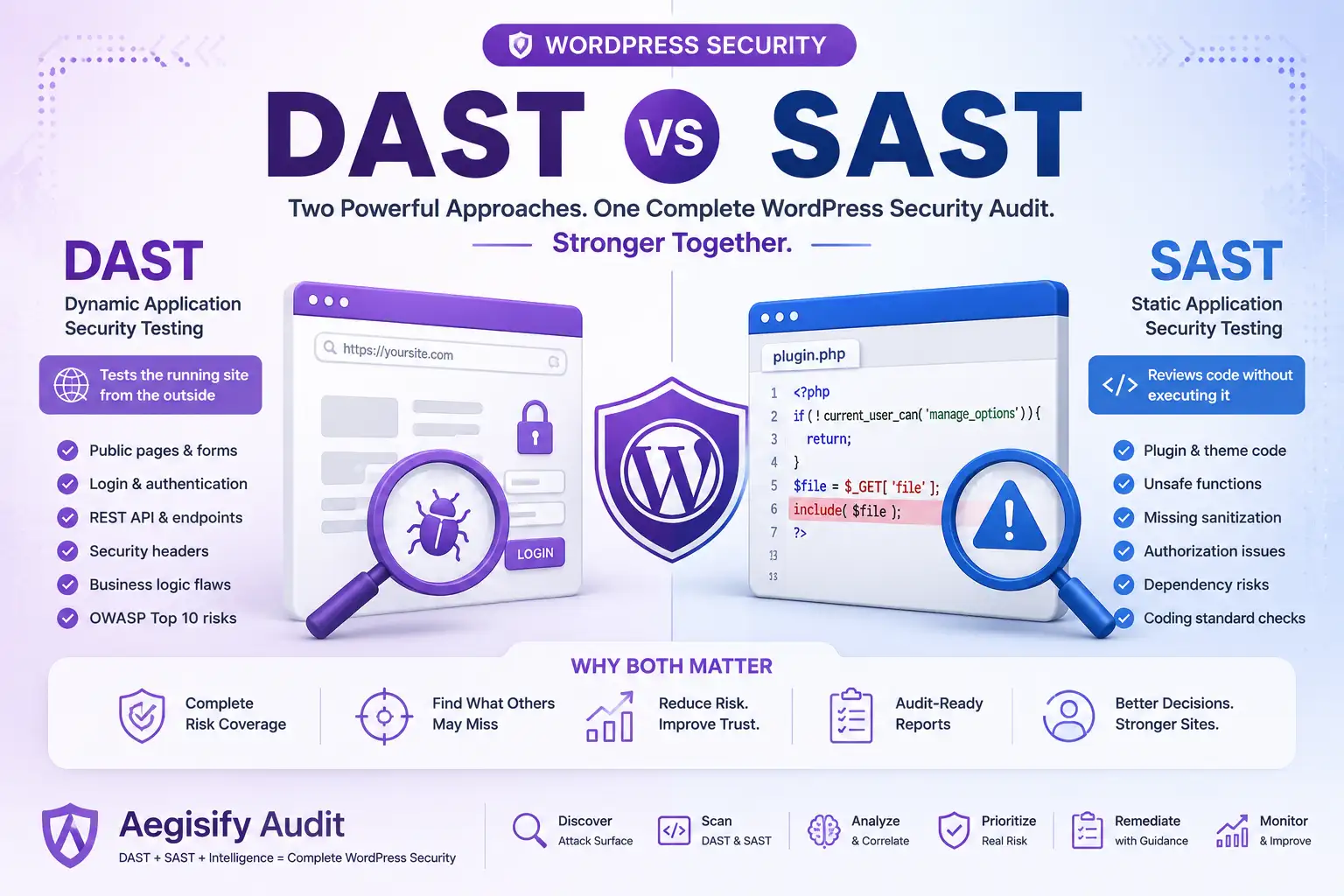
Dynamic Application Security Testing examines how a running website responds to requests and interactions. Within the Aegisify WordPress workflow, DAST-style analysis adds context around publicly accessible routes, forms, APIs, redirects, response headers, login surfaces, and session behavior.
This external perspective helps technical teams identify areas that may deserve deeper investigation while helping decision-makers understand where public exposure could affect security, customer confidence, ecommerce activity, or website availability.
3. SAST-Style Code and File Analysis
Static Application Security Testing reviews code and files without relying only on the website’s visible behavior. Aegisify’s SAST-style analysis helps surface suspicious code patterns, potentially dangerous functions, unexpected files, unusual modifications, and plugin or theme code signals that may require professional review.
This deeper WordPress-side visibility can help developers and security teams investigate possible malware indicators, unsafe customizations, vulnerable code paths, and changes that would not normally appear during an external scan.
4. Plugin, Theme, and Dependency Intelligence
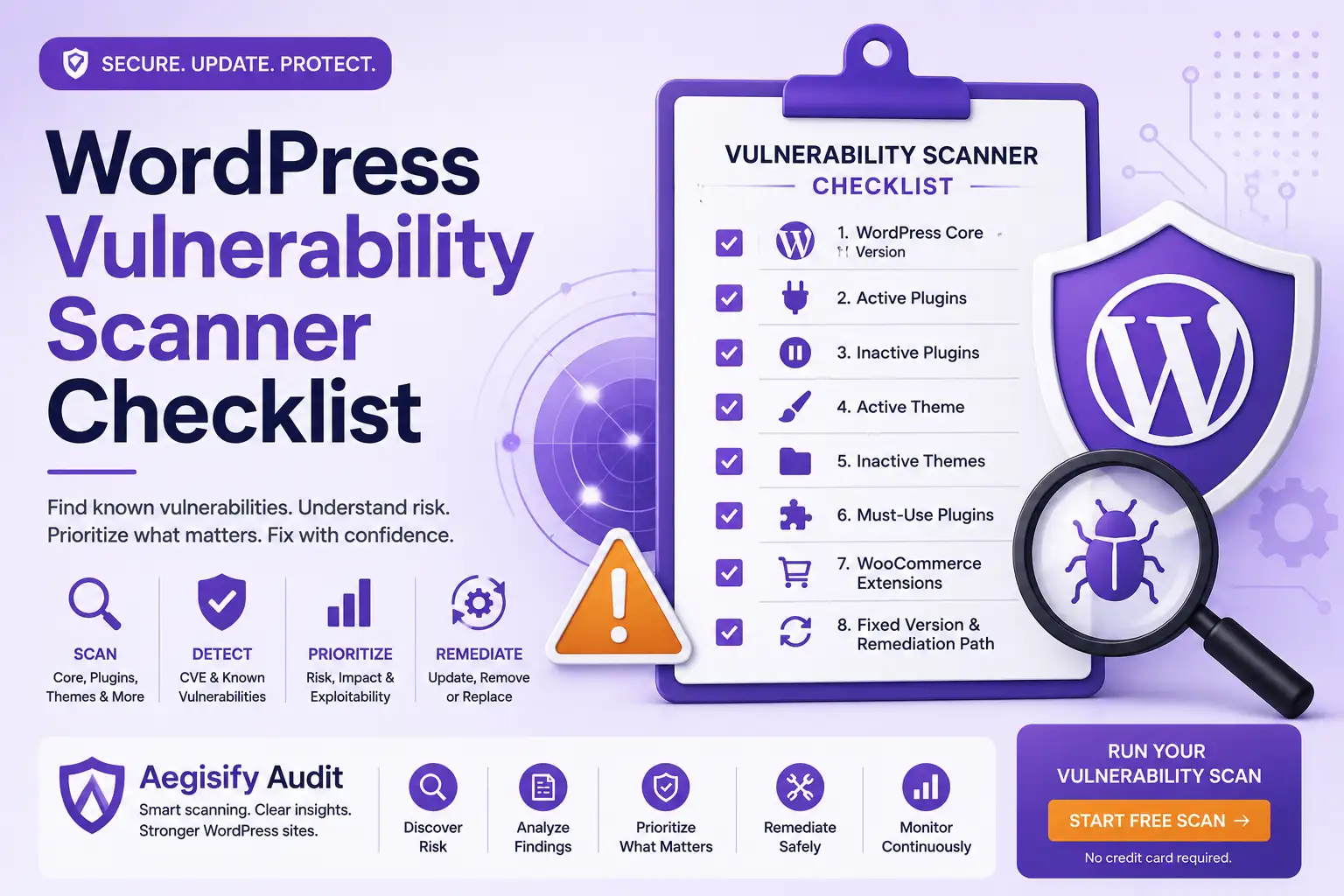
Plugins and themes extend WordPress, but every installed component also becomes part of the website’s software supply chain. Aegisify Audit helps teams review installed components, active and inactive status, version information, available updates, known vulnerability signals, dependency risk, and other software-health indicators.
Where relevant to the WordPress environment, the review may also include supporting package and dependency information such as Composer, npm, or other detected software components.
Business value: Helps agencies, WooCommerce operators, membership platforms, and business-critical websites understand which installed components may create the greatest operational or security exposure.
5. WordPress Activity Monitoring
WordPress activity sensors add important context by recording supported security-relevant events. These events may include authentication activity, user-account changes, plugin and theme updates, file changes, administrative actions, and configuration modifications.
Activity visibility helps teams answer three important questions: what changed, when did it change, and which account or process was involved? That context can support incident investigation, administrative oversight, troubleshooting, and ongoing security monitoring.
6. Optional Diagnostic Log Analysis
Diagnostic and debug logs can reveal PHP warnings, application errors, plugin conflicts, failed background processes, integration problems, and other technical conditions that may affect security or website reliability.
Log telemetry is optional because log files can contain sensitive information when a plugin, theme, custom application, or hosting environment writes confidential values into them. Customers control whether supported log sources are made available for analysis.
Business value: Gives technical teams additional evidence for troubleshooting issues that may disrupt customer experiences, ecommerce transactions, marketing campaigns, integrations, or website operations.
7. Malware and Suspicious-Change Indicators
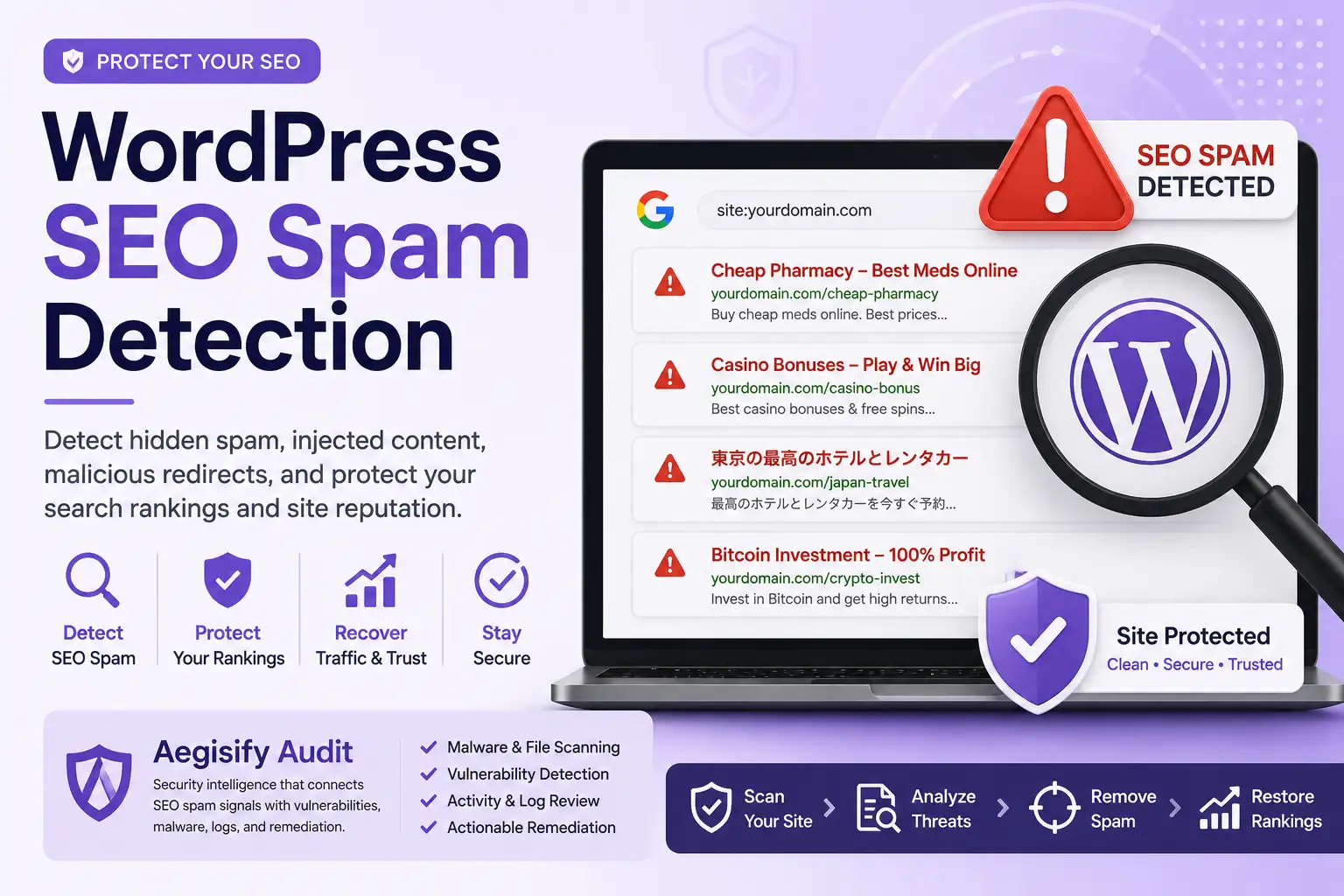
Malware analysis begins with evidence. Aegisify reviews supported code and file signals for suspicious patterns, unexpected files, abnormal modifications, risky functions, and other indicators that may point to unauthorized or unsafe activity.
A suspicious indicator does not automatically prove that a site has been compromised. Aegisify helps teams identify the evidence, understand its context, and determine which files or components require deeper investigation before remediation begins.
8. WordPress API and Route Discovery
Modern WordPress websites may expose REST API routes, plugin endpoints, AJAX actions, ecommerce services, authentication interfaces, webhooks, and third-party integration surfaces.
Aegisify Audit helps identify supported externally visible routes and adds risk context so developers and security architects can determine whether an endpoint is expected, properly controlled, or deserving of additional review.
For executives and marketing teams, this visibility helps connect technical exposure to the systems that support customer accounts, lead generation, payments, memberships, content delivery, and business integrations.
9. AI-Assisted Risk Prioritization
Security teams often face more findings than they can review at once. Aegisify uses Artificial Intelligence to help organize and summarize supported vulnerability data, code-analysis signals, external exposure findings, plugin intelligence, activity events, and optional logs.
The purpose of AI-assisted analysis is to reduce noise, explain relationships between findings, and help teams focus on the issues that may present the greatest technical or business impact.
AI-generated summaries and recommendations remain human-reviewable. Final security, development, and remediation decisions stay with the authorized professionals responsible for the WordPress environment.
How the Security Signals Work Together
Each scan type answers a different security question. Together, they provide a more useful view of the website than any single signal can provide on its own.
| Security Question | Aegisify Evidence | Why It Matters |
|---|---|---|
| What is publicly visible? | External scanning and DAST-style exposure analysis | Reveals what an outside user or potential attacker may be able to observe. |
| What software is installed? | Agent inventory, plugin intelligence, theme review, and dependency signals | Identifies outdated, vulnerable, unsupported, or higher-risk components. |
| What changed? | Activity events, configuration changes, and file signals | Provides a timeline and context for administrative or unexpected activity. |
| What appears suspicious? | SAST-style analysis, malware indicators, external evidence, and optional logs | Helps teams identify signals that require validation or deeper investigation. |
| What deserves attention first? | Risk context, technical evidence, business impact, and AI-assisted prioritization | Helps teams move from a long findings list to an informed remediation plan. |
From Disconnected Findings to Clearer Security Decisions
For WordPress experts, Aegisify provides deeper evidence for investigation and remediation. For security architects, it connects external exposure with internal software, code, configuration, and activity signals. For marketing teams and executives, it translates technical findings into clearer priorities that can affect brand trust, revenue operations, website availability, and customer experience.
The result is not another disconnected security report. It is a more organized path from detection and evidence to prioritization, professional review, and informed action.
See More Than a Single WordPress Security Signal
Aegisify Audit brings external exposure analysis, plugin and theme intelligence, code and file signals, WordPress activity, optional logs, and AI-assisted prioritization into one clearer security workflow.
Understand what is visible, what has changed, what may be vulnerable, and which findings deserve your team’s attention first.