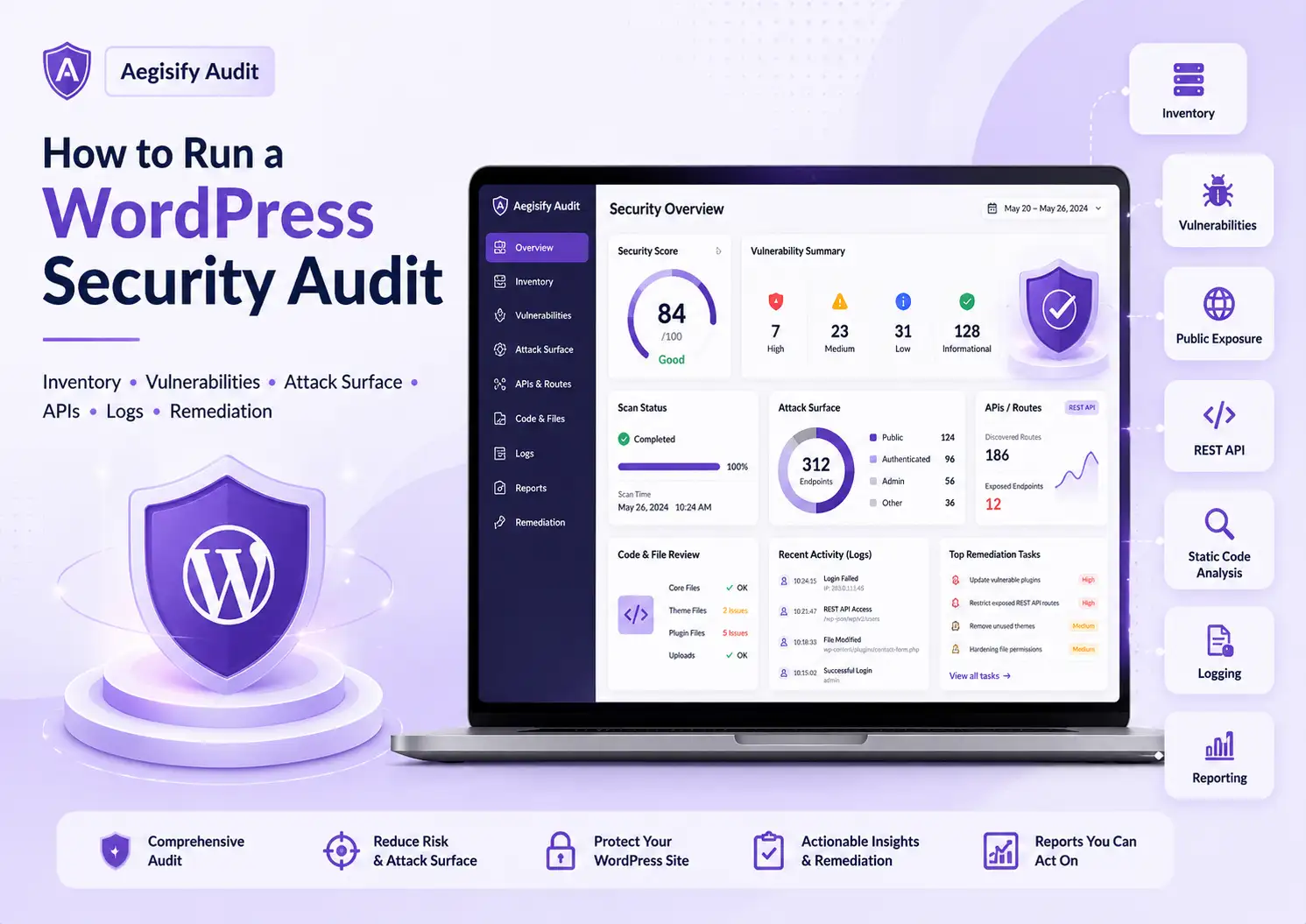
How to Run a WordPress Security Audit: A Practical 7-Step Workflow
How to run a WordPress security audit starts with a structured review of the site’s software, configuration, code, users, public attack surface, APIs, logs, and remediation priorities. A complete WordPress security audit is more than installing a WordPress security scanner and reading alerts. It asks what is exposed, what is outdated, what changed, what could be abused, which findings create the greatest business risk, and what evidence should be preserved.
WordPress supports business websites, ecommerce stores, portals, membership sites, marketing hubs, and content platforms. That flexibility creates a broad operating environment: plugins, themes, custom code, REST endpoints, login forms, permissions, debug logs, backups, security headers, and WooCommerce workflows can each introduce risk.
What Is a WordPress Security Audit?
A WordPress security audit reviews the technical and operational posture of a site to identify weaknesses before they become incidents. It should evaluate software versions, known vulnerabilities, users and roles, authentication, REST routes, files, permissions, HTTPS, headers, malware indicators, public artifacts, logs, and application-specific behavior.
WordPress’s own security guidance emphasizes keeping core, plugins, and themes current, while its hardening guidance treats security as risk reduction rather than an absolute guarantee. For custom REST routes, WordPress requires a permission_callback so access decisions are explicit.
Core, plugins, themes, must-use plugins, dependencies, custom code, and abandoned components.
Administrators, roles, registration, password reset, authentication failures, sessions, and privilege changes.
Login pages, REST routes, forms, files, source maps, backups, debug logs, headers, and public artifacts.
Logs, timestamps, affected assets, business impact, ownership, priority, fix status, and retest results.
| Audit Area | Questions to Answer | Aegisify Review Path |
|---|---|---|
| Site Inventory | What core, plugins, themes, custom code, forms, routes, users, files, and business workflows exist? | Foundation The connected Agent gathers deeper WordPress-side inventory for the SaaS audit workflow. |
| Vulnerabilities | Which installed versions map to known advisories? Is the component active, reachable, important, and fixable? | High Priority Connect vulnerability intelligence with inventory, affected status, and remediation options. |
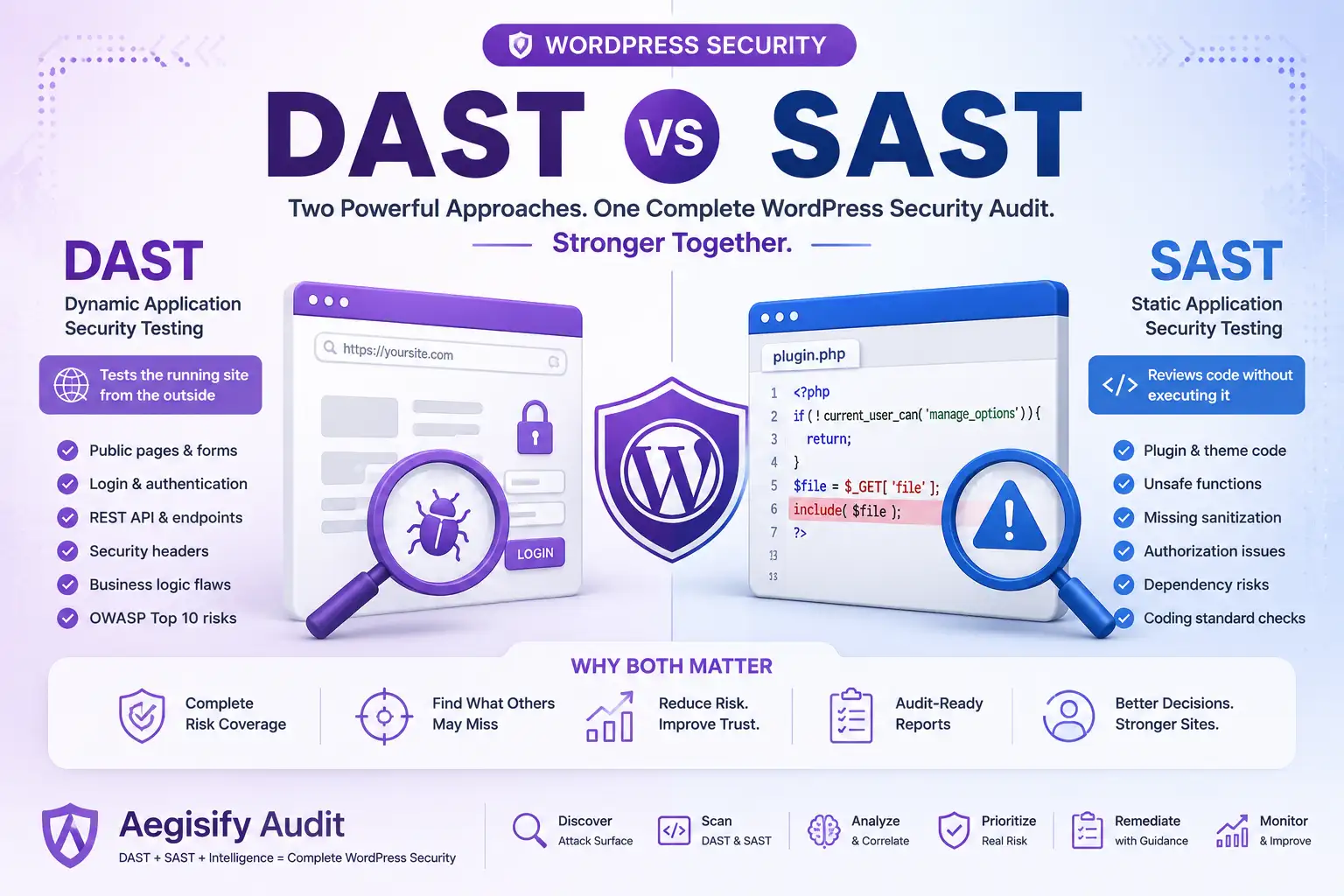
| Attack Surface | Which login pages, APIs, forms, artifacts, scripts, backups, logs, and sensitive paths are public? | Context Required DAST-style profiles review externally observable conditions and application behavior. |
| Code and Integrity | Do core files match official checksums? Are custom plugins or themes using risky patterns or dependencies? | Review Agent-side static code analysis provides structured findings for human review. |
| Logs and Activity | What changed, failed, authenticated, escalated, generated errors, or triggered suspicious requests? | Evidence WP Logging and App Logging connect operational events with scan findings. |
| Reporting | What is the risk, evidence, impact, owner, fix, due date, current status, and retest result? | Action Plan SaaS reporting and AI-assisted recommendations organize the remediation workflow. |
The Seven-Step WordPress Security Audit Workflow
Document software, users, routes, forms, files, services, and business-critical workflows.
Map installed versions to vulnerability intelligence and identify supported fixes.
Review public exposure, login surfaces, artifacts, HTTPS, headers, and DAST-style behavior.
Identify routes, authentication, permissions, returned data, and client-exposed endpoints.
Verify integrity and review custom code, dependencies, and suspicious implementation patterns.
Connect scan findings with user, configuration, application, and error events.
Assign priorities, remediate safely, preserve evidence, and verify the corrected state.
Create an Accurate WordPress Inventory
You cannot audit what you cannot see. Record the WordPress version, active and inactive plugins, themes, must-use plugins, custom extensions, WooCommerce components, REST namespaces, forms, login surfaces, public pages, sensitive files, and available server or PHP signals.
Inactive software still matters when its files remain installed. A vulnerability scanner is useful only when it can map actual versions to current intelligence. Aegisify Audit’s Agent-side inventory supports this step by gathering local WordPress information for the SaaS workflow.
Run a WordPress Vulnerability Scan
Review core, plugin, and theme versions against known advisories. For each finding, determine whether the component is active, reachable, business-critical, fixed in a newer release, abandoned, or replaceable. The response may be patch, remove, replace, restrict, or monitor.
Aegisify Audit connects vulnerability data with inventory and remediation context so teams can distinguish a high-impact exposed component from a low-relevance informational match.
Review the Public Attack Surface and REST API
Inspect login pages, forms, REST routes, scripts, source maps, install artifacts, backups, database exports, logs, and sensitive paths. Public exposure is not automatically a vulnerability, but it changes the risk of outdated software, weak access control, or leaked information.
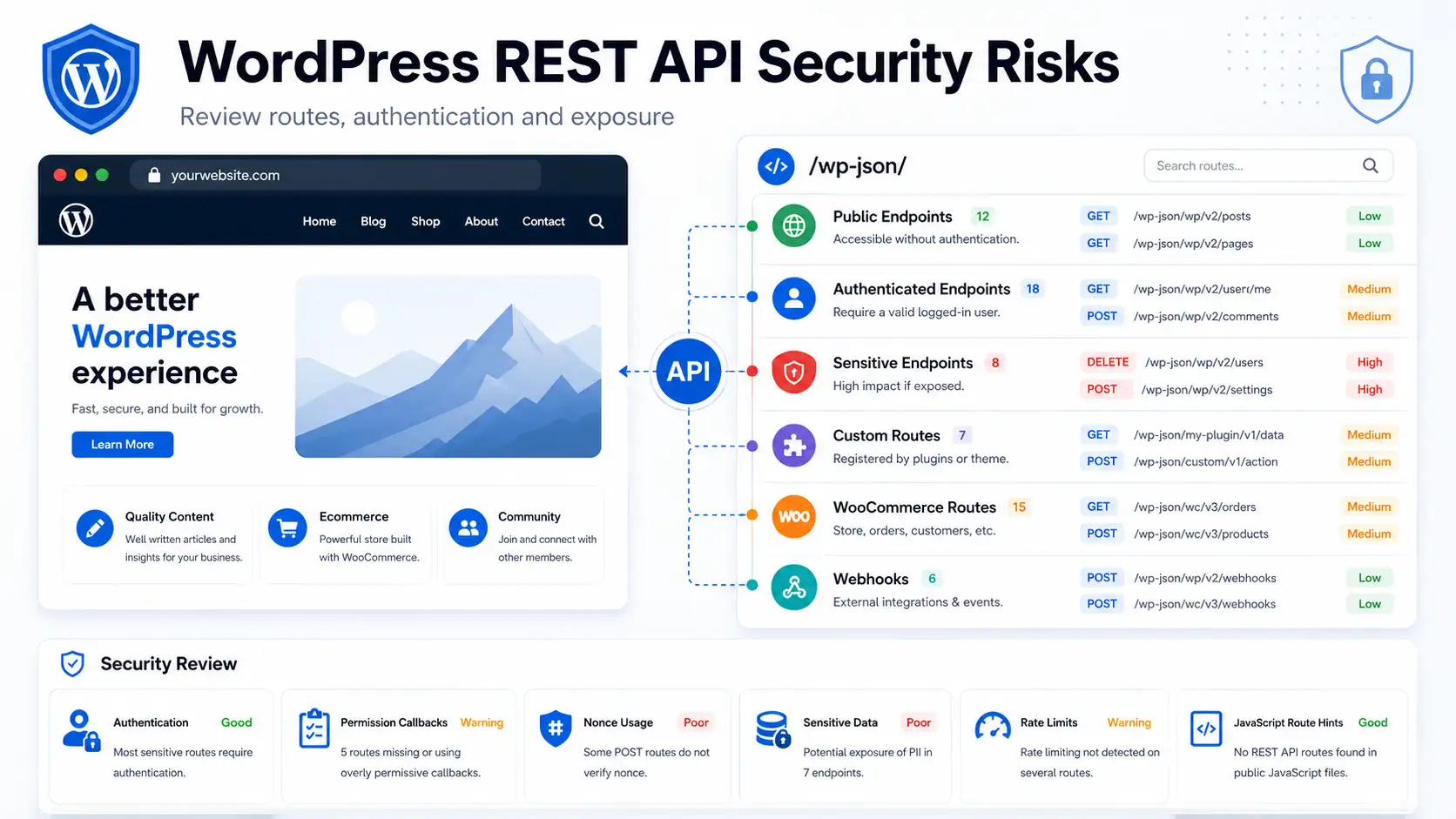
The WordPress REST API is a normal application interface. Review namespaces, custom routes, authentication, permission callbacks, public response data, WooCommerce endpoints, GraphQL or OpenAPI hints, and routes visible in JavaScript. Aegisify DAST-style and API profiles help organize this discovery for human review.
Move From Isolated Alerts to a Structured Audit
Use Aegisify Audit to connect inventory, vulnerabilities, public exposure, API routes, code findings, logs, and remediation guidance in one review workflow.
Run Static Code and File-Integrity Analysis
Static analysis reviews code without exploiting the site. It is especially useful for custom plugins, custom themes, modified commercial software, checkout logic, membership systems, portals, and API integrations. Review unsafe input handling, output escaping, authorization logic, risky functions, dependency issues, and unusual includes.
WP-CLI can verify WordPress core and eligible plugin files against WordPress.org checksums. A checksum difference identifies a change, not its cause. Compare differences with trusted packages and deployment records. Aegisify’s Agent-side Static Code Analysis returns structured findings to the dashboard.
Review WordPress and Application Logs
Logs can show what changed, failed, authenticated, generated errors, or triggered suspicious requests. Review debug logs, plugin and application logs, activity logs, administrator changes, user changes, settings changes, fatal errors, authentication failures, and relevant server events.
Preserve timestamps and avoid publishing sensitive details. Aegisify WP Logging and App Logging workflows help teams evaluate operational evidence beside vulnerability, code, and exposure findings.
Build a Human-Readable Security Report
The report should include an executive summary, risk overview, top findings, affected components, evidence, severity, business impact, recommended fix, owner, priority, status, and retest date. Separate confirmed vulnerabilities from exposures, observations, and items that need validation.
Aegisify Audit helps turn noisy scan output into reports and AI-assisted recommendations. AI can summarize and prioritize evidence, but qualified people should approve changes and validate the final result.
How Aegisify Products Support Remediation
Aegisify Audit connects inventory, vulnerability scanning, static analysis, public exposure, API review, logs, threat intelligence, compliance signals, and reporting. Aegisify Shield can support hardening, identity protection, and activity monitoring. Aegisify WAF can add WordPress-aware request controls. Aegisify Backup supports recovery planning and rollback before high-risk fixes. These layers improve visibility and control but do not guarantee that a site cannot be compromised.
WordPress Security Audit FAQ
How often should I run a WordPress security audit?
Run a full audit before major launches, after important plugin, theme, infrastructure, or WooCommerce changes, after an incident, and on a recurring schedule for business-critical sites.
Is a WordPress security scanner enough?
No. A scanner is useful, but a complete audit also needs inventory, attack-surface review, API validation, code analysis, logs, business context, remediation ownership, and retesting.
Should public REST API routes be disabled?
Not automatically. The REST API supports core WordPress and plugin functionality. Review intended exposure, authentication, permissions, and returned data before changing access.
Can Aegisify Audit guarantee that my site is secure?
No tool should make that promise. Aegisify Audit helps identify, explain, prioritize, and document risk so teams can make better remediation decisions.
What should a security report prioritize first?
Prioritize actively exploitable vulnerabilities, unauthorized access, exposed sensitive data, broken authorization, malware indicators, and weaknesses affecting revenue or critical operations.
WordPress and Application Security Documentation
Editorial references include Hardening WordPress, WordPress Security Guidance, WordPress REST API Handbook, Adding Custom REST Endpoints, WP-CLI Core Checksum Verification, WP-CLI Plugin Checksum Verification, OWASP Vulnerability Scanning Tools, and the OWASP REST Security Cheat Sheet.