WordPress Security Audit That Turns Risk Into Clear Action
A professional WordPress security audit should do more than find vulnerabilities. It should connect WordPress core, plugins, themes, custom code, APIs, exposed files, malware indicators, DAST findings, static code analysis, logs, and business impact into one prioritized view. Executives need understandable risk. Engineers need evidence and a fix path.
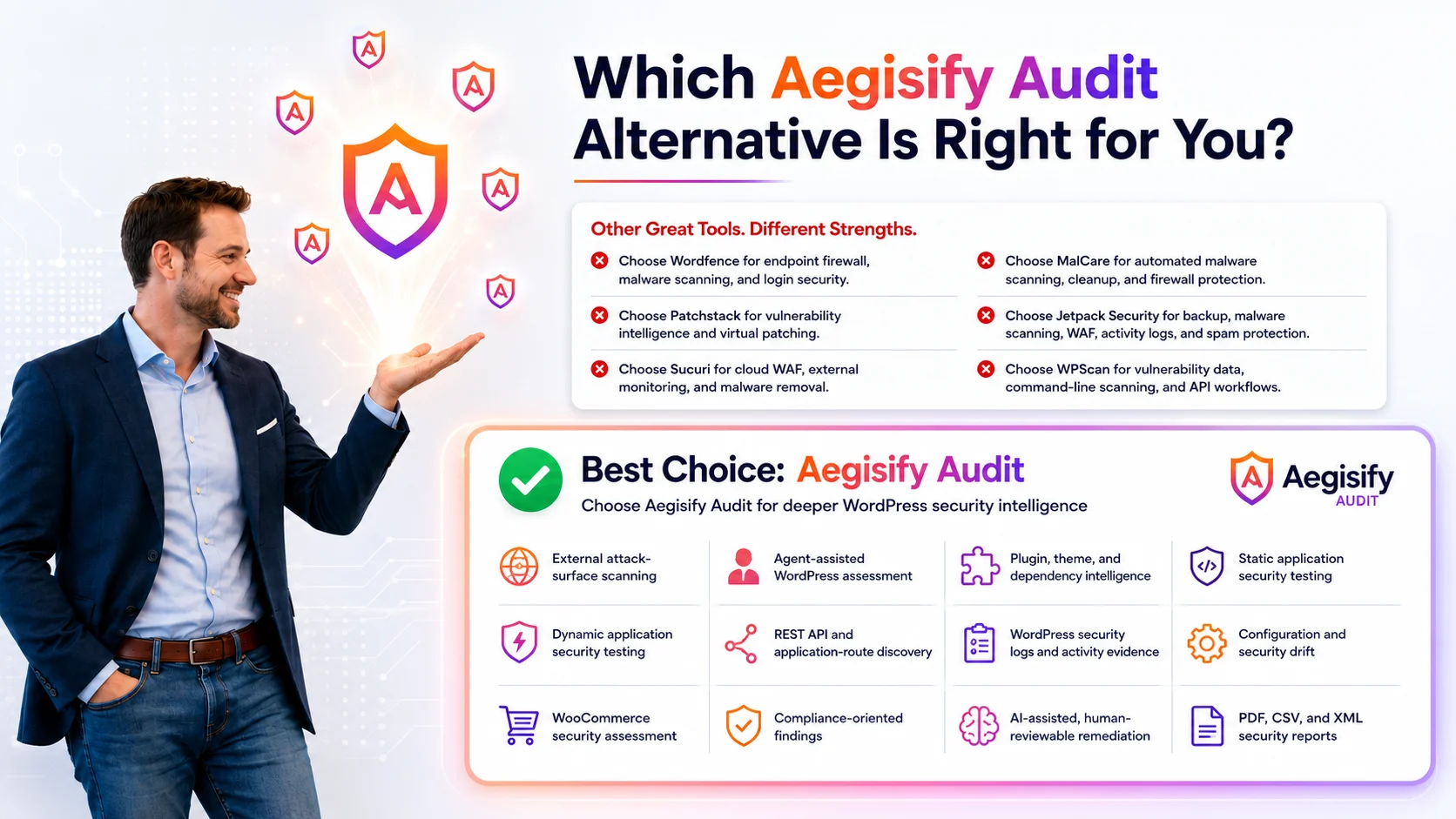
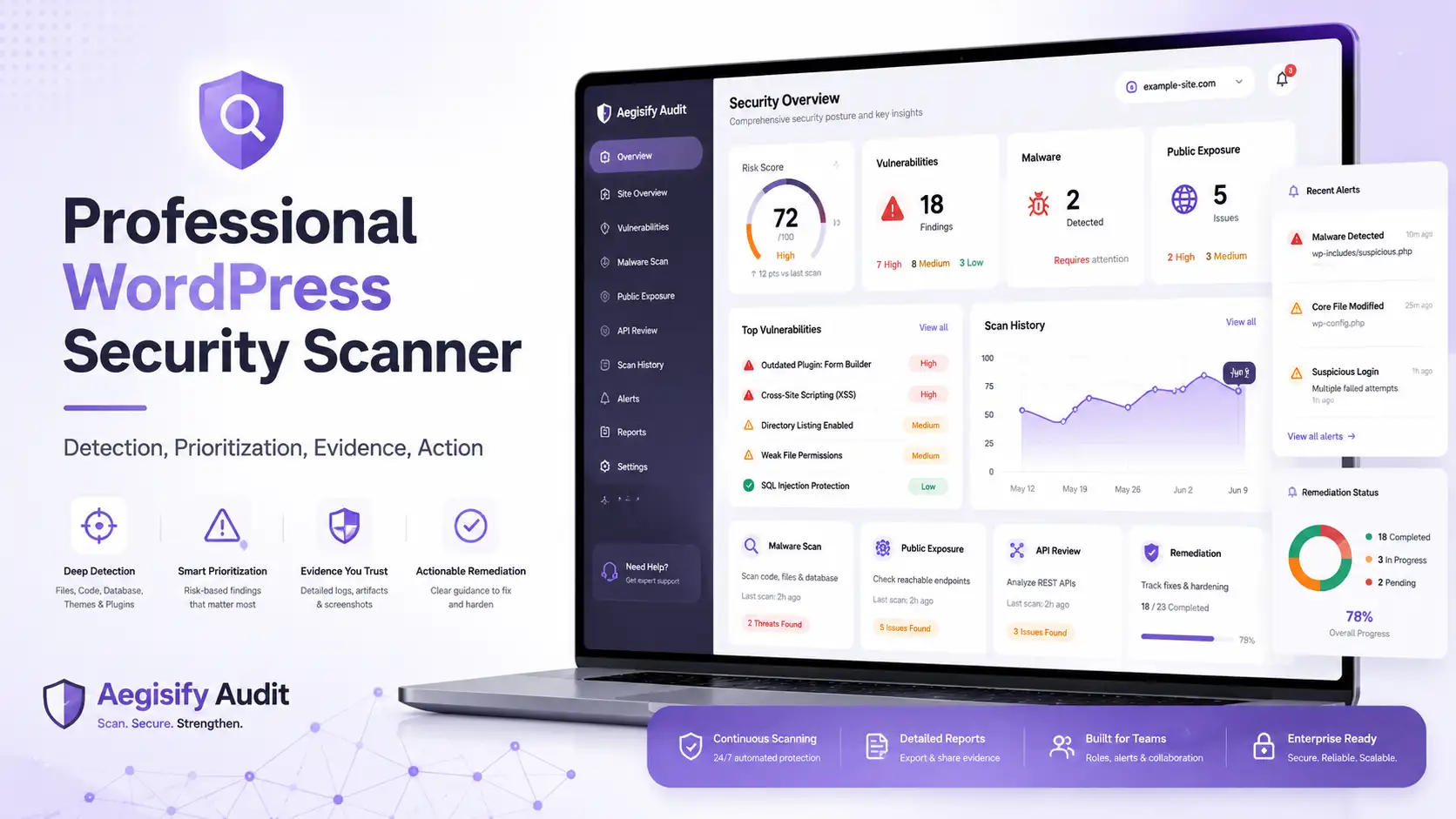
Aegisify Audit is positioned as a WordPress security-audit and site-intelligence platform for verified domains. It combines SaaS-based scanning with authorized WordPress Agent evidence so teams can move from noisy findings to reviewable remediation, reporting, and continuous monitoring.
What a WordPress Security Audit Means for Modern Teams
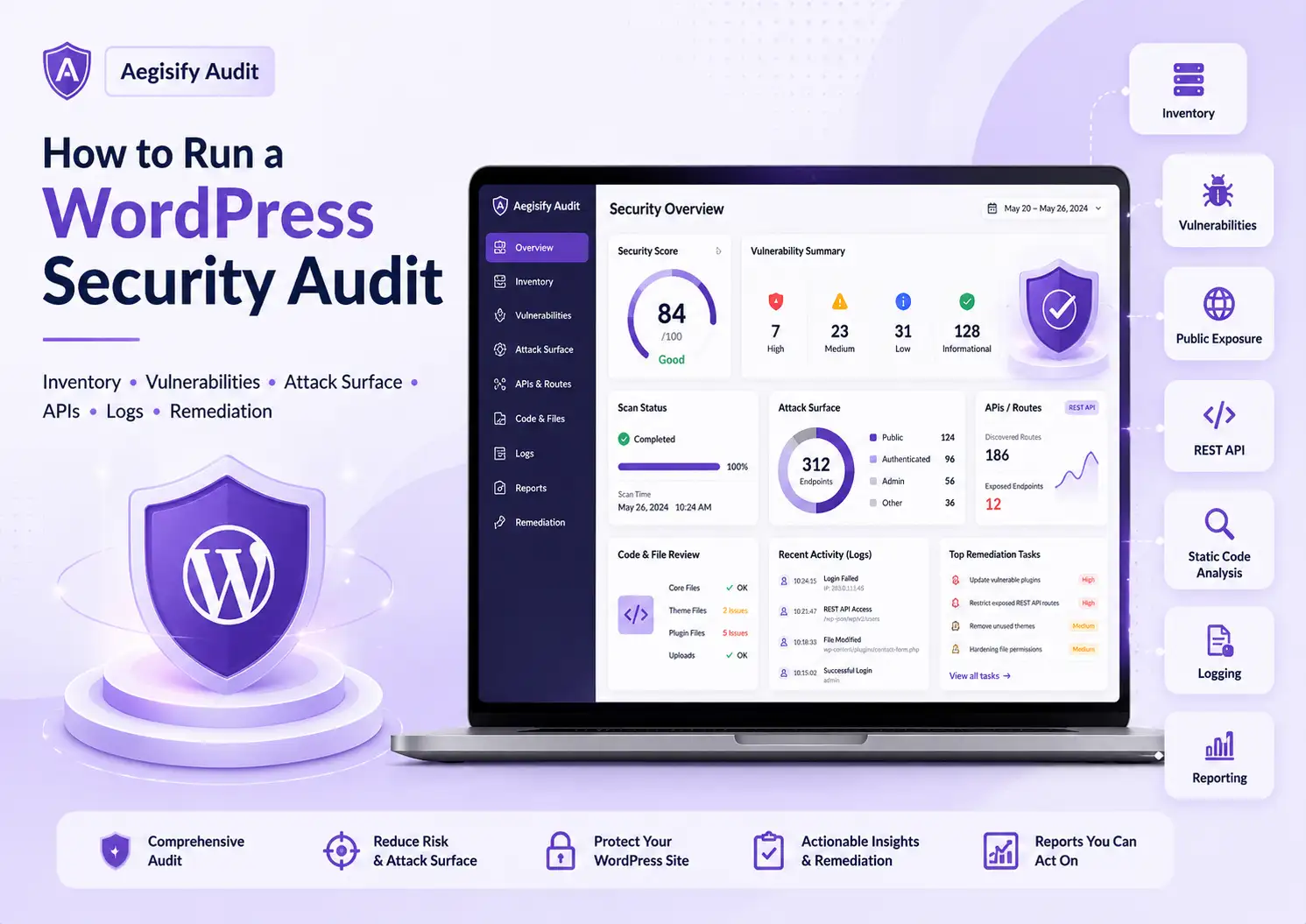
A WordPress security audit reviews the technology, exposure, configuration, behavior, and evidence surrounding a site. It is broader than a vulnerability scan. It should evaluate what software exists, how the site is reachable, which weaknesses apply, and how remediation will be verified.
OWASP Top 10:2025 reinforces this broader view. Broken Access Control remains first, Security Misconfiguration moved to second, and logging and alerting remain important. WordPress teams need visibility into authorization, configuration, public routes, APIs, authentication, files, logs, and runtime behavior.
Executives
Need risk translated into operational, financial, customer, and brand impact without being buried in scanner terminology.
Engineers
Need affected components, evidence, reproduction context, fixed versions, owners, remediation guidance, and retest criteria.
Site Owners
Need a clear explanation of what changed, what is exposed, what requires attention, and whether the issue is resolved.
Cloud and Security Teams
Need logs, scan identifiers, timestamps, posture history, domain scope, and repeatable governance across environments.
| Audit Layer | Why It Matters | Aegisify Audit Positioning |
|---|---|---|
| Inventory | Security begins with knowing what exists: core, plugins, themes, custom code, dependencies, users, APIs, and available logs. | Aegisify uses external and Agent-assisted inventory so findings can be tied to actual components and authorized site data. |
| Exposure | A component becomes more important when it is public, connected to login, checkout, forms, REST routes, files, webhooks, or customer workflows. | Aegisify supports public exposure checks, DAST-style analysis, API discovery, exposed-artifact review, and domain-reputation workflows. |
| Vulnerability | Core, plugin, theme, dependency, and custom-code risk requires version applicability, severity, exploitation context, and a fixed-version path. | Aegisify connects inventory with vulnerability intelligence, CVE-style context, static analysis, and remediation priorities. |
| Evidence | Teams need affected components, timestamps, scan IDs, logs, categories, reports, and historical status to make defensible decisions. | Aegisify uses verified-domain and scan workflows, Agent evidence, WP Logging, App Logging, reports, alerts, and risk context. |
| Remediation | Finding an issue is not enough. The team needs ownership, next actions, verification criteria, retesting, and residual-risk documentation. | Aegisify emphasizes human-reviewable guidance, hardening direction, cleanup planning, reportable status, and continuous monitoring. |
How Aegisify Works: From Exposure to Verified Defense & Action
External visibility, authorized internal evidence, active protection, and AI-supported action move through one connected security and audit workflow.
Attack Surface Scanning
Aegisify Audit scans internet-reachable assets, exposed routes, public services, and WordPress attack paths to reveal what attackers can see.
- External surface discovery
- Reachable and exploitable exposure
- Internet-visible risk signals
Agent Deep Analysis
The authorized Aegisify Agent adds internal intelligence from code, files, logs, configurations, dependencies, plugins, themes, WooCommerce flows, SAST, and DAST.
- Verified internal evidence
- Code, file, and dependency visibility
- Application and commerce context
Protect, Detect & Block
Aegisify Shields protects WordPress core and applications while Aegisify WAF analyzes traffic, bots, APIs, and attacks to harden, detect, respond, and block.
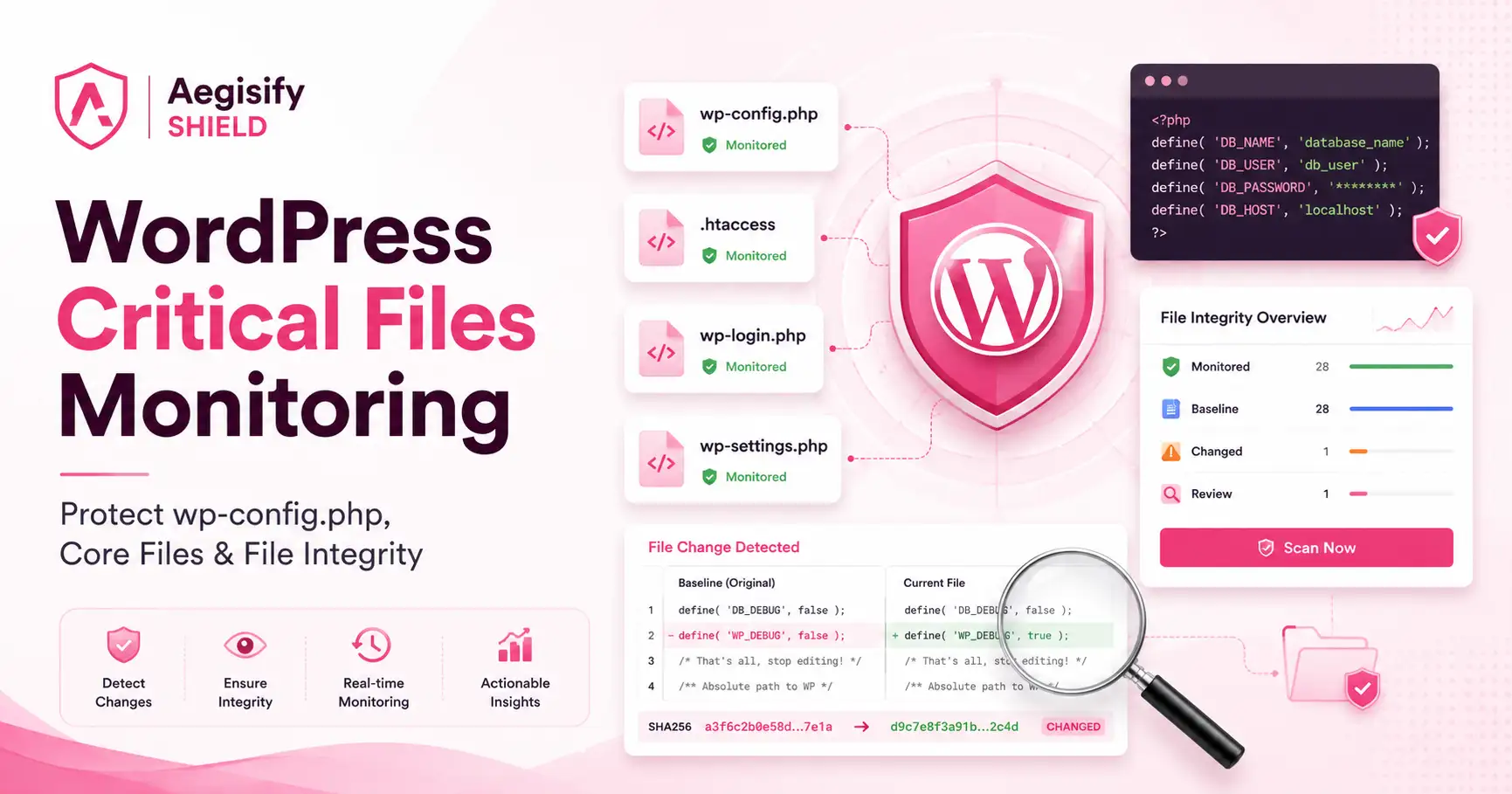
- Hardening and integrity controls
- Firewall, bot, app and API protection
- Detection, response, and blocking
AI, Reports & Action
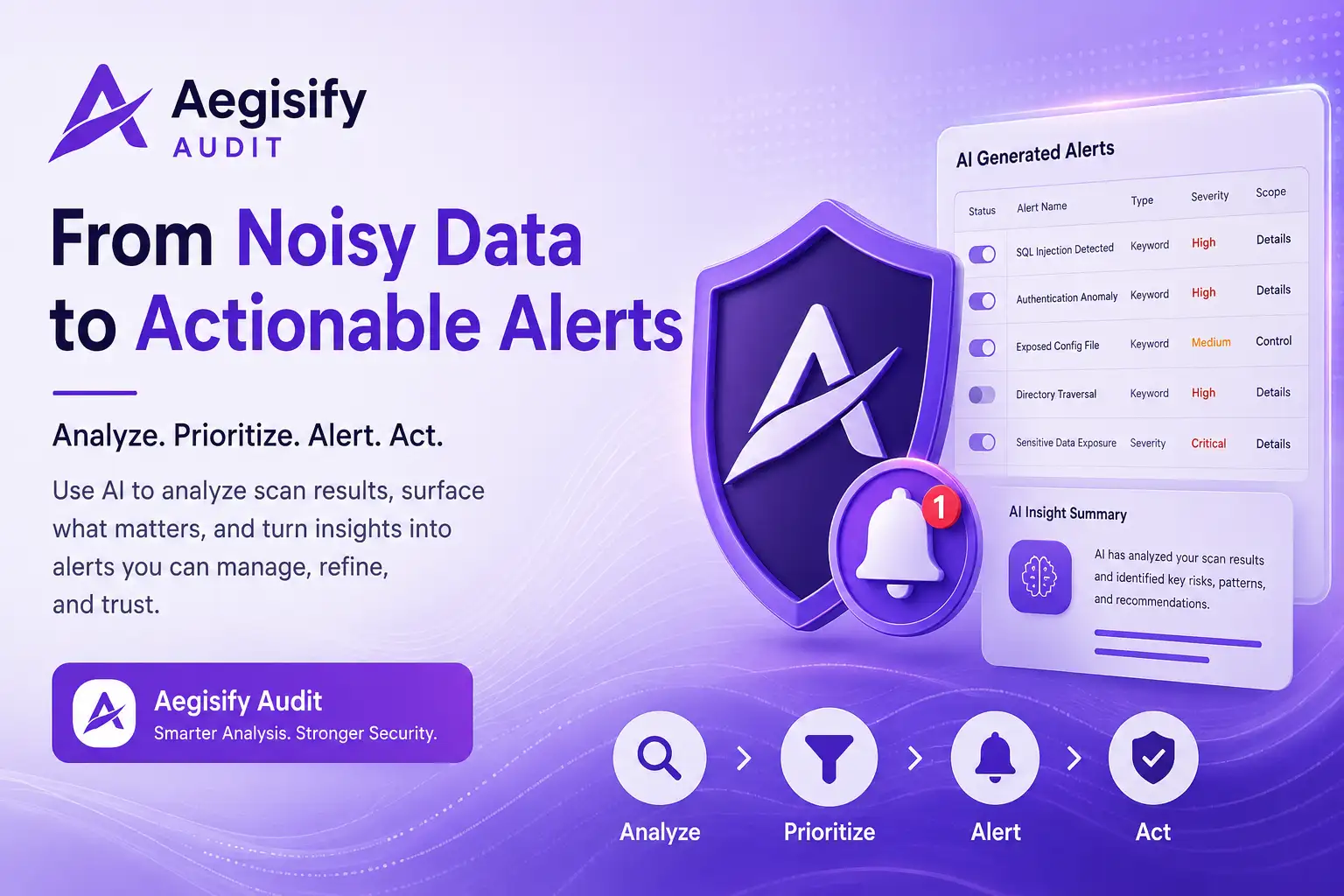
AI filters noise, prioritizes meaningful risk, recommends fixes, supports assignments, and powers weekly automated reports, notifications, and remediation tracking.
- Prioritized findings and guidance
- Assignments, alerts, and status
- Evidence-backed weekly reports
Plugin, Theme, Core, and Dependency Vulnerability Review
WordPress sites accumulate plugins, themes, WooCommerce extensions, custom code, Composer libraries, JavaScript packages, form integrations, caching layers, and third-party scripts. Aegisify connects inventory with vulnerability signals, fixed-version guidance, active status, exposure, and business impact.
Plugin and Theme Inventory
A vulnerability result is only as reliable as its inventory. Inventory identifies unused software, unsupported themes, abandoned extensions, must-use plugins, custom modifications, and components that should be removed. WordPress continues to emphasize keeping core, plugins, and themes current.
Static Code Analysis for Custom WordPress Risk
Many WordPress environments include custom plugins, WooCommerce modifications, portals, dashboards, and REST integrations. Agent-side static analysis can flag risky functions, weak capability checks, missing validation or escaping, unsafe file operations, and code requiring developer review. Findings are evidence, not automatic proof of exploitability.
DAST and Public Attack-Surface Review
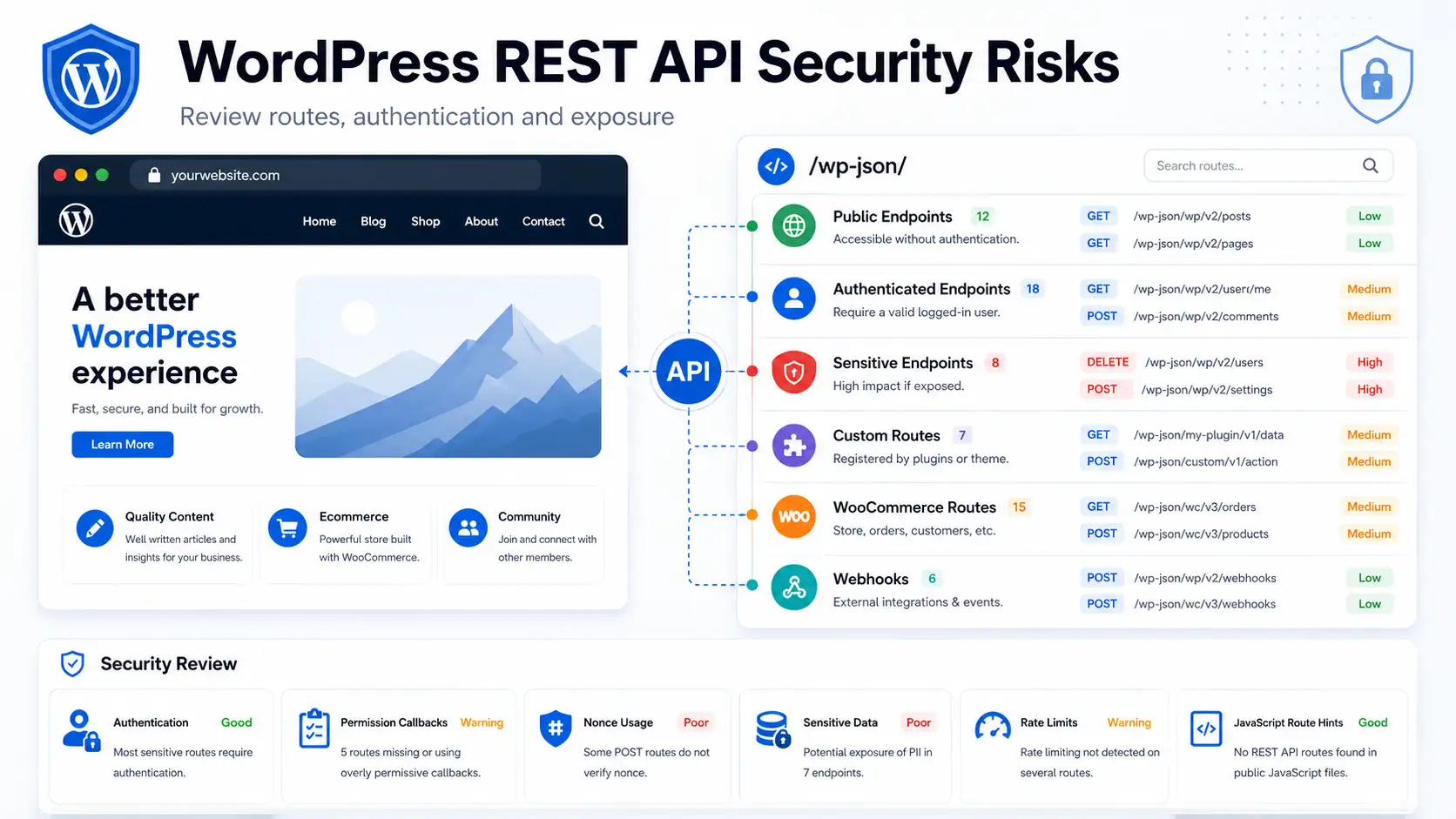
DAST-style testing reviews the running site from the outside. Aegisify scan profiles can evaluate headers, cookies, exposed artifacts, routes, APIs, OpenAPI or GraphQL hints, login behavior, WooCommerce surfaces, and payload families such as injection, SSRF, and path traversal. Testing should be authorized, scoped, and rate-aware.
Malware Indicators, Backdoors, SEO Spam, and Redirect Signals
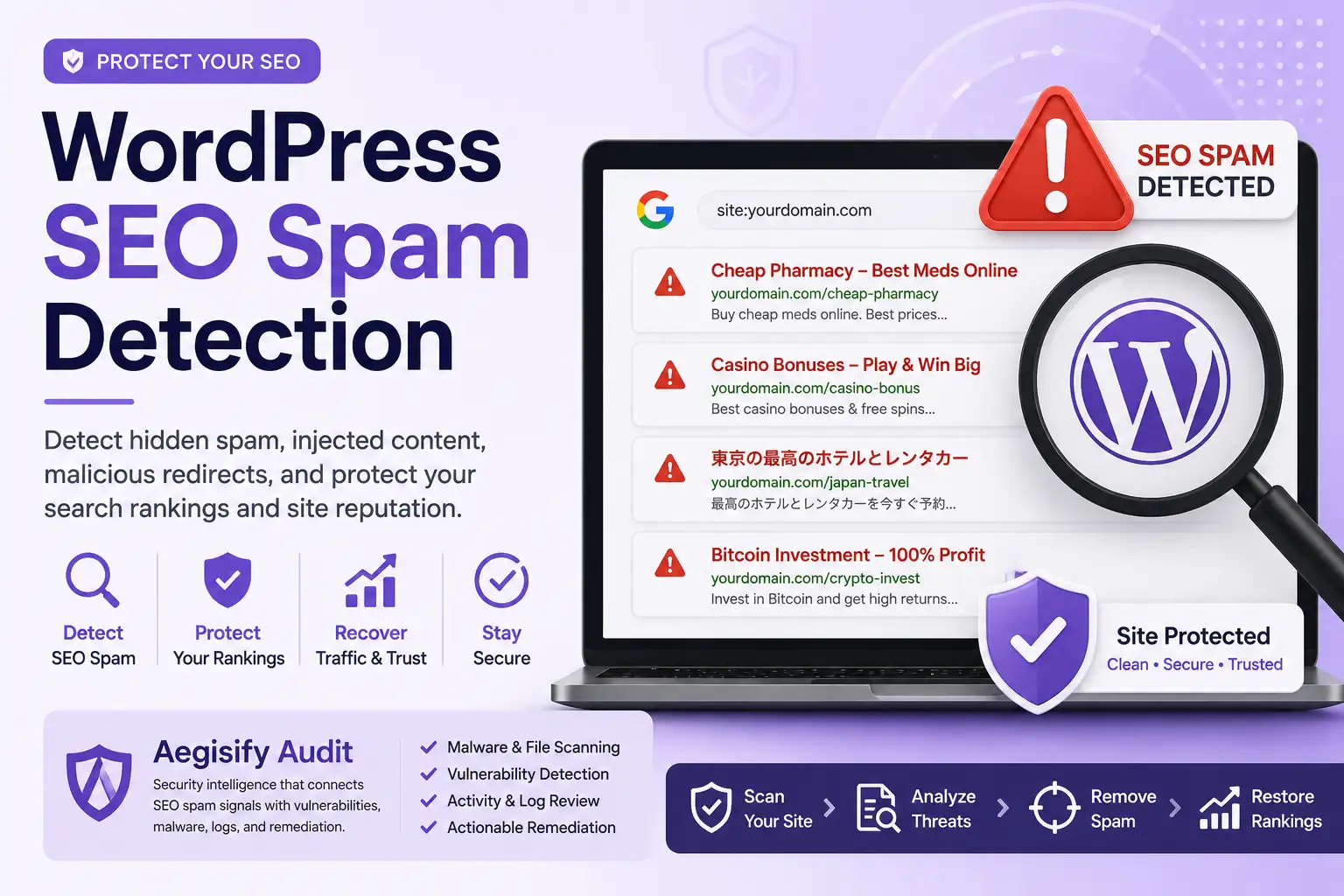
A complete audit should review suspicious files, malware patterns, backdoors, SEO spam, malicious redirects, reputation changes, exposed logs, unfamiliar users, and unusual activity. Aegisify organizes signals for remediation planning; it does not guarantee detection or automatic cleanup.
WP Logging, App Logging, and Evidence Review
Logs turn suspicion into investigation. WP Logging and App Logging can show what changed, when it changed, which requests occurred, and which events need review. Scan IDs, domain context, timestamps, categories, and historical reports strengthen the evidence.
AI Remediation Guidance With Human Review
AI should be decision support, not magic repair. Aegisify can translate findings into human-reviewable explanations, actions, verification steps, and next-action planning. Engineers still approve changes, confirm compatibility, maintain backups, and judge production safety.
Why a Basic Security Scanner Is Not Enough
A scanner may identify an outdated plugin. An audit explains whether that plugin is active, exposed through checkout or a public route, associated with a known vulnerability, visible in logs, connected to customer data, and covered by a safe update. NVD states that CVSS measures severity rather than complete risk, while CISA recommends using known exploitation as an input to vulnerability prioritization. That context changes the order of remediation.
How Aegisify Helps Teams Prioritize Findings
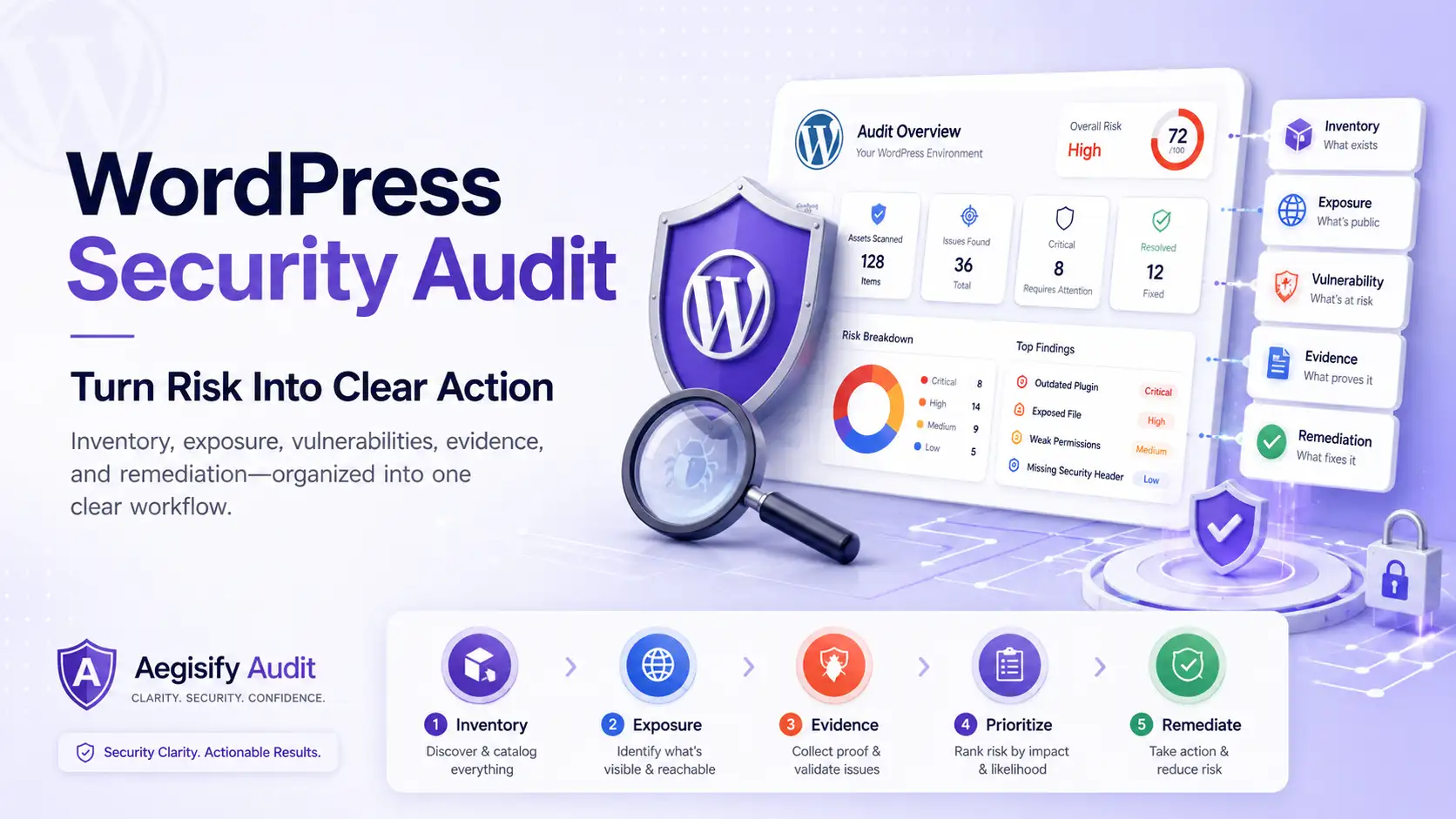
Aegisify Audit Workflow
A repeatable workflow helps teams convert technical findings into controlled action instead of accumulating unresolved alerts.
What Clear Action Looks Like
A useful report does not say only, “Critical plugin vulnerability found.” It explains: “The affected plugin version is installed and active. The related route is publicly reachable, the issue requires no authentication, and the component supports a customer-facing workflow. Update to the vendor’s fixed release after backup and compatibility testing, review relevant logs, then rerun the vulnerability and exposure checks.”
That language gives executives the reason, engineers the action, site owners the impact, and auditors the evidence. It also avoids pretending that a score, scanner, or AI recommendation can replace responsible technical judgment.
WordPress Security Audit FAQ
How is a WordPress security audit different from a vulnerability scan?
A vulnerability scan primarily identifies known software weaknesses. A security audit adds inventory, exposure, configuration, code, malware indicators, logs, business impact, remediation planning, and verification.
Does every WordPress site need DAST and static code analysis?
Coverage should match the site. Public applications, WooCommerce stores, portals, custom APIs, custom plugins, and sensitive workflows benefit most from combined runtime and code-level review.
Can Aegisify Audit guarantee that a site is secure?
No. It helps collect, correlate, prioritize, and report evidence. No scanner or audit can guarantee complete security or detection of every vulnerability or compromise.
How often should a WordPress security audit run?
Run audits after major changes, new integrations, incidents, plugin or theme replacements, and on a recurring schedule based on business risk. High-change or revenue-critical sites generally need more frequent review.
Does AI automatically fix every finding?
No. Aegisify positions AI as a human-reviewable guidance layer. Proposed remediation should be approved, tested, backed up, verified, and rolled back when necessary.
WordPress and Application Security References
Editorial references include the OWASP Top 10:2025, WordPress Security guidance, Hardening WordPress, NVD CVSS guidance, the CISA Known Exploited Vulnerabilities Catalog, the Aegisify Help Center, and the Aegisify Audit setup guide.