How Aegisify Shield Turns Invisible WordPress Threats Into Controllable Security
WordPress security, login protection, file integrity monitoring, malware detection, activity logging, database risk controls and WordPress hardening are most effective when they operate as one reviewable security workflow. A failed login, unexpected file change or administrator-role modification may appear harmless in isolation. Connected evidence helps administrators understand whether several events are part of the same incident.
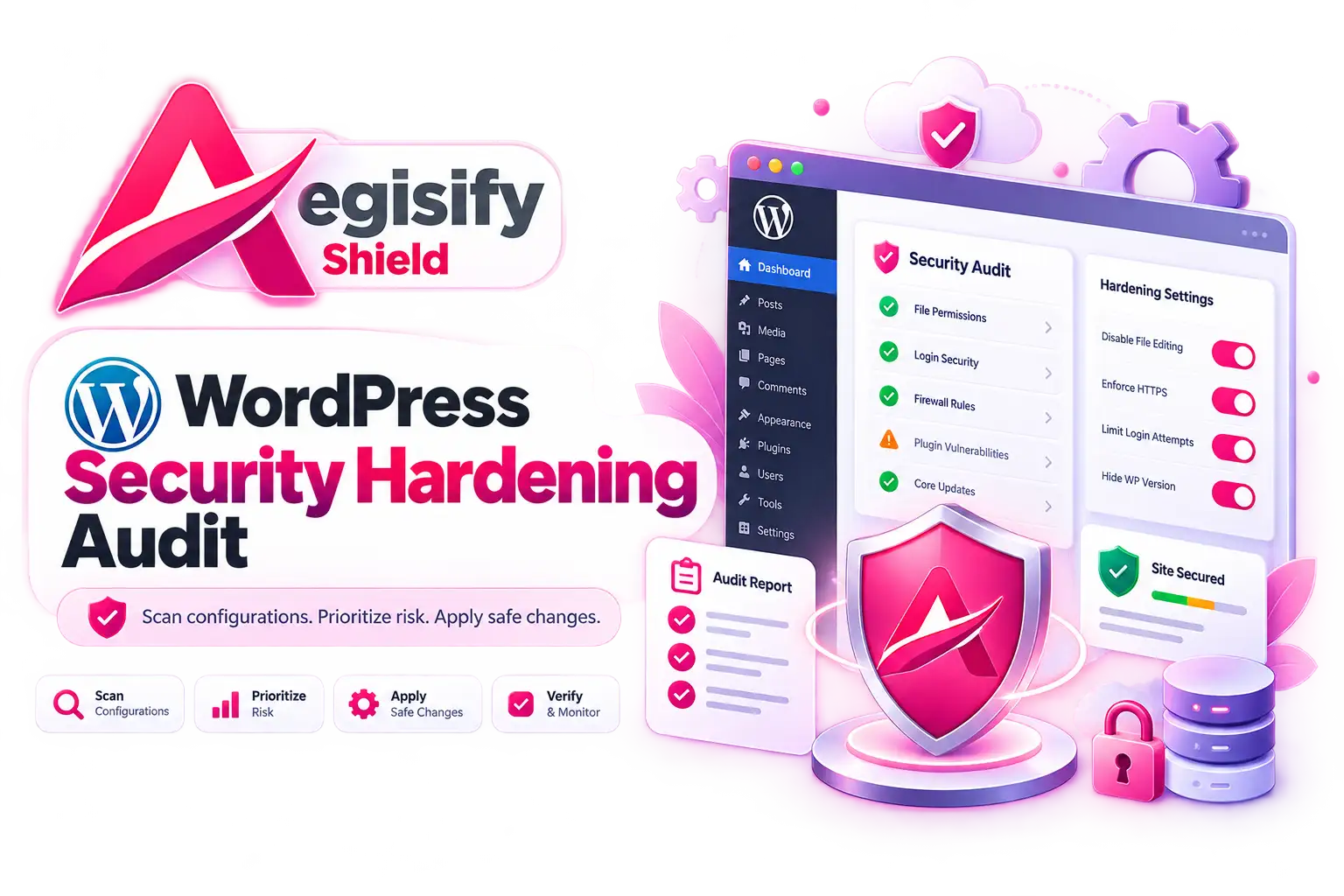
Aegisify Shield brings security intelligence, Login Guard controls, file monitoring, critical-file review, hardening, browser security headers, malware heuristics, database tools and operational logs into one WordPress workspace. Its role is not to promise that attacks cannot happen. Its role is to help teams reduce supported attack paths, see meaningful changes, preserve evidence and respond with greater control.
The 2:13 AM Scenario Is Illustrative
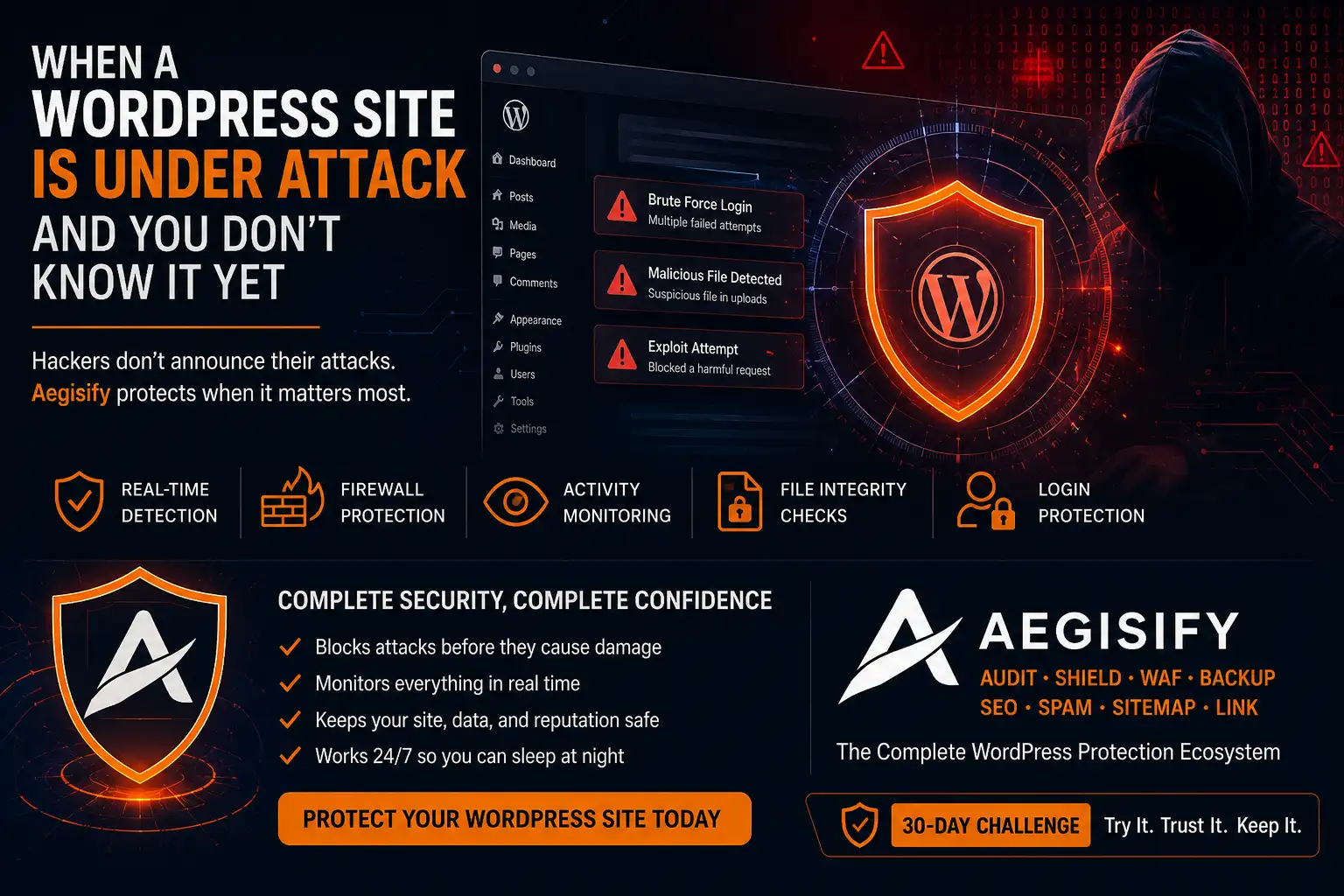
Imagine a quiet Tuesday morning. Automated login attempts are hitting WordPress, a bot is probing plugin paths and an unexpected script appears in a writable directory. This is a representative scenario, not a verified customer incident or guaranteed outcome.
WordPress Security Problems Often Begin as Separate, Low-Context Events
WordPress powers more than 43% of the web and supports everything from blogs to complex portals and applications. That scale and extensibility make WordPress valuable, but each account, plugin, theme, integration, writable directory and administrative capability also becomes part of the security boundary.
Many site owners assemble separate plugins for login protection, file scanning, hardening, headers and logging. Different dashboards, retention rules, alerts and enforcement models can make it harder to understand what happened and what should happen next.
Aegisify Shield approaches the problem as a layered security workspace focused on visibility, access controls, change detection, exposure reduction, investigation and recovery readiness.
Security Dashboard
Review posture conditions, authentication pressure, prevented actions, file-change bursts, high-impact changes and module activity from one starting point.
Login Guard
Apply lockouts, rate limits, invalid-user controls, honeypot rules, IP restrictions and administrator-privilege governance.
File Integrity
Establish baselines, review changed or unexpected files, inspect critical files and compare activity with approved releases.
Activity Evidence
Search authentication, user, plugin, scan, enforcement and selected database events to support investigation and accountability.
From Invisible Activity to Controlled WordPress Response
Confirm backups, owner access, expected administrators, files and normal activity.
Monitor logins, changes, scans, blocked actions and configuration conditions.
Compare users, sessions, timestamps, IPs, files and recent releases.
Contain access, quarantine carefully, harden controls or restore trusted files.
Rescan, test business workflows and document remaining uncertainty.
Login Guard Protects the WordPress Access Layer
Credential stuffing, automated guessing and unauthorized privilege changes can give an attacker control over plugins, themes, users, settings and customer-facing workflows. Aegisify Shield Login Guard provides supported lockout, throttling, invalid-user, honeypot, IP and interactive wp-admin controls while recording relevant decisions.
Current administrator-protection workflows can identify supported attempts to create or promote administrator-equivalent access. Depending on configuration and hosting capabilities, Shield can block or contain the change, request Account Owner approval, revoke sessions and continue integrity checks.
The current reviewed Shield guide states that its previous MFA, TOTP, backup-code, WebAuthn and trusted-device workflow was removed. Organizations requiring MFA should use a separately validated authentication solution and test interoperability with Login Guard. Public copy should not market Shield MFA as an active feature until the production guide confirms it has returned.
File Integrity Monitoring Creates an Early Warning System
Attackers may add a backdoor, alter a plugin file, modify configuration or place executable content in an unexpected location. Aegisify Shield separates broad integrity scans, recurring change monitoring and Critical Files review.
Administrators can review baselines, scan history, severity, change status, protected snapshots, core-checksum context and redacted differences for sensitive configuration values. A sudden file-change burst can then be compared with an approved update, deployment window or administrator action.
A changed file is evidence, not automatic proof of malware. Compare it with a trusted source, preserve backups and assess impact before quarantine. Re-baseline only after confirming the change is expected.
Bring Login, File and Activity Evidence Into One WordPress Workflow
Investigate connected events before small weaknesses become larger incidents.
Malware Review Requires Evidence, Not Automatic Assumptions
The current Aegisify Shield guide documents manual heuristic scans, WordPress core checksum checks, findings review, controlled actions, quarantine, logging and incident reports. Heuristics can produce false positives and false negatives, so suspicious code must be compared with trusted sources and recent activity.
The reviewed build identifies Scheduled Scans, Scan Profiles, Incremental Quick Scan and the dedicated Attack Story tab as future-release items where implementation is unavailable. Those interfaces should not be marketed as current operational capabilities without newer verified product evidence.
Activity Logs Give Security Events Investigative Context
Aegisify Shield records supported logins, user and role changes, plugin activity, scans, module actions and selected database operations. Filters, alerts, saved views, sessions and exports vary by feature and license.
A useful investigation defines the time window, identifies affected accounts and addresses, compares File Integrity and malware findings, preserves relevant evidence and records what remains uncertain. Alerting should focus on events that require action; excessive low-value notifications train teams to ignore the system.
WordPress Hardening Reduces Exposure Without Replacing Secure Operations
Aegisify Shield includes controls for dashboard file editing, version output, user enumeration, XML-RPC policy, password rules and role or capability review. Configuration depends on the site because aggressive restrictions can interrupt integrations.
Security Headers add browser-facing controls for clickjacking, MIME sniffing, referrer handling, browser permissions, Content Security Policy and HSTS. CSP should begin in report-only mode where practical, and HSTS should be enabled only after HTTPS behavior is stable because cached browser policy can outlive a WordPress setting change.
Database Tools Support Visibility and Controlled Maintenance
Aegisify Shield DB Tools provide database growth review, optimization controls and a guided table-prefix workflow. Database prefix changes are not a substitute for secure credentials, least privilege, updates or application security. They also affect a live application and require backup, compatibility testing and rollback planning.
Database protection remains layered: restrict access, protect hosting credentials, review privileged users, maintain tested backups and investigate unusual growth with application and server evidence.
Security Visibility Is Not a Guarantee of Complete Protection
A high dashboard score can coexist with an unknown vulnerability, stolen credential, compromised hosting account or undetected malicious code. Aegisify Shield should operate beside secure hosting, timely updates, least privilege, a WordPress-aware WAF where appropriate, independent backups, vulnerability management and an incident-response plan.
How Shield Fits Into the Aegisify Security Ecosystem
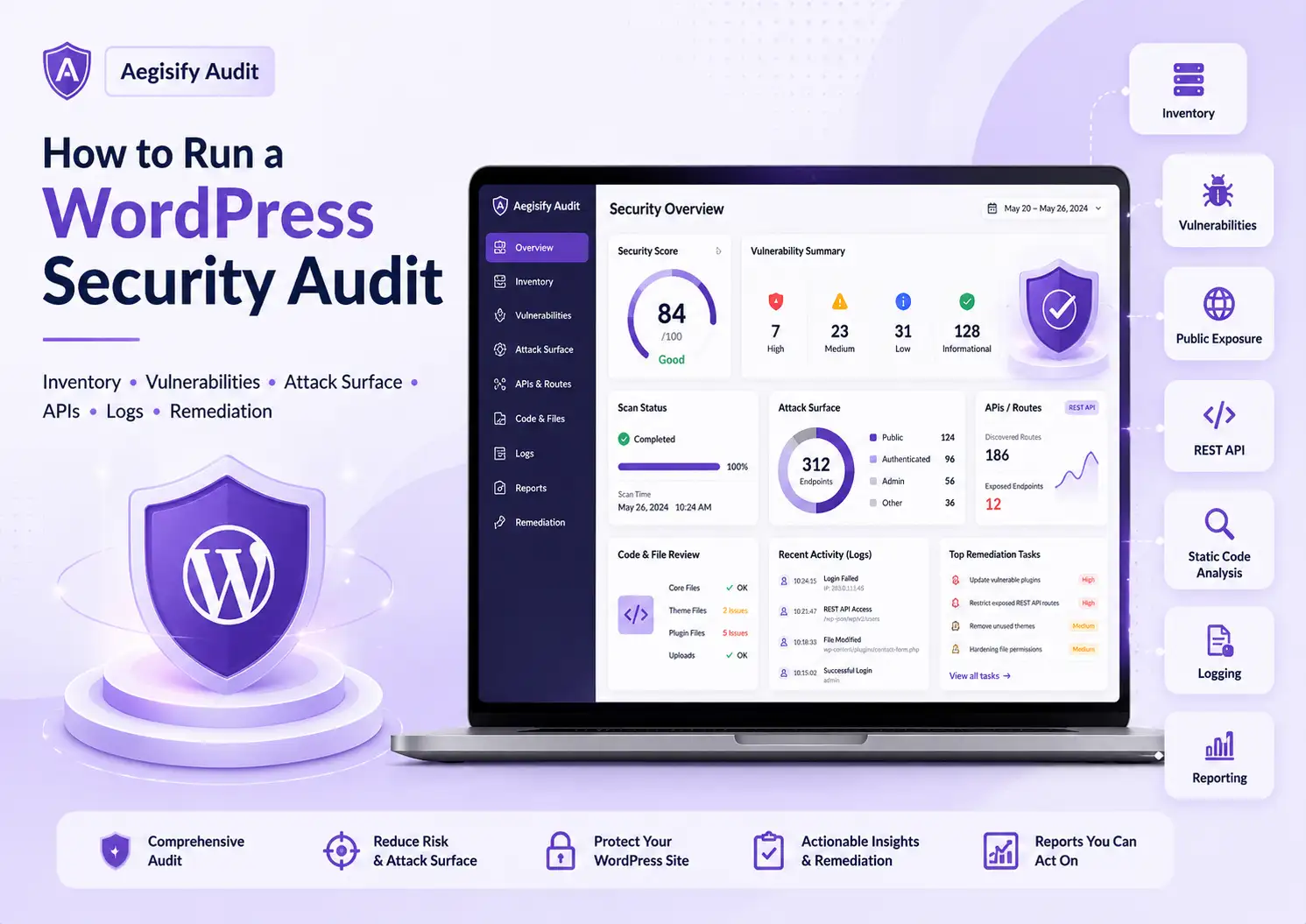
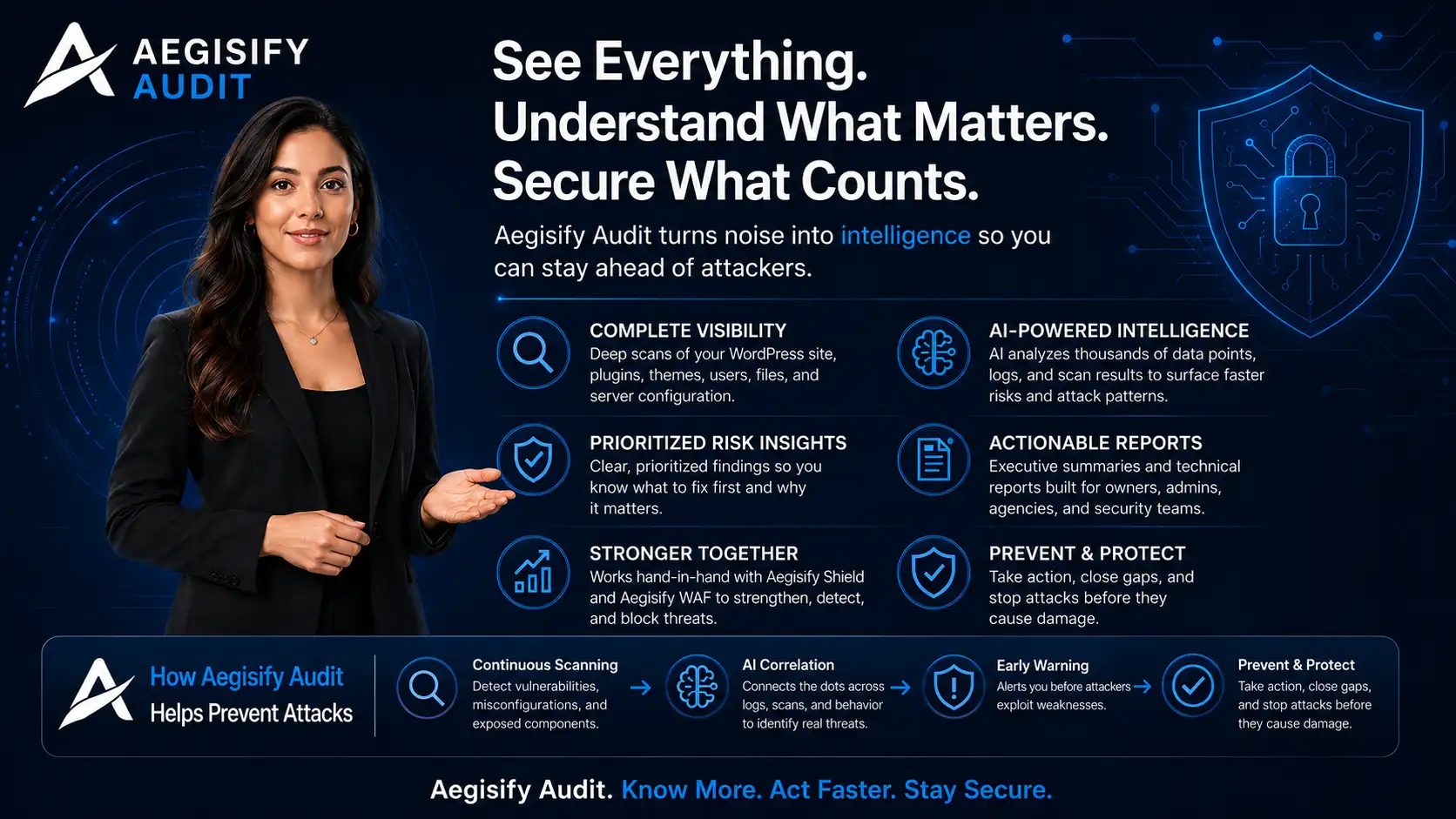
Aegisify Shield focuses on WordPress hardening, administrator protection, activity evidence, file integrity, malware indicators, browser policies and database tools. Aegisify WAF controls supported malicious or abusive requests at the WordPress application layer. Aegisify Backup provides backup, disaster recovery and migration workflows. Aegisify Audit adds broader assessment and remediation intelligence.
Connected products can reduce fragmentation, but every site should verify licensing, compatibility and ownership. The value comes from coordinated evidence and safer action—not claims that one suite eliminates every risk.
Aegisify Shield WordPress Security FAQ
Does Aegisify Shield prevent every WordPress compromise?
No. Shield reduces supported risks and improves visibility, but no plugin can guarantee protection against every application, hosting, credential, server or supply-chain attack.
Does the current reviewed build include Shield MFA?
No. The current product guide states that the former Shield MFA, TOTP, WebAuthn, backup-code and trusted-device workflow was removed. Use a separately validated MFA solution where required.
Is every file change malicious?
No. Updates and deployments change files legitimately. Compare findings with approved changes, trusted packages, checksums and related activity before taking action.
Is the dedicated Attack Story view operational?
The reviewed guide identifies that malware tab as a future-release item when implementation is unavailable. Current investigations should use Activity Log, File Integrity, manual malware findings, checksums and incident reports.
Can Shield make a WordPress site compliant?
No single plugin creates compliance. Shield may support technical safeguards and evidence, but compliance depends on scope, governance, policies, people, infrastructure, contracts and independent validation.
Product and WordPress Security References
Editorial references include the Aegisify Shield Product Guide, Aegisify Shield, Aegisify administrator-protection documentation, Aegisify File Integrity, Aegisify Activity Log, WordPress security guidance, WordPress hardening guidance, and WordPress platform information.