WordPress Vulnerability Scanner Checklist: What to Scan, Prioritize, and Fix
A WordPress vulnerability scanner should identify known security issues across WordPress core, plugins, themes, must-use plugins, WooCommerce extensions, and related software. A useful WordPress CVE scanner must also confirm the installed and fixed versions, explain whether the component is active or reachable, and guide the remediation path.
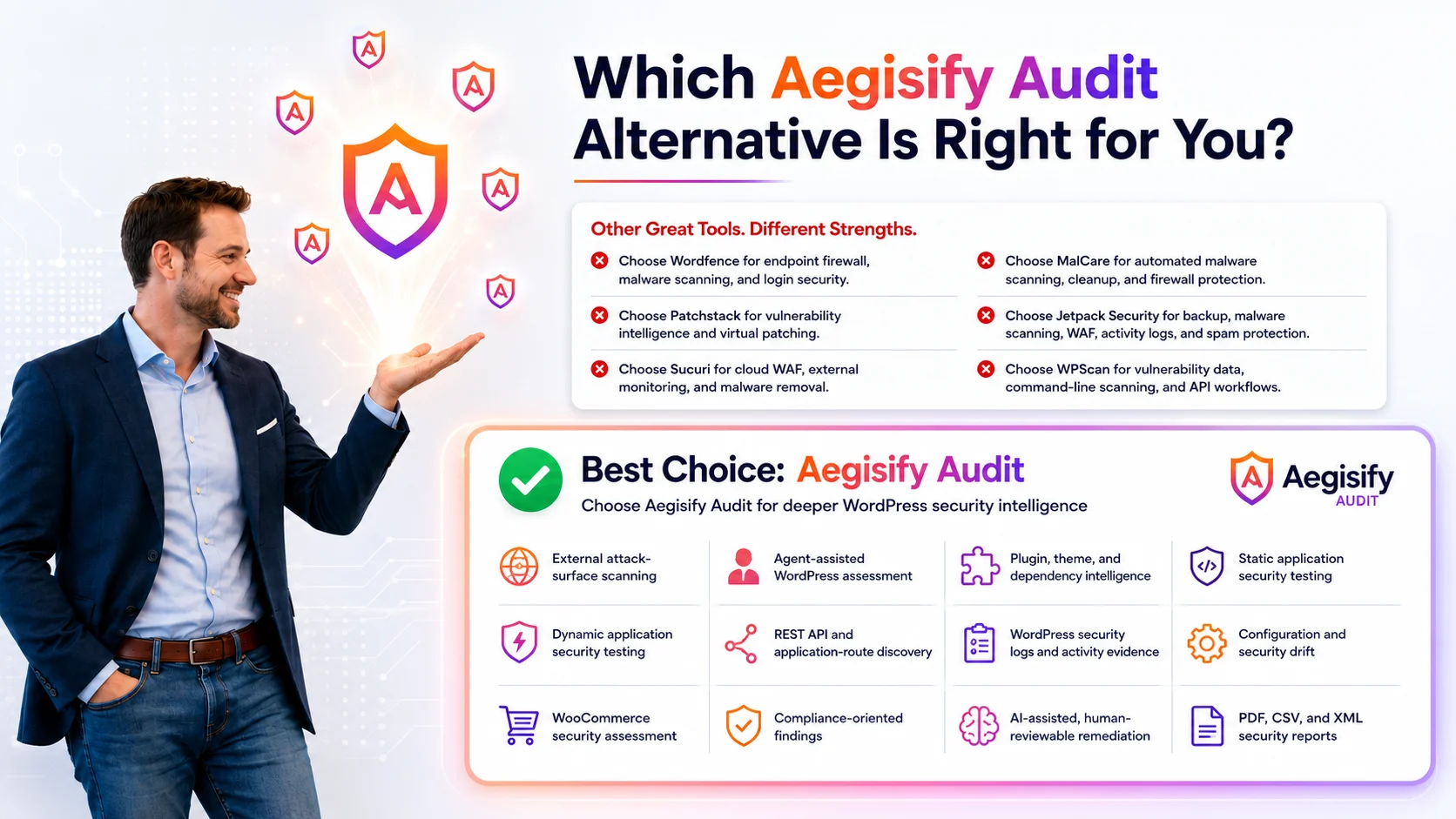
Aegisify Audit turns vulnerability scanning into a broader WordPress security-audit workflow by connecting software inventory, local Agent evidence, vulnerability matching, public exposure, static analysis, DAST-style testing, reports, and AI-assisted remediation guidance.
Why WordPress Vulnerability Scanning Matters
A WordPress site is a software stack. Core, plugins, themes, must-use plugins, Composer and JavaScript packages, WooCommerce extensions, custom code, and integrations all affect the attack surface. Keeping core current does not remove risk from an outdated extension or custom component.
The CVE Program provides identifiers for publicly disclosed vulnerabilities, while NVD adds standards-based management data. These sources support consistent correlation, but local site context determines business risk.
Review the installed WordPress version, update channel, known advisories, fixed release, multisite status, and whether security updates are operating correctly.
Inventory active, inactive, network-active, and must-use plugins. MU plugins are automatically enabled and require deliberate inspection.
Review active and inactive themes, parent-child relationships, custom modifications, template overrides, and locally developed code.
Give extra attention to payment, checkout, subscription, membership, shipping, tax, CRM, webhook, Composer, and JavaScript components.
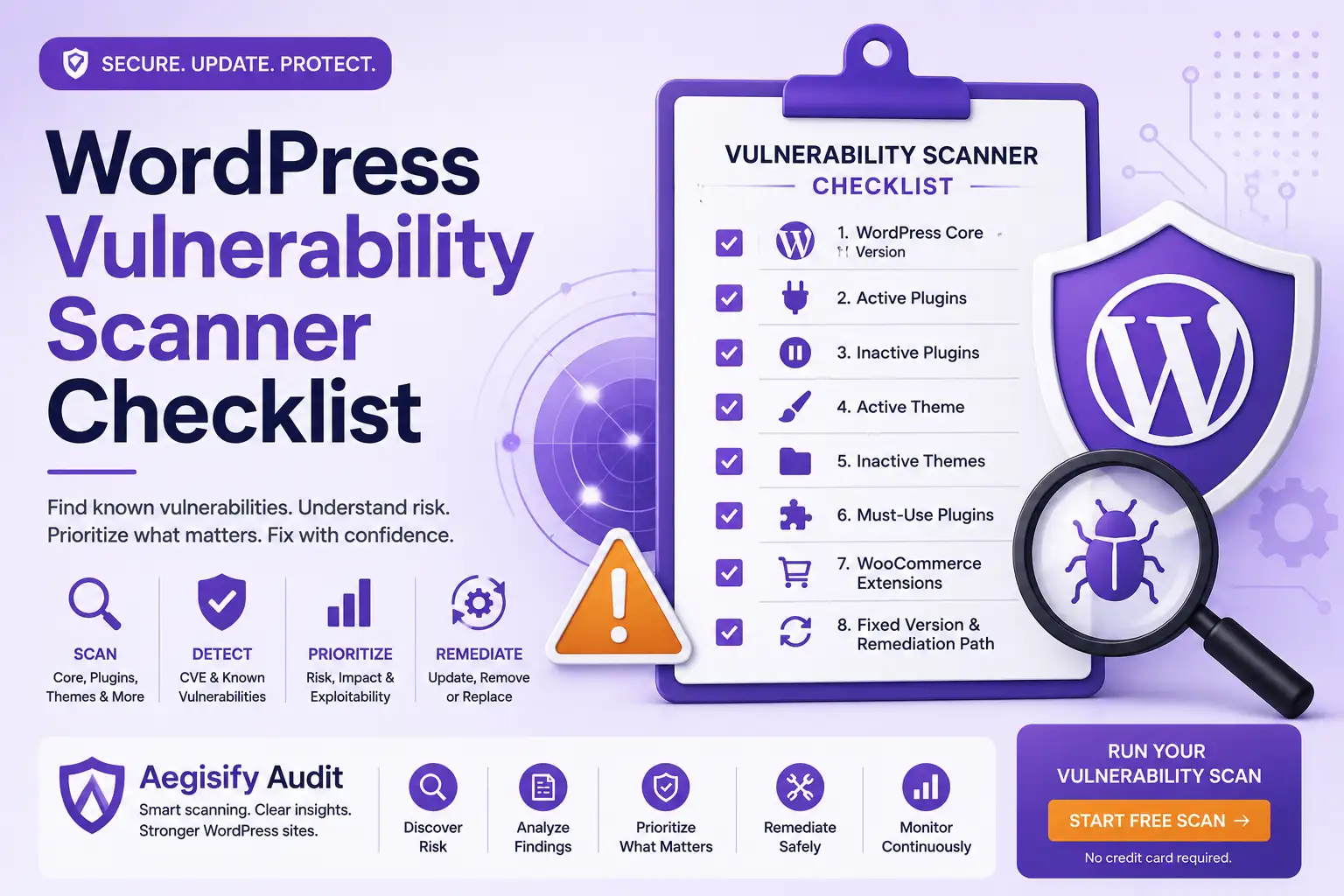
Checklist: What a WordPress Vulnerability Scanner Should Review
1. WordPress Core Version
Record the installed version, supported release, advisories, affected range, fixed version, and action. Confirm that updates function correctly. Reliable matching depends on accurate product names and versions.
2. Active Plugins
Active plugins deserve early review because their code participates in the running site. Capture the name, slug, version, status, advisory, affected range, fixed version, privileges, exploit evidence, exposure, and business impact. Explain why one finding matters more than another.
3. Inactive Plugins
Inactive does not always mean irrelevant. Files remain until deleted, and some vulnerabilities involve directly reachable code. Determine whether the plugin is needed, supported, affected, or safe to remove. Deleting unnecessary components reduces attack surface.
4. Active and Inactive Themes
Review active and parent-child theme versions, custom modifications, WooCommerce overrides, vulnerabilities, and updates. Inventory inactive themes and keep only those required for operation or documented rollback.
5. Must-Use Plugins and Drop-Ins
Must-use plugins are automatically enabled from a special directory. Drop-ins can replace caching, database, or other WordPress behavior. Inventory them instead of relying only on the standard Plugins screen.
6. WooCommerce Extensions
Commerce extensions can affect checkout, payments, orders, accounts, subscriptions, webhooks, and customer data. Review versions, support, status, public routes, updates, compatibility, and whether the workflow handles revenue or trust.
7. Composer and JavaScript Dependencies
Risk may exist inside a bundled library even when the parent component has no advisory. Correlate Composer and JavaScript package versions with trusted data. This is dependency analysis, not merely a WordPress plugin-feed check.
8. Fixed Version and Remediation Path
A finding needs an action. State affected and fixed versions, update availability, and whether to update, remove, replace, isolate, mitigate, monitor, or review the component. Include backup, compatibility testing, approval, and retesting.
CVSS Measures Severity, Not Your Complete Risk
NVD explicitly describes CVSS as a qualitative measure of vulnerability severity, not a measure of risk. Use severity as one input. Add CISA Known Exploited Vulnerabilities data, EPSS probability where available, authentication requirements, public reachability, active status, asset criticality, business impact, and the existence of a safe fix.
| Finding Context | Suggested Priority | Why It Matters |
|---|---|---|
| Known exploitation plus public, unauthenticated exposure | Urgent Patch, remove, isolate, or mitigate immediately using an approved emergency process. | The vulnerable path is reachable and exploitation evidence exists. Prioritize especially when the component handles users, files, payments, or administrator actions. |
| Affected active component with a public route | High Priority Confirm the fixed version, update path, and exposure. Test promptly. | Active code and internet reachability increase realistic opportunity, even when no confirmed exploitation is known. |
| Authenticated flaw in a sensitive workflow | High Priority Consider who can obtain the required role and what the action can affect. | Subscriber-level access may be easier to obtain than administrator access. Checkout, orders, files, and account functions increase impact. |
| Inactive, outdated, unnecessary component | Remove or Review Delete it when it has no documented purpose. | Unused files add maintenance burden and may preserve directly reachable vulnerable code. |
| Version not affected or feature not present | Document Record the evidence and monitor advisory changes. | A scanner match can be inaccurate when versions, forks, bundled libraries, or configuration conditions are misunderstood. |
From Vulnerability Alert to Verified Remediation
A repeatable workflow prevents vulnerability management from becoming a list of unresolved CVEs.
What Aegisify Audit Adds Beyond a Basic Scanner
A basic scanner may identify a plugin and advisory. Aegisify Audit is designed to connect that alert with local WordPress evidence and the broader security condition of the site. The workflow can combine software inventory, Agent data, vulnerability correlation, static code analysis, DAST-style exposure review, API and WooCommerce surfaces, logs, activity signals, reports, and AI-assisted remediation notes.
Aegisify Audit supports human judgment. It does not guarantee that every vulnerability will be detected, that every advisory is correct, or that an automated recommendation is safe for production without review.
WordPress Vulnerability Scanner FAQ
What is a WordPress CVE scanner?
It compares installed WordPress software and versions with publicly known vulnerability records, including CVE identifiers and other trusted advisories. Accurate inventory and version matching are essential.
Should I remove inactive vulnerable plugins?
Often, yes. When an inactive plugin has no documented purpose, deleting it reduces unnecessary files and maintenance risk. Confirm dependencies and take a backup before removal.
Is vulnerability scanning the same as malware scanning?
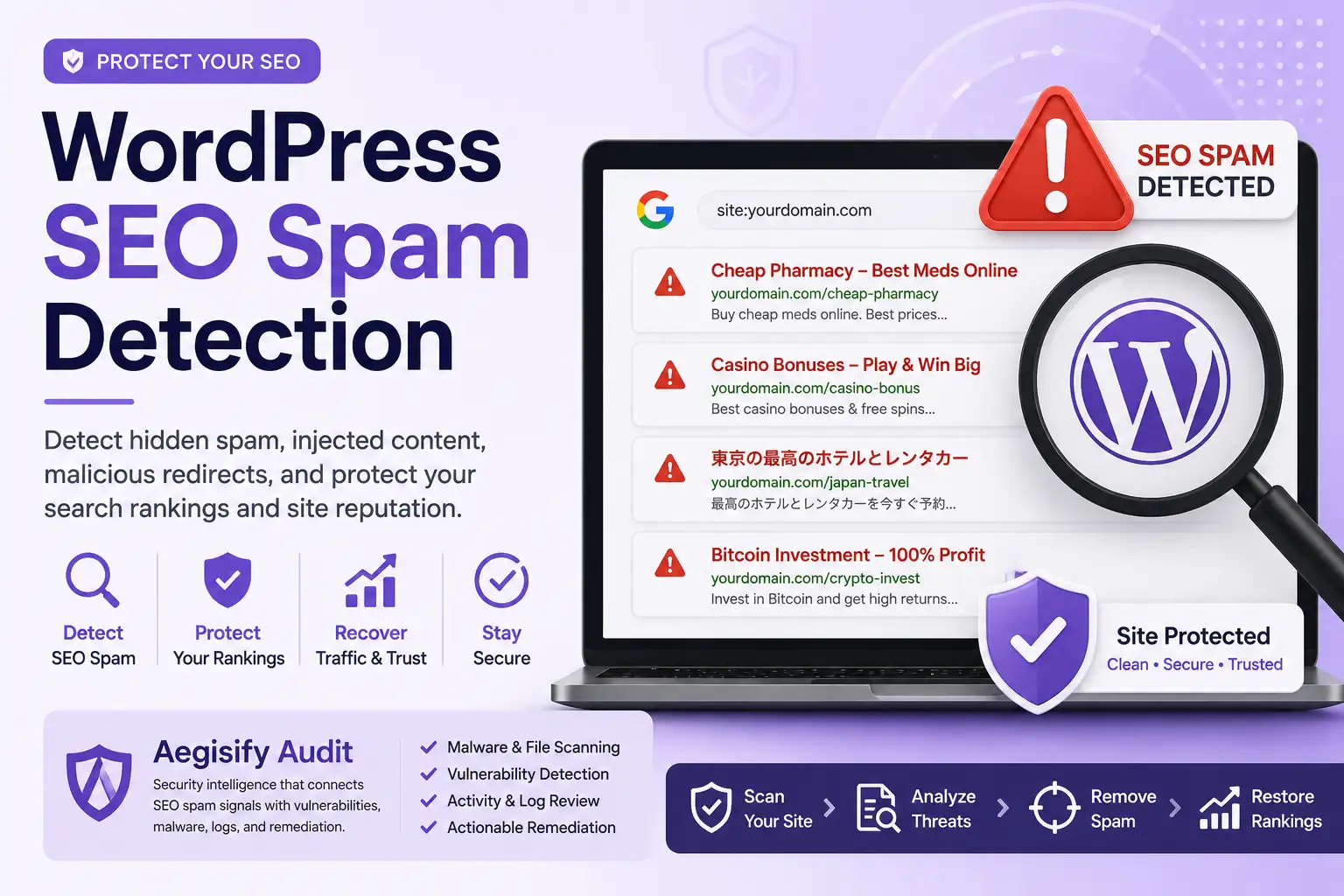
No. Vulnerability scanning looks for known weaknesses in installed software. Malware scanning looks for malicious code, backdoors, suspicious changes, or compromise indicators. A site can have one without the other.
Does a critical CVSS score always mean emergency patching?
No. It signals high severity, but local risk also depends on affected version, reachability, authentication, exploitation evidence, asset criticality, business impact, and whether compensating controls exist.
Can Aegisify Audit replace a human security review?
No. It helps collect, correlate, prioritize, and report evidence so owners, agencies, developers, and security reviewers can make better decisions.
Vulnerability and WordPress Security References
Editorial references include the CVE Program overview, the National Vulnerability Database overview, NVD CVSS guidance, the CISA Known Exploited Vulnerabilities Catalog, the FIRST Exploit Prediction Scoring System, WordPress security guidance, WordPress plugin and theme update guidance, and WordPress must-use plugin documentation.