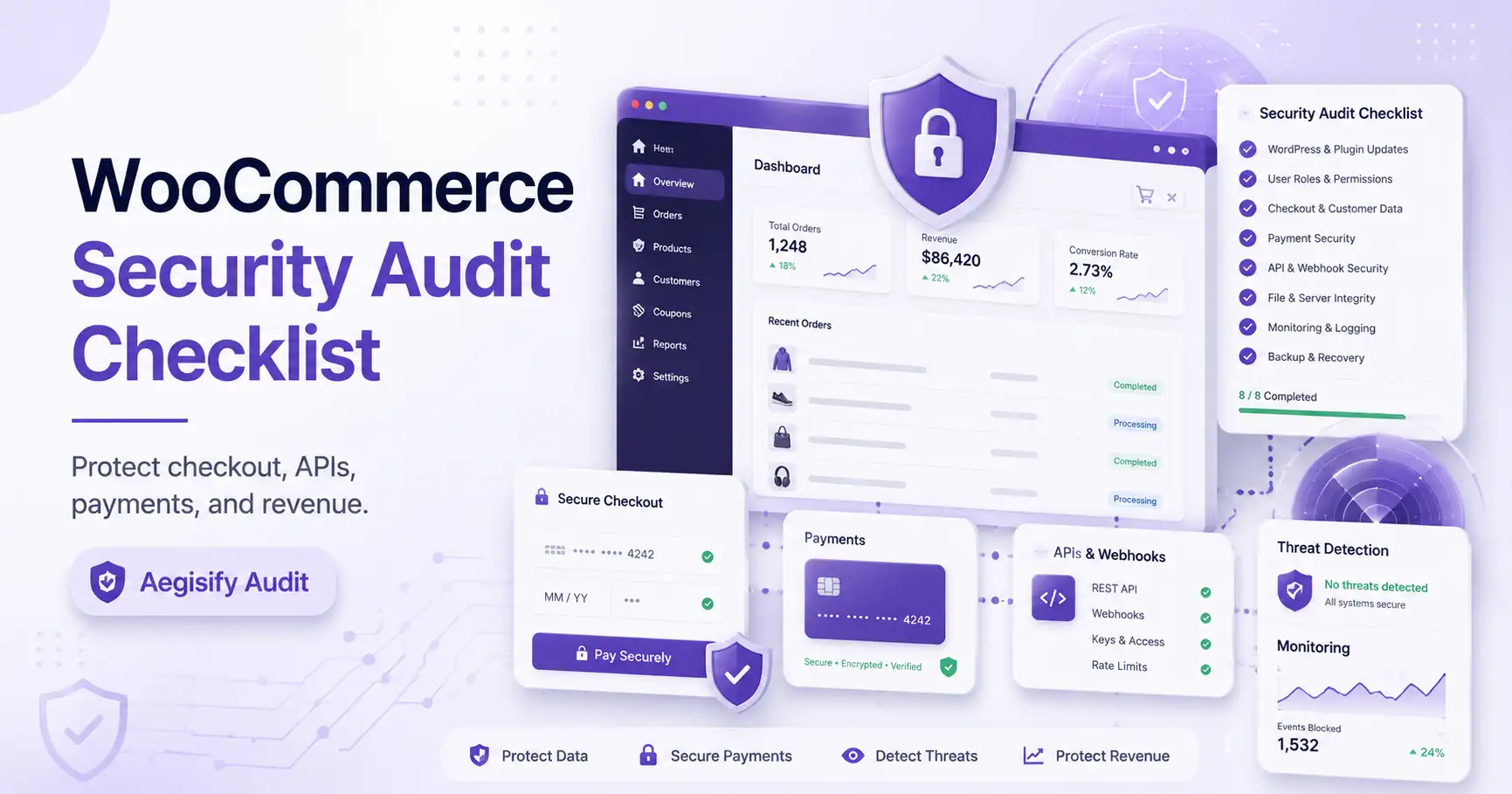
WooCommerce Security Audit Checklist: Review Checkout, APIs, Payments, and Store Operations
A WooCommerce security audit checklist should review more than WordPress updates. A useful WooCommerce security audit examines core and extensions, checkout and cart behavior, payment integrations, customer accounts, REST and Store API exposure, webhooks, scheduled actions, logs, security headers, and remediation priorities. This broader WordPress ecommerce security review helps store owners protect revenue, customer trust, order operations, and critical integrations.
WooCommerce stores carry more operational risk than brochure sites because they process orders, refunds, accounts, subscriptions, shipping, taxes, and payment events. A vulnerable extension or unsafe configuration can interrupt sales, expose data, or alter business logic.
Why WooCommerce Security Is Different
A standard WordPress site may center on content, forms, and authentication. WooCommerce adds business logic and dynamic customer state. Cart, Checkout, and My Account pages remain customer-specific. The Store API provides public endpoints for customer-facing product, cart, and checkout functionality, while cart-changing requests use nonce or cart-token controls. Custom extensions can add routes, fields, permissions, and data flows.
The audit must evaluate store security.
Cart, checkout, payment, coupon, tax, shipping, and order-state behavior directly affect sales.
Registration, login, password reset, account endpoints, roles, and personal-data settings require review.
Gateways, webhooks, REST keys, CRM, fulfillment, subscriptions, and custom integrations expand exposure.
Logs, scheduled actions, failed orders, webhook delivery, and configuration changes reveal real conditions.
A Security Audit Is Not a PCI Compliance Certification
PCI DSS defines requirements for environments that store, process, or transmit payment account data. An audit can review scripts, HTTPS, gateways, logs, webhooks, and exposure, but should not claim compliance without the correct scope, evidence, and validation process. Current PCI ecommerce guidance also emphasizes authorization, integrity, and tamper monitoring for payment-page scripts.
| Audit Area | What to Review | Priority and Aegisify Path |
|---|---|---|
| Core and Extensions | Inventory WooCommerce, gateways, shipping, subscriptions, memberships, invoices, tax, CRM, fulfillment, checkout editors, and custom extensions. Record versions, active state, advisories, ownership, and business importance. | Critical Baseline Aegisify Audit can connect component inventory with vulnerability findings and static-code context. |
| Cart and Checkout | Test cart state, nonce and token behavior, guest checkout, account creation, payment redirection, coupons, errors, shipping, tax, custom fields, JavaScript, caching, and data leakage. | Revenue Critical Commerce DAST-style review can identify checkout and cart surfaces that deserve deeper validation. |
| Payment Gateways | Confirm HTTPS, production mode, current gateway extensions, hosted versus direct data handling, payment-page scripts, webhook configuration, secret management, and sensitive logging. | Payment Risk Review evidence without making an unsupported PCI compliance claim. |
| Customer Accounts | Review guest checkout, registration, password setup and reset, login exposure, customer roles, administrator access, enumeration signals, account endpoints, privacy settings, and recent account changes. | High Priority Correlate account settings with user, login, role, and activity evidence. |
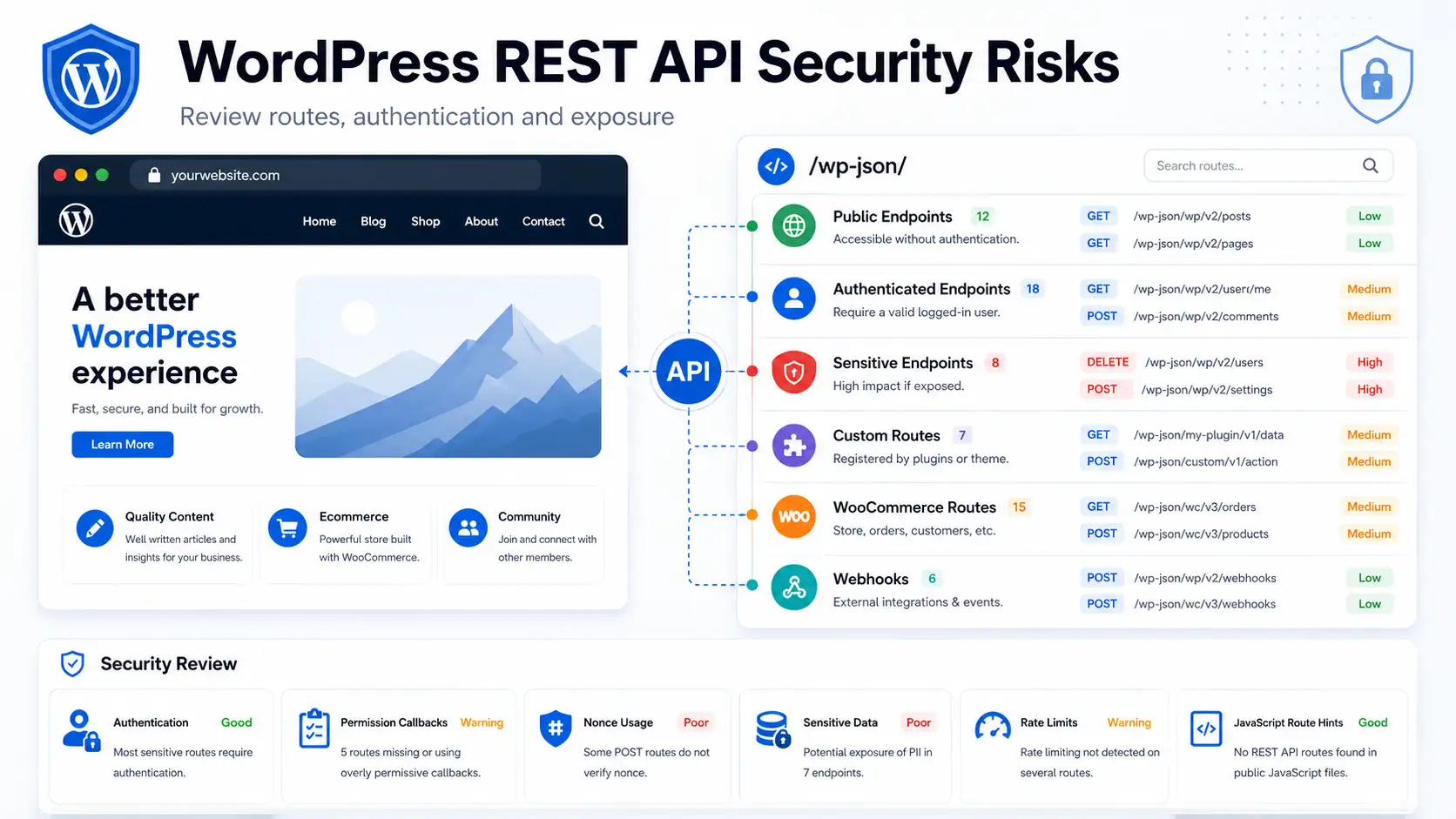
| REST, Store API, and Webhooks | Map Store API, authenticated REST keys, custom routes, order and customer endpoints, JavaScript-exposed paths, webhook destinations, secrets, permissions, response data, and failure behavior. | Application Surface Aegisify API DAST workflows can review REST, OpenAPI, GraphQL, and JavaScript hints where present. |
| Logs and Scheduled Actions | Review WooCommerce logs, payment and webhook logs, failed orders, debug logs, fatal errors, transactional events, plugin changes, user changes, and failed or overdue scheduled actions. | Operational Evidence Aegisify WP Logging and application-log workflows connect runtime evidence with scan findings. |
| HTTPS and Browser Controls | Verify HTTPS, mixed content, HSTS readiness, CSP where appropriate, frame protection, Referrer Policy, Permissions Policy, cookies, and checkout compatibility. | Defense Layer Headers reduce browser-facing risk but do not repair vulnerable plugins or broken authorization. |
Inventory Every Extension That Can Change Store Behavior
WooCommerce security depends on more than the core plugin. Payment, shipping, subscription, membership, tax, checkout, fulfillment, and CRM extensions may process sensitive events or add routes. Inactive plugins still matter when their files remain installed.
Record each component’s version, source, owner, update status, active state, and function. Compare the inventory with current vulnerability intelligence. Custom extensions require code review because public advisories may not exist.
Test Checkout as a Business Process, Not Just a Page
Checkout security includes cart identity, totals, coupons, shipping, tax, custom fields, order creation, payments, redirects, errors, and confirmation. WooCommerce documents that dynamic Cart, Checkout, and My Account pages should not be cached like ordinary content.
Test guest and authenticated journeys, payment methods, failures, refunds, duplicate submissions, changed totals, and mobile behavior. Payment-page scripts and third-party resources should be authorized, understood, and monitored for unexpected changes.
Validate Intended Exposure and Authorization
The WooCommerce Store API is public by design for customer-facing commerce; that does not make every custom route or response safe. Review object authorization, authentication, function permissions, resource abuse, and sensitive business flows. These concerns align with current OWASP API security risks.
REST API keys should have minimum permissions and a clear owner. Webhook destinations, signing secrets, delivery history, retries, and response codes require review. Remove unknown or obsolete keys and webhooks only after confirming business dependencies.
Use Runtime Evidence to Confirm What the Store Is Doing
WooCommerce exposes operational and webhook logs through WooCommerce > Status > Logs. Scheduled Actions manage background tasks, with failed-action logs available for investigation.
Review logs for sensitive data before sharing or retaining them. Correlate payment failures, webhook errors, account changes, extension updates, fatal errors, and unusual order states with the timestamps of security findings.
A Repeatable WooCommerce Security Audit Workflow
Aegisify Audit’s supplied Enterprise DAST: App & Commerce workflow is designed to identify application and commerce surfaces when detected. A safe audit process should move through six stages.
Record extensions, versions, APIs, webhooks, payment methods, roles, and critical store workflows.
Identify cart, checkout, account, order, payment, refund, subscription, and integration paths.
Run vulnerability, public-exposure, API, DAST-style, static-code, header, and configuration checks.
Connect findings with logs, failed actions, account changes, webhook events, and business impact.
Patch, restrict, reconfigure, rotate secrets, remove obsolete access, and preserve rollback options.
Retest checkout, payments, APIs, webhooks, accounts, orders, logs, and customer experience.
How Aegisify Products Support WooCommerce Teams
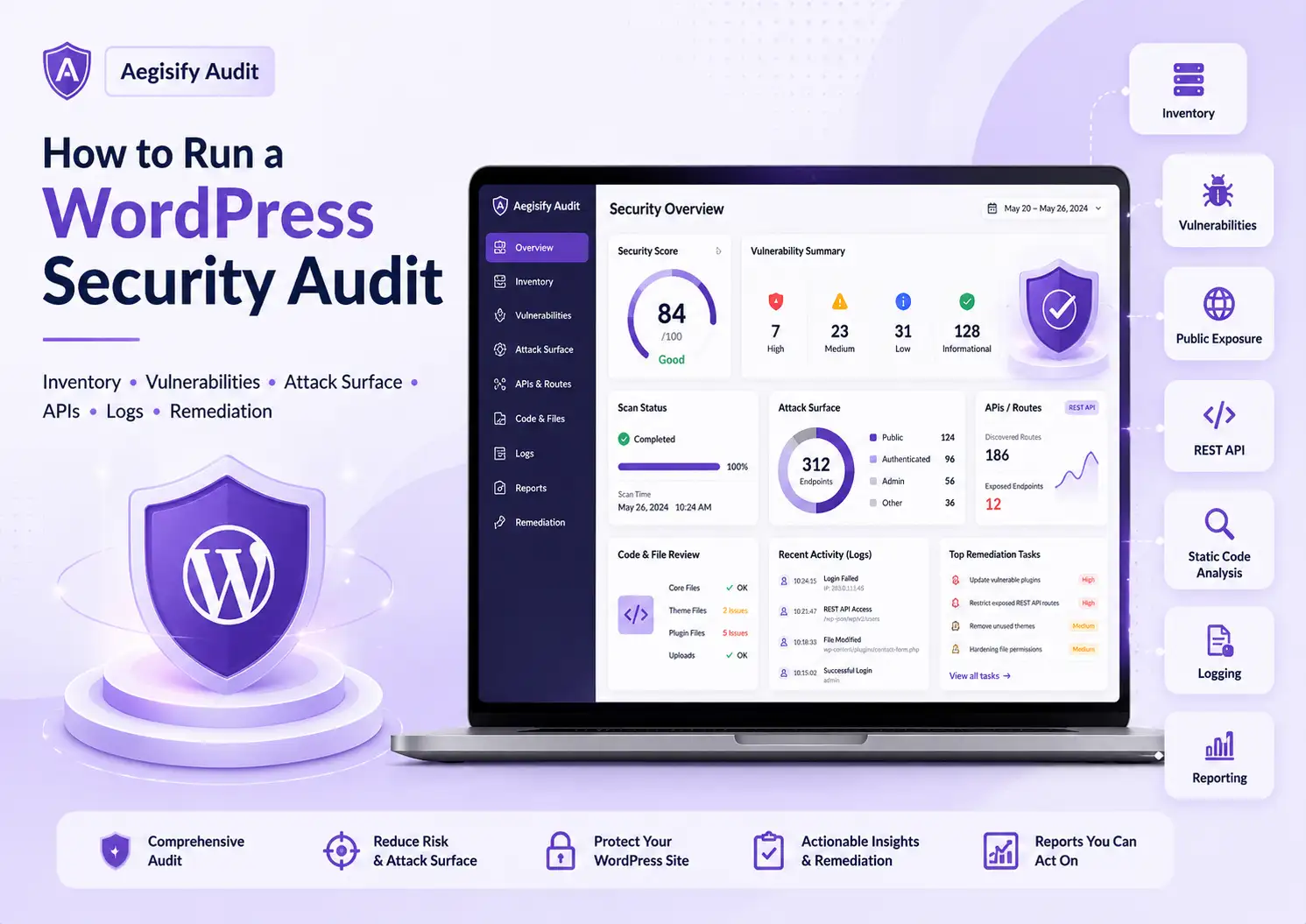
Aegisify Audit helps teams inventory extensions, identify vulnerable components, review checkout and payment surfaces, inspect APIs, correlate logs, and prioritize remediation. Its value is connecting store context with security evidence.
Aegisify WAF can complement the audit with WordPress-aware request monitoring and application-firewall controls. Aegisify Shield can support hardening, account protection, and activity monitoring. Aegisify Backup supports recovery planning, investigation copies, and rollback preparation before high-risk changes. These layers do not replace secure development, maintained extensions, compliance validation, or gateway configuration.
Prioritize Revenue and Trust
Fix issues that can alter checkout, expose order or customer data, compromise administrator access, abuse payment or refund logic, or interrupt integrations before low-impact housekeeping. The purpose is not to scare store owners. It is to preserve revenue, customer trust, and operational continuity through evidence-based action.
WooCommerce Security Audit FAQ
How often should I run a WooCommerce security audit?
Run one before major launches, checkout or payment changes, new extension installs, migrations, and on a recurring schedule for active stores. Retest after material remediation.
Is WooCommerce secure by default?
WooCommerce can be operated securely, but actual risk depends on hosting, extensions, configuration, custom code, user access, payment setup, integrations, and maintenance.
Can Aegisify Audit guarantee PCI compliance?
No. It can support technical review and remediation planning, but PCI compliance requires proper scoping, evidence, and the applicable validation process.
Should public Store API routes be blocked?
Not automatically. Store API endpoints support customer-facing commerce functionality. Review intended exposure, returned data, token behavior, custom routes, and authorization before changing access.
What should be fixed first?
Prioritize vulnerable components, unauthorized access, checkout manipulation, payment-page risk, exposed sensitive data, broken API authorization, and failed critical integrations.
WooCommerce, PCI, and API Security Documentation
Editorial references include the WooCommerce Store API overview, WooCommerce Cart API, WooCommerce Checkout API, WooCommerce Webhooks, WooCommerce Logs, WooCommerce Scheduled Actions, WooCommerce SSL and HTTPS, PCI Security Standards, and the OWASP API Security Top 10.