Protect WordPress With Visibility, Prevention, Detection, Prioritization, and Recovery
Public WordPress websites are continuously evaluated by automated scanners, credential-stuffing systems, malicious bots, exploit tools, and opportunistic attackers. These systems test login pages, plugins, themes, API routes, exposed files, ecommerce workflows, and common configuration weaknesses regardless of the website’s size or purpose.
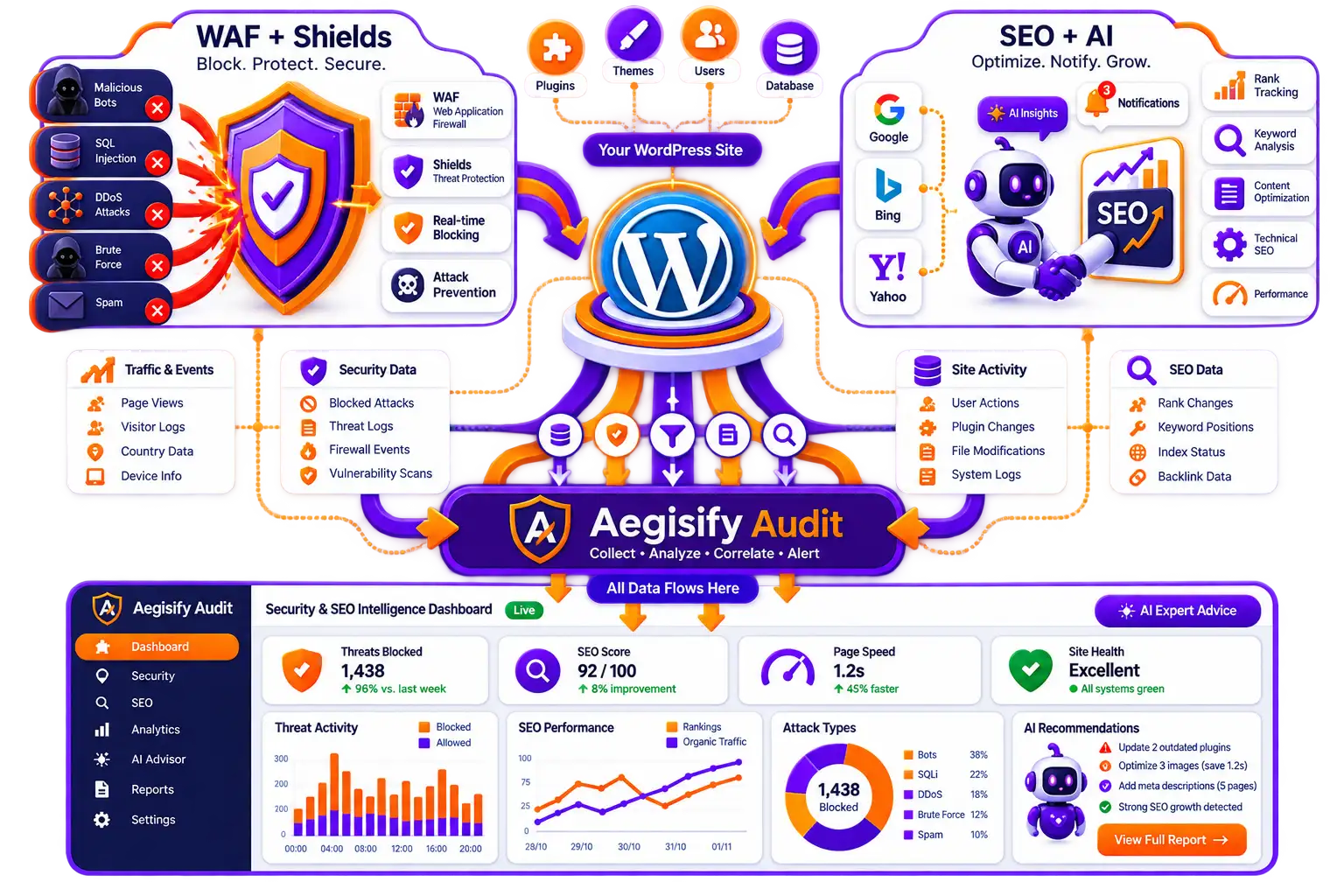
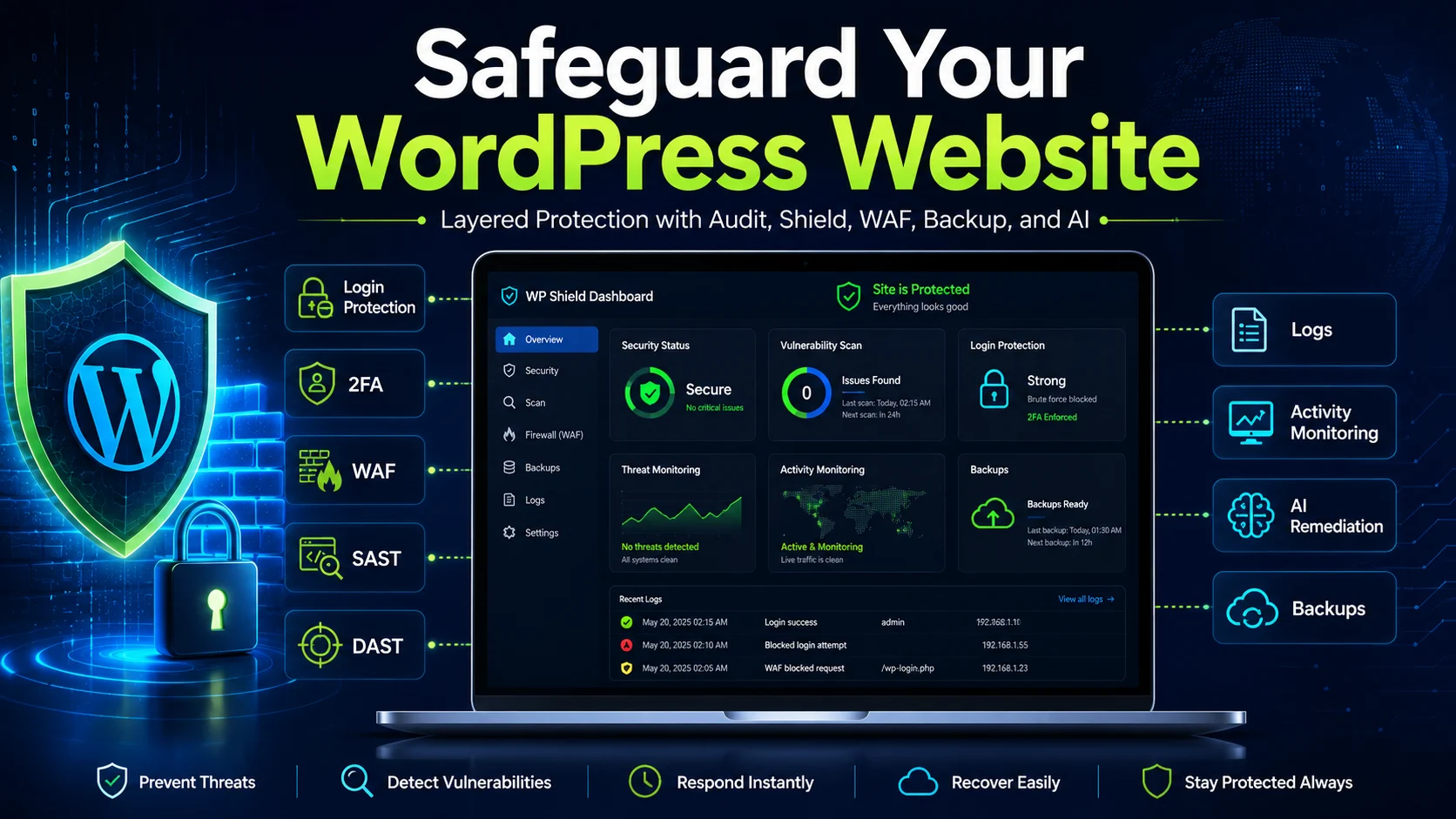
| Aegisify Layered Protection Model | |
|---|---|
| Aegisify Shield | Adds WordPress-side hardening, login protection, multi-factor authentication, activity logging, file-integrity monitoring, security notifications, database tools, and administrative safeguards. |
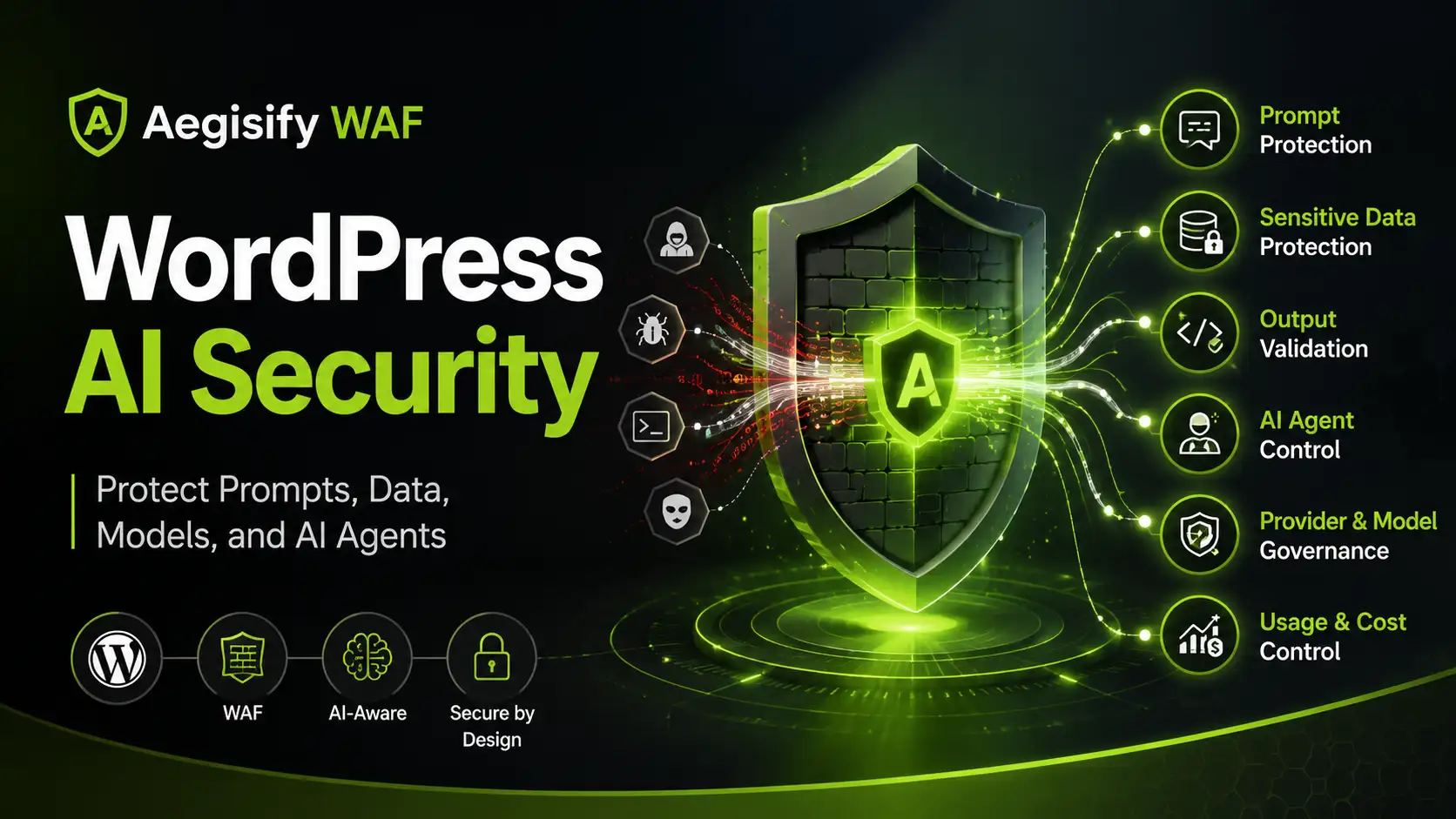
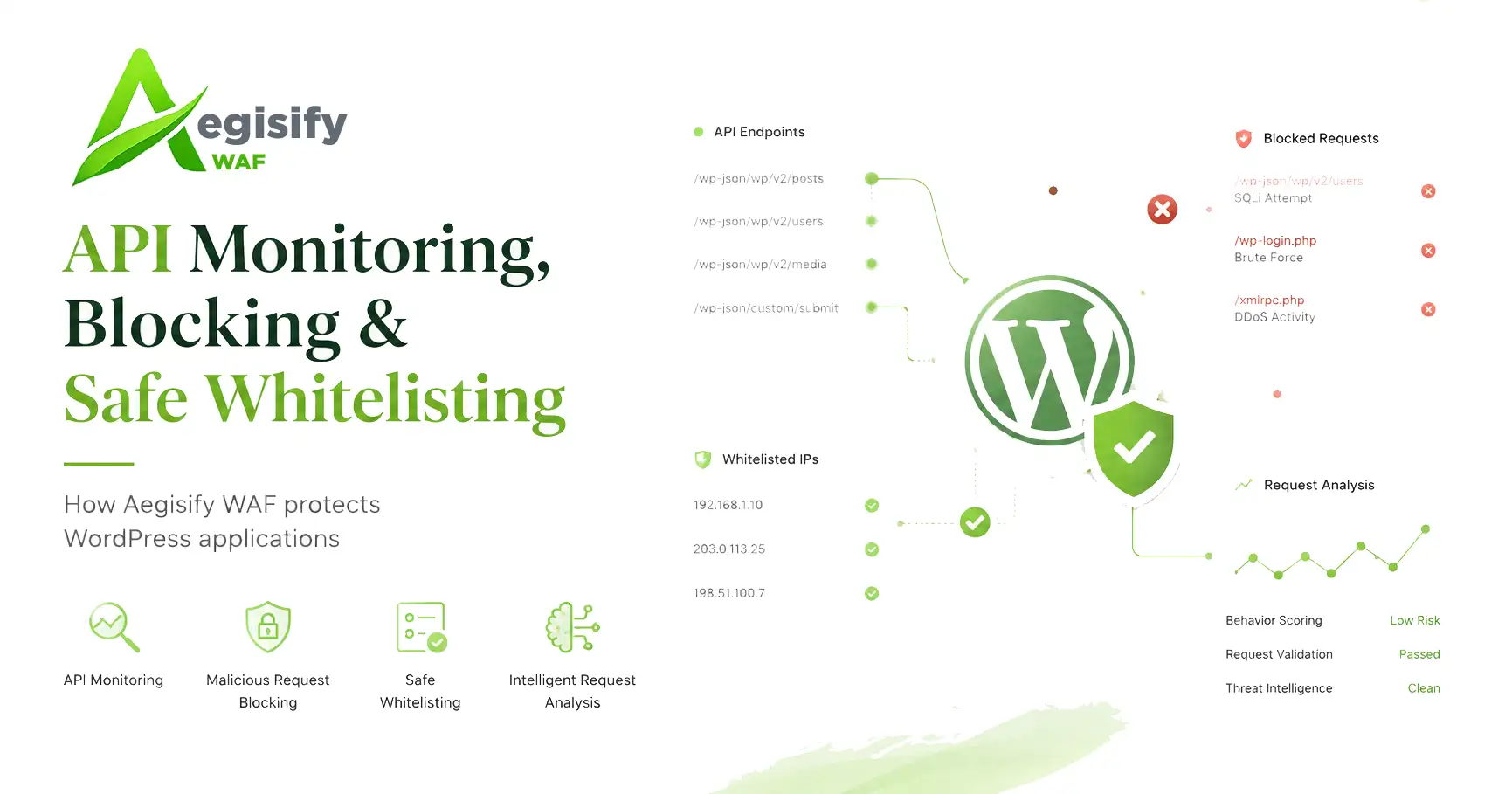
| Aegisify WAF | Inspects application-layer traffic and helps identify or block malicious payloads, abusive requests, exploit attempts, API abuse, automated scanning, and request-flood patterns before they reach deeper WordPress processing. |
| Aegisify Audit Agent | Collects structured local evidence from the WordPress environment, including software inventory, activity sensors, configuration changes, dependency information, local risk signals, and controlled runtime-log context. |
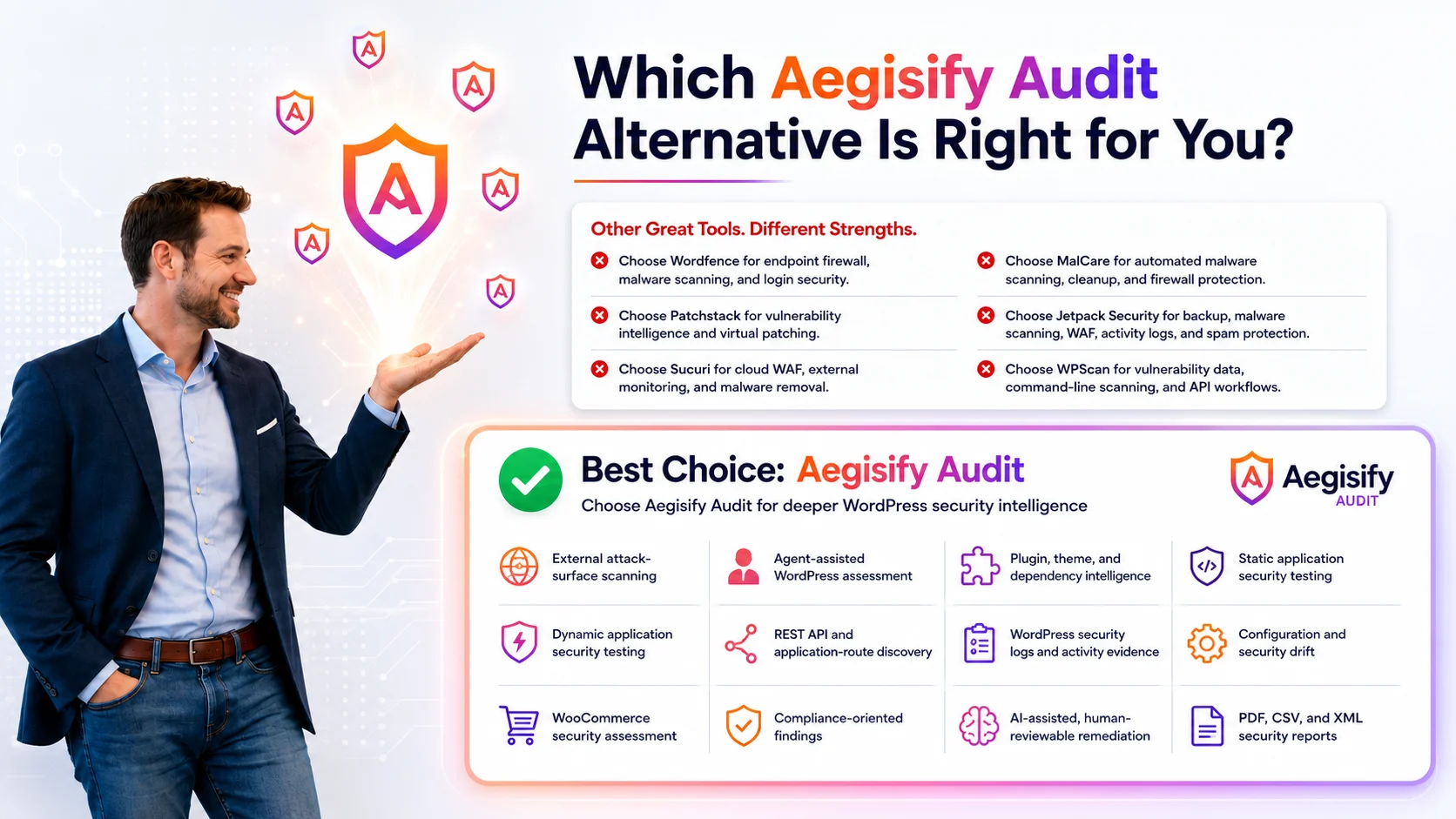
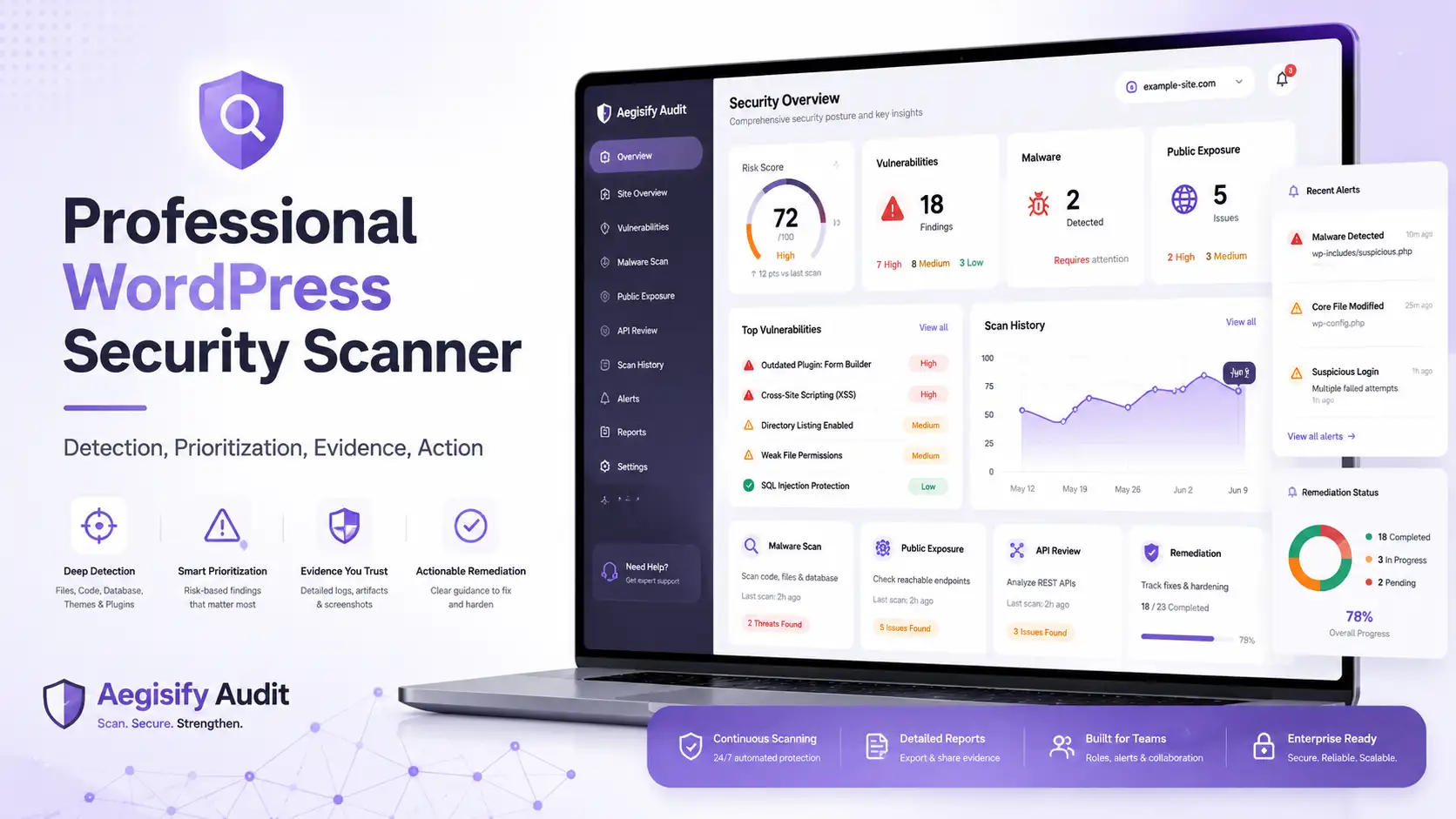
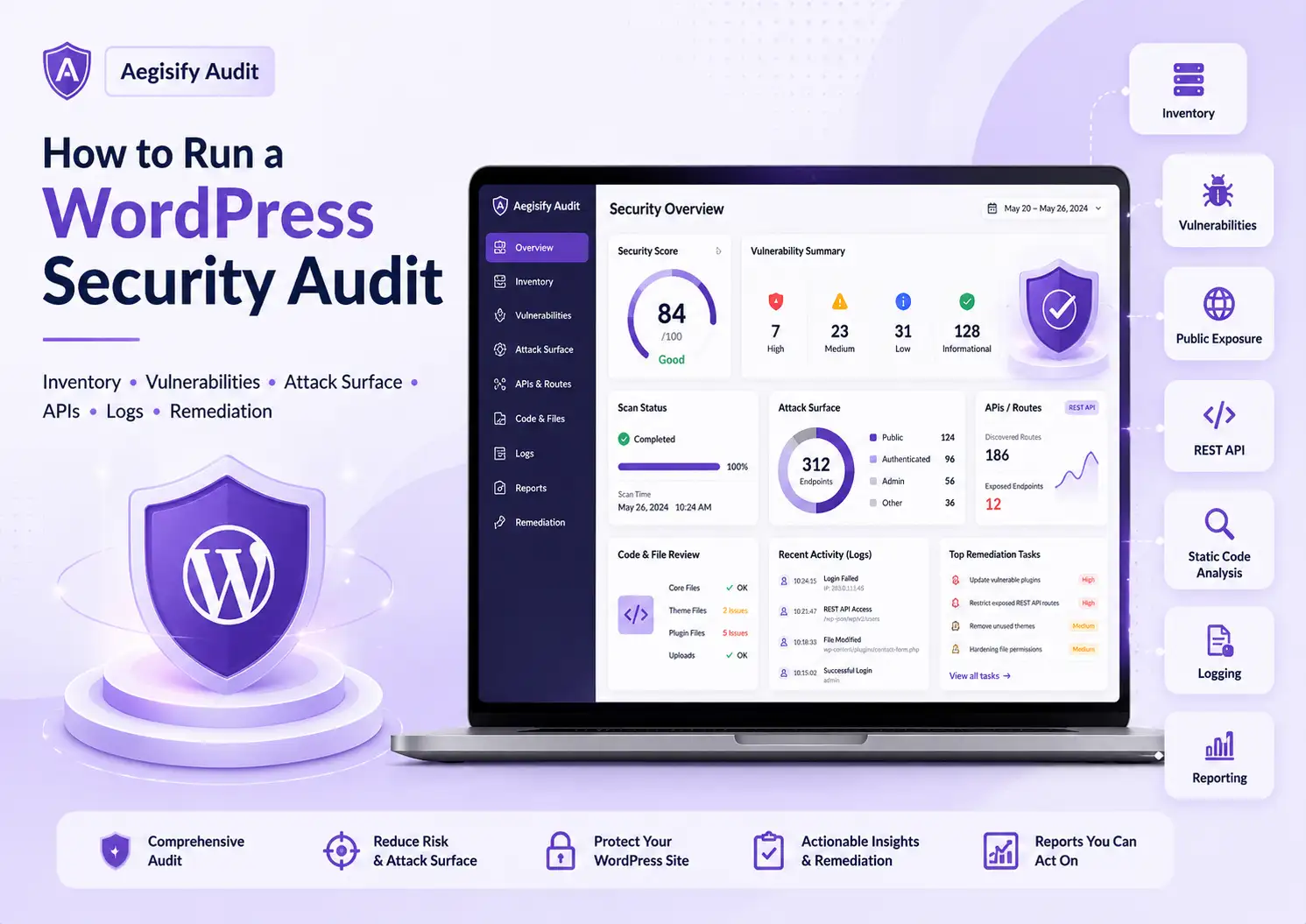
| Aegisify Audit SaaS | Organizes scan results, evidence, vulnerability findings, SAST, DAST, API review, domain-risk context, reporting, prioritization, and remediation planning. |
| Aegisify AI | Correlates available findings and evidence to help reviewers reduce noise, recognize connected patterns, prioritize meaningful risk, and develop human-reviewable remediation guidance. |
| Aegisify Backup | Adds backup, restoration, migration, and disaster-recovery capabilities so organizations can preserve a recovery path when an update, configuration failure, infrastructure problem, or security incident disrupts the website. |
| Start With Layers, Not a Single Checkbox | |
|---|---|
| Reduce Entry Opportunities | Apply login controls, multi-factor authentication, least privilege, account review, endpoint hardening, and appropriate access restrictions. |
| Inspect Incoming Traffic | Evaluate requests before vulnerable routes, plugins, APIs, and deeper WordPress processes handle them. |
| Maintain Current Software | Inventory WordPress core, plugins, themes, libraries, and dependencies, then patch or replace affected components using a controlled change process. |
| Collect Local Evidence | Preserve structured activity events, configuration changes, authentication behavior, software changes, file activity, and relevant runtime information. |
| Test Multiple Surfaces | Combine vulnerability review, static analysis, dynamic application testing, API testing, local telemetry, and operational evidence. |
| Prioritize Meaningful Risk | Evaluate severity alongside exploitability, exposure, affected components, suspicious activity, business function, and available evidence. |
| Preserve Recovery Capability | Maintain protected backups and verify that restoration procedures work before an incident or operational failure occurs. |
Reduce Brute-Force Risk With Login Limits
| Security Concern | WordPress login routes are routinely targeted by automated password guessing, username discovery, leaked-credential testing, and credential-stuffing attempts. |
|---|---|
| Aegisify Shield Controls | Login Guard can apply lockout rules, login throttling, administrative alerts, and access-protection controls that make repeated automated attempts less effective and easier to detect. |
| Layered Requirement | Login throttling should not operate alone. Heavy automated traffic can still consume application and server resources. Aegisify WAF should also inspect abusive requests before they reach deeper WordPress authentication processing. |
| Security Objective | Reduce account-takeover pressure, identify repeated access attempts, protect authentication resources, and provide clearer evidence for investigation. |
Add Multi-Factor Authentication for Elevated Accounts
| Password Limitation | A strong password may still be exposed when credentials are reused, phished, stolen from another service, or disclosed through an unrelated compromise. |
|---|---|
| Aegisify Shield Control | Multi-factor authentication introduces an additional verification requirement beyond possession of the password. |
| Priority Accounts | Begin with administrators, editors, WooCommerce managers, agency accounts, support personnel, developers, and any user with elevated permissions or access to business-critical functions. |
| Account Governance | Review inactive privileged accounts, reduce unnecessary permissions, remove obsolete access, and confirm that account ownership remains current. |
| Security Outcome | MFA does not eliminate all authentication risk, but it significantly reduces the value of stolen passwords and makes many automated account-takeover attempts more difficult to complete. |
Strengthen WordPress Authentication Before the Next Attack
Review privileged accounts, enable appropriate login safeguards, and establish stronger access controls before automated abuse becomes an incident.
Filter Malicious Traffic With Aegisify WAF
| Inspection Scope | Aegisify WAF evaluates incoming application-layer requests before vulnerable routes or WordPress components process them. |
|---|---|
| Attack Patterns | Protection can address SQL injection, cross-site scripting, path traversal, malicious payloads, exploit attempts, abusive automation, and other suspicious request patterns. |
| WordPress-Specific Exposure | The WAF layer can help address REST API abuse, user enumeration, automated scanners, malicious bots, login-route pressure, and application-layer request floods. |
| Detection Methods | Managed rules, heuristic analysis, behavioral evaluation, and threat scoring can help identify requests that require blocking, monitoring, or administrative review. |
| Administrative Control | Detailed logs and override capabilities help administrators determine what was blocked, which control triggered, and whether legitimate traffic should be allowed safely. |
| Security Principle | A firewall should not operate as an unexplained black box. Security teams need enough evidence to review enforcement, investigate suspicious traffic, and manage false positives responsibly. |
Keep WordPress Core, Plugins, and Themes Current
| Exposure Source | Outdated WordPress core, plugins, themes, libraries, and dependencies can leave known and avoidable weaknesses available to attackers. |
|---|---|
| Local Inventory | The Aegisify Audit Agent can review WordPress core, plugins, themes, Composer packages, npm packages, PyPI packages, known vulnerable components, dependency risk, and software-risk indicators. |
| Site-Specific Context | General vulnerability announcements do not confirm whether a specific website is affected. Local inventory connects known risk to the software actually installed and operating within the environment. |
| Controlled Remediation | Back up the website, evaluate compatibility, test meaningful changes, apply updates carefully, and verify that the intended remediation succeeded. |
| Business-Critical Changes | Use staging or an equivalent controlled workflow when an update could affect checkout, forms, customer access, APIs, integrations, membership functions, or revenue-generating activity. |
Understand What Changed Inside WordPress
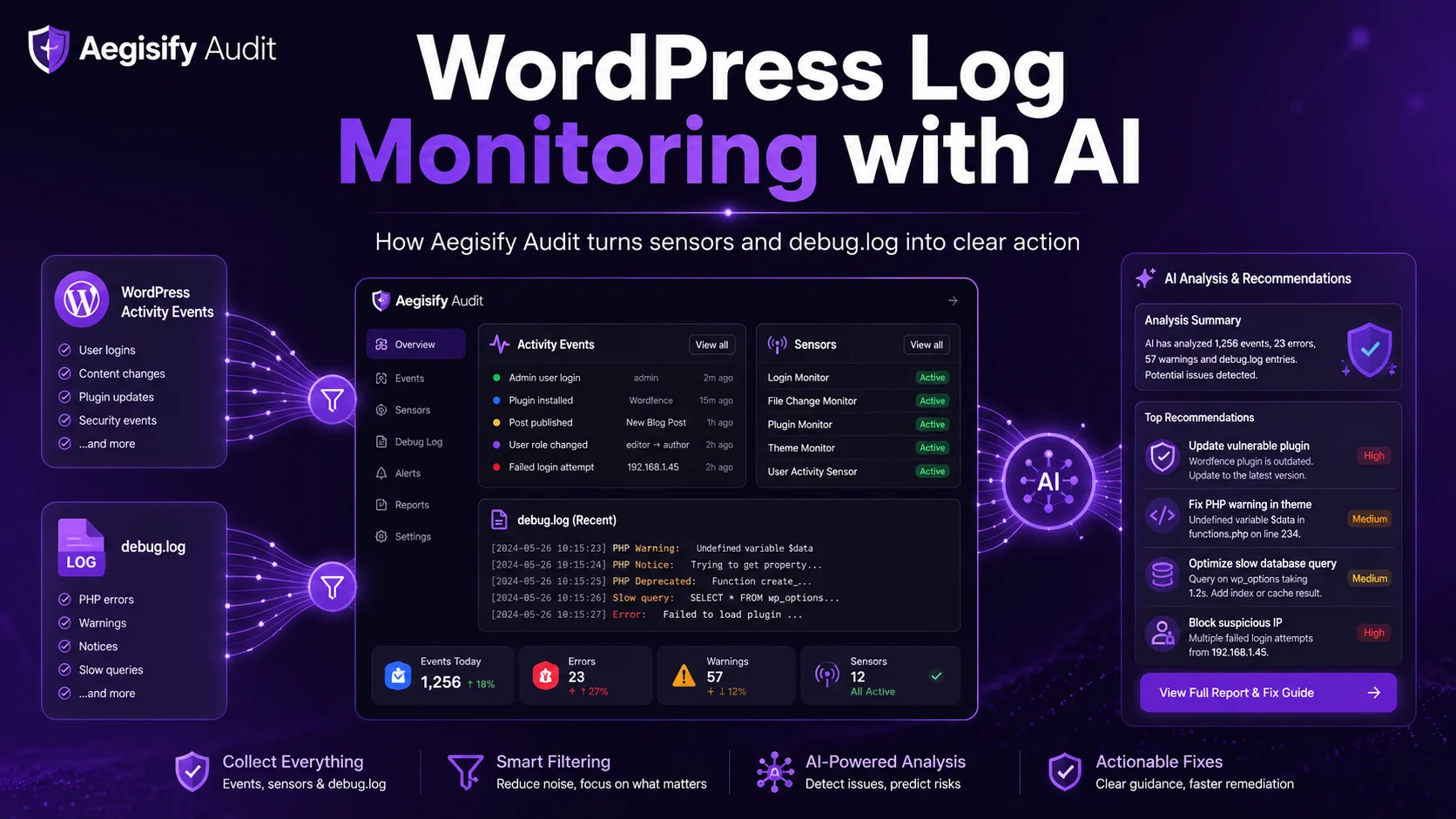
| Activity Sensors | The Aegisify Audit Agent can collect structured events related to plugin activation, plugin updates, theme changes, failed logins, settings changes, file edits, media activity, user changes, password resets, posts, comments, and other WordPress actions. |
|---|---|
| Runtime Context | When deliberately enabled through controlled telemetry access, the Agent can retrieve relevant debug.log information such as PHP warnings, notices, errors, and plugin-conflict indicators. |
| Change Correlation | Structured events help reviewers connect software changes, authentication behavior, configuration modifications, and runtime errors to the time an operational problem or security concern began. |
| Investigation Value | Agencies and site owners gain a faster path from unusual behavior to relevant evidence without manually searching through numerous disconnected logs and dashboards. |
Questions Local Evidence Should Help Answer
Effective logging should support investigation and decision-making, not merely generate additional technical noise.
Connect Local WordPress Evidence to the Audit Workflow
Install the Aegisify Audit Agent and bring software inventory, activity sensors, changes, and runtime evidence into a structured security review.
Scan the Website From the Inside and the Outside
| Agent-Assisted Review | Local Agent data provides deeper WordPress-side visibility into installed software, dependencies, activity, configuration, and supporting operational evidence. |
|---|---|
| SaaS Analysis | The Aegisify Audit SaaS layer organizes scan results, evidence, risk context, reporting, remediation planning, and historical comparison. |
| Static Analysis — SAST | Static analysis reviews non-running source code for suspicious patterns, implementation weaknesses, code hygiene concerns, and code-level risk. Findings can be organized by plugin, file, severity, and rule category. |
| Dynamic Testing — DAST | Dynamic testing evaluates the running website from an external perspective and can review public routes, headers, cookies, authentication boundaries, REST endpoints, API definitions, GraphQL surfaces, and other exposed application behavior. |
| Available DAST Profiles | Testing workflows may include Quick DAST, Enterprise DAST: Application and Commerce, Deep Auth DAST, and API DAST, depending on the environment and review objective. |
| WooCommerce Coverage | Ecommerce review can extend to cart and checkout behavior, Store API exposure, payment workflows, webhooks, order ownership, privacy, abuse indicators, HPOS, Action Scheduler, integrations, and other revenue-related functions. |
| Combined Security View | SAST reviews code-level signals. DAST tests the running application surface. Local activity and logs provide operational context. Combined evidence produces a stronger and more defensible assessment than any single source alone. |
Use Aegisify AI to Focus Remediation
| Prioritization Problem | A security review becomes less useful when it generates hundreds of isolated alerts without enough context to determine what should be addressed first. |
|---|---|
| Analysis Inputs | Aegisify AI can analyze vulnerability findings, static-analysis results, dynamic observations, activity sensors, debug.log evidence, configuration drift, site changes, threat intelligence, domain-risk context, and blacklist indicators when those sources are available. |
| Correlation Objective | The goal is to connect relevant signals rather than generate vague or unsupervised automation. |
| Prioritized Output | Analysis can help identify repeated or recent patterns, recognize related findings, evaluate real-world exploitation context, develop a focused threat list, and produce human-reviewable remediation guidance. |
| Risk Context Example | A plugin vulnerability may require faster attention when the affected version is installed, suspicious requests target related routes, and local activity or runtime errors occur during the same period. |
| Human Oversight | AI assists the WordPress administrator, developer, agency, or security reviewer. It does not replace accountable human validation, change approval, testing, or remediation decisions. |
Move From Alert Volume to Evidence-Based Priorities
Run an Aegisify Audit to correlate software findings, application behavior, local activity, exposure, and supporting evidence.
Strengthen the Local Environment With Aegisify Shield
| Hardening Scope | Aegisify Shield adds WordPress-side safeguards beyond login controls, including activity monitoring, file integrity, malware indicators, alerting, database tools, and configurable security controls. |
|---|---|
| File Integrity | File-integrity monitoring helps identify unexpected changes involving WordPress core, plugins, themes, and other monitored application files. |
| Activity Review | Activity logs help show successful and failed authentication, user actions, administrative changes, and other events requiring attention. |
| Attack Timelines | Related events can be organized into a sequence that helps reviewers understand what occurred, when it began, and which actions may be connected. |
| Administrative Safety | Database and hardening controls should be applied carefully, tested against important website workflows, and supported by a verified recovery path. |
| Control Principle | Site owners should be able to see the safeguard, understand why it exists, evaluate its effect, and confirm that legitimate users and business workflows continue to function. |
Maintain a Recovery Layer With Aegisify Backup
| Recovery Purpose | Prevention and detection reduce risk, but recovery capability remains necessary when an update, configuration failure, infrastructure problem, or security incident disrupts the site. |
|---|---|
| Aegisify Backup | Supports backup, restoration, migration, and disaster-recovery workflows for WordPress environments. |
| Backup Frequency | Schedule backups according to the rate of change, business impact, customer activity, ecommerce volume, content updates, and recovery objectives of the website. |
| Storage Protection | Preserve protected copies in an appropriate location and avoid relying on a single copy stored within the same failure domain as the production website. |
| Restoration Testing | Test restoration procedures periodically. A backup that has never been restored and verified remains an assumption rather than proven recovery capability. |
| High-Change Websites | WooCommerce stores, membership platforms, customer portals, and frequently updated websites may require more frequent backup and recovery procedures because database and content changes occur throughout the day. |
Do Not Wait for Downtime to Test Your Recovery Plan
Protect the site before applying major changes, and verify that backups can be restored when the business depends on the result.
Follow a Practical WordPress Safeguarding Routine
| 1. Protect Authentication | Configure appropriate Aegisify Shield login safeguards and require MFA for privileged users. |
|---|---|
| 2. Inspect Traffic | Enable the appropriate Aegisify WAF rules, review blocked events, validate legitimate traffic, and investigate recurring attack patterns. |
| 3. Connect Local Evidence | Connect the Aegisify Audit Agent securely so the SaaS workflow can review relevant local WordPress inventory, activity, and evidence. |
| 4. Inventory the Environment | Review WordPress core, plugins, themes, libraries, dependencies, users, integrations, APIs, and business-critical functionality. |
| 5. Test the Application | Run vulnerability scans, static analysis, and the appropriate DAST or API testing profile for the environment. |
| 6. Review Operational Evidence | Examine activity sensors, authentication behavior, configuration changes, file changes, runtime evidence, and relevant application events. |
| 7. Prioritize Remediation | Use evidence and Aegisify AI-assisted analysis to identify connected findings, reduce noise, and determine what requires attention first. |
| 8. Apply Changes Safely | Back up the environment, test important changes, preserve accountability, and avoid disrupting legitimate users or business workflows. |
| 9. Verify the Result | Retest the affected controls, routes, software, APIs, and workflows to confirm that remediation succeeded without creating new problems. |
| 10. Repeat as the Site Changes | Reassess after meaningful updates, new plugins, new users, integrations, redesigns, ecommerce changes, campaigns, API exposure, or changes in the threat environment. |
Safeguard Your WordPress Website With Aegisify
Aegisify Shield helps strengthen the WordPress environment. Aegisify WAF helps reduce malicious application-layer traffic. Aegisify Audit SaaS and the Aegisify Audit Agent connect local evidence, vulnerability findings, SAST, DAST, API testing, logs, activity sensors, threat context, and AI-assisted remediation. Aegisify Backup provides a practical recovery layer.
Start with visibility. Build layered protection. Review the evidence. Address what matters first. Verify the result.