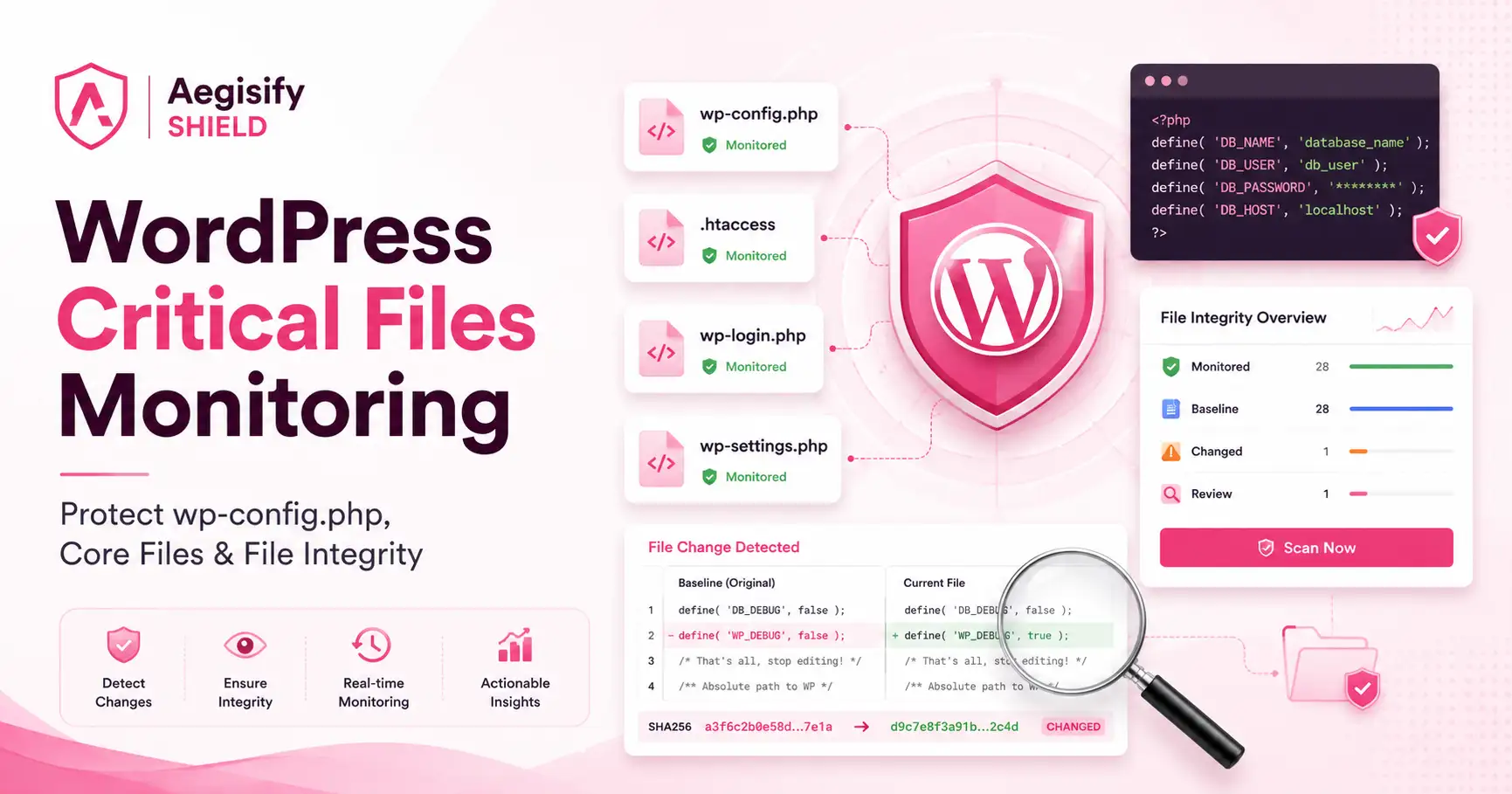
WordPress Critical Files Monitoring: Protect wp-config.php, Core Files, and File Integrity with Aegisify Shield
WordPress critical files monitoring helps site owners detect unexpected changes to wp-config.php, .htaccess, WordPress core bootstrap files, MU plugins, drop-ins, and executable files inside writable directories. A strong WordPress file integrity monitoring workflow should combine trusted baselines, file hashes, official WordPress core checksum verification, change alerts, protected file diffs, and a clear approve-or-investigate process.
Aegisify Shield brings those controls into a dedicated Critical Files workflow. Instead of treating every changed file as equal, Shield highlights the configuration files, entry points, auto-loaded code, and writable-directory risks that deserve faster review.
Why WordPress Critical Files Matter
WordPress identifies wp-config.php as one of the most important files in an installation because it contains base configuration details, including database connection information. Other files such as .htaccess, wp-load.php, wp-settings.php, and wp-login.php can influence routing, loading, authentication, and site behavior.
A changed critical file is not automatically malicious. Updates, hosting changes, caching tools, security products, deployments, and administrators may make legitimate changes. The security problem is uncertainty: which file changed, what changed inside it, whether the change matches an approved action, and how quickly the team can respond.
Unauthorized Code
Unexpected PHP or rewrite changes may introduce hidden behavior, redirects, or persistence.
Configuration Exposure
Changes to sensitive configuration can affect credentials, debugging, authentication, and database access.
Bootstrapping Changes
Modified loading files may alter how WordPress initializes before normal plugin and theme review begins.
Search and Trust Impact
Injected redirects, SEO spam, or altered output can damage user trust and search visibility.
The Security Question Is Not “Did a File Change?”
The better questions are: Was the change expected? Does the current file match an official WordPress version? What lines changed? Is sensitive information protected during review? Should the new state become the approved baseline, or should the site be investigated?
Aegisify Shield turns those questions into a focused review workflow instead of leaving administrators with an isolated alert.
What Aegisify Shield Critical Files Monitors
1. Critical Configuration Files
Monitors wp-config.php, a parent-directory configuration file when used, .htaccess, and web.config when present. These files can influence configuration, access, rewrites, and site operations.
2. Core Bootstrap and Entry Files
Reviews files such as index.php, wp-load.php, wp-settings.php, wp-blog-header.php, wp-login.php, wp-cron.php, xmlrpc.php, and wp-comments-post.php.
3. Auto-Loaded Execution Surfaces
Watches MU plugins and WordPress drop-ins including advanced-cache.php, object-cache.php, db.php, and sunrise.php where applicable.
4. Executable Files in Writable Locations
Surfaces unexpected PHP-like files in uploads, cache, backup, export, and temporary directories, including suspicious extensions and double-extension patterns.
How the Aegisify Shield Critical Files Workflow Works
The workflow connects detection with review and a controlled decision.
1Create a Baseline
Record the accepted file hash and preserve a protected baseline snapshot for later comparison.
2Monitor Changes
Run manual or scheduled checks for changed hashes, missing files, new files, and checksum mismatches.
3Prioritize the Alert
Identify the affected critical file, security context, and direct route to the review area.
4Review the Diff
Compare the saved snapshot with the live file while redacting protected values in sensitive files.
5Approve or Investigate
Refresh the baseline for an authorized change or preserve the finding for security investigation.
Official WordPress Checksums Add Context, Not Certainty
WP-CLI can compare installed WordPress core files with WordPress.org checksums. That is useful for identifying missing or modified core files. It does not prove that every non-core file is safe, and a checksum mismatch still requires interpretation because administrators may have made unsupported custom changes.
Aegisify Shield combines checksum awareness with site-specific baselines for files that official core checksums do not cover, including wp-config.php, server configuration, MU plugins, drop-ins, and writable-directory discoveries.
Benefits of a Focused WordPress Critical Files Workflow
Faster Prioritization
Separate changes to high-value files from lower-risk file noise so teams know where to look first.
Clearer wp-config.php Review
Monitor one of WordPress’s most sensitive configuration files while redacting protected values in the comparison view.
Better Core Integrity Context
Use official checksum results alongside local baselines, missing-file detection, and change history.
Actionable Investigation
Move from a generic alert to a file-specific decision: approve the expected state or investigate the change.
| Tool | Publicly Documented File-Integrity Focus | Aegisify Shield Critical Files Focus |
|---|---|---|
| Wordfence | Documents malware scanning, comparison of core, plugin, and theme files with known versions, file repair, and views of changed files. | Centers the workflow on a defined critical-file inventory, protected snapshots, sensitive-file diff review, drop-ins, MU plugins, and risky executable placement. |
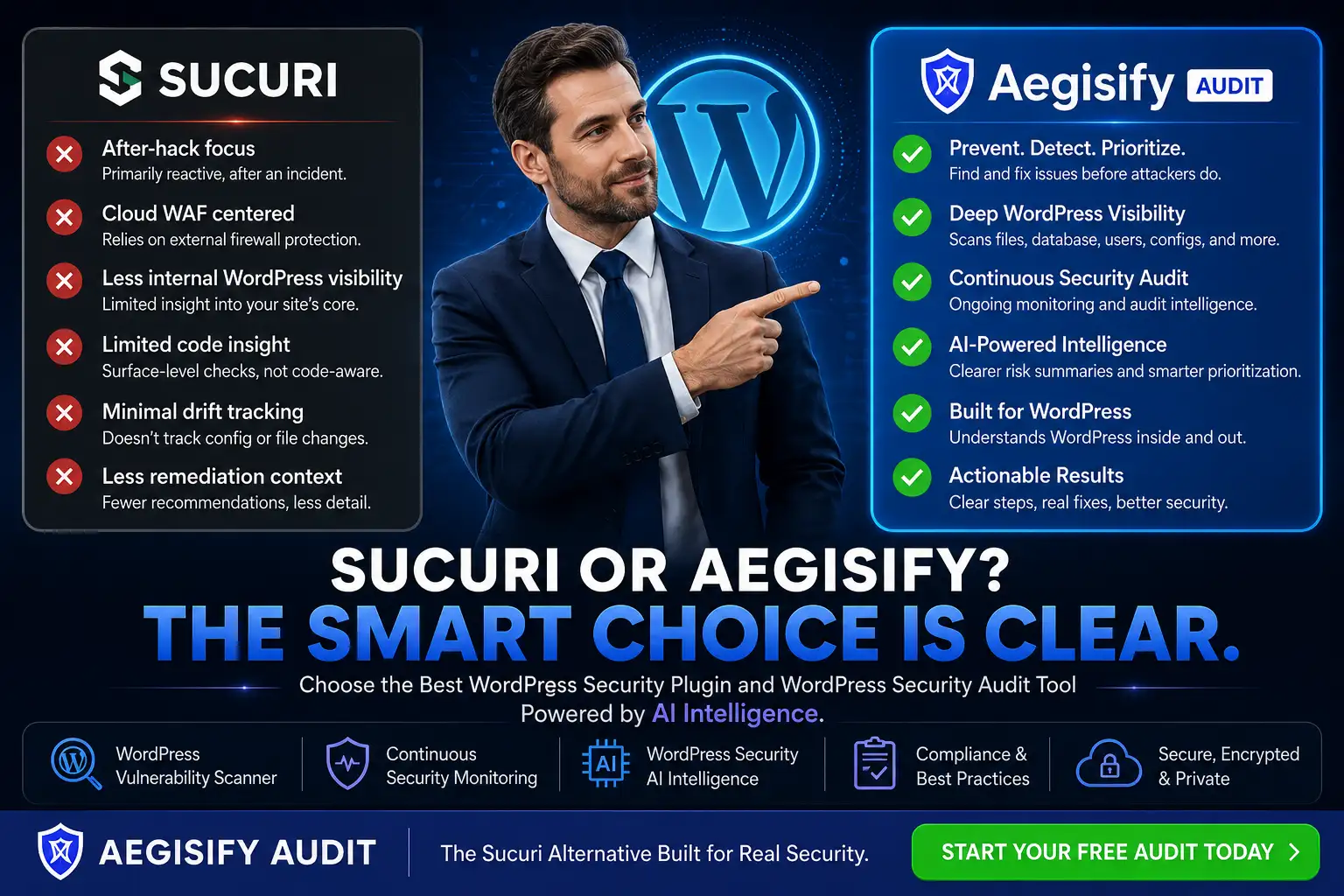
| Sucuri | Documents WordPress core integrity checks using official WordPress checksum data and alerts for added, removed, or modified files. | Adds site-specific monitoring for configuration files and execution surfaces that are outside the standard WordPress core checksum set. |
| Solid Security | Documents file-change detection that monitors WordPress files and alerts administrators when files change. | Prioritizes high-value files and connects each finding to a baseline snapshot, redacted diff, and approve-or-investigate workflow. |
Comparison Context
File integrity and file-change detection are established WordPress security practices. The differentiator is not claiming that other tools ignore file changes. Aegisify Shield’s approach is to give critical WordPress files a dedicated, priority-driven workflow with stronger review context.
Why This Matters for Agencies, WooCommerce, and Serious WordPress Sites
A business should not treat a changed image-cache file the same way it treats a changed wp-config.php or wp-login.php. Agencies need consistent review across client sites. WooCommerce operators need to protect revenue workflows and customer trust. Technical teams need evidence that distinguishes a known deployment from an unexplained change.
- Prioritize critical configuration, bootstrapping, and authentication files.
- Identify executable files where uploads or cache content normally belongs.
- Compare a live file with a saved and protected baseline.
- Use official core checksums where supported.
- Approve legitimate changes without losing the new trusted state.
- Escalate suspicious changes into broader incident response.
Critical Files Monitoring Is One Layer of WordPress Security
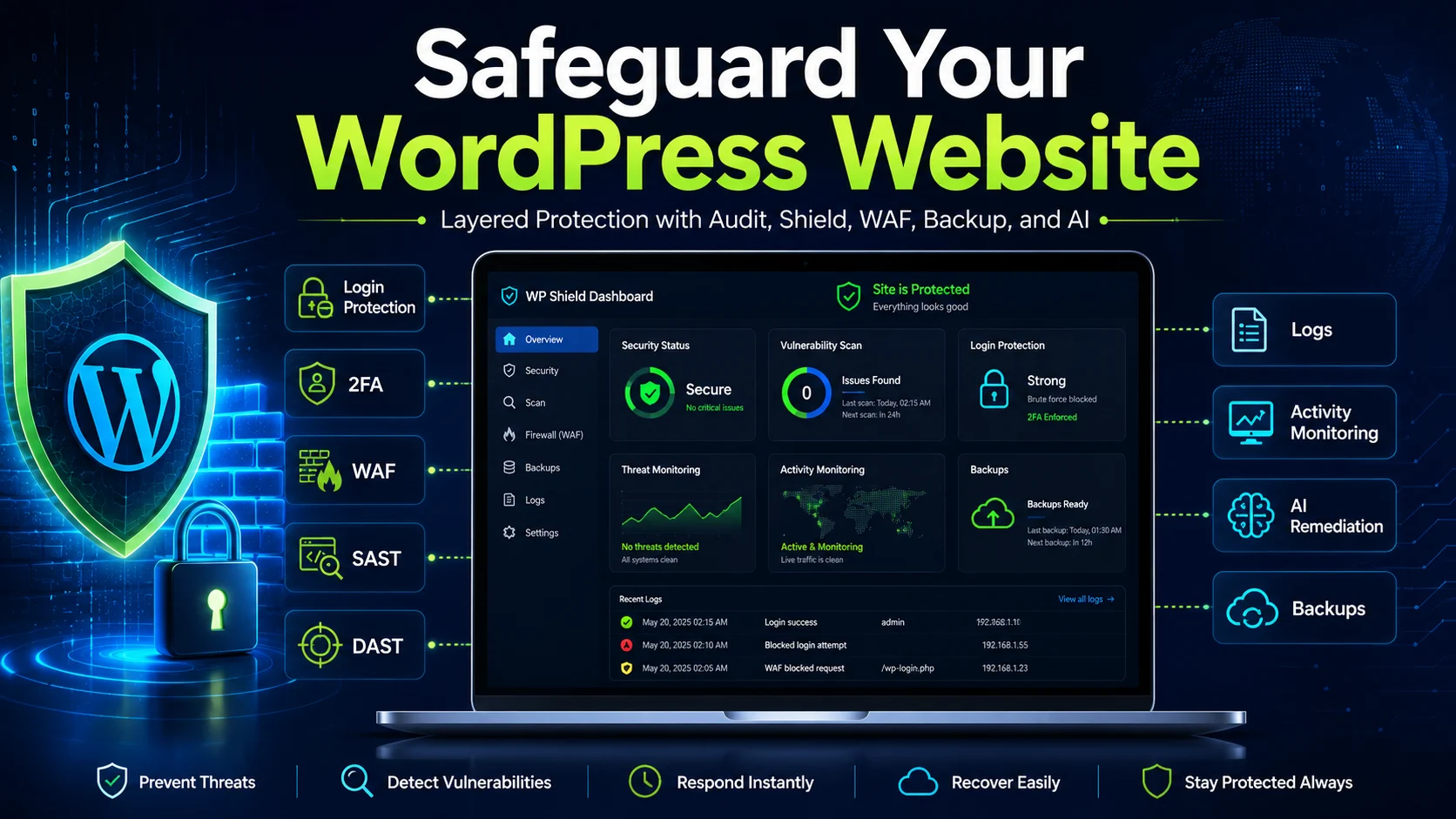
Aegisify Shield helps with hardening, monitoring, and critical-file visibility. Aegisify WAF can help filter suspicious application-layer requests. Aegisify Audit and the Agent can provide broader site evidence and prioritized findings. Aegisify Backup supports recovery when files or databases must be restored. Used together, these products help teams detect, investigate, contain, and recover more deliberately.
No file monitor can guarantee that a site is clean. A suspicious change should trigger a broader review of users, sessions, plugins, themes, scheduled tasks, database records, logs, hosting access, and available clean backups.
WordPress Critical Files Monitoring FAQ
Does every file change mean the WordPress site was hacked?
No. Updates, administrators, hosts, security tools, caching systems, and deployments can make legitimate changes. The change must be reviewed in context.
Why is wp-config.php monitoring important?
The file contains base WordPress configuration and commonly includes database connection details and security-related constants. Unexpected changes deserve priority review.
What does WordPress core checksum verification do?
It compares supported installed core files with official WordPress.org checksums for the selected WordPress version and locale. A mismatch identifies a difference; it does not by itself explain why the difference exists.
Can Aegisify Shield detect files in uploads and cache directories?
The Critical Files workflow can surface executable-like files in selected writable locations so administrators can review whether the placement is expected.
Does file integrity monitoring replace malware scanning or backups?
No. File integrity monitoring is one security layer. Malware analysis, request filtering, user review, logs, backups, and incident-response procedures remain important.
Technical and Product References
Supporting references include WordPress wp-config.php documentation, WordPress hardening guidance, WP-CLI core checksum verification, Wordfence scan documentation, Sucuri core integrity documentation, and Solid Security file-change documentation.
Security notice: File-integrity monitoring can identify differences and support investigation, but it cannot guarantee that a WordPress site is uncompromised. Test monitoring, baseline, alerting, and approval workflows in staging. Keep verified backups and follow a broader incident-response process when a change is suspicious.