WordPress Data Compliance: Protect PII, PHI, PCI, and CUI with Aegisify Shield
WordPress data compliance, sensitive data protection, PII redaction, PHI protection, payment data security, and CUI safeguards are no longer concerns reserved for large enterprises. Any WordPress website that collects customer details, stores account information, supports healthcare workflows, processes ecommerce transactions, or serves government-related users can accidentally expose regulated or confidential data through content, profiles, forms, logs, or administrative output.
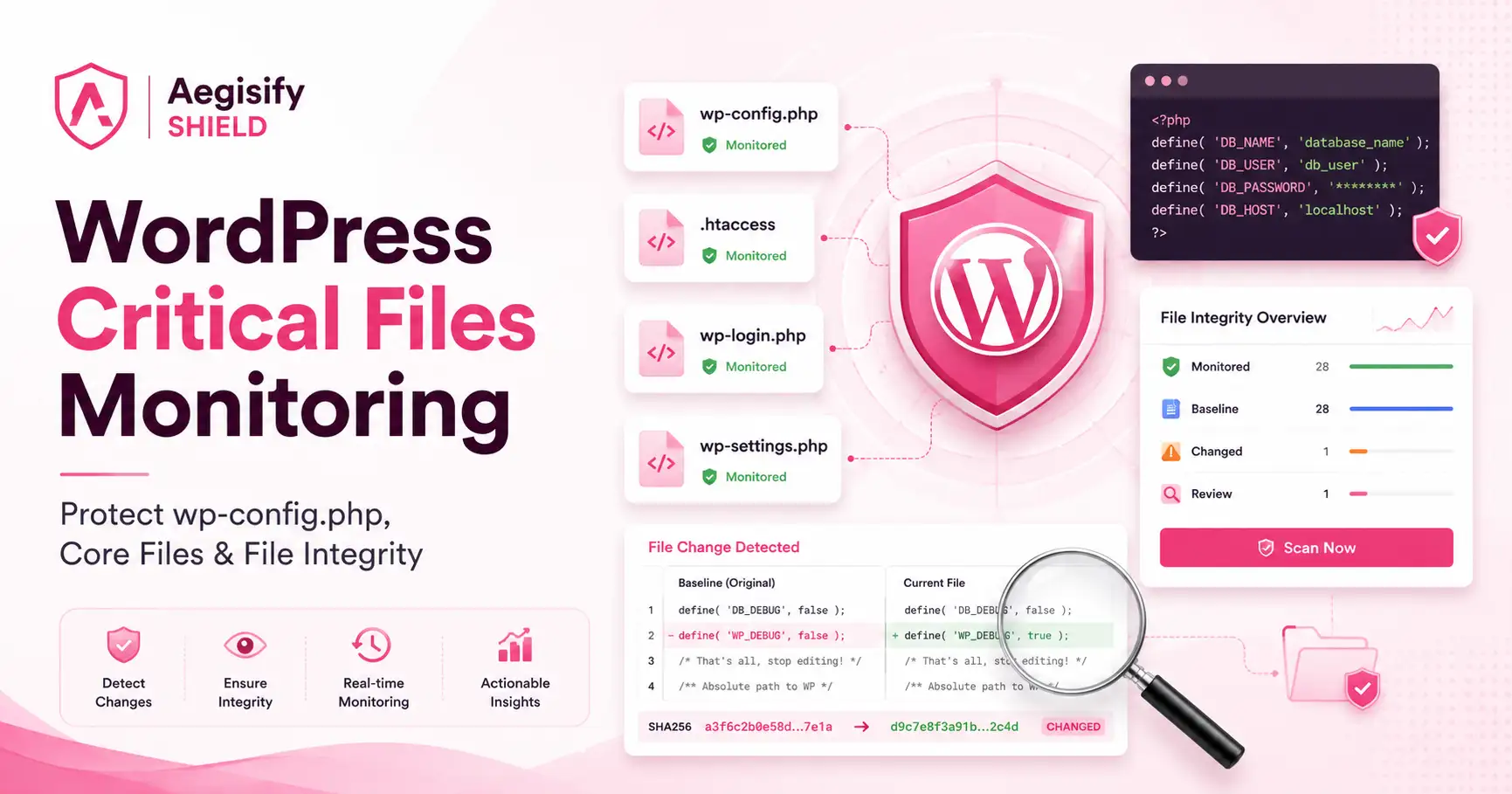
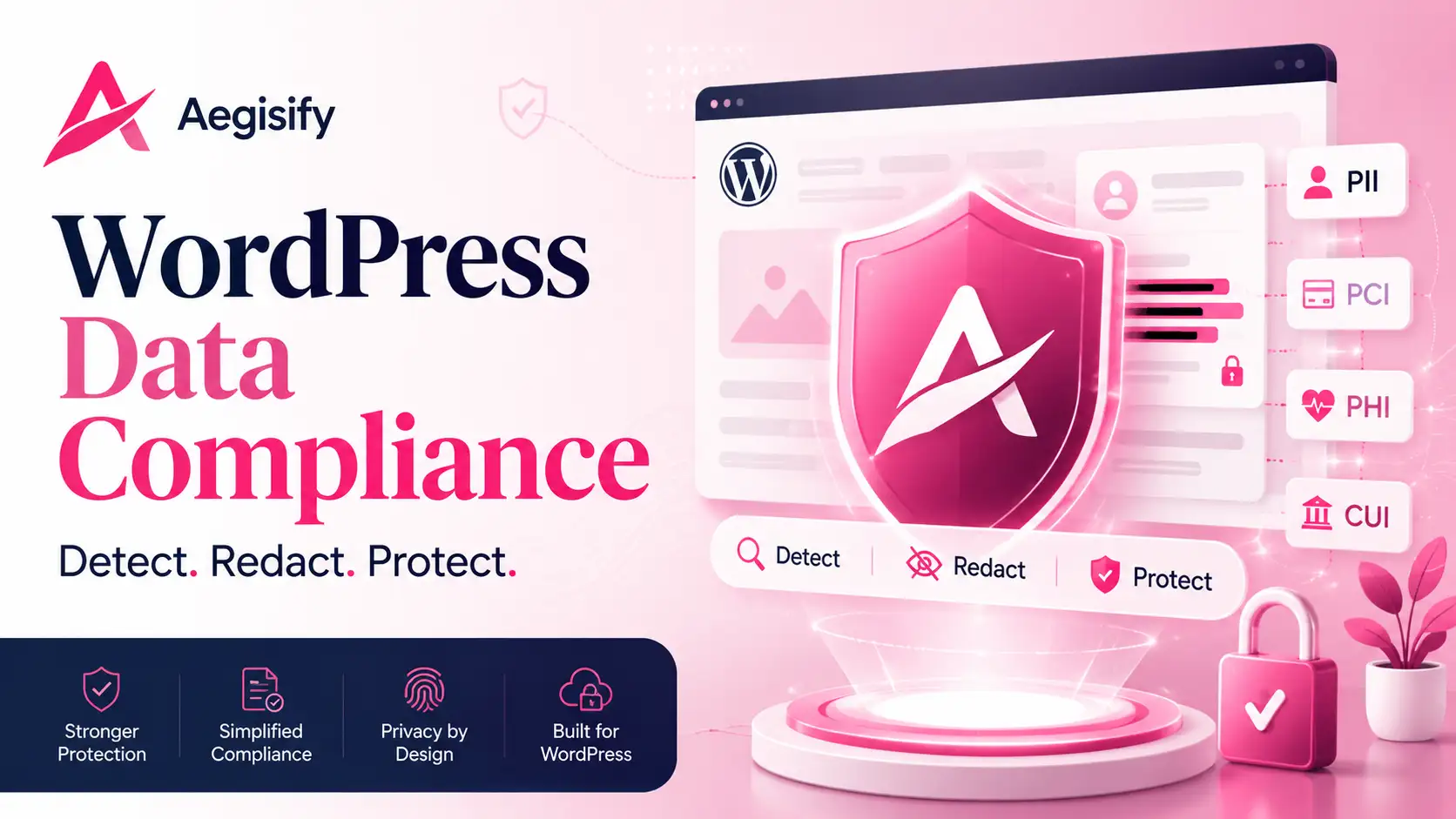
Aegisify Shield adds a configurable Data Compliance layer for supported WordPress workflows. Administrators can select the data patterns that should be detected, keep protected values masked by default, and limit authorized reveal actions to the record owner and administrators where the feature supports that access model. The goal is practical: reduce accidental exposure without forcing every organization into the same policy.
A Data-Protection Control, Not a Compliance Certificate
Aegisify Shield can support a broader privacy, security, and compliance program by reducing the chance that selected sensitive values appear where they should not. It does not make a website automatically compliant with GDPR, HIPAA, PCI DSS, FedRAMP, SOC 2, CMMC, or another framework. Compliance depends on the complete system, people, contracts, processes, hosting environment, data flows, access controls, retention rules, monitoring, and evidence.
The Compliance Challenge Facing WordPress Websites
WordPress is flexible enough to support public websites, ecommerce stores, membership portals, healthcare content, customer-service workflows, partner systems, and government-contractor operations. That flexibility also means sensitive data can appear in many places: a user profile, support request, custom post type, uploaded document, form submission, diagnostic record, or copied block of content.
The most common exposure is not always a sophisticated attack. It may be an editor pasting a customer identifier into a page, an administrator sharing a record too broadly, or a workflow displaying more information than the viewer needs. A useful protection layer should therefore address accidental disclosure as well as malicious access.
Personally Identifiable Information
Selected patterns associated with an identifiable person, including email addresses, phone numbers, Social Security numbers, passport numbers, tax identifiers, IP addresses, device identifiers, and location-related data.
Protected Health Information
Selected healthcare-related identifiers such as patient references, medical record numbers, insurance identifiers, and recognized diagnosis or procedure-code patterns. Applicability depends on the organization and workflow.
Payment and Card Data
Selected payment-related patterns such as primary account numbers, expiration dates, verification-code patterns, billing details, IBANs, and banking identifiers. PCI DSS scope must still be evaluated independently.
Controlled Unclassified Information
Selected patterns related to government identifiers, contract references, restricted project codes, and other organization-defined data requiring safeguarding or dissemination controls.
Choose What Aegisify Shield Should Detect and Redact
Compliance rules are not identical across every WordPress site. A healthcare organization may prioritize medical record and insurance identifiers. An ecommerce operator may focus on payment and billing patterns. A government contractor may need stronger controls around contract numbers, project codes, and CUI-related references.
Aegisify Shield allows administrators to work at the individual data-element level instead of treating each category as one all-or-nothing switch. Protective selections can be enabled by default, then reviewed against the organization’s actual data inventory and privacy policy. This approach provides a stronger starting point while preserving operational control.
How the Data Compliance Workflow Reduces Exposure
The workflow is designed to turn a broad requirement—“protect sensitive data”—into a repeatable WordPress control.
Choose the PII, PHI, payment, and CUI-related patterns that matter to the site.
Inspect supported WordPress text and profile-field workflows for configured patterns.
Replace selected values with redaction markers before they appear in protected output.
Keep supported protected values available only to the record owner and authorized administrators.
Test expected output, tune the selections, and verify that business workflows still function.
| Protection Area | Examples Administrators May Select | Operational Benefit |
|---|---|---|
| Identity | Email, phone, SSN, passport, driver license, national ID, tax ID | Reduces accidental publication of direct personal identifiers. |
| Network and Location | IP address, device identifier, physical address, location data | Limits unnecessary exposure of technical and location-linked information. |
| Payment | Card number, expiration date, verification-code pattern, IBAN, billing data | Adds a masking layer around selected payment-related values. |
| Healthcare | Patient ID, medical record number, insurance ID, ICD and CPT patterns | Helps reduce public disclosure of selected health-related identifiers. |
| Government and Contract | Government ID, contract number, project code, organization-defined CUI pattern | Supports handling rules for selected restricted business or government information. |
Mask Public Output Without Removing Legitimate Access
Redaction should not automatically destroy the business value of a record. In supported profile workflows, Aegisify Shield can keep protected fields masked while allowing the record owner and administrators to reveal authorized values. This helps separate public exposure from legitimate operational access.
WordPress roles and capabilities still matter. Organizations should use least privilege, review administrator accounts, remove unnecessary access, and verify that custom roles cannot bypass the intended policy. Data masking is strongest when it works beside sound identity, authentication, logging, retention, and incident-response controls.
Data Redaction Works Best as Part of a Larger Security System
A masking engine addresses one specific risk: sensitive values appearing in supported output. It does not replace secure form design, encryption, vulnerability management, malware monitoring, firewall controls, backups, access reviews, or security auditing.
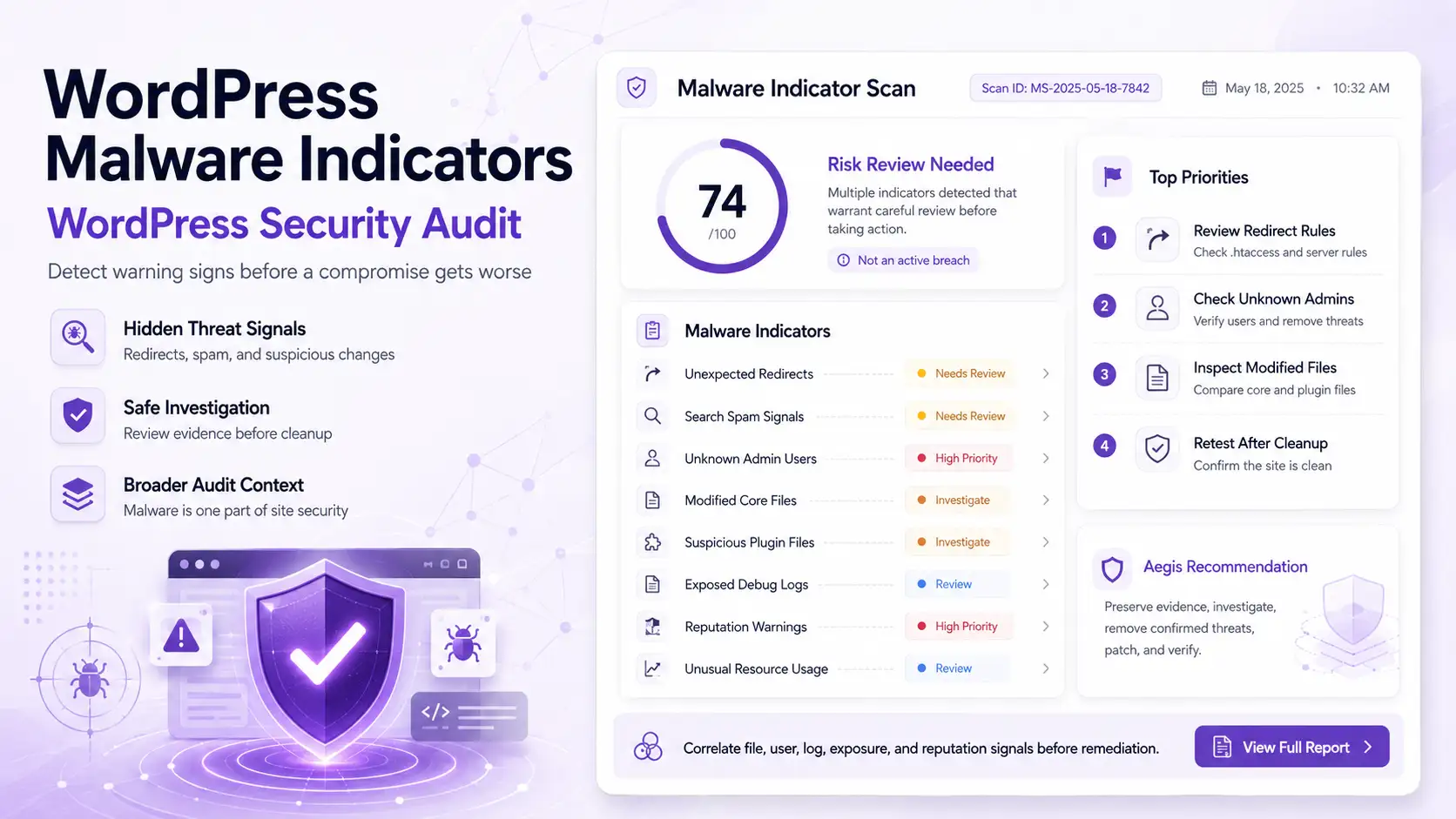
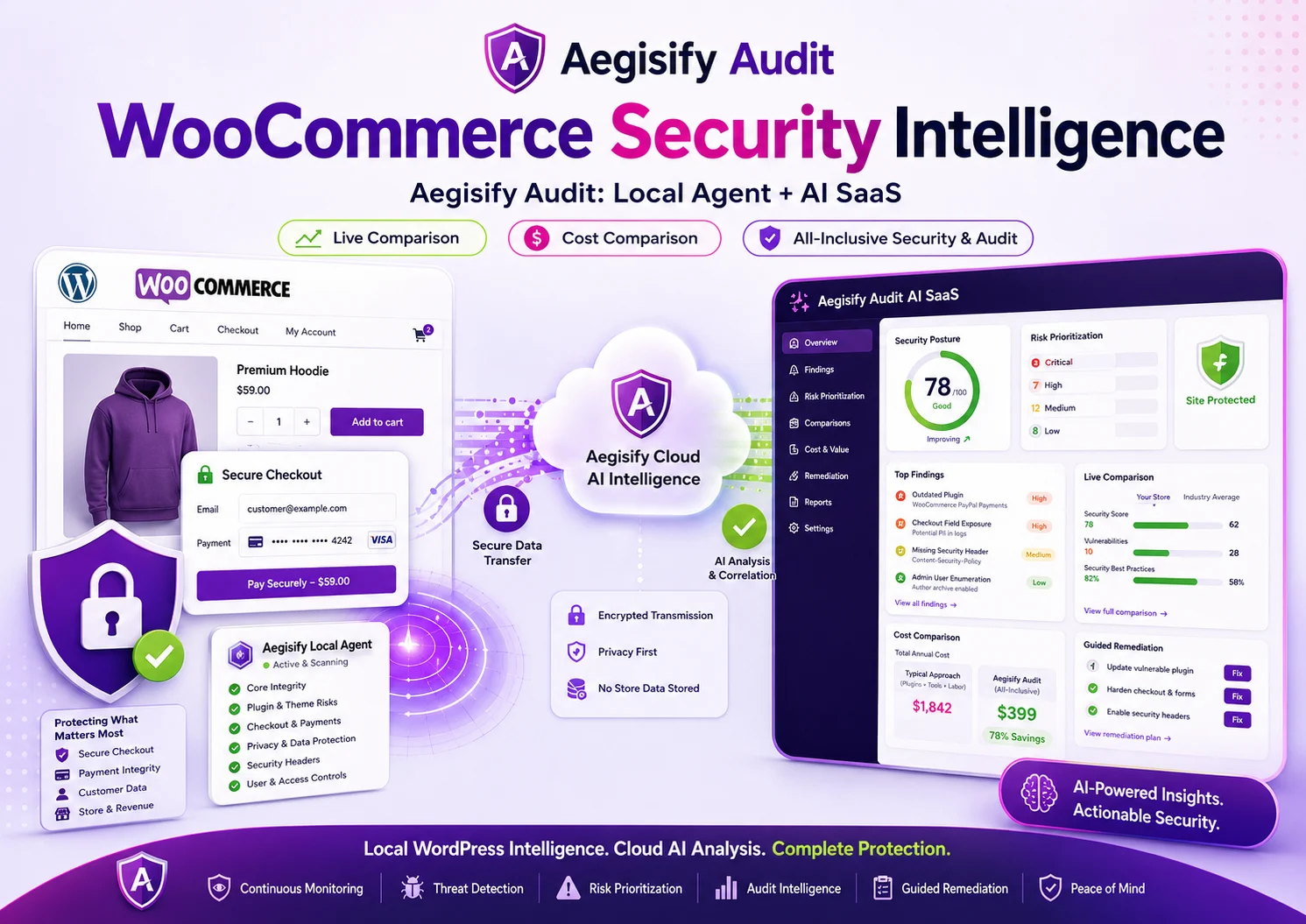
Aegisify Shield can work beside Aegisify WAF for application-layer request protection, Aegisify Audit for broader WordPress security intelligence, and Aegisify Backup for recovery readiness. Together, these products support a layered model: reduce public data exposure, detect suspicious activity, understand technical risk, protect application paths, and recover when an incident or operational failure occurs.
Practical Deployment Checklist
Identify what the site collects, where it is stored, who can access it, and where it may be displayed.
Start from protective defaults, then tune selections to the actual business process and applicable obligations.
Use sanitized examples to confirm masking, authorized reveal behavior, and acceptable false-positive rates.
Review administrator accounts, custom roles, service accounts, and any workflow that can export or display data.
Record the policy, configuration decisions, exceptions, tests, and changes so the control can be reviewed.
Redaction is valuable, but data minimization is stronger. Do not collect or retain sensitive values without a valid need.
WordPress Data Compliance FAQ
Does Aegisify Shield make a WordPress site compliant?
No. It provides configurable data-detection, masking, and access-support features that may strengthen a compliance program. Formal compliance depends on the complete organization, system boundary, applicable requirements, and evidence.
Are all sensitive values blocked automatically?
The administrator selects which supported patterns should be protected. Default selections provide a starting point, but each organization should test and tune the configuration for its own data.
Can the record owner still see protected information?
In supported protected-field workflows, the value can remain masked by default while the record owner and authorized administrators retain reveal access. The exact behavior should be tested against the site’s roles and customizations.
Can pattern detection produce mistakes?
Yes. Pattern-based systems can produce false positives or miss unusual formats. Testing, data minimization, least privilege, secure storage, monitoring, and human review remain important.
Should a WordPress site store card verification codes or other sensitive authentication data?
Organizations should follow current PCI DSS requirements and avoid storing prohibited sensitive authentication data after authorization. A redaction feature is not permission to collect or retain data that should not be stored.
Security and Compliance References
Background references include the EU General Data Protection Regulation, HHS HIPAA Security Rule guidance, PCI Data Security Standard, NIST SP 800-171 Revision 3, FedRAMP Rev5 control guidance, WordPress roles and capabilities documentation, and the Aegisify Shield user guide.