WordPress DDoS Protection With Aegisify WAF, API Shield and Disaster Recovery
WordPress DDoS protection, a WordPress web application firewall, API Shield controls, rate limiting, bot mitigation, security logging, backup and disaster recovery should operate as one resilience strategy. Application-layer attacks do not always arrive as a massive bandwidth flood. They may repeatedly target login, search, REST API, AJAX, XML-RPC, cart or checkout routes until PHP workers, database connections or hosting resources become unavailable.
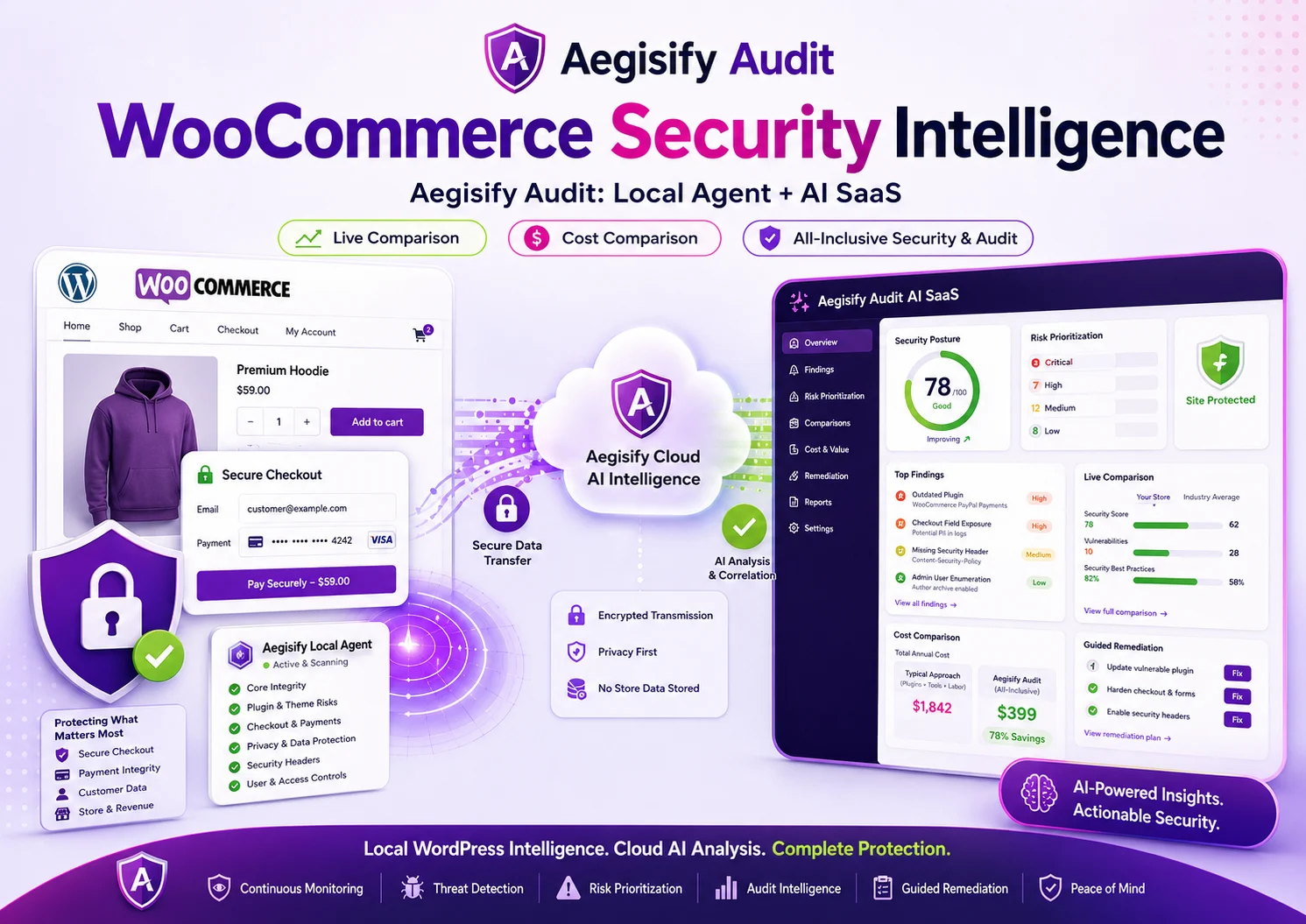
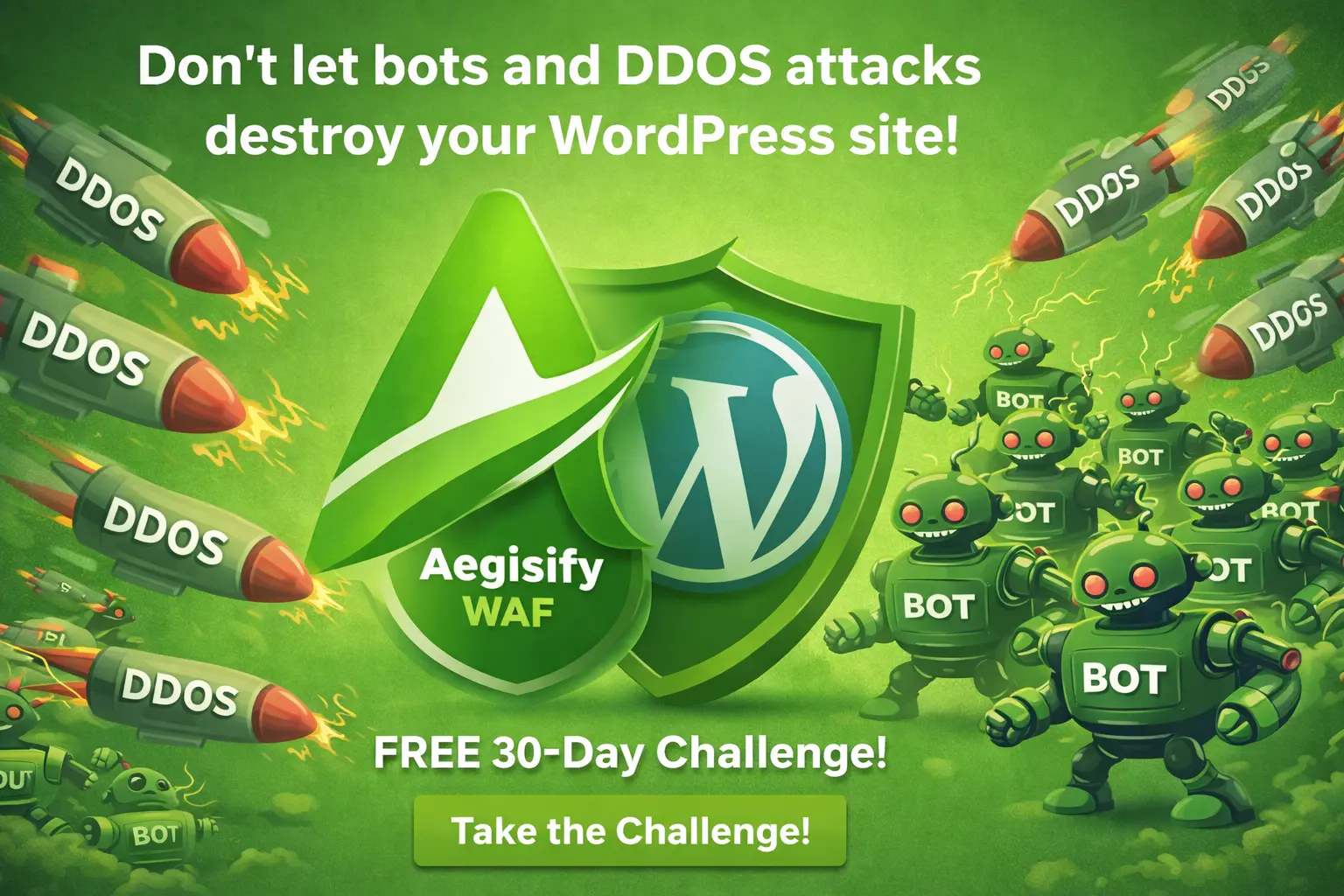
Aegisify WAF helps WordPress teams inspect and control abusive application traffic through managed and custom rules, endpoint policies, API protection, bot controls, progressive DDoS actions, allowlists and Attack Story evidence. Aegisify Backup adds the recovery layer for outages, corruption, failed updates and security incidents that prevention alone cannot eliminate.
Why WordPress DDoS Risk Is a Business-Continuity Problem
WordPress is often the customer-facing application behind a marketing site, membership portal, ecommerce store, support hub or lead-generation program. Availability therefore affects revenue, campaign performance, customer confidence and search visibility.
A distributed attack does not need to overwhelm the entire internet connection. Repeated requests to dynamic routes can force database queries, authentication checks, cart calculations, searches or plugin logic. WordPress notes that distributed brute-force attempts can overwhelm a site even when no password is compromised.
The business question is not only, “How many requests were blocked?” It is, “Did the application stay usable, did real customers complete their work, and can the team explain what happened?”
Edge and Hosting
Absorb or filter volumetric network attacks before bandwidth, connections or origin infrastructure are exhausted.
Aegisify WAF
Inspect WordPress-handled requests, apply rules and control abusive application-layer behavior.
API and Route Policy
Protect expensive REST endpoints, login routes and dynamic paths with targeted controls.
Evidence and Recovery
Use logs, Attack Story timelines, backups and tested restoration to support response and continuity.
Important Boundary: Layer 7 Protection Is Not Network DDoS Absorption
The reviewed Aegisify WAF product guide describes the plugin as an application-layer WordPress control operating inside the WordPress and PHP request path. It can reduce Layer 7 floods that reach the application, but it cannot absorb Layer 3 or Layer 4 traffic that saturates bandwidth or hosting infrastructure before WordPress runs.
Combine Aegisify WAF with host controls, a reverse proxy, CDN or edge DDoS provider. Validate client-IP handling behind trusted proxies before enforcing IP-based rules.
A WordPress WAF Should Evaluate Context, Not Just Block IP Addresses
Aegisify WAF normalizes supported request details and evaluates traffic through managed rules, custom rules, heuristics and endpoint policies. Depending on configuration and feature availability, a request can be logged, allowed, challenged, rate-limited or blocked.
Intent is not always obvious. A viral article, product release or campaign may create a legitimate surge. Broad blocking can interrupt customers, payment callbacks, crawlers and monitoring services. A route-specific rule or temporary rate control may reduce risk with less collateral impact.
The safest rollout follows observe → classify → control → verify. Exercise critical workflows, identify normal integrations and then increase enforcement. Every material rule change needs an owner, test and rollback step.
API Shield Protects High-Cost WordPress Endpoints
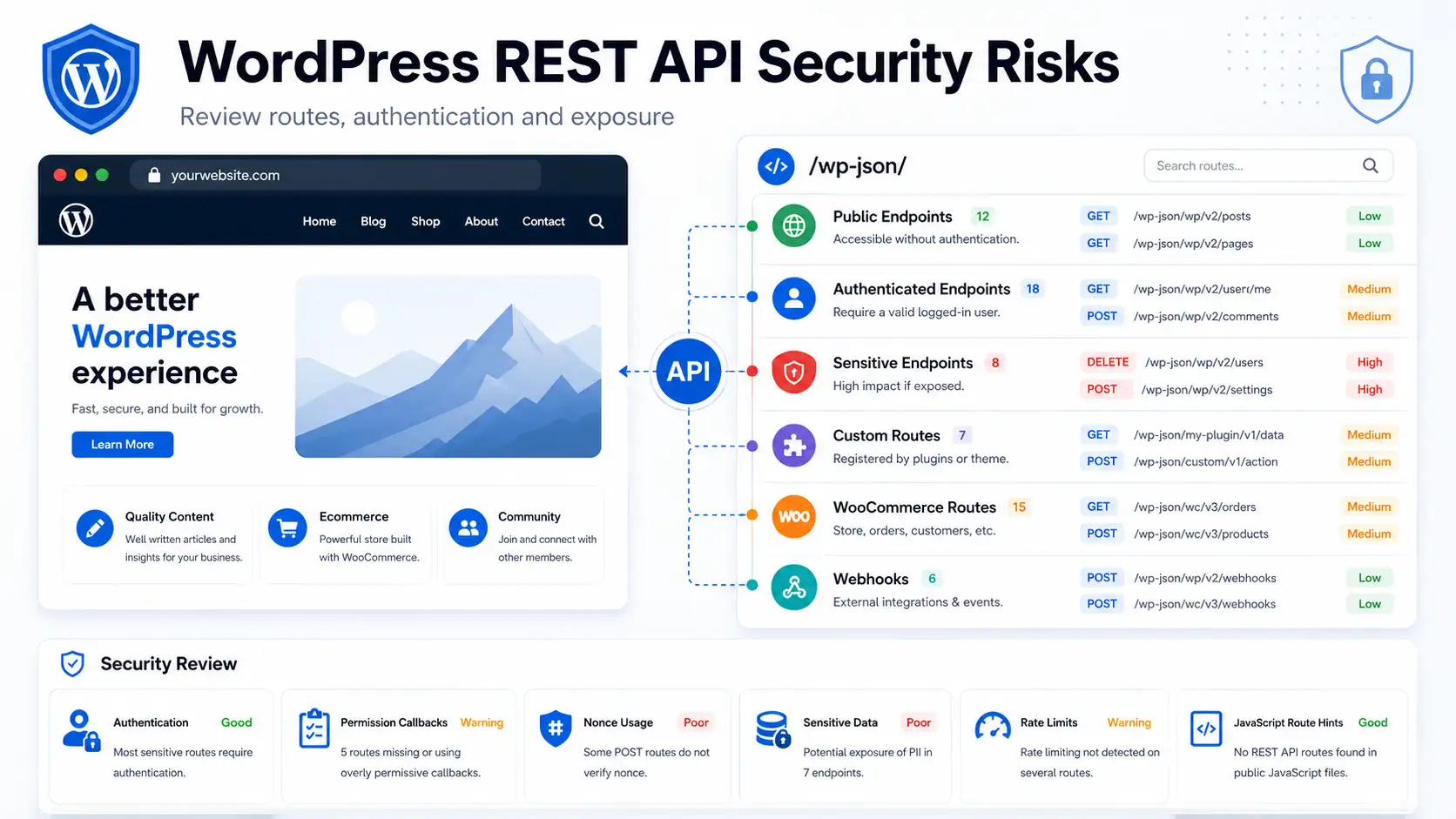
WordPress installations rely on REST APIs, AJAX actions, login routes and custom endpoints. Treating every route identically can add friction to low-risk pages while leaving expensive endpoints under-protected.
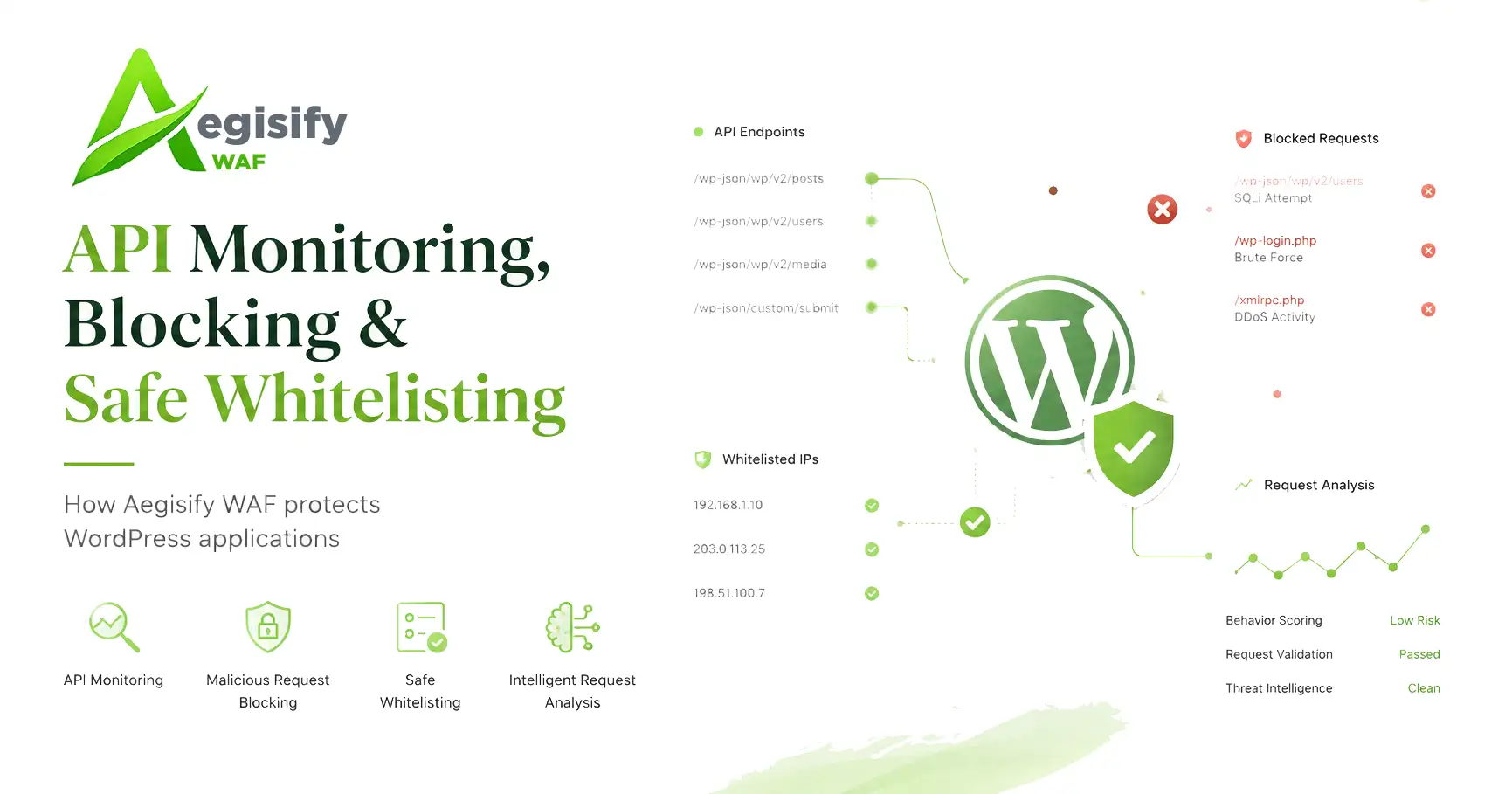
Aegisify WAF API Shield supports endpoint-aware controls for WordPress REST traffic and sensitive routes. Administrators can apply targeted policies, request thresholds, method restrictions, payload controls and route allowlists according to the function being protected.
Access rules can also gate selected WordPress-handled paths by IP or CIDR, authenticated user or role. This is useful for internal dashboards, staging routes and operational tools. Physical files served directly by a web server or CDN require server, storage or delivery-layer access controls because WordPress may never receive those requests.
Progressive DDoS Response Reduces Unnecessary Blocking
Measure request volume, routes, methods, sources and normal business traffic.
Apply browser verification where intent is uncertain and legitimate users may still need access.
Restrict repeated requests within a defined window before they consume more application capacity.
Deny sources or patterns when evidence supports stronger enforcement.
Thresholds should be based on measured traffic. Challenges and rate limits still occur after traffic reaches the application layer, so edge controls remain necessary for large or upstream floods.
Attack Story Converts Security Events Into a Timeline
A block count does not explain whether activity crossed several routes, escalated over time or changed after enforcement. Aegisify WAF logs request context, matched rules, categories, severity and actions. Attack Story organizes related activity into a behavioral timeline.
Administrators can compare event timing with campaigns, outages and customer reports. Evidence helps tune false positives, identify targeted endpoints and explain enforcement.
WooCommerce Requires Route-Specific Tuning
Cart, checkout, account, payment callback, tax, shipping, inventory and webhook traffic can be both expensive and business-critical. A sitewide threshold that works for a blog may interrupt a store during a promotion.
WooCommerce teams should test customer sessions, payment providers, REST integrations and AJAX before strict enforcement. Use precise allowlists for trusted integrations rather than disabling an entire module.
Control Abusive Routes Without Losing Operational Context
Inspect traffic, protect APIs, tune thresholds and investigate the full attack story.
Backup and Disaster Recovery Complete the Protection Story
A firewall cannot prevent every outage. Updates fail, databases corrupt, credentials are abused, storage fills and malware may require a clean recovery point. WordPress recommends backups, while Aegisify Backup provides file, database, table, full-site and disaster-recovery workflows.
A full recovery package can include WordPress content, database data, configuration and environment metadata. Verify package completion, keep independent copies and test representative restores. Protect recovery links and tokens as privileged credentials.
For WooCommerce, recovery planning must consider orders, inventory, subscriptions, payment data, webhooks and activity created after the recovery point. A technically successful restore can still create business loss when recent transactions are overwritten without reconciliation.
| Control | Primary Role | What It Does Not Replace |
|---|---|---|
| CDN, host or edge service | Filters or absorbs upstream and volumetric traffic before it reaches the origin. | WordPress-aware route policy, application evidence or recovery planning. |
| Aegisify WAF | Controls malicious and abusive requests that reach the WordPress application layer. | Network DDoS absorption, secure coding, updates, identity security or backups. |
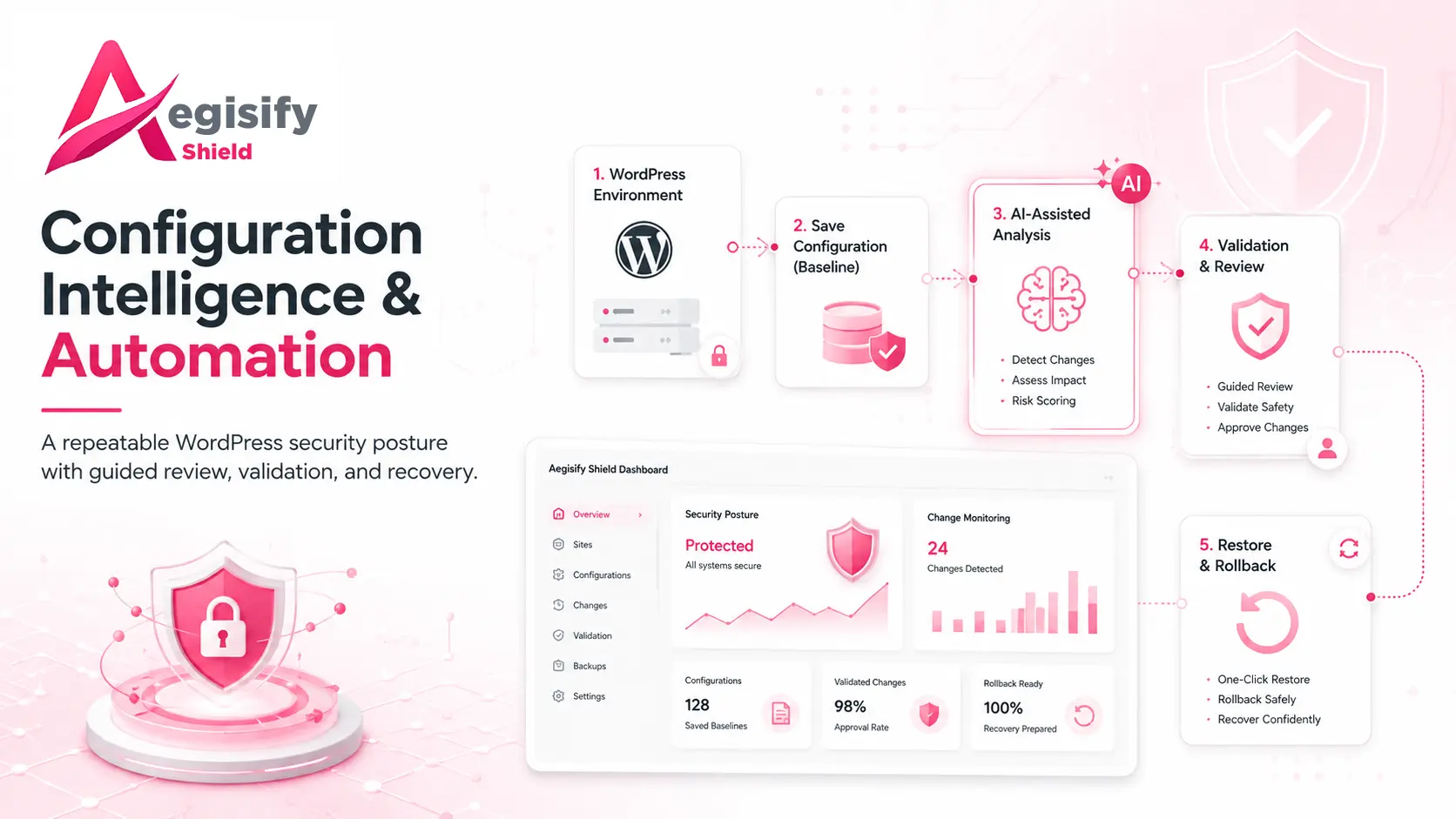
| Aegisify Shield | Supports hardening, login protection, file integrity and application activity visibility. | Request filtering at the edge or complete incident response. |
| Aegisify Backup | Provides recovery packages, granular restoration, disaster recovery and migration paths. | Attack prevention or proof that a restore works without testing. |
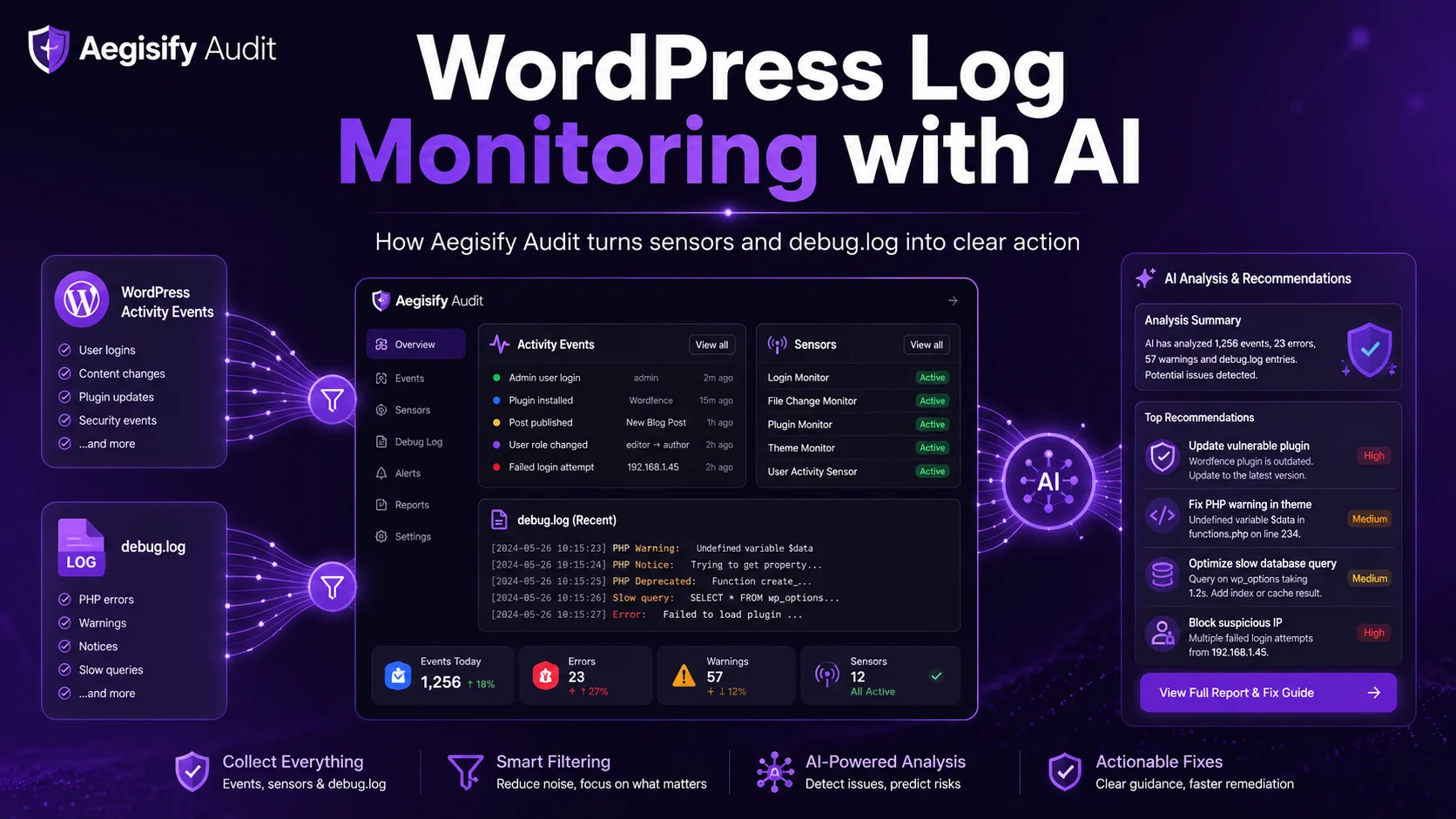
| Aegisify Audit | Supports broader assessment, findings, evidence and remediation priorities. | Continuous traffic enforcement or emergency restoration. |
Availability Also Protects Search and AI Discovery
Security is not a ranking shortcut, but unavailable or altered pages can disrupt crawling, indexing, trust and conversions. After recovery, verify canonical URLs, robots.txt, sitemaps, redirects, structured data and important internal links.
Aegisify SEO, SiteMap and Links can support post-recovery review. Restore application service and the discovery signals used by search and AI systems. No product guarantees ranking, indexing or citation.
WordPress DDoS Protection FAQ
Can a WordPress plugin stop every DDoS attack?
No. An application-layer plugin can reduce abusive requests that reach WordPress, but upstream network floods require hosting, CDN, reverse-proxy or edge mitigation.
Should I block every traffic spike?
No. Promotions, crawlers, product launches and integrations can create legitimate bursts. Start with observation, then apply route-specific challenges, rate limits or blocks according to evidence.
Why protect the REST API separately?
REST routes may trigger authentication, database queries or custom application logic. Endpoint-aware rules let administrators protect expensive routes without applying the same restriction everywhere.
Does a successful backup prove disaster recovery will work?
No. Verify package scope and integrity, maintain independent copies and perform test restores that validate real application and business workflows.
Can aggressive WAF rules hurt SEO?
Yes. Incorrect rules can block search crawlers, resources or public pages. Validate trusted crawler handling and review server logs and webmaster evidence after enforcement changes.
WordPress Security and Recovery References
Editorial references include the Aegisify WAF product page, Aegisify WAF user guide, API Shield documentation, Layer 7 DDoS documentation, Attack Story documentation, Aegisify Backup guide, WordPress brute-force guidance, and WordPress backup guidance.