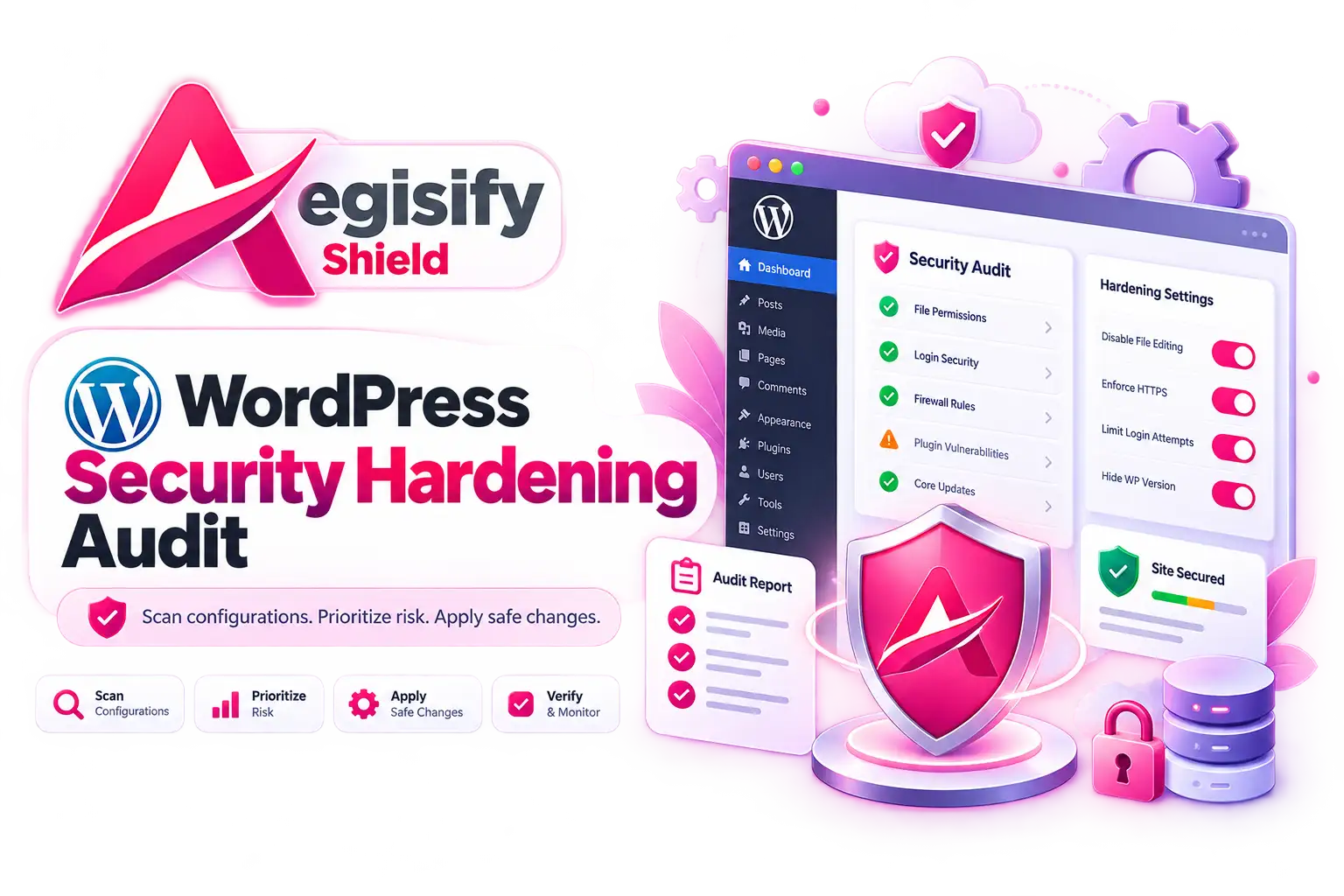
WordPress Security Hardening Audit: Find Configuration Risk Before It Becomes an Incident
A WordPress website can be fully patched and still carry avoidable security risk. The problem is often configuration: public debug output, weak account controls, exposed files, unsafe API behavior, incomplete malware monitoring, permissive settings, or hardening options that were never reviewed after the site changed. A serious WordPress Security Hardening Audit should show what is configured now, explain why it matters, recommend a safer state, and give administrators a controlled way to act.
Why WordPress Hardening Is More Than Installing a Security Plugin
WordPress security is layered. WordPress recommends keeping core, plugins, and themes updated, using strong authentication practices, reviewing file permissions, and protecting sensitive configuration. A website is a collection of code, users, permissions, APIs, files, plugins, themes, and business workflows.
The difficult part is that “secure” is rarely a single switch. A WooCommerce store may legitimately allow customer registration. A membership site may require password resets. A REST API may support a mobile application or integration. An external server cron may intentionally replace normal WP-Cron execution. Hardening without context can break revenue, automation, or customer access.
That is why the better question is not, “How many settings can I disable?” It is, “Which settings create real exposure on this WordPress site, which ones need review, and which changes can be made safely?”
What Aegisify Checks During a WordPress Security Hardening Audit
Aegisify Shield’s Configuration Security view examines a broad security-control baseline rather than a short checklist. Depending on site state, the audit can surface dozens of rows across WordPress configuration, PHP runtime conditions, identity, files, APIs, malware defenses, logging, and browser security.
| Security Area | Examples of Configuration Evidence |
|---|---|
| Updates & Runtime | WordPress core, plugin and theme update state, PHP runtime exposure, debug settings, automatic update policy, and dangerous PHP behavior. |
| Identity & Access | Administrator exposure, strong passwords, registration roles, login abuse controls, password-reset protection, user enumeration, and privileged authorization safeguards. |
| WordPress Interfaces | REST API exposure, XML-RPC posture, Application Password review, dashboard file editing, cron configuration, and sensitive WordPress constants. |
| Files & Integrity | wp-config.php state, backup artifacts, web-root sensitive files, file integrity monitoring, critical-file monitoring, and malware scanning. |
| Browser & Transport | HTTPS administration, baseline security headers, Permissions-Policy, CSP, HSTS, and advanced header-profile review. |
From a Long Checklist to a Prioritized Configuration Workflow
A large audit is useful only when people can navigate it. Findings are paginated at 25 rows per page and can be filtered by Strength, Review, or Risk, letting administrators move quickly to material risk while preserving the complete baseline.
Each row is built around a simple decision model: what Aegisify found, the details behind the finding, the current setting, the recommended setting, whether a supported recommendation can be applied, and why that recommendation exists. This reduces the gap between “there is a warning” and “what should I actually do?”
See Your WordPress Hardening Posture in Context
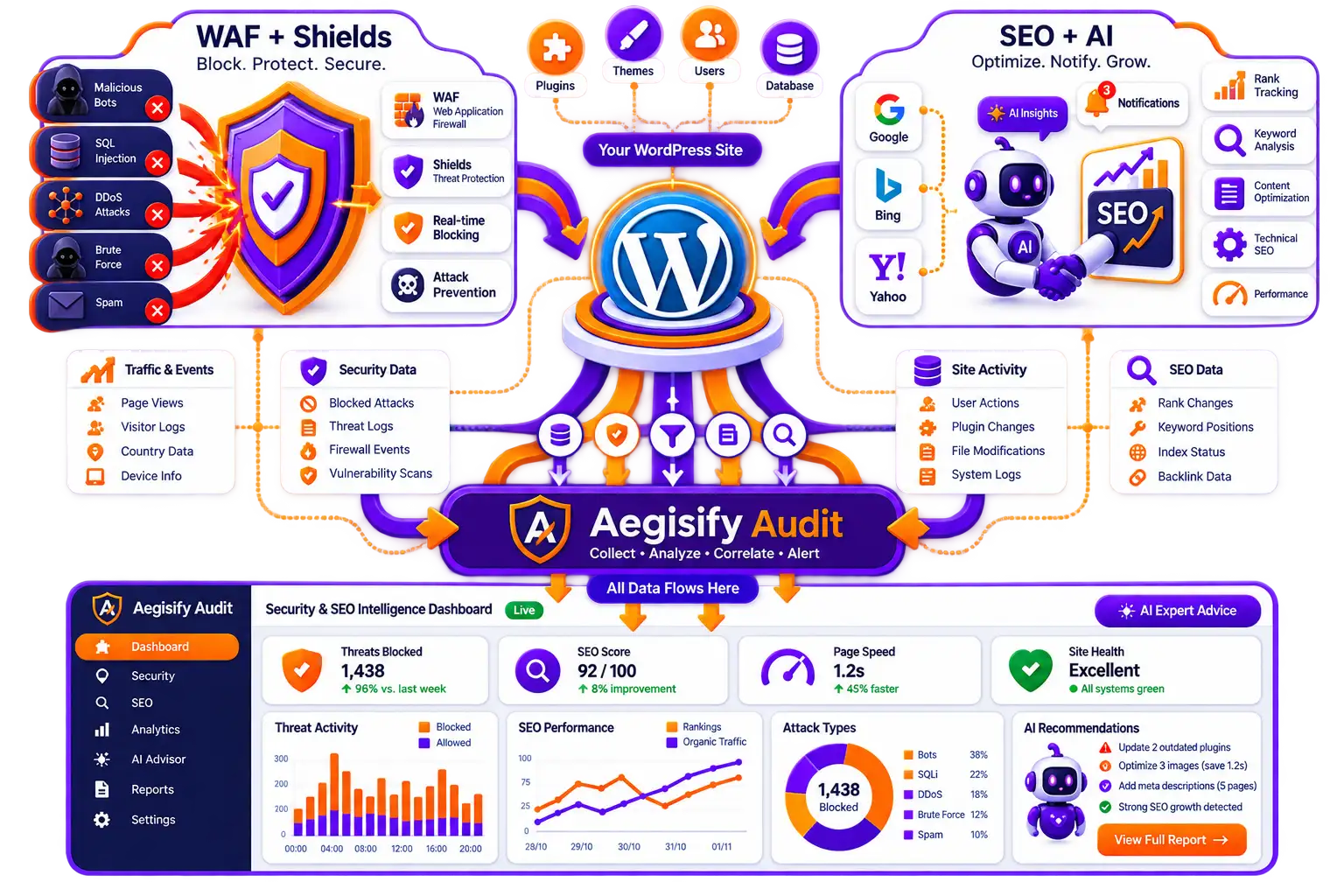
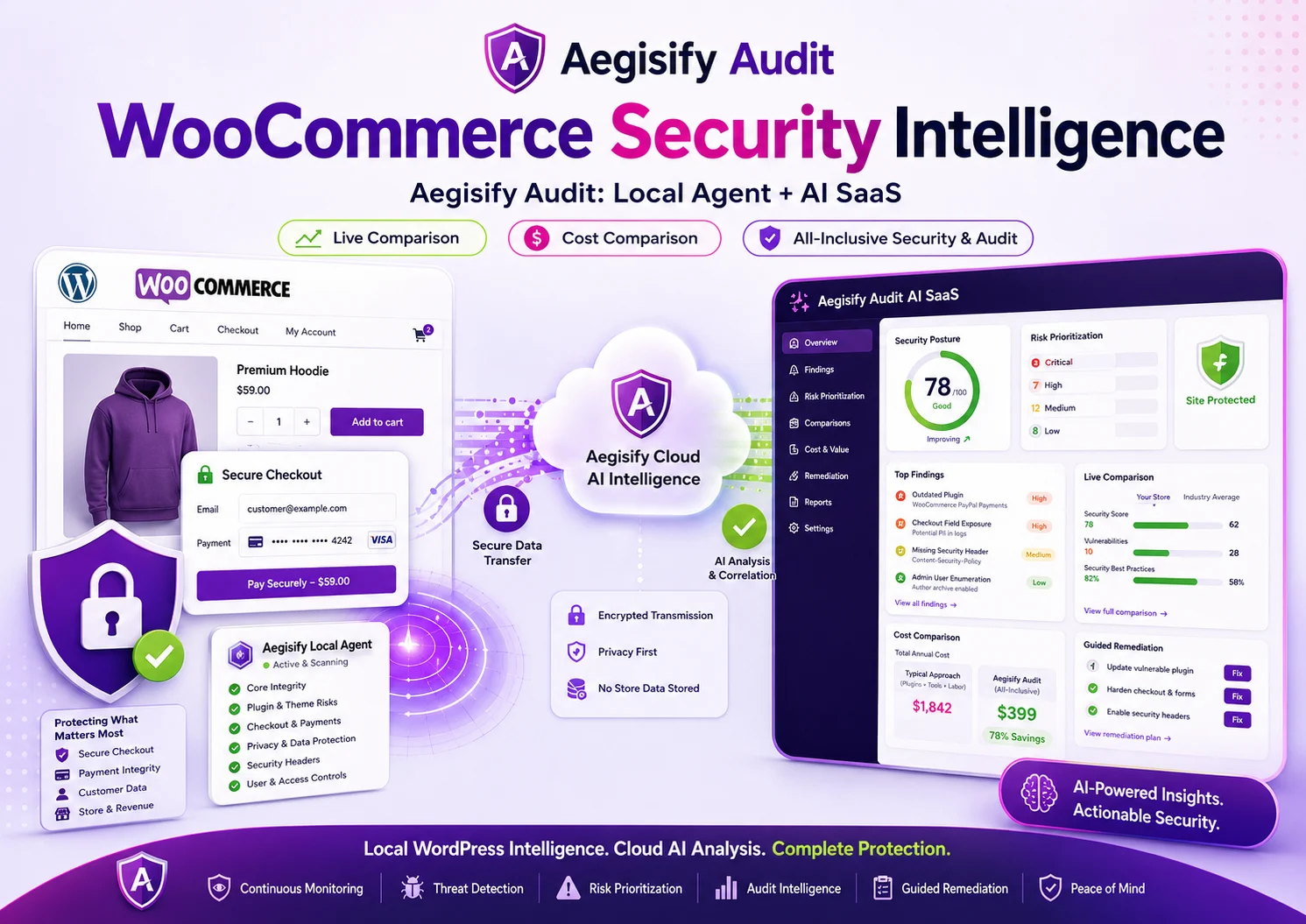
If your WordPress site supports ecommerce, memberships, integrations, custom login flows, APIs, or business-critical operations, configuration should be reviewed in context instead of hardened blindly. Aegisify can show the workflow and explain where Shield fits beside the broader Aegisify security audit platform.
AI-Assisted Review Without Giving AI Permission to Change WordPress
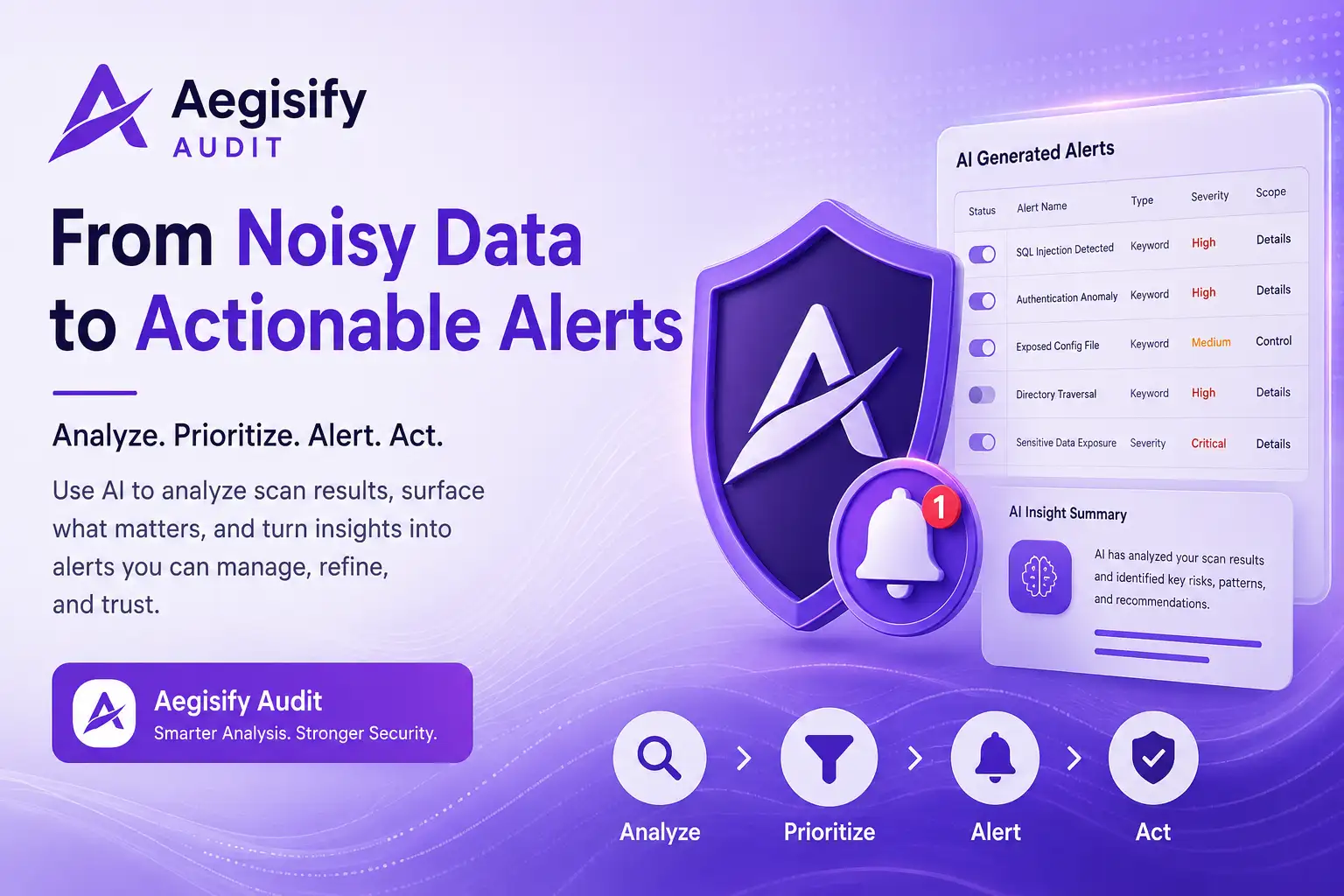
Aegisify Shield can optionally analyze the current configuration scan with AI through Aegisify Core. The purpose is explanation and prioritization: help an administrator understand why a setting matters, identify the most important findings, and surface compatibility considerations that deserve human review.
The design keeps an important boundary in place. The AI receives a redacted technical inventory and structured finding context after explicit authorization. Its output is treated as untrusted. Finding IDs, action IDs, and feature references are checked against the current local scan and Shield’s local allowlists before they are displayed or used. AI does not receive open permission to rewrite arbitrary WordPress settings.
AI can add context, but deterministic controls decide what Shield is actually allowed to change.
Apply Recommended, Verify the Result, and Roll Back When Needed
Some recommendations are safe enough for one-click application because they map to existing Shield-owned settings. For those controls, Apply Recommended validates the action, records the prior state, applies only the allowed setting, verifies the value, refreshes inventory, and rescans.
After a supported change is applied, the row can expose Roll Back Change. The rollback record is tied to that specific action rather than one generic global recovery point. If two different recommendations are applied, each can retain its own recovery context.
A Better Hardening Model for WooCommerce, Membership, and Business Sites
Public registration is a good example of why configuration security needs context. Disabling registration everywhere may look “secure,” but it can break checkout, memberships, customer portals, social login, or community workflows. The safer model is to distinguish legitimate low-privilege registration from dangerous privileged registration and then evaluate the protections around the workflow.
Aegisify Shield reviews registration with default roles, bot protections, rate controls, login defenses, password-reset abuse controls, and privileged-role safeguards. The audit evaluates how the site operates instead of assuming every public feature is a vulnerability.
How the Aegisify WordPress Security Hardening Audit Works
What a WordPress Security Hardening Audit Should Tell You
A useful audit should leave the administrator with answers, not a larger pile of alerts. You should know which controls are already strong, which settings need context, which conditions create meaningful risk, what the current value is, what a safer value would be, and whether the change can be made without guessing.
That operating model is the reason Aegisify treats configuration review as part of site intelligence. Hardening is not a one-time launch task. WordPress evolves. Plugins change. Administrators come and go. Business workflows expand. APIs are added. Hosting settings move. Security controls drift. A repeatable configuration audit gives teams a way to revisit that posture with evidence.
WordPress Security Hardening Audit FAQ
What is a WordPress Security Hardening Audit?
It is a structured review of WordPress configuration and security controls such as updates, authentication, roles, PHP, APIs, files, monitoring, and browser security. The goal is to identify unnecessary exposure without breaking legitimate site functions.
Does Aegisify automatically change every risky WordPress setting?
No. Only supported, locally allowlisted Shield settings are candidates for one-click application. Environment-dependent changes remain reviewable or manual.
Can I roll back a recommendation after I apply it?
For supported actions, Shield keeps a per-action rollback record and checks for later setting drift before restoring the previous value.
Does the audit disable WooCommerce or membership registration?
No. The audit evaluates role safety and registration protections rather than treating every legitimate public registration workflow as a vulnerability.
Can AI make security changes by itself?
No. AI review is optional and used for explanation and prioritization. Local validation and approved Shield actions remain the enforcement boundary.
Security References
Helpful references include WordPress Hardening guidance, WordPress file-permission guidance, wp-config.php documentation, and Aegisify Shield Hardening. Security posture depends on the site, hosting environment, integrations, and business requirements; no hardening configuration eliminates all risk.