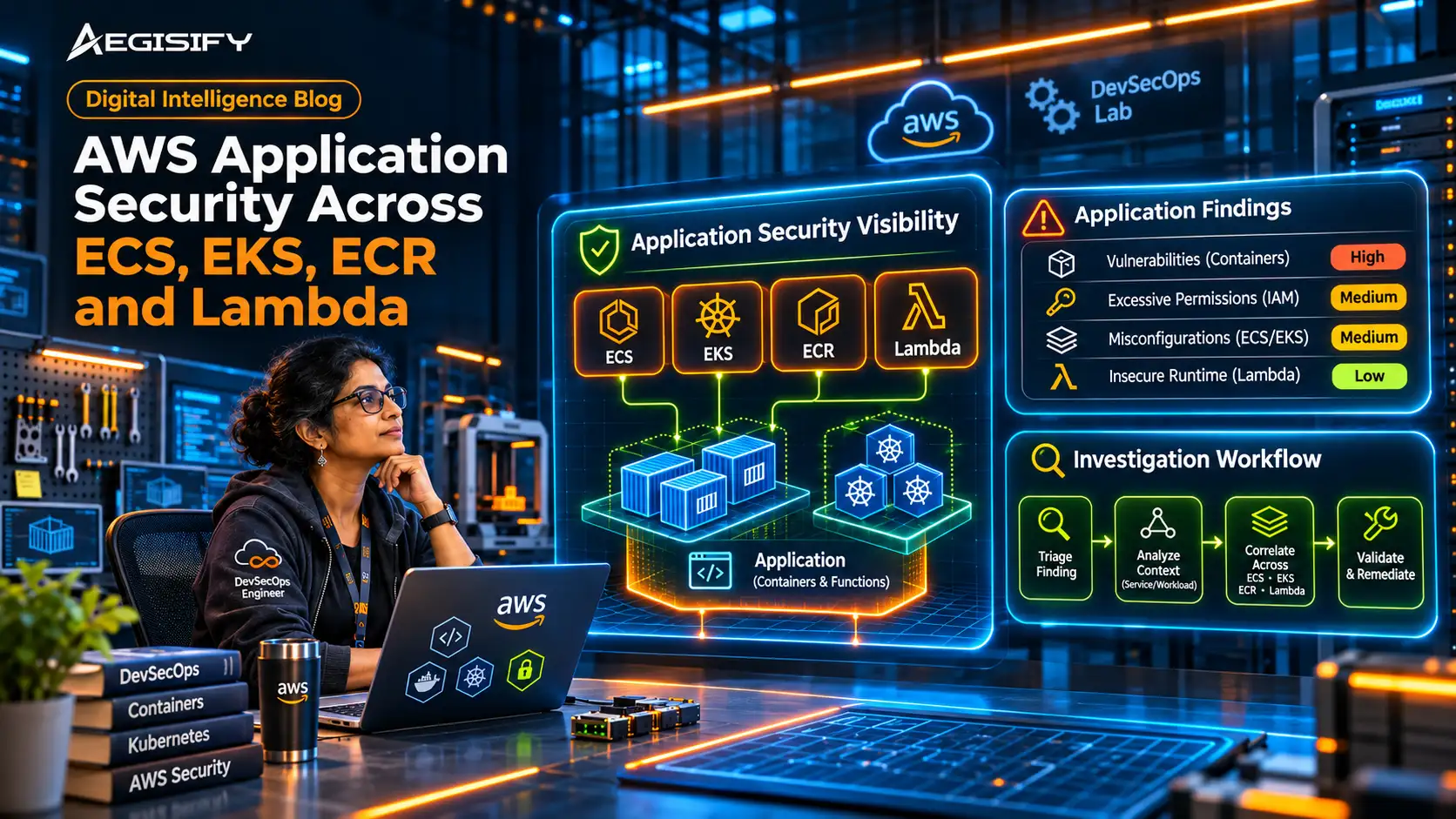
AWS Application Security Across ECS, EKS, ECR and Lambda
A cloud service can exist while its workload is failing—or while security evidence is missing. Application teams need to distinguish inventory, risk and runtime-health indicators.
Digital Intelligence can show selected authorized service inventory, resource status, sampled ECR image findings and bounded CloudWatch health indicators. It also identifies access gaps instead of treating missing metrics as healthy.
Identify discovered service, cluster and function references.
Review observed image finding and scan-status limits.
Check bounded metric windows and recorded provider states.
Prioritize code, image or runtime changes and retest.
Configured is not the same as operating safely
An ECS cluster is not proof that tasks are running. An EKS cluster listing is not a complete Kubernetes workload map. An ECR repository is not a running application, and a Lambda configuration does not establish uptime.
The Application Intelligence and Application Health workspaces join the selected AWS-native service observations with provider status and available health data, making it easier to investigate what is actually known.
Example: deployment looks complete, service looks uncertain
An engineer discovers an ECS service with fewer observed running tasks than desired, while a related ECR image has sampled scan findings. That is a reason to investigate deployment health and vulnerability impact separately—not proof that the container was exploited.
Investigate application risk by evidence layer
- Confirm what was discovered
Review ECS tasks/services, EKS clusters/add-ons, ECR repositories/images and Lambda details for the selected account and Region.
- Separate risk from availability
Use sampled ECR image-scan evidence for image risk. Use available ECS, EKS and Lambda status or CloudWatch metrics for bounded operational context.
- Address and retest
Send actionable findings to application owners, rebuild or redeploy affected artifacts through normal processes and refresh the observations.
Questions security teams ask
Is an ECR vulnerability the same as a compromised running container?
No. Scan evidence describes a known issue in an image; exploitation and runtime status require separate evidence.
Will Digital Intelligence show Kubernetes pods automatically?
Only when the necessary EKS access mapping, read-only Kubernetes RBAC and network connectivity are available.
Does missing CloudWatch data mean the application is healthy?
No. Missing, denied or unsupported metrics cannot be counted as healthy observations.
Technical reference: Amazon ECR image scanning (AWS official documentation). Actual findings, permissions and service support are environment-dependent.