WordPress SEO Spam Detection: Find Injected Pages, Hidden Links, and Malicious Redirects
WordPress SEO spam detection identifies hacked pages, Japanese keyword spam, pharma spam, casino pages, hidden links, injected titles, cloaked content, and malicious redirects before causing WordPress security and search visibility damage. A site can look normal while search engines or visitors receive unapproved content.
WordPress SEO spam scans must go beyond rankings and metadata. It should connect suspicious URLs with files, database content, users, plugins, redirects, logs, vulnerabilities, and persistence. Aegisify Audit helps organize those signals into an investigation and remediation plan.
What Is WordPress SEO Spam?
WordPress SEO spam is unauthorized content or behavior added to manipulate search visibility, capture traffic, distribute scams, or redirect visitors. Attackers may publish low-quality pages, change titles and descriptions, add hidden links, generate fake products, or show different content to crawlers and visitors.
Common patterns include pharma terms, casino pages, Japanese keyword spam, fake ecommerce listings, adult content, crypto scams, counterfeit downloads, cloaked text, and search-only redirects. The visible site may remain unchanged because the response is conditional, stored in the database, loaded by unfamiliar code, or triggered only for a particular referrer, device, country, or URL.
Unauthorized URLs can replace legitimate snippets, consume crawl attention, create irrelevant pages, and make search results look untrustworthy.
Spam may depend on a rogue administrator, modified file, scheduled task, vulnerable plugin, database injection, or hidden backdoor.
Customers may encounter scams, unsafe downloads, unrelated products, or redirects associated with your domain.
SEO Spam Is Not Only an SEO Problem
A ranking decline may be the first warning, but the better question is: what published, injected, exposed, or redirected content that does not belong? Search data reveals symptoms; WordPress security evidence helps explain the cause.
Signs of WordPress SEO Spam
1. Strange Pages Appear in Google or Bing
Run a domain search, then review Google Search Console and Bing Webmaster Tools for discovered and indexed URLs. Look for foreign-language titles, products you do not sell, gambling or pharmacy terms, unusual directories, sudden index growth, and redirects. Search operators are useful spot checks; verified webmaster data, sitemaps, logs, and database records provide stronger evidence.
2. Titles and Descriptions Do Not Match the Page
Attackers may alter only titles, descriptions, canonicals, or structured data. Compare important pages, SEO settings, database options, and rendered source.
3. Hidden or Unrelated Links Appear
Review templates, widgets, posts, plugin output, and database content for unexpected links, hidden elements, encoded payloads, unfamiliar domains, and altered older pages.
4. Visitors Receive Conditional Redirects
Some campaigns redirect only search visitors, mobile users, certain countries, or first-time sessions. Inspect .htaccess, server rules, JavaScript, headers, theme and plugin files, CDN settings, database options, and redirect tools. Test clean sessions and compare responses.
5. Unknown Users, Plugins, or File Changes Exist
SEO spam often needs persistence. Review administrators, plugins, must-use plugins, drop-ins, scheduled tasks, recently modified files, writable directories, and unusual activity. Removing visible spam without removing persistence can lead to reinfection.
| Signal | What It May Mean | What to Review Next |
|---|---|---|
| Unexpected indexed URLs | High Priority Injected posts, generated routes, compromised sitemaps, doorway pages, or database spam. | Search Console, Bing Site Explorer, sitemap output, WordPress posts, rewrite rules, database records, and access logs. |
| Search-only redirect | High Priority Conditional malware, referrer-based logic, injected JavaScript, CDN rules, or server configuration changes. | Rendered response, headers, JavaScript, web-server rules, CDN settings, plugin and theme files, and logs. |
| Changed titles or snippets | Investigate SEO setting compromise, database injection, template modification, stale indexing, or page-content mismatch. | SEO plugin settings, page source, database options, structured data, canonical tags, and URL Inspection. |
| Unknown administrator | High Priority Unauthorized access or persistence that may permit the spam to return. | User history, authentication logs, sessions, password resets, administrator actions, plugins, and file changes. |
| Large crawl or index spike | Evidence Signal Mass-generated spam, faceted URLs, compromised search pages, or legitimate technical expansion. | Performance reports, crawl data, sitemap counts, server logs, templates, internal links, and URL patterns. |
How SEO Spam Moves Through a WordPress Site
The visible search problem is often the last stage of a longer security chain. Investigate the full chain to reduce reinfection risk.
WordPress SEO Spam Detection Checklist
Use these checks as one connected audit:
How Aegisify Audit Helps Investigate SEO Spam
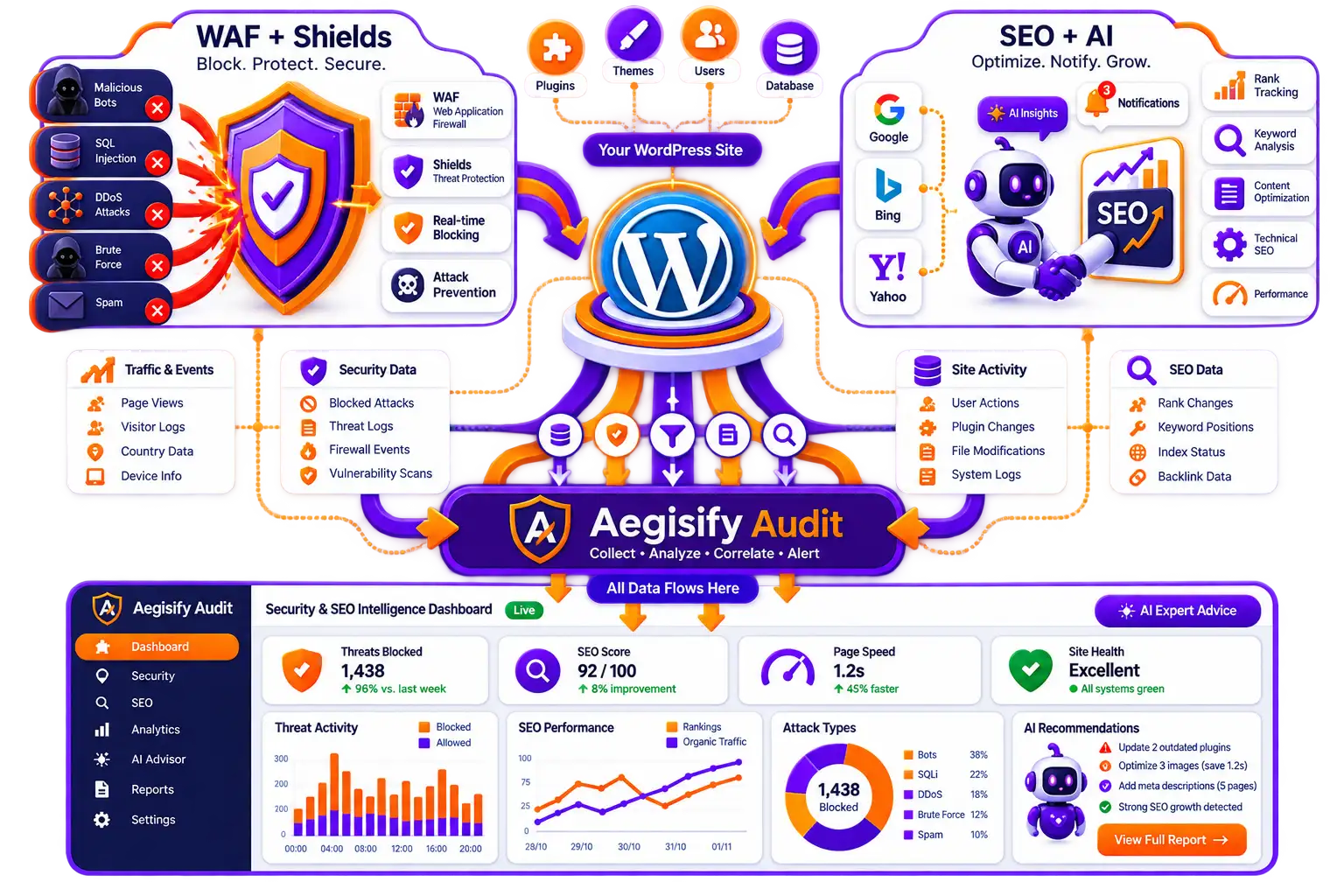
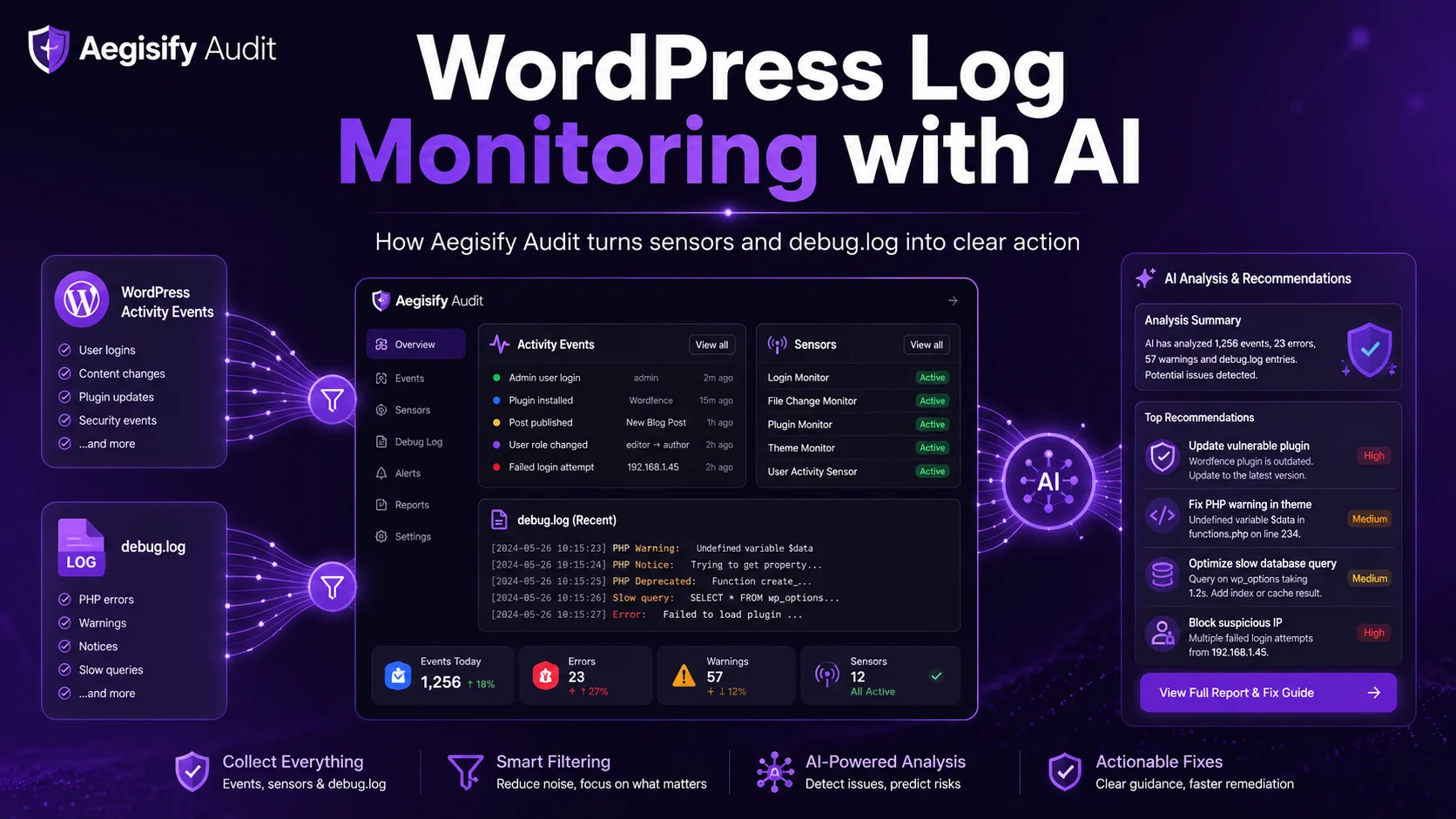
Aegisify Audit supports inventory, vulnerability scanning, malware-indicator review, static code analysis, exposure checks, API review, activity and debug logs, threat context, prioritized reporting, and AI-assisted remediation notes.
The benefit is correlation. An unfamiliar indexed directory becomes more meaningful beside a changed plugin, new administrator, suspicious domain, exposed route, or repeated log activity. That context helps teams decide what happened, what comes first, and how recovery will be verified.
Aegisify does not guarantee every injection will be detected or removed. It helps organize evidence, prioritize remediation, document decisions, and support human review.
Do Not Stop After Deleting the Spam Pages
Removing URLs may leave attacker access, malicious code, a vulnerable plugin, or database persistence in place. Confirm the site is clean first. Then restore valid responses, remove invalid content, update sitemaps, use available review tools, and continue monitoring. Search engines decide when results change.
SEO Spam and AI-Search Visibility
Google states that supporting links in its AI search features must be indexed and snippet-eligible; normal search requirements still apply. Bing also connects indexed content and crawl health with search and AI discovery. Injected pages, redirects, malware warnings, incorrect canonicals, and damaged snippets can therefore affect more than traditional results.
There is no AI-search cleanup shortcut. Restore trustworthy content, remove unauthorized material, preserve legitimate indexable pages, correct technical signals, and keep webmaster evidence current.
WordPress SEO Spam FAQ
Can SEO spam exist even when my site looks normal?
Yes. Spam may exist outside the editor, appear only to crawlers, load conditionally, or trigger for a particular referrer, device, location, or session.
Will deleting spam pages fix the compromise?
Not necessarily. Remove unauthorized access and persistence, patch the vulnerable component, inspect files and database content, rotate affected credentials, and verify that the spam does not return.
Can Google Search Console detect a hacked WordPress site?
Search Console’s Security Issues report can show indications Google has detected, including hacked content, malware, phishing, or harmful behavior. It is important evidence, but the absence of an alert does not replace a local WordPress investigation.
How can Bing help investigate suspicious URLs?
Bing Webmaster Tools provides Site Explorer, URL Inspection, Site Scan, notifications, and filters for indexed URLs, guideline issues, crawl conditions, and malware-related URLs. Compare that data with your WordPress inventory and logs.
How does Aegisify Audit help?
Aegisify Audit helps connect search symptoms with vulnerability, file, activity, log, public-exposure, malware-indicator, and code-analysis evidence so teams can build a prioritized and reviewable remediation plan.
WordPress and Search Security References
Editorial references include Google Search spam policies, Google Search Console Security Issues report, Google malware-prevention guidance, Google AI features and website eligibility, WordPress.org hacked-site guidance, WordPress hardening guidance, Bing Site Explorer, and Bing Site Scan.