WordPress Plugin CVE Risk Explained: How to Prioritize Vulnerabilities That Actually Affect Your Site
A WordPress plugin CVE is a public identifier for a known security vulnerability, but the identifier alone does not tell you whether your website is in immediate danger. A useful WordPress plugin vulnerability scanner or WordPress CVE scanner must connect the advisory to your installed plugin version, active configuration, public attack surface, required privileges, exploitation evidence, and business impact. That context turns a generic vulnerability alert into a defensible remediation decision.
The CVE Program catalogs publicly disclosed vulnerabilities, while the National Vulnerability Database adds standards-based data. Those sources cannot see whether a vulnerable WordPress feature is enabled, exposed through a form, connected to WooCommerce, reachable through REST or AJAX, or protected by another control.
What Is a WordPress Plugin CVE?
A CVE, or Common Vulnerabilities and Exposures identifier, gives security teams and tools a common way to reference a publicly disclosed vulnerability. It may apply directly to a WordPress plugin or to a bundled library or component.
Common plugin vulnerability classes include broken access control, SQL injection, cross-site scripting, unrestricted file upload, privilege escalation, authentication bypass, sensitive data exposure, cross-site request forgery, insecure deserialization, local file inclusion, and remote code execution. The label matters, but the exploitation conditions matter more.
A CVE may affect only a narrow version range. An accurate finding must match the installed version to the affected and fixed releases.
A public upload, REST route, AJAX action, login workflow, or checkout endpoint usually creates more urgency than an admin-only feature.
Risk rises when exploitation could affect customer data, orders, payments, administrator access, files, availability, or brand trust.
Why a CVSS Score Is Not the Same as Your Risk
CVSS provides a standardized severity measure, and NVD distinguishes severity from risk. Prioritization should also consider exploitation, local exposure, business criticality, and controls. CISA’s Known Exploited Vulnerabilities Catalog adds evidence of active exploitation, while EPSS estimates 30-day exploitation probability. Neither replaces local validation.
Potential impact and exploit characteristics described by the advisory or CVSS.
Known exploitation, public exploit activity, EPSS, or credible threat intelligence.
Installed version, active status, reachable feature, authentication level, and configuration.
Revenue, customer data, privileged access, service availability, recovery cost, and trust.
| Example Condition | Likely Priority | Recommended Response |
|---|---|---|
| Unauthenticated flaw in an active public upload or REST feature, with known exploitation | Immediate High reachability and strong threat evidence create a credible path to harm. | Patch, disable the exposed feature, or remove the plugin. Review logs and retest the affected route. |
| Active plugin, affected version, subscriber-level exploit, and public registration enabled | High The required access may be easy to obtain on an open-registration site. | Update quickly, review accounts and activity, and validate that the vulnerable workflow is no longer reachable. |
| Affected plugin is active, but the vulnerable feature is disabled and admin-only | Planned Exposure is reduced, but the vulnerable code still exists in the environment. | Schedule the update, preserve a tested backup, verify compatibility, and monitor for changed conditions. |
| Plugin is inactive, unused, and no longer required | Remove Inactive does not equal necessary. Unused code increases maintenance and attack-surface burden. | Delete the plugin after confirming it is not required for data, shortcodes, integrations, or recovery. |
Confirm the Installed Version and the Fixed Version
Start with exact version matching. Record the plugin name, slug, installed version, affected range, patched version, update source, and whether a supported release exists. Commercial plugins, bundled plugins, forks, and renamed packages can complicate identification.
If no patch exists, determine whether the plugin can be removed, replaced, isolated, or restricted. A useful finding includes a viable remediation path.
Confirm Active Status, Public Exposure, and Required Privileges
An active plugin usually deserves faster review, but inactive plugins still leave code on disk. Identify whether the vulnerable function is reachable from the public internet or only from a trusted administrative workflow.
- Public contact, registration, upload, or checkout forms
- WordPress REST API routes and custom endpoints
- Authenticated and unauthenticated AJAX actions
- Login, password reset, and customer account workflows
- WooCommerce cart, checkout, webhook, and payment behavior
- Scheduled tasks, imports, exports, and file-processing features
Authentication changes urgency. Unauthenticated exploits are easier to reach. Subscriber-level flaws may be serious when registration is open. Administrator-only flaws may be lower priority unless privilege controls are weak.
Evaluate Business Impact and Threat Evidence
Ask what a successful exploit could change. Vulnerabilities affecting orders, customer records, payments, administrator privileges, files, backups, or availability deserve more attention than low-impact issues in rarely used features.
Check whether CISA lists the CVE as known exploited, the vendor reports abuse, a reliable exploit is public, or logs show suspicious requests to the vulnerable path. Combine EPSS with exposure and asset importance.
Stop Treating Every Vulnerability Alert the Same
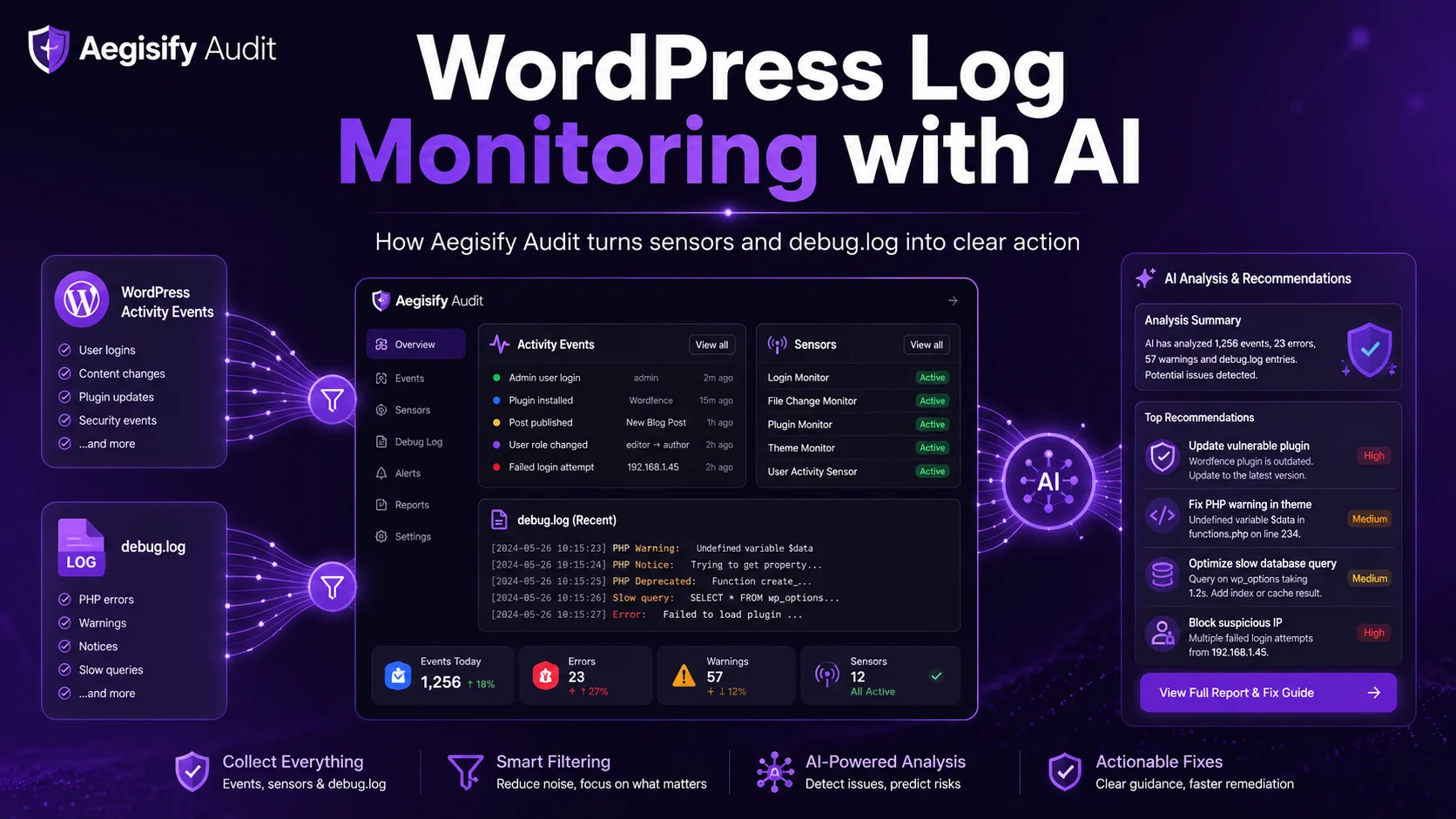
Aegisify Audit is designed to connect WordPress inventory, known-vulnerability signals, Agent-assisted code and dependency review, DAST-style exposure testing, API discovery, logs, and remediation reporting. The goal is not to create more alerts. It is to help teams see what applies, what is reachable, what matters, and what should happen next.
How Aegisify Audit Helps Prioritize WordPress Plugin CVEs
Aegisify Audit helps move the workflow from “plugin vulnerable” to an evidence-led decision. Based on configured scans and available Agent data, teams can correlate inventory with vulnerability intelligence, code and dependency signals, reachable routes, API surfaces, DAST-style findings, logs, and remediation status.
This helps agencies and WooCommerce operators explain urgency without fearmongering. A client-friendly finding might read: “The installed version is affected, the plugin is active, and the vulnerable function connects to a public form. Update it as a high-priority action, retest the form, and review recent requests for suspicious activity.”
A Practical WordPress Plugin CVE Remediation Checklist
- Back up files and the database before material plugin changes
- Confirm the advisory, affected range, and fixed release
- Test the update in staging when the plugin is business-critical
- Remove unused plugins instead of leaving unnecessary code installed
- Restrict or disable the vulnerable feature when patching must wait
- Review WAF, access-control, and rate-limit options as temporary mitigation
- Check logs for suspicious activity on the affected route or action
- Rescan and retest after remediation to confirm the exposure changed
- Document the decision, owner, evidence, and residual risk
- Continue monitoring as exploitation data changes
WordPress Plugin CVE FAQ
Is every WordPress plugin CVE critical?
No. Priority depends on the affected version, active status, exploit conditions, required privileges, public reachability, threat evidence, available mitigations, and business impact.
Should I delete a vulnerable WordPress plugin?
If it is unused, deletion is often cleaner than leaving unnecessary code installed. If the plugin is required, update it, replace it, disable the vulnerable feature, or apply a temporary mitigation while a supported fix is evaluated.
Does a high CVSS score mean my site will be attacked?
No. CVSS describes severity, not the probability that your specific site will be attacked. Combine severity with known exploitation, EPSS, local reachability, asset importance, and evidence from your environment.
Can an inactive plugin still create risk?
Yes. Inactive code remains installed, may expose files, can be reactivated, and creates maintenance burden. Remove it when it is not needed.
Can Aegisify Audit explain plugin CVE risk?
Aegisify Audit can correlate vulnerability-style findings with inventory, Agent evidence, exposure testing, API review, logs, and remediation reporting. Human review remains important for compatibility and change approval.
Security and Vulnerability Management Sources
Reference material includes the CVE Program overview, the National Vulnerability Database, NVD guidance on CVSS severity and risk, the CISA Known Exploited Vulnerabilities Catalog, the FIRST Exploit Prediction Scoring System, and WordPress plugin and theme update guidance.