Aegisify Free Features and the 30-Day Challenge: A Clearer WordPress Operating Model
Free WordPress security, WordPress SEO, backup and disaster recovery, web application firewall controls, spam protection, sitemap automation and internal-link management are often assembled through several unrelated plugins. That approach can work, but it can also create duplicated settings, conflicting responsibilities, scattered logs and uncertainty about which tool owns a problem.
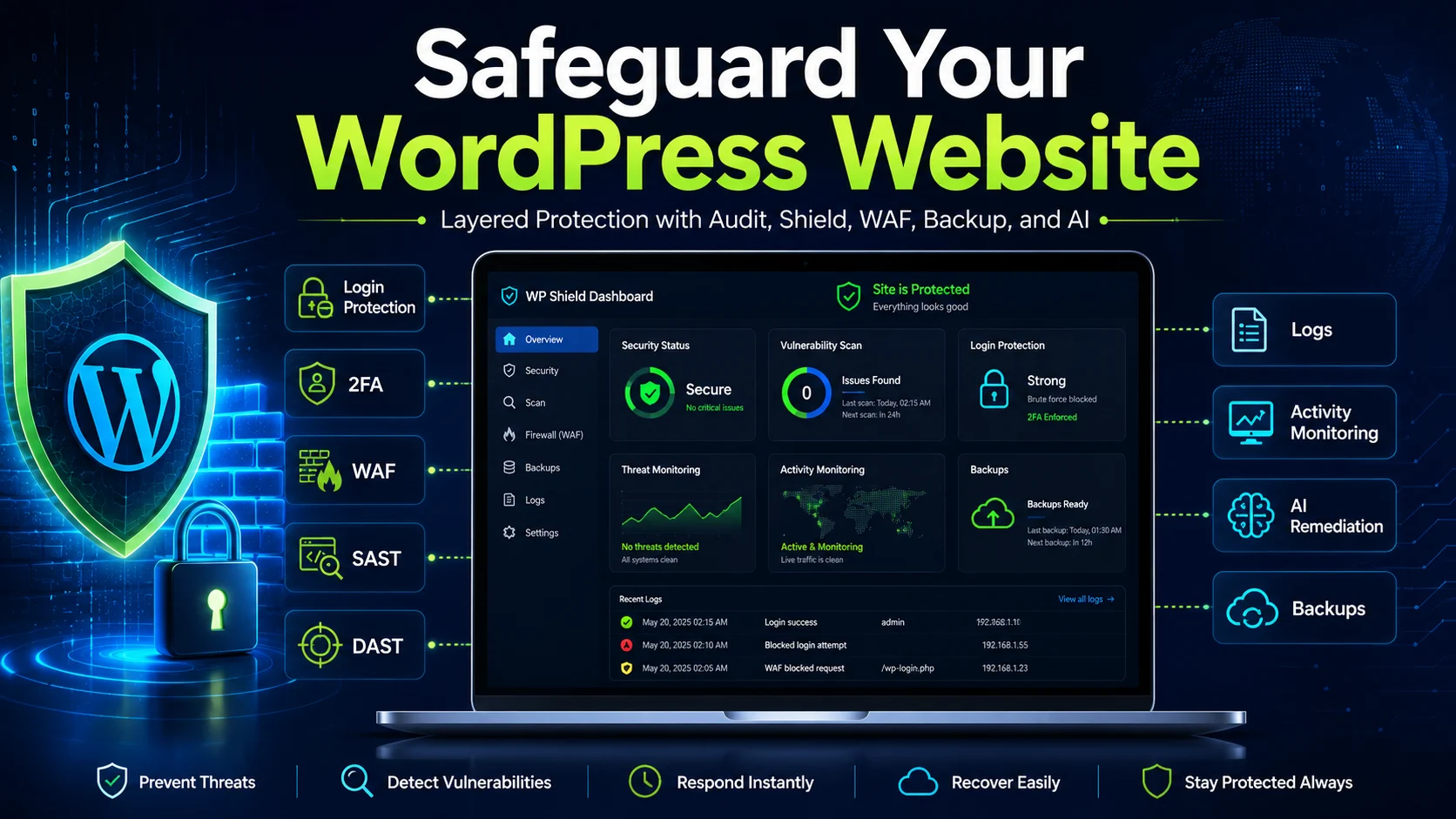
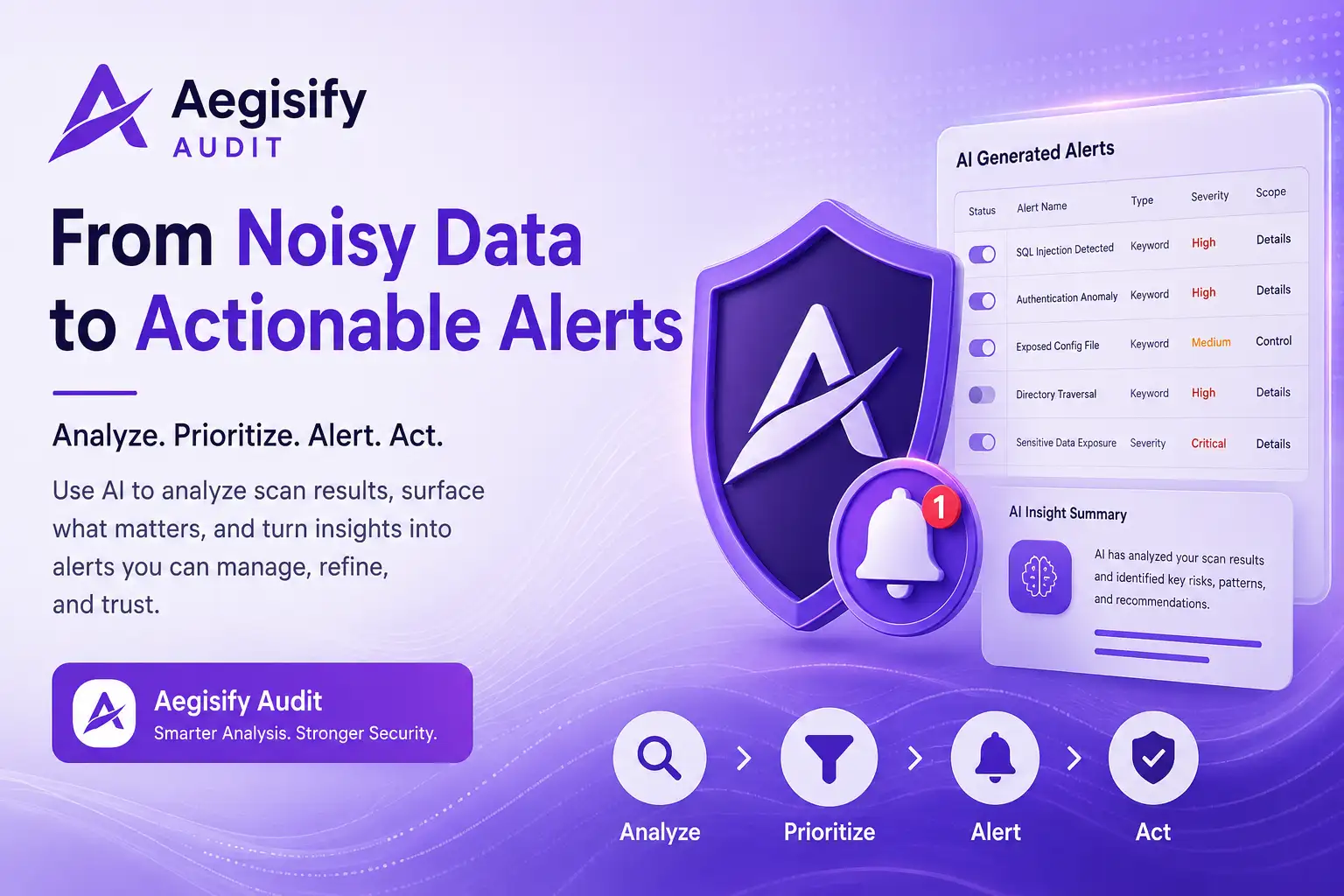
Aegisify offers a connected WordPress product suite with permanent free features, product-specific PRO capabilities and a no-credit-card 30-day challenge advertised across its current product pages. Aegisify Core provides the administrative control plane, while Shield, WAF, SEO, Backup, Spam, SiteMap and Links perform their specialized work.
Free Features, Trial Access and Paid Entitlements Are Different
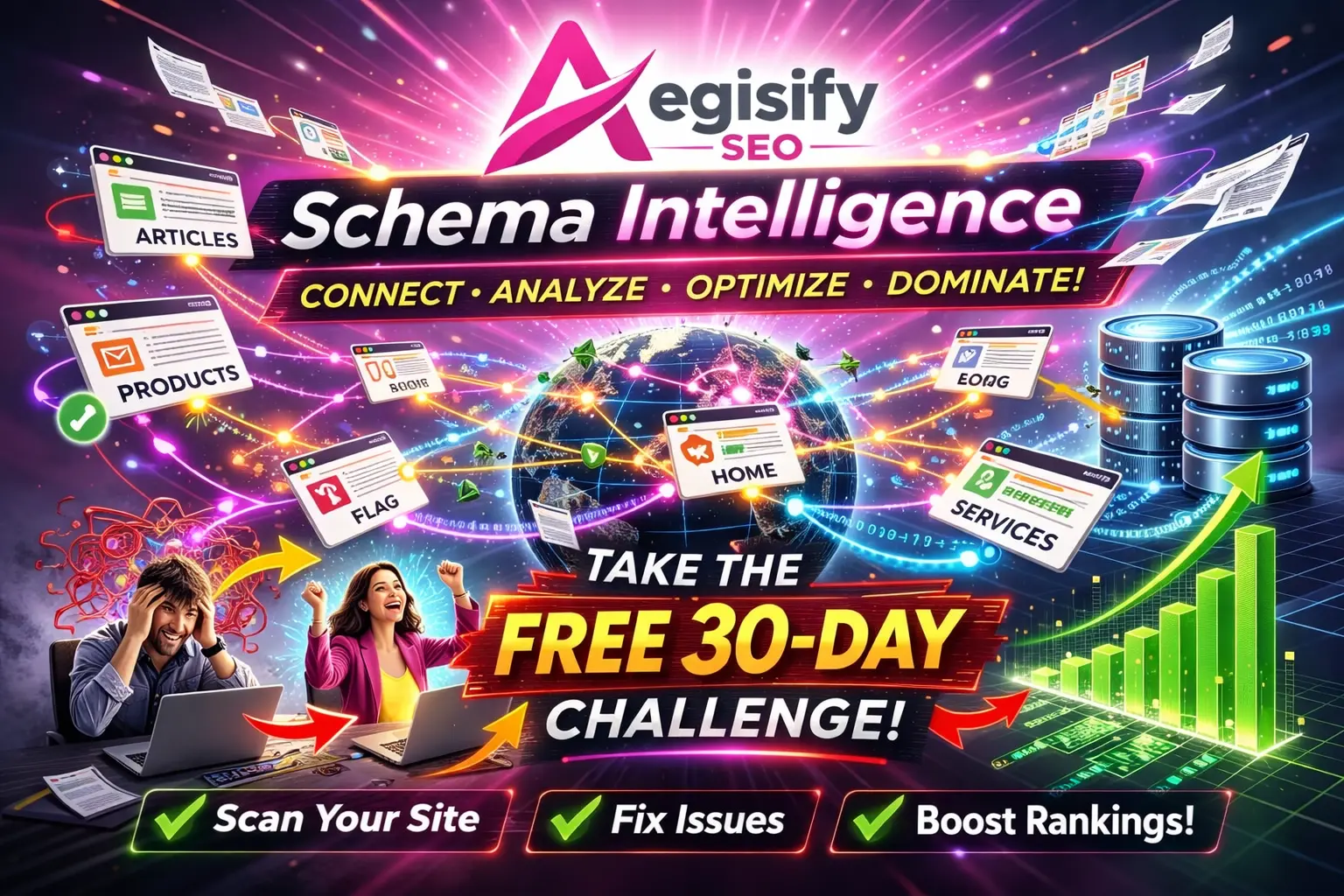
Aegisify’s product pages describe a 30-day challenge with no credit card, no commitment and free features that remain available. The current pricing page separately lists paid plans starting at $79 per month and states that the Aegisify Product Suite is included with those plans.
That distinction should remain clear in public copy. The challenge is an evaluation period. Free features are the unlicensed foundation available in supported products. PRO tabs, AI services, SMTP services, advanced automation and other licensed capabilities may require an active subscription. Exact packaging can change and should be verified before publication or deployment.
The Real Cost of Plugin Sprawl Is Operational Fragmentation
Specialized WordPress plugins can be excellent at one job. Risk appears when products overlap without a clear operating model. Administrators may configure competing login controls, sitemap generators, redirect systems or scheduled scanners.
Plugin count alone does not determine performance or security. The meaningful questions are whether responsibilities overlap, changes are documented, updates are controlled and the team can identify which system made a decision.
Aegisify’s advantage is consolidation where capabilities genuinely align. A central suite interface can reduce installation, update and licensing friction while each product maintains a defined responsibility.
Aegisify Shield
Supports WordPress hardening, administrator protection, file integrity, critical-file monitoring, activity evidence, browser security policies and database tools.
Aegisify WAF
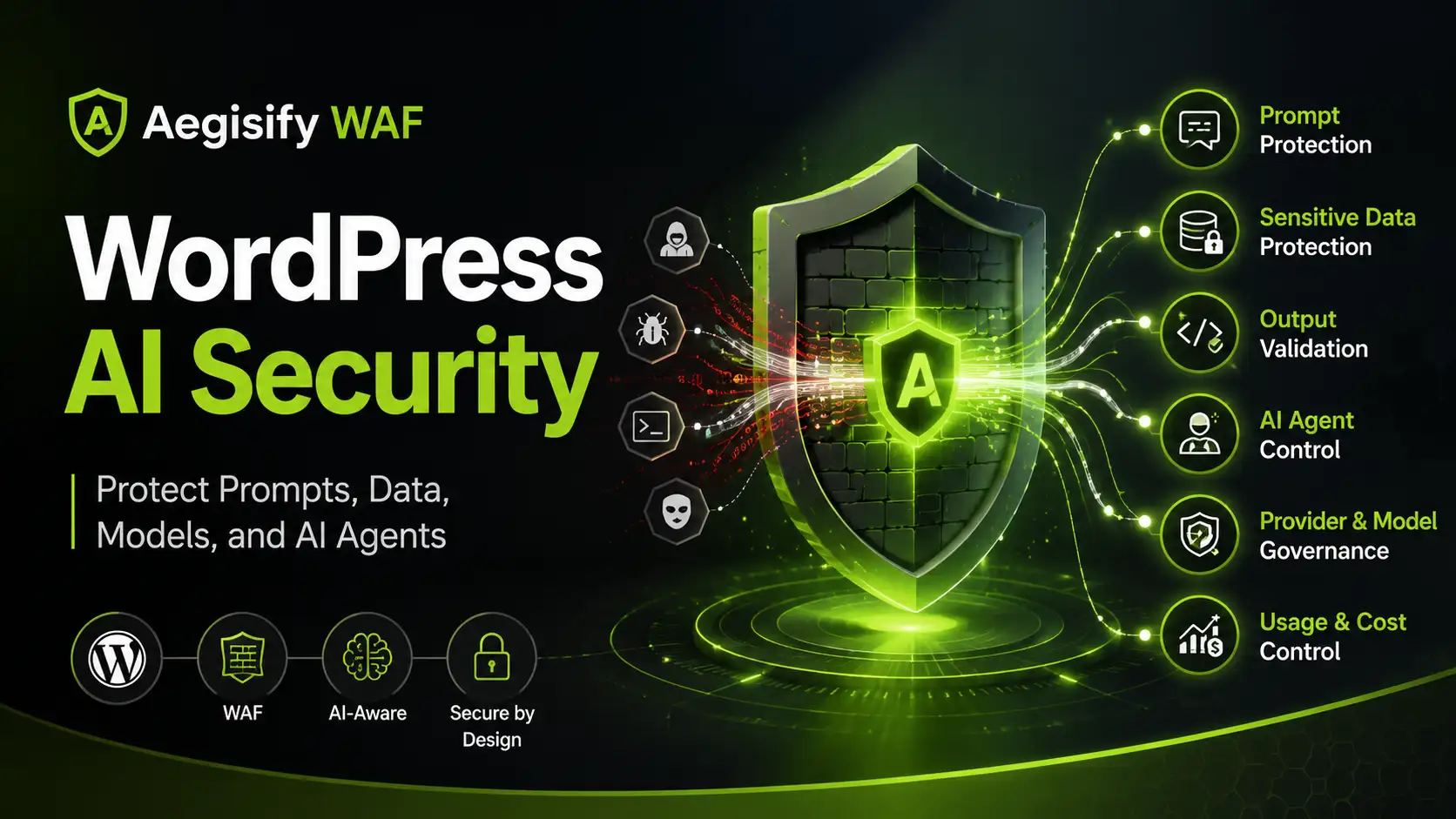
Inspects supported requests at the WordPress application layer and applies managed rules, endpoint policies, bot controls, rate limits and logging.
Aegisify Backup
Creates file, database, table and full-site recovery packages while supporting restoration, migration, retention and disaster-recovery workflows.
Aegisify SEO
Connects technical SEO analysis, metadata, schema, indexing controls, Search Console evidence and reviewable remediation inside WordPress.
Aegisify Spam
Uses local, explainable scoring across supported comments, forms, registrations, WooCommerce activity, REST requests and search abuse.
SiteMap and Links
Support sitemap and robots.txt governance, managed short URLs, internal linking, campaign organization, analytics and destination-health review.
How a Connected WordPress Suite Should Operate
Know which products, versions, licenses and responsibilities are active.
Collect security, SEO, backup, spam and operational evidence.
Separate material risk and opportunity from routine noise.
Review changes, use guardrails and preserve recovery options.
Rescan, retest and confirm that the intended outcome occurred.
Security Requires Different Controls for Different Failure Paths
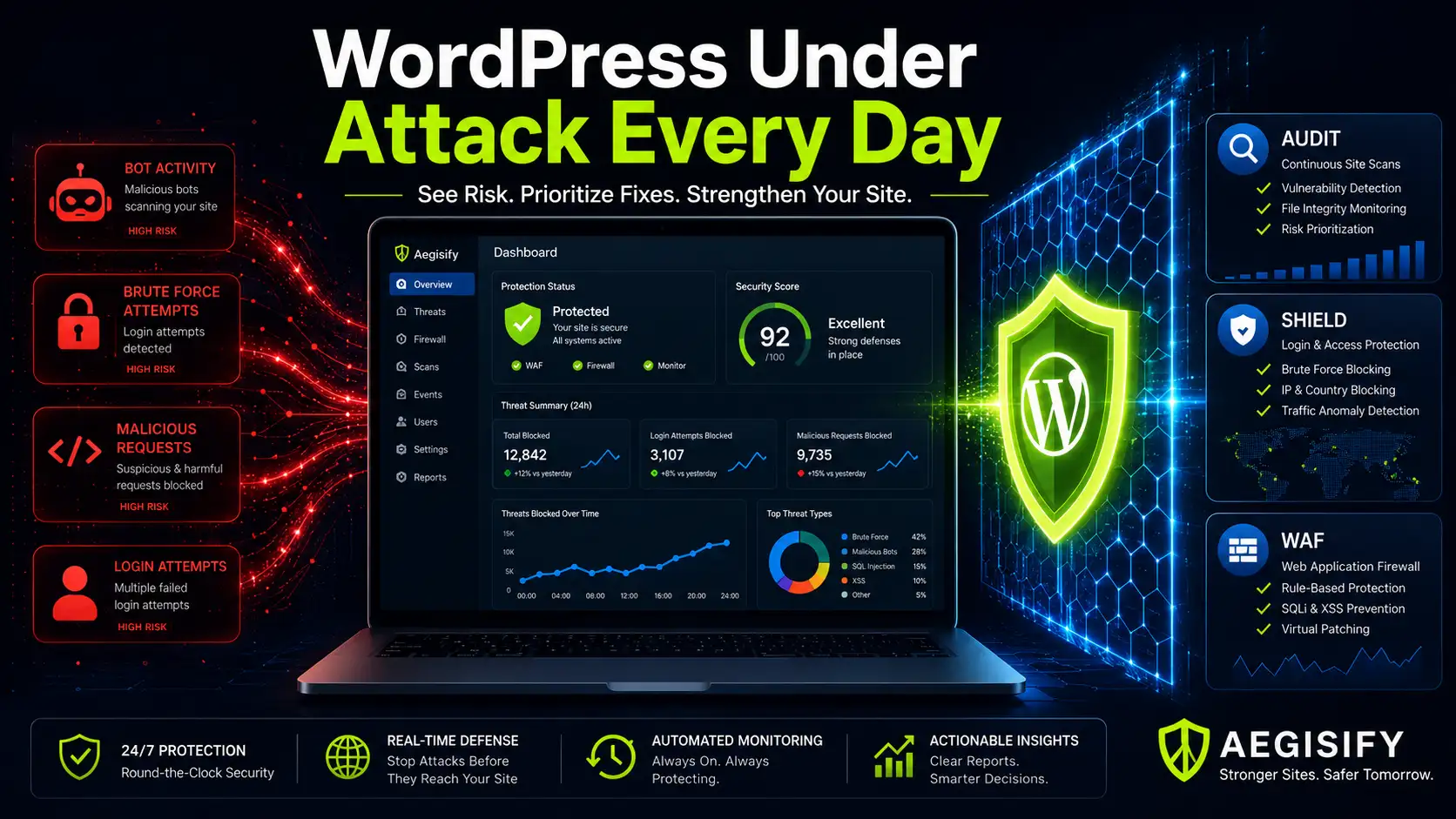
Aegisify Shield and Aegisify WAF solve related but different problems. Shield focuses on the WordPress application’s accounts, configuration, files, activity and hardening. WAF evaluates supported incoming traffic at the PHP and WordPress application layer.
Neither product should be marketed as complete security. Application-layer controls do not replace secure hosting, edge DDoS protection, timely updates, least privilege, independently tested backups, vulnerability management or incident response. The current reviewed Shield documentation also states that its previous built-in MFA workflow was removed, so organizations requiring MFA should deploy a separately validated authentication solution.
The free foundation can help owners begin with visibility and supported controls. Start conservatively, validate customer and administrator workflows and increase enforcement only after normal behavior is understood.
A Free Backup Is Valuable Only When the Restore Process Is Tested
Aegisify Backup supports file, database, table and full-site workflows, but a completed archive is not proof of recovery. Confirm scope, protect independent copies, secure credentials and test representative restores.
WooCommerce and membership sites require special care because orders, inventory, subscriptions and user activity continue changing. Restoring an older database can overwrite legitimate transactions created after the recovery point. Recovery planning should therefore define a recovery point objective, recovery time objective, owner, communication path and acceptance checklist.
The benefit is not that failures disappear. Backup and recovery become part of normal change management rather than an emergency task after production breaks.
Use the Challenge to Test Real WordPress Workflows
Review licensing, exercise security controls, test a restore, inspect SEO evidence and confirm form and ecommerce compatibility.
SEO, SiteMap and Links Improve Operational Discipline
Aegisify SEO centralizes technical issues, Search Console performance context, metadata, schema, redirects, crawler controls and supported automation. Aegisify SiteMap manages discovery inventories and robots.txt policy, while Aegisify Links supports internal connections, short URLs, campaign organization and link health.
These products can improve implementation and measurement, but they cannot guarantee rankings, indexing or citations in Google, Bing, ChatGPT or another AI-search system. Helpful content, crawlability, canonical clarity, site structure, trust and platform-specific selection still matter.
Spam Protection Reduces Noise Without Hiding the Decision
Aegisify Spam uses local, explainable scoring across supported inputs. Allow, challenge, hold and block decisions can be reviewed through logs and human-readable reasons, helping administrators tune protection without treating every unusual submission as malicious.
Free or paid spam controls can still produce false positives and false negatives. Test contact forms, registration, checkout, reviews, REST integrations and email delivery before enabling strict policies.
Aegisify Core Coordinates the Suite; It Does Not Perform Every Function
Aegisify Core manages installation, activation, updates, licensing, suite status and versions. WAF, backup, SEO, spam, sitemap, link and Shield functions remain inside their respective plugins.
“Connected ecosystem” does not mean every product shares every event or makes autonomous decisions for another module. Describe integration only where the current build confirms it. The defensible benefit is coordinated management.
Who Benefits Most From the Free Foundation?
Small businesses can reduce obvious risks without several subscriptions. Bloggers can improve discovery, spam control and recovery readiness. WooCommerce operators can test protection and backup workflows. Agencies can standardize products while deciding which domains justify paid capabilities.
Treat the free version as a working foundation, not a promise that every advanced capability remains unlocked. Use the 30-day challenge to test the outcomes that matter.
What to Test During the 30-Day Challenge
Confirm administrator access, login behavior, file baselines, WAF logs and critical customer paths.
Create a backup, move a protected copy and restore representative data in a safe environment.
Connect Search Console, review indexability, validate schema and document before-and-after evidence.
Test forms, registration, comments, WooCommerce and trusted integrations for false positives.
Review Core status, update controls, license behavior, server load and administrative ownership.
Identify which free features remain sufficient and which licensed capabilities justify subscription cost.
Aegisify Free Features and Suite FAQ
Is every Aegisify product completely free forever?
No. Product pages advertise free features that can remain available and a 30-day challenge for broader evaluation. PRO functionality and service-backed capabilities may require an active subscription.
Does the 30-day challenge require a credit card?
Aegisify’s current product pages state that the challenge does not require a credit card and has no commitment. Verify the current registration terms before publishing or enrolling.
Can Aegisify replace every existing WordPress plugin?
No universal replacement count is defensible. Consolidation depends on the features, integrations, hosting controls and business workflows already in use.
Will fewer plugins automatically make WordPress faster?
No. Performance depends on code quality, configuration, database behavior, scheduled work, hosting and traffic. Measure the site before and after any consolidation.
Does Aegisify guarantee security, recovery or rankings?
No. The suite can reduce supported risks, improve operational evidence and support safer workflows, but outcomes depend on configuration, infrastructure, testing and human review.
Product and WordPress References
Editorial references include Aegisify Pricing, the Aegisify WordPress Product Suite Guide, Aegisify Facts and Trust Center, Aegisify Shield, Aegisify WAF, Aegisify SEO, Aegisify Backup, Aegisify Spam Guard, WordPress Security guidance, and Google AI-search and SEO guidance.