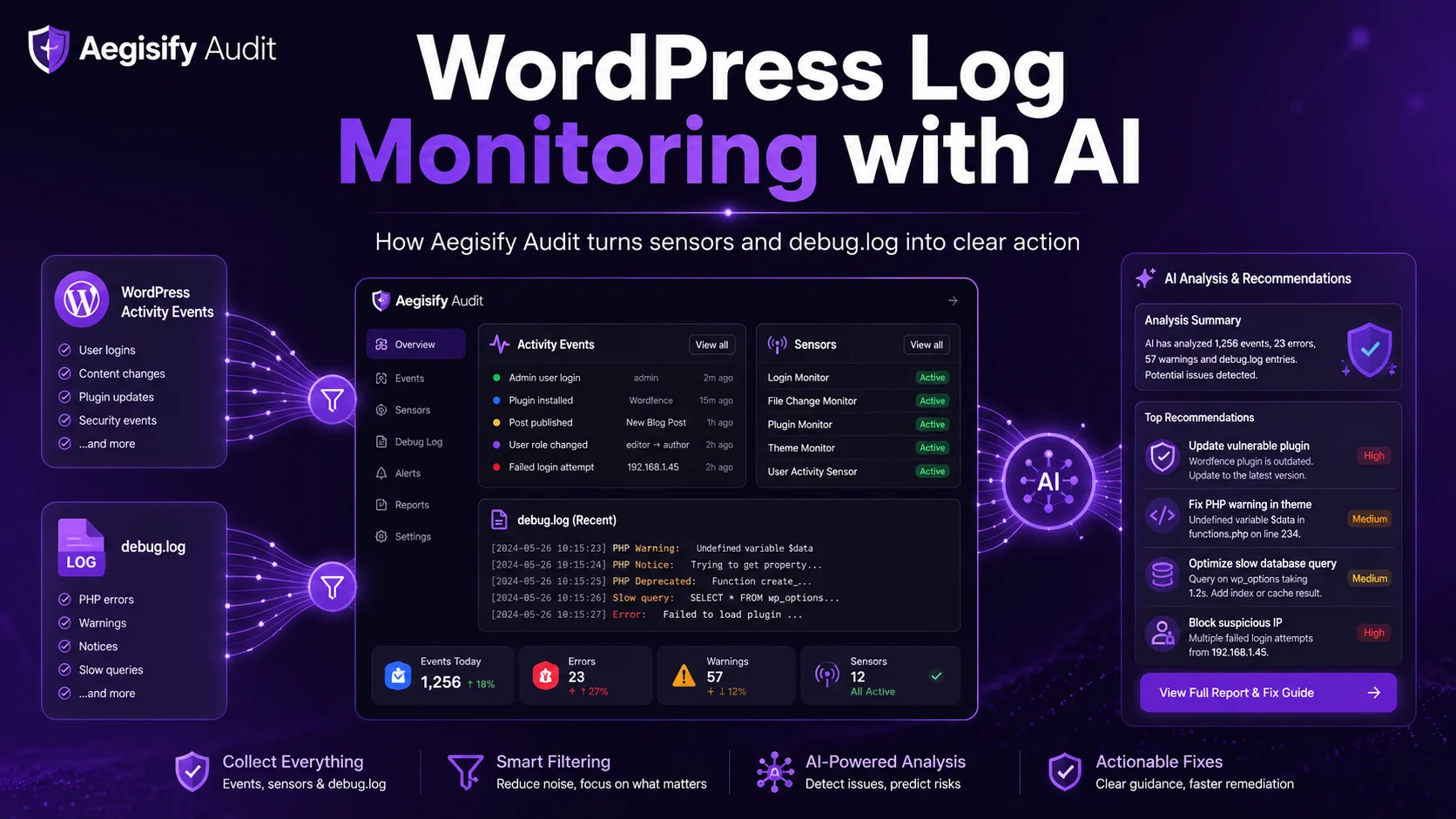
How Aegisify Audit Turns WordPress Sensors and debug.log Into Clear Action
WordPress log monitoring, WordPress activity logs, debug.log analysis, AI-assisted security triage, WooCommerce troubleshooting and WordPress change tracking become more useful when teams can connect what changed with what the application reported. Raw logs provide evidence, but they rarely provide priority, business context or a safe next step.
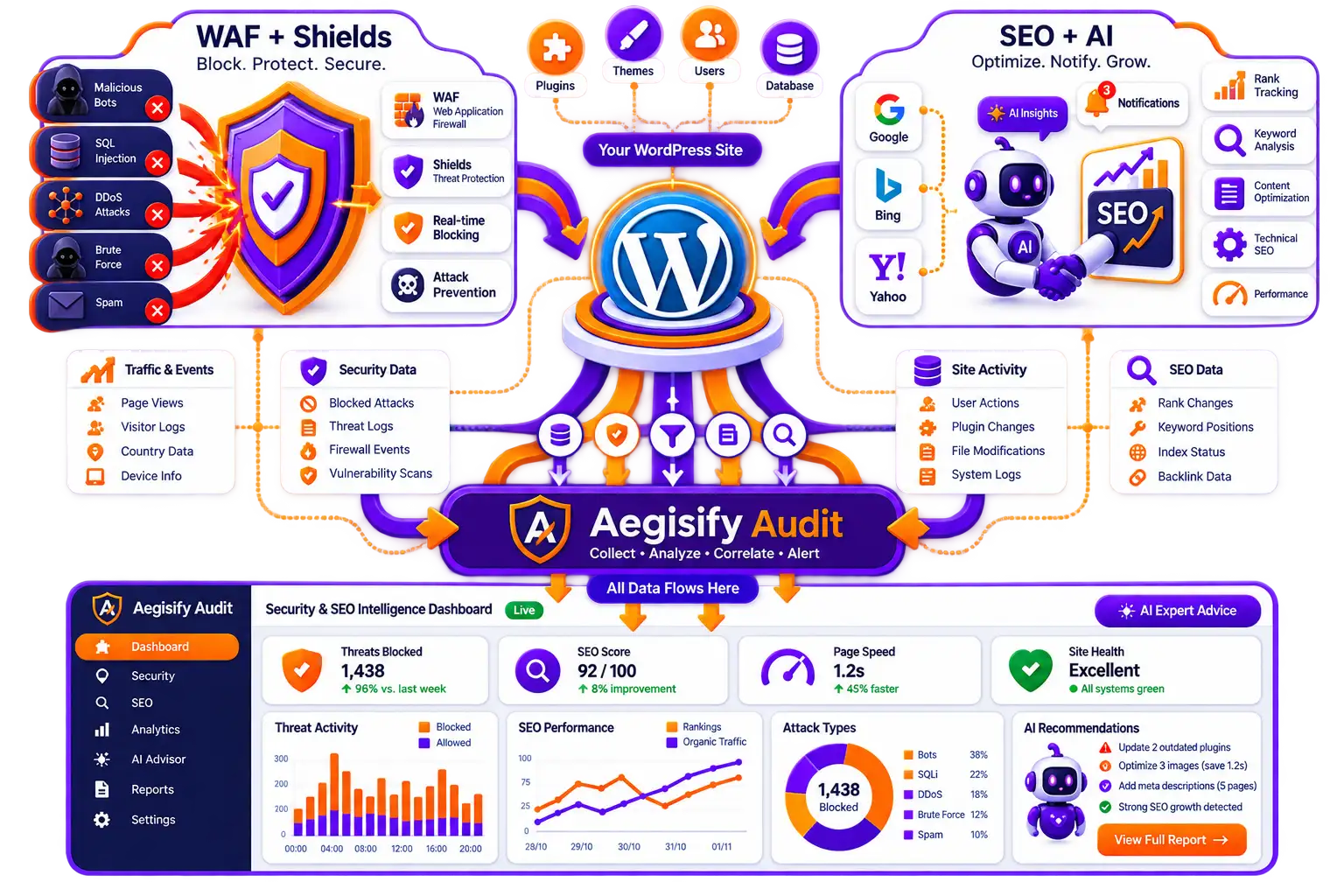
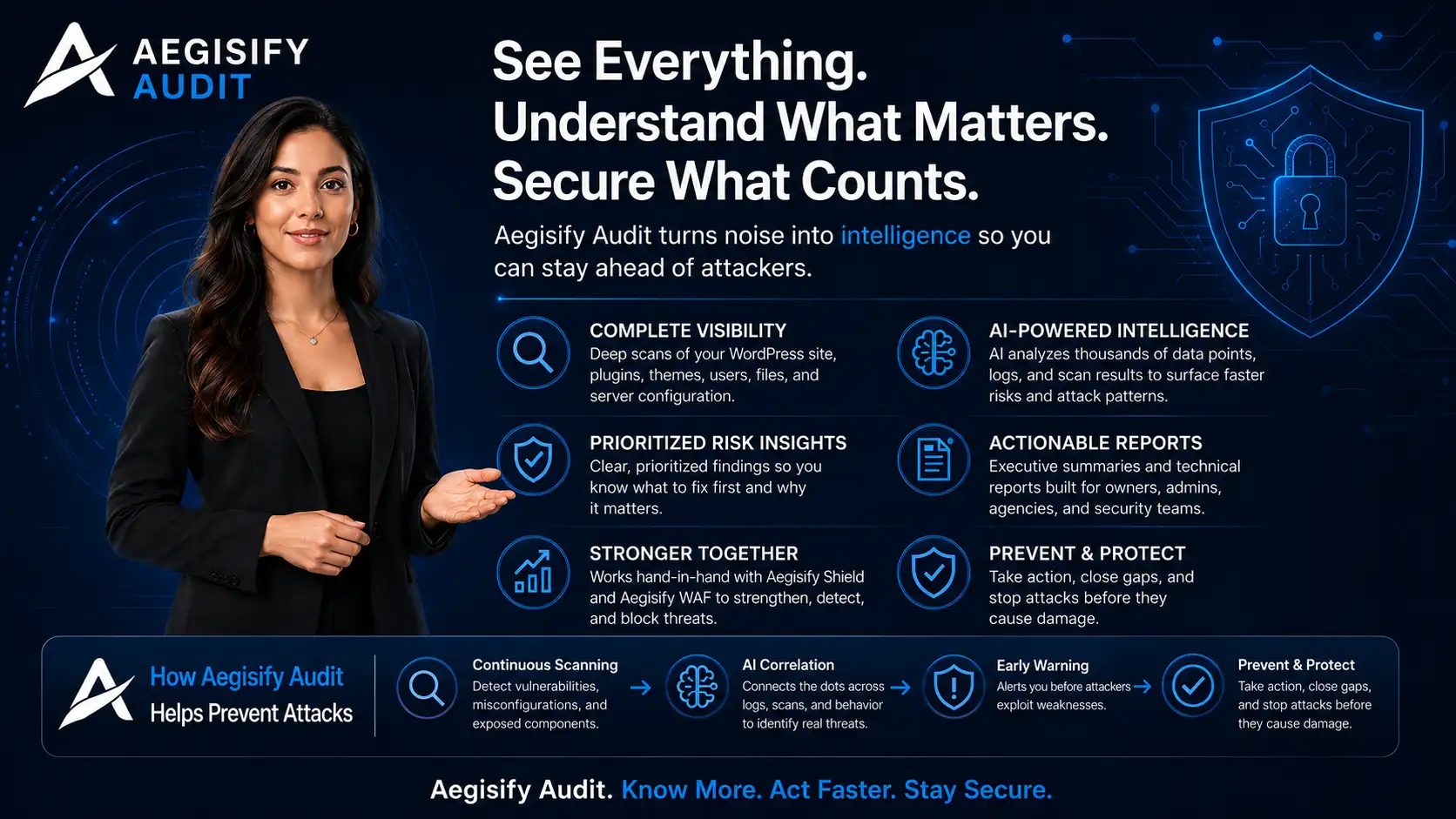
Aegisify Audit pairs a connected Agent with structured sensors and controlled telemetry. The Agent records supported activity and can retrieve recent debug.log evidence when deliberately allowed. AI then helps summarize patterns and recommend human-reviewable actions.
Most WordPress Teams Have a Context Problem, Not a Data Problem
WordPress changes constantly. Plugins update, themes switch, users authenticate, content moves between states and settings drift. Meanwhile, PHP warnings, deprecated notices and stack traces may accumulate in a runtime log.
Each source explains only part of the incident. A warning may identify a failed function but not the action that preceded it. An event may show a plugin update but not the error that followed. Aegisify Audit brings both views into one workflow.
Activity Sensors
Convert supported WordPress actions into categorized events with labels, severity, time and available detail.
Runtime Evidence
Use debug.log to review PHP errors, warnings, notices and off-screen failures generated during AJAX or cron activity.
Audit Context
Organize findings by domain, category and workflow so operators can investigate without treating every event as an incident.
AI-Assisted Analysis
Summarize likely relationships, elevate material patterns and propose next steps that remain subject to human review.
From WordPress Log Noise to a Reviewable Action Plan
Enable the sensors and telemetry routes required for the approved monitoring scope.
Organize activity events, runtime messages, severity and timestamps into usable evidence.
Compare changes with warnings, failures, authentication pressure and recent deployments.
Separate repetitive noise from events that may affect security, availability, revenue or search.
Confirm the evidence, choose a controlled response and verify the application afterward.
Sensors Turn Administrative Changes Into a Searchable Timeline
The Agent records supported WordPress activity as structured events with category, type, configured severity and available details, making it easier to answer who changed what and when.
Coverage spans core updates, content, comments, built-in file edits, media, menus, plugins, themes, users and settings. Aegisify-specific sensors record supported Agent and sensor-policy changes. Option-level sensors are disabled by default because they can be noisy.
Coverage should match the environment. Publishers may prioritize content and user events; WooCommerce operators may emphasize authentication, extensions and settings. Enabling every event without a review plan simply recreates alert noise.
| Sensor Group | Representative Events | Operational Question |
|---|---|---|
| Core, Plugin and Theme | Core update; plugin install, update, activation, deactivation or deletion; theme install, update, switch or deletion. | Did a deployment or component change occur immediately before the failure? |
| User and Authentication | Registration, user update, login, failed login, logout, password reset and user deletion. | Is the activity expected, accidental, automated or potentially unauthorized? |
| Content and Taxonomy | Post creation, update, publish, unpublish, trash or deletion; category and tag changes. | Did an editorial action alter public content, URLs, navigation or discovery? |
| Settings and Navigation | General, writing, reading, discussion, media, permalink and privacy changes; menu creation, update or deletion. | Could a configuration change explain redirects, crawl-path changes or user-facing behavior? |
| Files, Media and Comments | Built-in plugin or theme file edits; media creation or deletion; comment moderation and spam actions. | Was content or code changed outside the expected release workflow? |
debug.log Adds the Technical Layer Sensors Cannot Provide
WordPress documents WP_DEBUG_LOG as a companion to WP_DEBUG. It can store errors, notices and warnings in wp-content/debug.log or another configured path, including messages generated during AJAX or cron activity.
A plugin update may complete while warnings begin. A permalink change may precede redirect failures. Runtime evidence can strengthen or weaken a theory created from the event timeline.
Telemetry Access Control lets administrators deliberately allow supported log retrieval. Collection should remain scoped, authenticated and temporary where practical.
Production Debug Logs Require Strong Access and Retention Controls
WordPress says debugging tools are primarily for local development and staging. Site Health warns that debug information may contain sensitive data and a log in the public site path may be accessible if the server is misconfigured.
On production, disable on-screen errors, restrict telemetry, minimize retention and turn off unnecessary debugging after the investigation. Aegisify Audit does not make an exposed debug.log safe by itself.
Replace Raw WordPress Logs With a Structured Investigation
Review activity sensors, runtime evidence and AI-assisted priorities without surrendering human control.
What Aegisify AI Can Help Explain
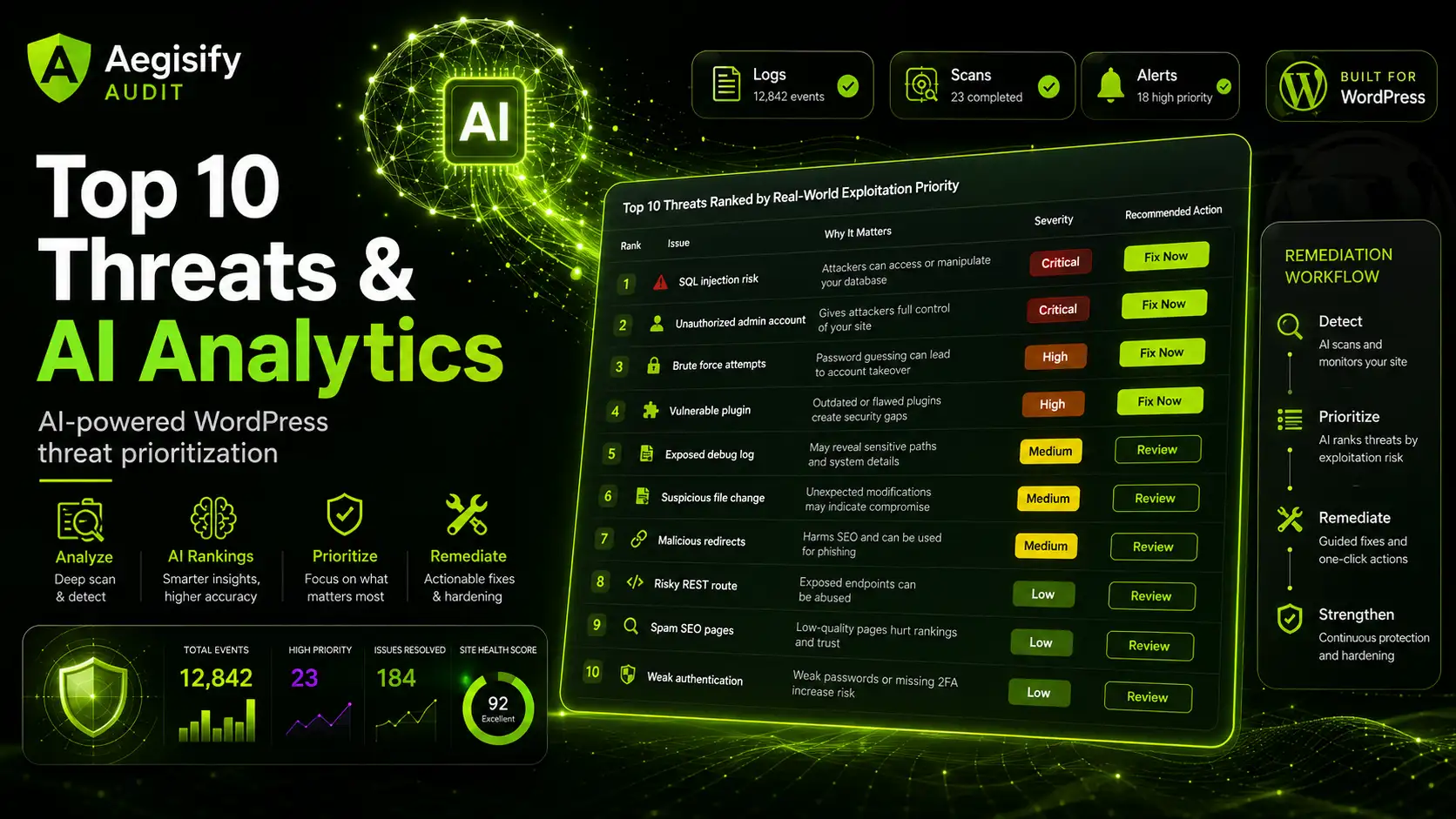
AI can review the available event sequence and runtime messages to surface patterns such as a warning beginning after a plugin update, repeated failed logins around one account, or errors following a theme or settings change.
Treat the output as a working theory. AI does not prove identity, intent or root cause and should not make destructive changes without authorization and recovery safeguards.
What the Human Reviewer Must Confirm
Verify timestamps, recent deployments, reproducible behavior, trusted code and server logs. Then document the action, rollback plan and validation. Logs support investigation; they do not replace engineering judgment.
From Audit Intelligence to the Right Aegisify Control
Use Audit evidence to investigate, then review Aegisify Shield Login Guard or Aegisify WAF controls for supported protection and traffic policy.
Correlate activity with Aegisify Shield File Integrity, preserve evidence and compare against a trusted release before quarantine or restoration.
Use Aegisify Backup recovery points and a tested rollback path after validating that the selected package will not overwrite newer business data.
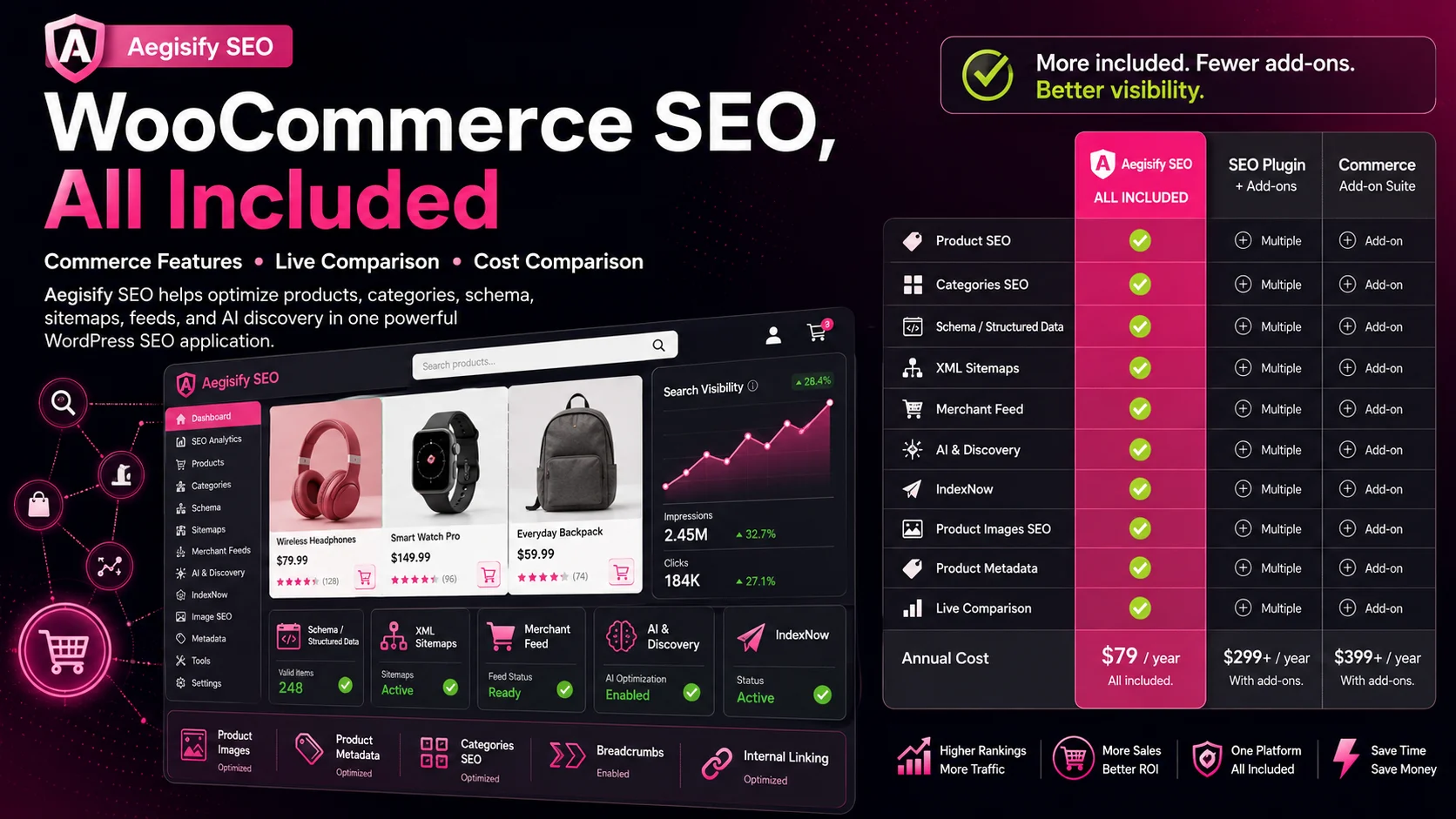
Use Aegisify SEO and SiteMap to recheck canonicals, redirects, crawl access, sitemap output and affected public URLs after remediation.
Why This Workflow Matters for WooCommerce, Agencies and Search Visibility
WooCommerce sites cannot treat checkout errors, authentication pressure or extension warnings as ordinary noise. A payment integration, shipping method or account workflow may fail only under specific conditions. Correlated activity and runtime evidence can help teams narrow the investigation before customer impact grows.
Agencies gain a clearer client narrative: what changed, what the application reported, what remains uncertain and what is being reviewed. Search teams benefit because technical failures can affect rendering, redirects, internal links, canonical signals, publishing and user experience. Faster diagnosis can reduce exposure time, but log monitoring itself does not guarantee rankings or AI-search visibility.
WordPress Log Monitoring FAQ
Does Aegisify AI collect the WordPress logs?
The Aegisify Agent performs supported local collection. Aegisify Audit orchestrates the workflow, and AI assists with interpretation after evidence is available.
Does debug.log identify the exact root cause?
Not always. It provides runtime evidence that must be compared with activity events, deployments, server logs, code and reproducible behavior.
Should WP_DEBUG remain enabled on production?
WordPress does not recommend routine production debugging. Use controlled, time-bounded troubleshooting with protected logging and disabled front-end error display where production evidence is necessary.
Are all WordPress option events enabled by default?
No. Aegisify’s documented option sensors are disabled by default because they can generate substantial noise. Enable them only when the investigation requires that visibility.
Can AI automatically remediate every finding?
No. Recommendations require human review, authorization, backups, compatibility checks and post-change verification.
Product and WordPress References
Editorial references include Aegisify WordPress Log Monitoring with AI, Aegisify Audit, Aegisify AI threat analysis, WordPress debugging guidance, and WordPress Site Health debug-mode guidance.