Secure WordPress APIs With Visibility and Enforcement
WordPress APIs support modern applications, ecommerce, integrations, and customer workflows. The risk is not the API itself, it is unknown exposure, weak permissions, sensitive data leakage, and unmonitored attack activity.
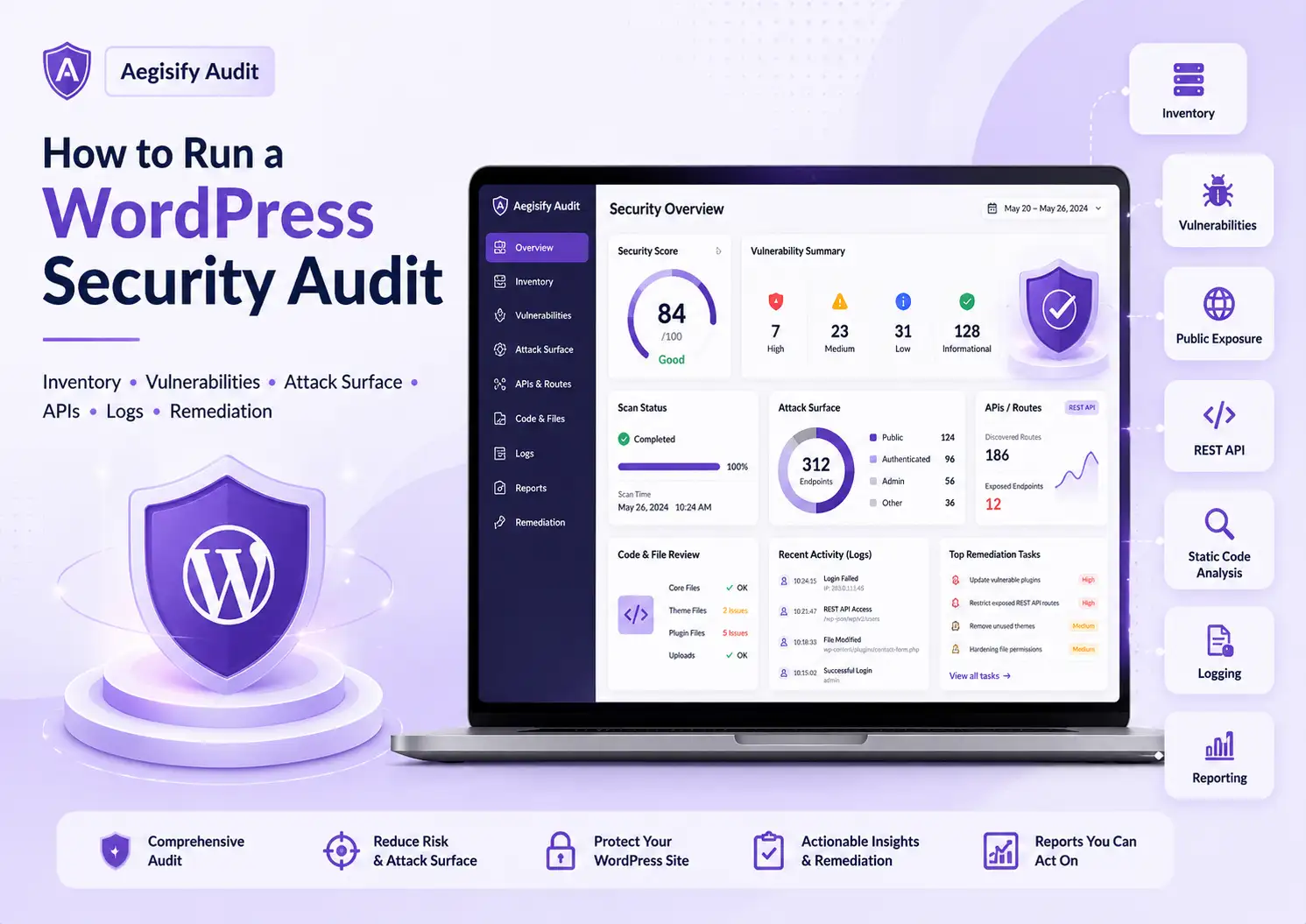
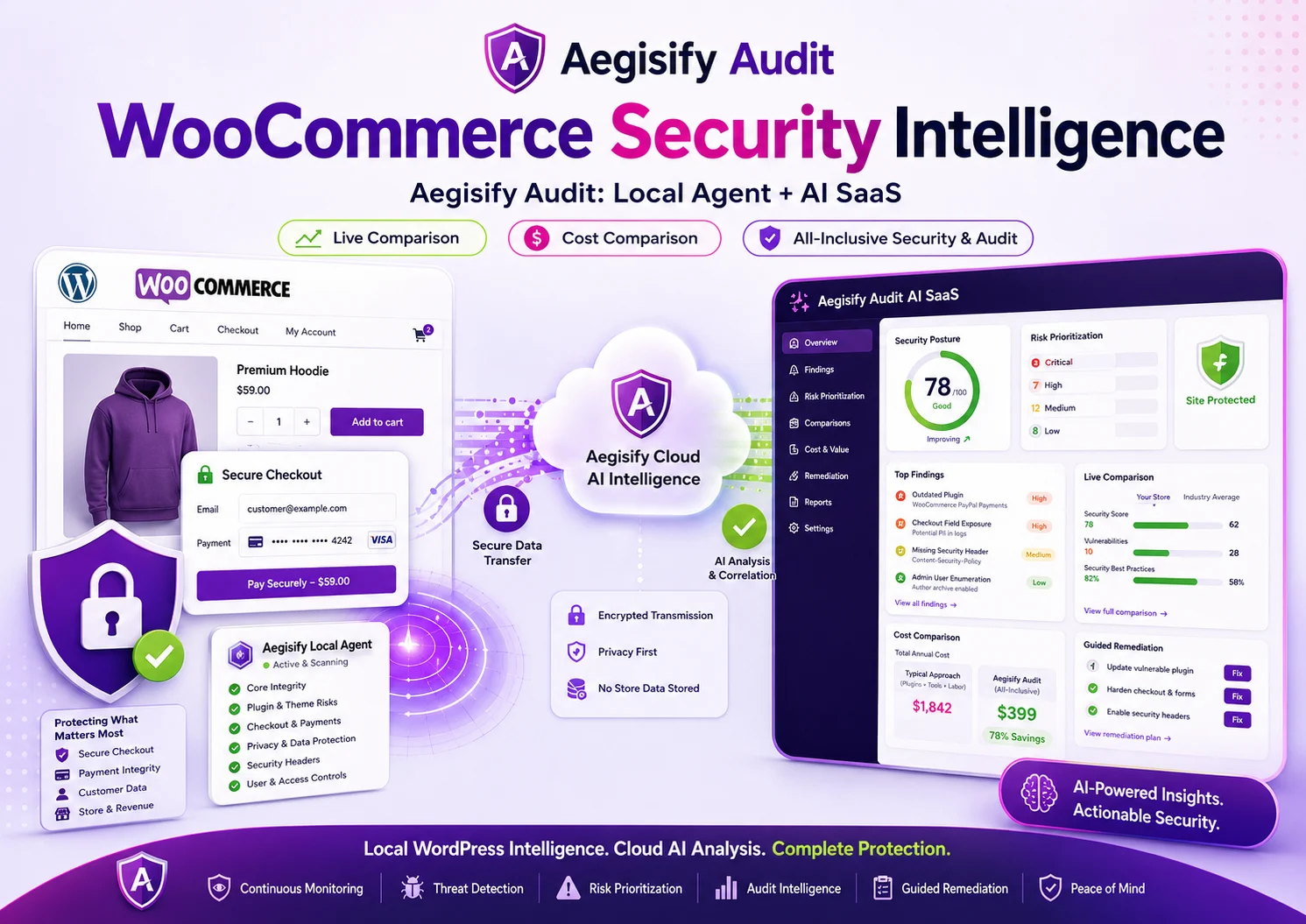
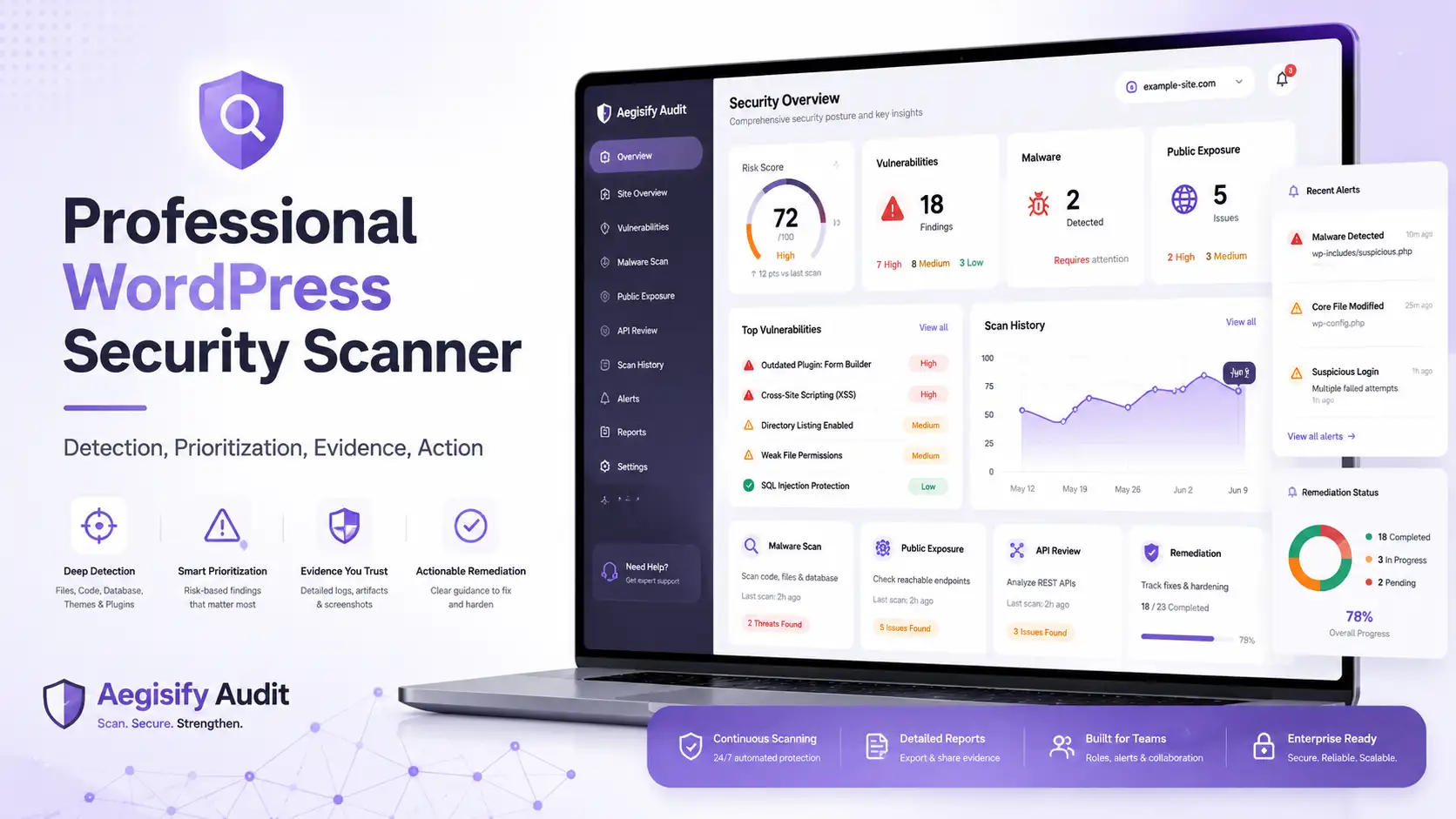
Aegisify Audit provides visibility. It identifies REST, GraphQL, OpenAPI, JavaScript-exposed routes, authentication requirements, and potential API risk.
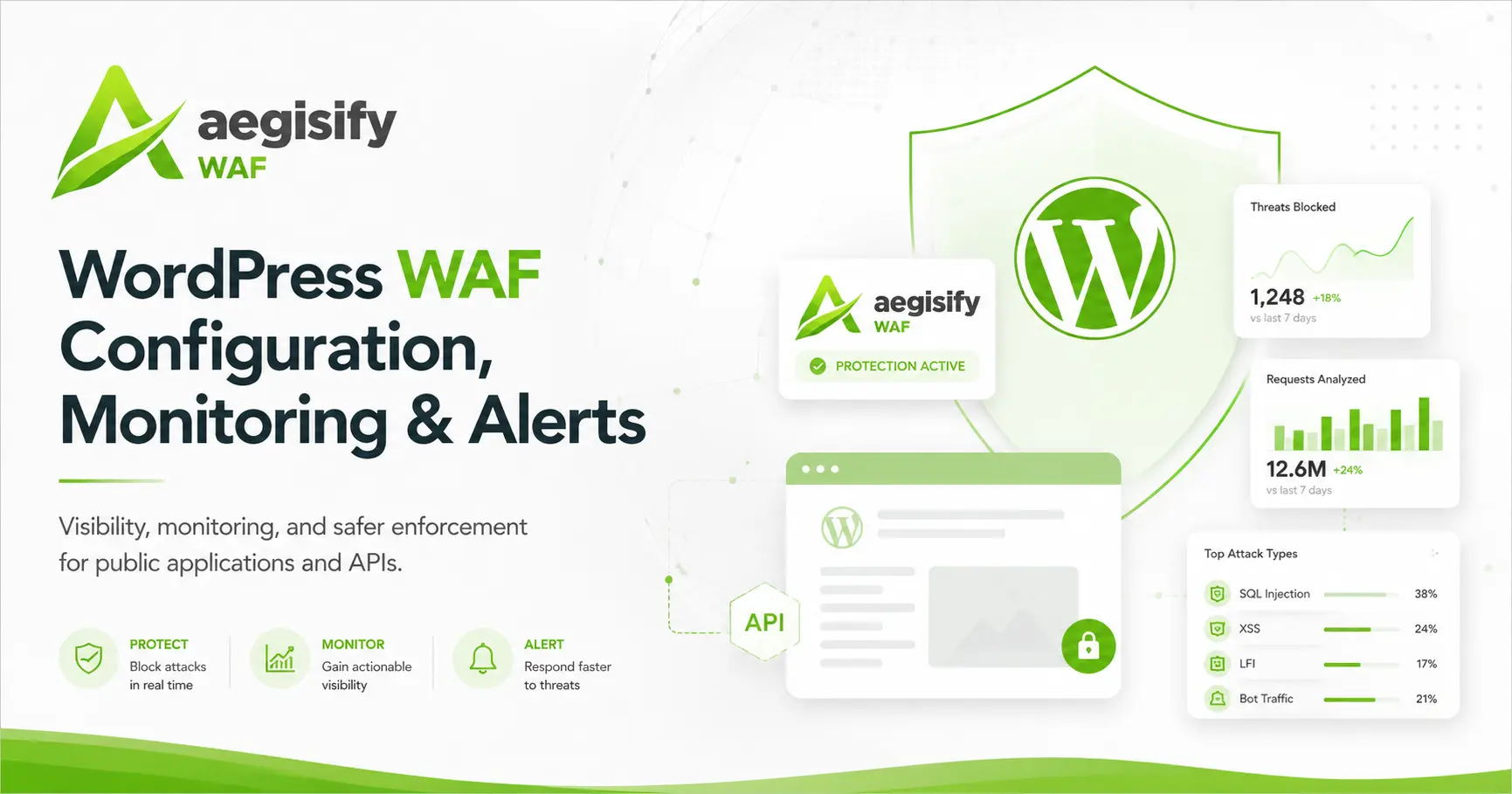
Aegisify WAF provides enforcement. It monitors incoming API traffic, detects malicious behavior, and blocks attacks before they reach WordPress, plugins, or business-critical workflows.
Together, they provide a complete API security model:
Aegisify Audit finds and prioritizes exposure. Aegisify WAF monitors and blocks attacks.
This combination helps organizations understand their API surface, reduce risk, protect sensitive data, and secure WordPress and WooCommerce operations.
Why WordPress REST API Security Matters
Modern WordPress sites are no longer limited to publishing pages and blog posts. WordPress can power ecommerce, memberships, customer portals, learning systems, booking platforms, directories, internal tools, headless front ends, mobile applications, and content APIs.
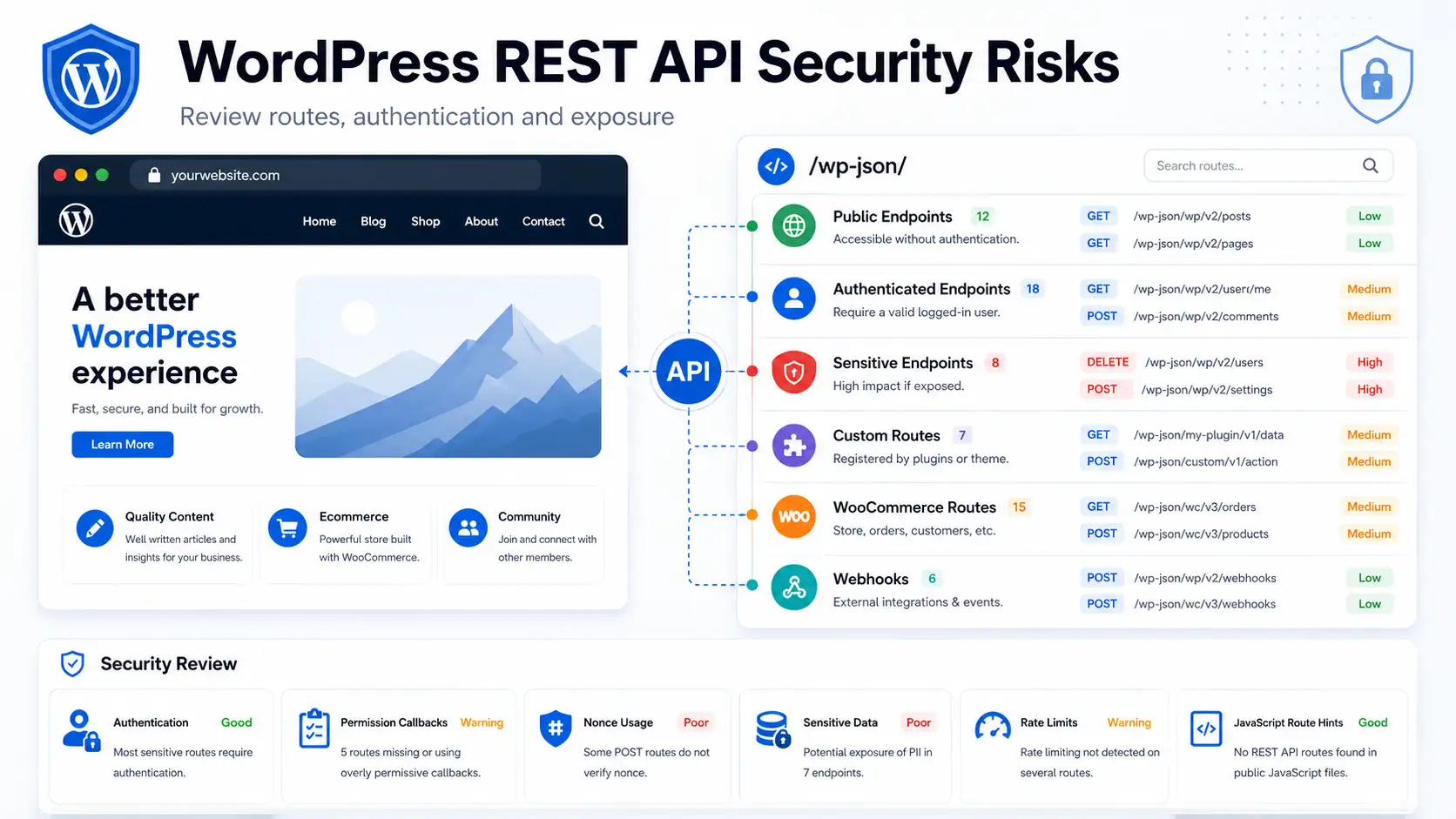
Each use case may introduce public or authenticated REST endpoints created by WordPress core, WooCommerce, plugins, themes, or custom integrations. Those routes can be necessary and legitimate, but they also expand the application surface that should be inventoried, tested, and reviewed.
WordPress Is Often an Application Platform
A WordPress REST API route may load content into a block editor, update a cart, submit a form, synchronize a customer account, connect a mobile application, deliver course data, process a webhook, or support a JavaScript-driven front end. Disabling the entire REST API can break valid functionality without addressing the underlying permission or data-handling problem.
| What a WordPress REST API Security Audit Should Establish | |
|---|---|
| Route Inventory | Identify core namespaces, plugin routes, theme routes, WooCommerce endpoints, custom integrations, webhooks, GraphQL surfaces, and OpenAPI-style documentation or hints. |
| Access Requirements | Determine whether each route is public, authenticated, role-restricted, capability-restricted, nonce-protected, or dependent on another authentication method. |
| Data Exposure | Review the response for personal data, customer information, orders, internal identifiers, private content, configuration values, file paths, debugging details, and sensitive metadata. |
| Business Actions | Identify endpoints that create, update, delete, export, upload, download, approve, refund, change settings, or execute privileged application workflows. |
| Operational Controls | Review validation, authorization, error handling, logging, rate-limit concerns, abuse resistance, and whether corrective actions can be verified safely. |
Public Routes Returning Too Much Data
Public REST endpoints are not automatically dangerous. Product catalogs, public posts, search results, and other visitor-facing features may depend on them. Risk appears when a route returns information beyond what the public workflow requires.
A security review should look for user data, customer details, order information, private posts, email addresses, internal identifiers, plugin configuration, debug output, server paths, tokens, or sensitive metadata. This is especially important for WooCommerce stores, membership sites, portals, learning systems, and applications that hold account-specific information.
Weak or Missing Permission Callbacks
Custom REST routes should have permission logic that matches the sensitivity of the data or action. An endpoint that changes settings, reads private records, exports information, manages users, processes orders, or performs an administrative action should not be available to anonymous visitors or accounts with insufficient privileges.
Dynamic application security testing and static code analysis provide
different evidence. DAST can help identify what a running endpoint exposes
from the outside. Static analysis can review route registration,
permission_callback patterns, capability checks, nonce use,
input validation, and code paths that may not be obvious from the public
response alone.
Authentication Assumptions and Authorization Gaps
WordPress commonly uses cookie authentication for requests made by a logged-in user inside the WordPress environment. However, not every API workflow should depend on an assumption that a session, nonce, integration, or front-end state automatically provides the correct authorization.
Sites using application passwords, custom authentication, third-party services, mobile clients, headless front ends, or external automation should review both authentication and authorization. Authentication confirms identity. Authorization determines whether that identity may perform the requested action. A valid login does not automatically justify access to every route.
JavaScript-Exposed and Undocumented Routes
Front-end JavaScript can reveal REST paths, namespaces, parameters, request methods, nonces, object names, and workflow hints. This does not prove that a vulnerability exists. It does show auditors and attackers where application behavior may be concentrated.
API discovery should compare JavaScript-referenced routes with documented and observed endpoints. Undocumented does not necessarily mean unsafe, but undocumented routes are easier to overlook during development reviews, plugin updates, security testing, and operational handoffs. Aegisify Audit’s API DAST workflow includes JavaScript-exposed route review as part of a broader examination of the reachable application surface.
WooCommerce Store API and Business Workflow Exposure
WooCommerce includes legitimate API surfaces for products, carts, checkout, customer accounts, orders, payments, webhooks, and related commerce operations. These endpoints may be essential to the customer experience, but they should still be reviewed for intended exposure, authentication, authorization, response data, input handling, and rate-limit concerns.
Ecommerce API security affects more than a technical score. A weak route can influence checkout reliability, customer privacy, order integrity, payment workflows, inventory behavior, fraud exposure, support workload, revenue, and customer trust. The audit should therefore consider both the technical finding and the business process connected to it.
GraphQL, OpenAPI, and Machine-Readable Hints
Some WordPress environments add GraphQL through plugins or publish OpenAPI-style descriptions for integrations and development teams. These technologies can improve application development, but they also make the available data model, operations, parameters, and route structure easier to understand.
Discovery should not treat GraphQL or OpenAPI as vulnerabilities by themselves. The objective is to identify the surface, understand intended access, review exposed operations, and verify whether authorization and data handling match the application’s requirements. Aegisify Audit’s advanced API workflow can include REST, GraphQL, and OpenAPI hints where they are detected.
WordPress API Security Checklist
A repeatable API review should cover route discovery, authentication, authorization, data handling, and business impact. The exact scope will depend on the site, installed software, integrations, user roles, and authorized testing profile.
| How Aegisify Audit Helps Review WordPress API Risk | |
|---|---|
| REST Surface Discovery | Identify reachable namespaces, routes, methods, parameters, response behavior, and public or authenticated application surfaces. |
| API DAST Profile | Test the running application from an external perspective to help determine what routes expose and how they respond under an authorized scan profile. |
| JavaScript Route Review | Examine browser-delivered assets for API paths, route hints, parameters, nonces, and undocumented application workflows that may require closer review. |
| GraphQL and OpenAPI Hints | Detect machine-readable API clues and additional application surfaces where present, then place them into the larger route inventory. |
| WooCommerce Review | Evaluate commerce-related API exposure in the context of carts, checkout, accounts, orders, webhooks, payments, data handling, and operational impact. |
| Static Code Analysis | Review custom code patterns related to route registration, permission callbacks, capability checks, nonce use, input handling, and sensitive application actions. |
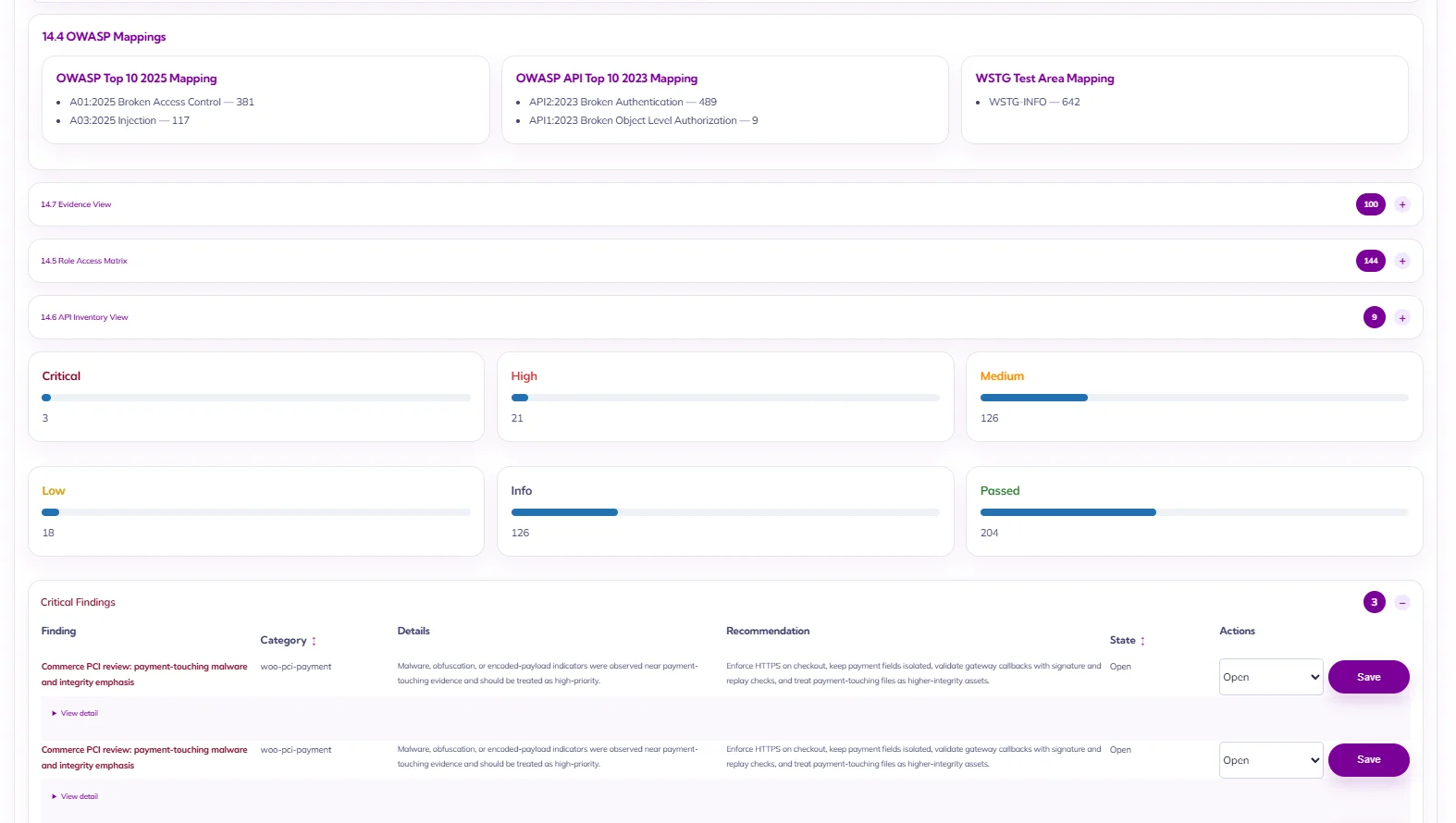
| Reporting and Prioritization | Organize route evidence and code findings so teams can understand what exists, what is exposed, what may matter most, and what should be verified next. |
WordPress REST API Security FAQ
Should I disable the WordPress REST API?
Not usually. WordPress core, the block editor, WooCommerce, plugins, mobile applications, and headless front ends may rely on REST endpoints. A better approach is to inventory the routes and review permissions, authentication, data exposure, and intended behavior.
Is every public WordPress REST route dangerous?
No. Public routes are normal when they support public content or visitor-facing functionality. Risk depends on the data returned, actions allowed, input accepted, abuse potential, and whether the route matches the site’s intended exposure.
What is a WordPress API security scanner?
It is a security testing capability that helps identify API routes, methods, public exposure, authentication requirements, response data, and possible API-related risk. Stronger reviews may combine API DAST with static code analysis and internal WordPress evidence.
What is the difference between authentication and authorization?
Authentication verifies who is making the request. Authorization determines what that identity is allowed to access or change. A route can correctly identify a logged-in user and still contain an authorization weakness if it permits an action beyond that user’s role or capability.
Why combine API DAST with static code analysis?
API DAST examines the behavior of the running application from the outside. Static analysis reviews code-level patterns such as route registration, permission callbacks, capability checks, and input handling. Together, they provide stronger context than either method alone.