WordPress Security Headers Checklist: Review Browser Protections Before You Enforce Them
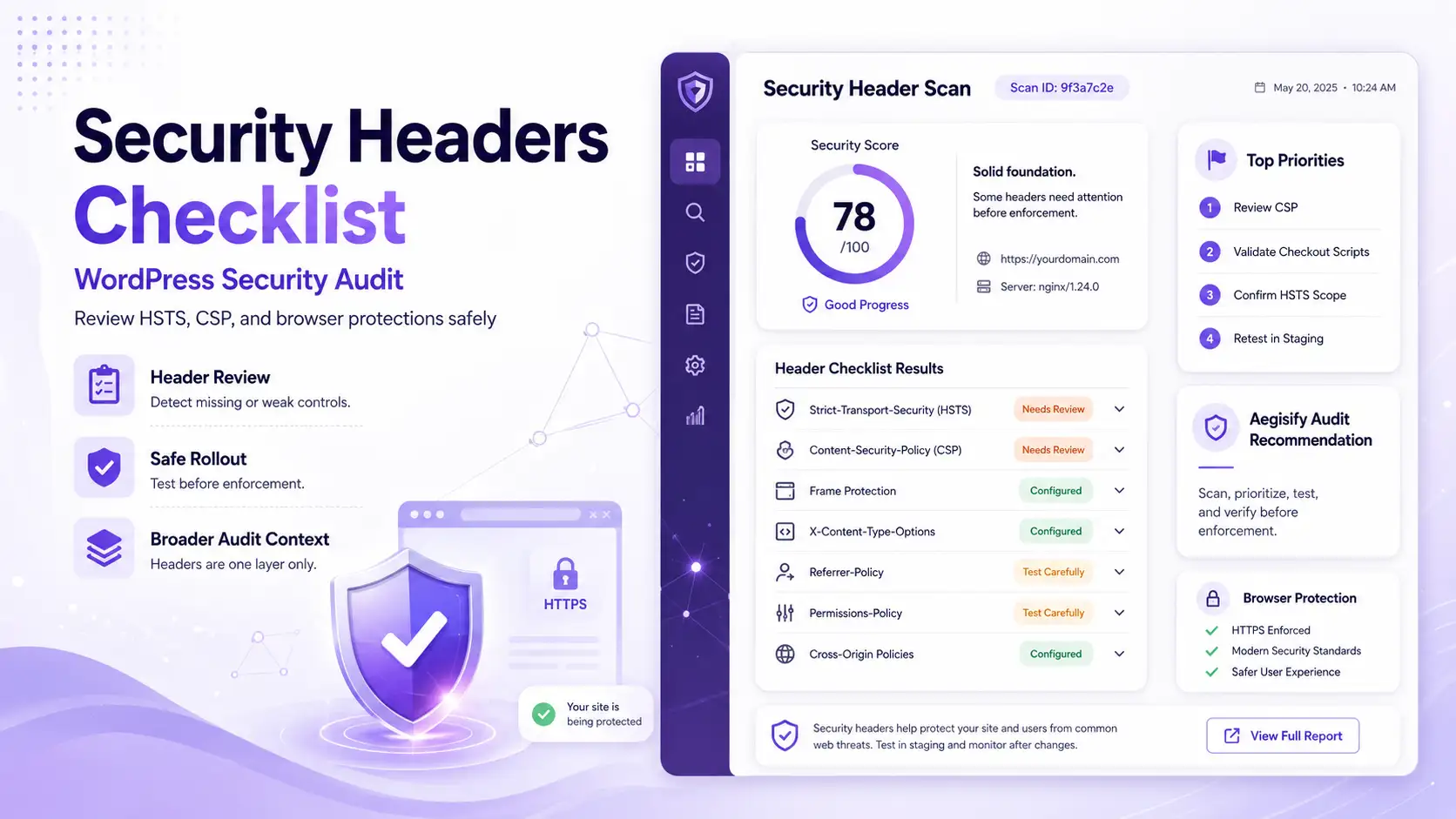
A WordPress security headers checklist helps site owners verify how browsers handle HTTPS, scripts, frames, referrer data, MIME types, browser permissions, and cross-origin resources. A capable WordPress security scanner should review these HTTP security headers within a broader WordPress security audit, especially for login pages, WooCommerce checkout, account areas, membership portals, customer dashboards, and other sensitive workflows.
Security headers are browser-enforced guardrails. They can reduce exposure to clickjacking, unnecessary referrer leakage, MIME sniffing, browser-feature abuse, mixed-content behavior, and some script-loading risks. They do not replace plugin patching, secure coding, strong access control, vulnerability management, malware detection, logging, or recovery planning.
Why Security Headers Matter for WordPress
Response headers give browsers instructions before a page is rendered. They can require future HTTPS connections, restrict the sources permitted to load scripts and styles, prevent unauthorized framing, limit referrer information, enforce declared content types, and control access to browser capabilities.
WordPress sites often combine themes, plugins, analytics, consent tools, fonts, chat, video, maps, payment services, advertising, and custom JavaScript. This makes header review valuable and careless enforcement risky. A policy suitable for a simple content site may fail on a WooCommerce store that depends on hosted payment fields, fraud checks, external APIs, or embedded account workflows.
Review authentication, password-reset, profile, and customer-session workflows for browser-facing exposure.
Inventory payment scripts, hosted fields, redirects, fraud tools, and third-party services before enforcement.
Validate frames, cross-origin resources, browser features, and private application behavior across authenticated pages.
Do Not Treat Every Missing Header as the Same Severity
The correct policy depends on the site. Enabling HSTS with includeSubDomains before every affected subdomain supports HTTPS can create outages. A strict Content Security Policy that blocks required checkout scripts is not a successful fix. Risk, compatibility, page purpose, business impact, and rollback readiness should determine priority.
| Security Header | What to Review | Safe Remediation Direction |
|---|---|---|
| Strict-Transport-Security | Confirm HTTPS coverage, certificate health, redirects, mixed content, an appropriate max-age, and subdomain readiness. | Stage Carefully Send HSTS only over HTTPS. Add includeSubDomains or preload only after validating the full domain environment. |
| Content-Security-Policy | Inventory scripts, styles, images, fonts, frames, connections, workers, analytics, advertisements, chat, and payment services. | Test First Use reporting when practical, investigate violations, reduce unsafe allowances, and enforce only after functional testing. |
| Frame Protection | Review CSP frame-ancestors and any compatibility use of X-Frame-Options. Identify approved embeds. | Validate Embeds Protect login and sensitive pages from unauthorized framing without blocking legitimate payment or partner workflows. |
| X-Content-Type-Options | Confirm the header is present and that scripts, styles, images, and downloads return correct Content-Type values. | Common Baseline Use nosniff, but also correct inaccurate MIME types at the server or application layer. |
| Referrer-Policy | Determine whether URLs contain sensitive paths or query values and how much cross-site information analytics needs. | Balance Privacystrict-origin-when-cross-origin is a common balanced option, but confirm it fits the site. |
| Permissions-Policy | Inventory use of camera, microphone, geolocation, fullscreen, payment, and other browser capabilities. | Feature Specific Disable capabilities the site does not need and test embeds or checkout tools that may depend on them. |
| Cross-Origin Policies | Review COOP, COEP, CORP, CORS behavior, popups, external resources, embedded content, and application integrations. | Advanced Control Do not apply strict values sitewide without a dependency map. These policies can isolate windows or block resources. |
Strict-Transport-Security Requires a Fully HTTPS-Ready Environment
HSTS tells browsers to use HTTPS for future connections to a host. Review certificates, HTTP-to-HTTPS redirects, alternate hostnames, mixed content, and all affected subdomains before increasing the policy duration.
Preloading is a separate, high-commitment decision—not a security-score shortcut. Removal from browser preload lists takes time, and an incompatible subdomain may become unreachable when the parent policy includes it.
Content Security Policy Is Powerful Because It Is Specific
CSP controls where scripts, styles, images, fonts, frames, connections, and other resources may load. WordPress themes and plugins may depend on inline code, generated assets, external APIs, analytics, or hosted checkout fields. A policy should reflect the site’s actual dependencies rather than permit every source.
Use Content-Security-Policy-Report-Only when a monitoring phase is appropriate. Review violations, separate legitimate resources from unexpected behavior, and refine the policy. Enforce only after testing login, forms, checkout, analytics, consent tools, media, maps, chat, search, REST, AJAX, and administrative actions.
Frame, MIME, Referrer, and Feature Controls Need Page Context
CSP frame-ancestors defines which parent pages may embed a response. X-Frame-Options may remain for compatibility but is less flexible. Sensitive pages generally should not be frameable by arbitrary websites.
X-Content-Type-Options: nosniff tells browsers to respect declared MIME types. Referrer-Policy controls how much referring URL information is sent. Permissions-Policy can restrict browser capabilities. Each value must match the site’s real functionality.
Do Not Use Deprecated Headers as Proof of Security
X-XSS-Protection is deprecated and should not be treated as a modern defense against cross-site scripting. Secure output handling, maintained dependencies, careful custom development, and a well-designed CSP are more meaningful controls.
A Safe WordPress Security Header Workflow
Aegisify’s operating model is not “find a missing header and paste a snippet.” It connects discovery, context, controlled change, and verification.
Scan public responses, sensitive routes, HTTPS signals, headers, and exposed application surfaces.
Map plugins, themes, scripts, payment services, embeds, APIs, CDNs, and affected subdomains.
Separate missing baselines from complex policies that require staged engineering and testing.
Use staging, reporting modes, backups, approvals, and rollback plans before broad enforcement.
Verify headers and test login, checkout, forms, analytics, embeds, APIs, and administrative workflows.
Security Headers Are Only One Part of WordPress Security
Strong headers do not repair vulnerable plugins, weak administrator passwords, exposed REST routes, broken access control, malware, unsafe custom code, outdated themes, bad file permissions, misconfigured webhooks, or leaked debug logs. A site can earn a strong header grade and still contain serious application risk.
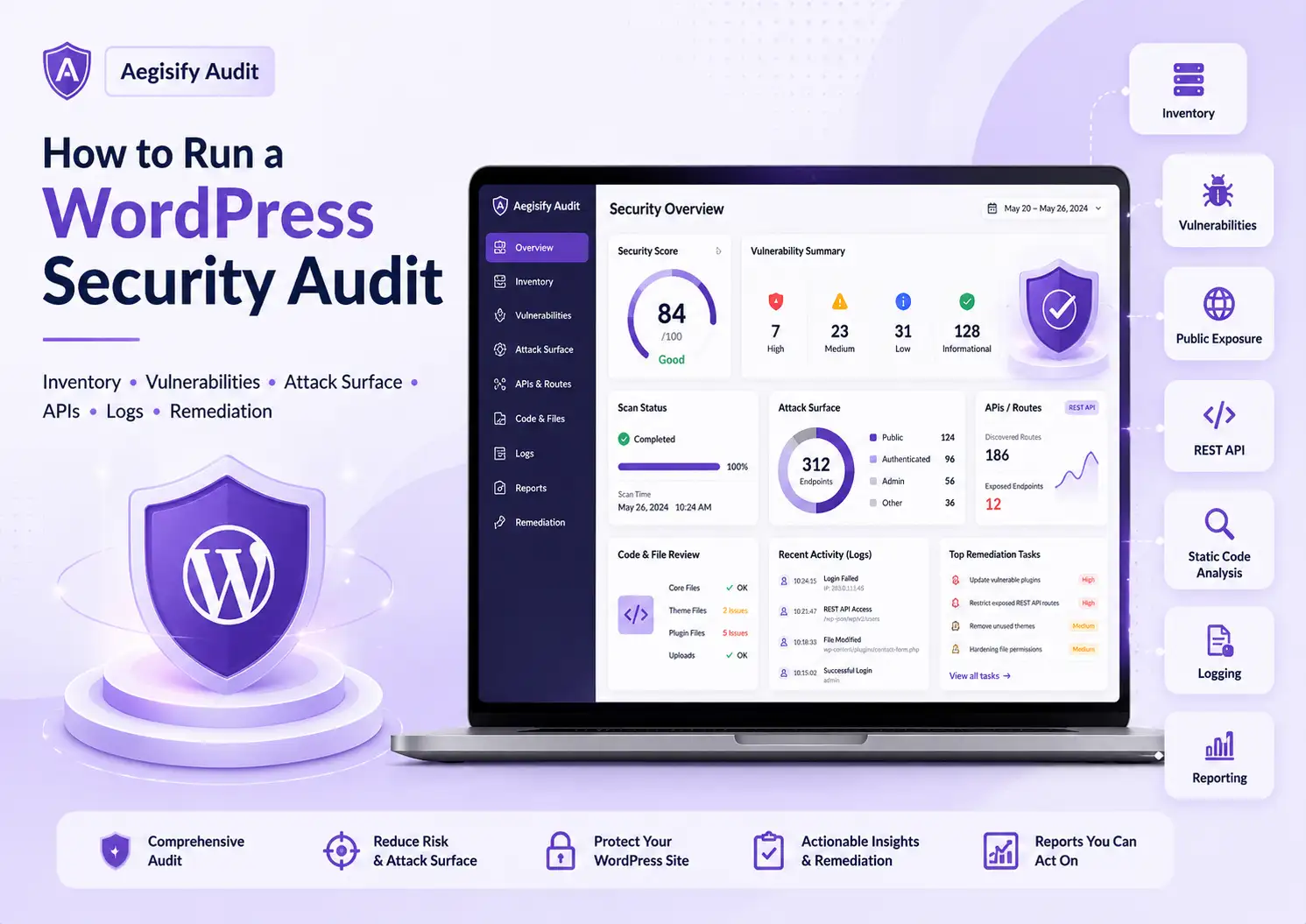
That is why Aegisify Audit reviews headers within a broader WordPress security assessment. Its DAST-style and public-exposure workflows can review security headers, HTTPS and TLS signals, login surfaces, REST or API exposure, install artifacts, exposed debug information, vulnerability context, and other externally observable conditions.
Aegisify organizes findings into remediation priorities so site owners can address browser controls alongside larger security risks. Aegisify Shield and Aegisify WAF can complement the audit with hardening, monitoring, request controls, and web application firewall workflows. Aegisify Backup supports recovery preparation before configuration changes. Confirm current licensing and product availability before publishing specific packaging claims.
Implementation Checklist Before Production
Test in staging. Confirm backups and rollback steps. Record the existing header set. Verify the homepage, login, password reset, account area, checkout, payment gateways, forms, REST and AJAX, analytics, tag managers, consent tools, advertising, video, maps, chat, fonts, search, and administrative actions. Use reporting modes when appropriate. Retest after deployment and after material plugin, theme, CDN, analytics, or payment-provider changes. Include security-header review in recurring WordPress security audits.
WordPress Security Headers FAQ
Do security headers make WordPress secure?
No. They reduce specific browser-facing risks but do not replace patching, access control, secure coding, monitoring, vulnerability management, or recovery planning.
Should every WordPress site use the same CSP?
No. CSP must reflect the scripts, styles, frames, APIs, payments, analytics, and integrations used by the individual site.
Can Aegisify Audit detect missing security headers?
Aegisify Audit’s supplied product workflow includes header review within its public-exposure and DAST-style assessment context.
Should HSTS preload be enabled immediately?
No. Confirm HTTPS across the domain and required subdomains, understand the long-lived effect, and prepare recovery plans first.
Can strict headers break WooCommerce?
Yes. CSP, frame restrictions, Permissions Policy, and cross-origin policies can affect payment fields, redirects, fraud tools, analytics, and embedded services when configured incorrectly.
Security Header Documentation
Editorial references include MDN Strict-Transport-Security, MDN Content Security Policy, MDN CSP Report-Only, MDN frame-ancestors, MDN X-Content-Type-Options, MDN Referrer-Policy, MDN Permissions-Policy, and the OWASP HTTP Security Response Headers Cheat Sheet.
Publication notice: Header requirements vary by server, CDN, application, plugins, theme, and third-party integrations. Validate Aegisify capability descriptions against the current production release and test every policy before enforcement. Security headers reduce specific risks but do not guarantee that a WordPress site is secure.