From Generic Firewall Settings to Inventory, Monitoring, and Controlled Enforcement
WordPress is often more than a publishing system. It can support ecommerce, customer portals, membership services, forms, integrations, dashboards, learning systems, mobile backends, and custom applications. Each plugin or application can introduce public URLs, REST API routes, AJAX actions, login workflows, uploads, and data-processing paths that deserve different security attention.
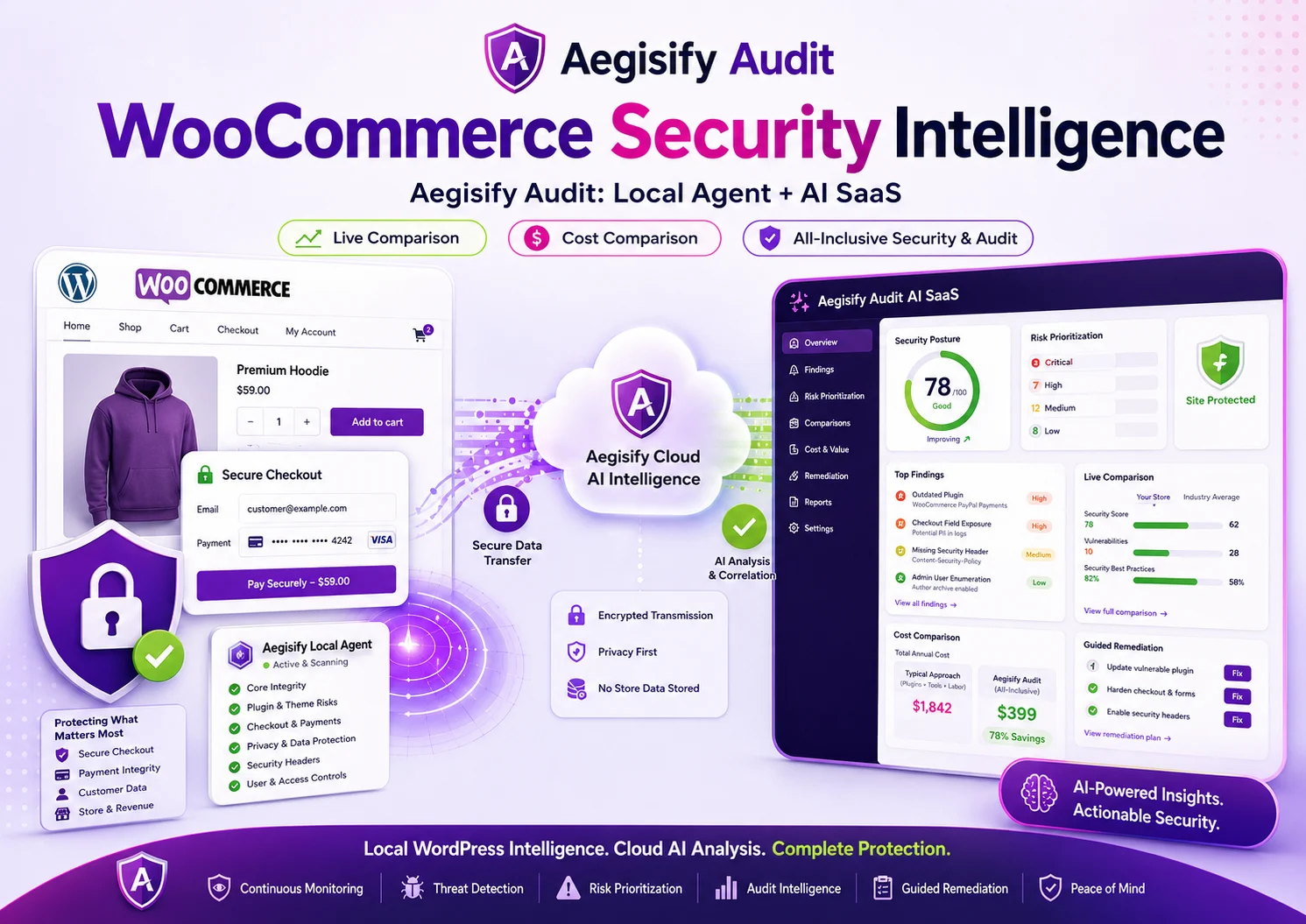
A firewall that only applies broad rules may see malicious patterns, but it may not understand which routes matter to the business or which behavior is normal for a specific application. Aegisify WAF is designed to close that gap with an inventory-first workflow: understand the WordPress environment, monitor real application surfaces, alert on suspicious activity, and move toward blocking only when evidence and administrative intent support it.
Inventory public application URLs, WordPress components, REST routes,AJAX actions, and relevant configuration posture.
Observe traffic, alerts, matched signals, and application behavior before changing a production path into enforcement mode.
Map findings to WAF features, keep changes human-reviewable, and preserve configuration backup and rollback options.
Why Application-Aware WAF Operations Matter
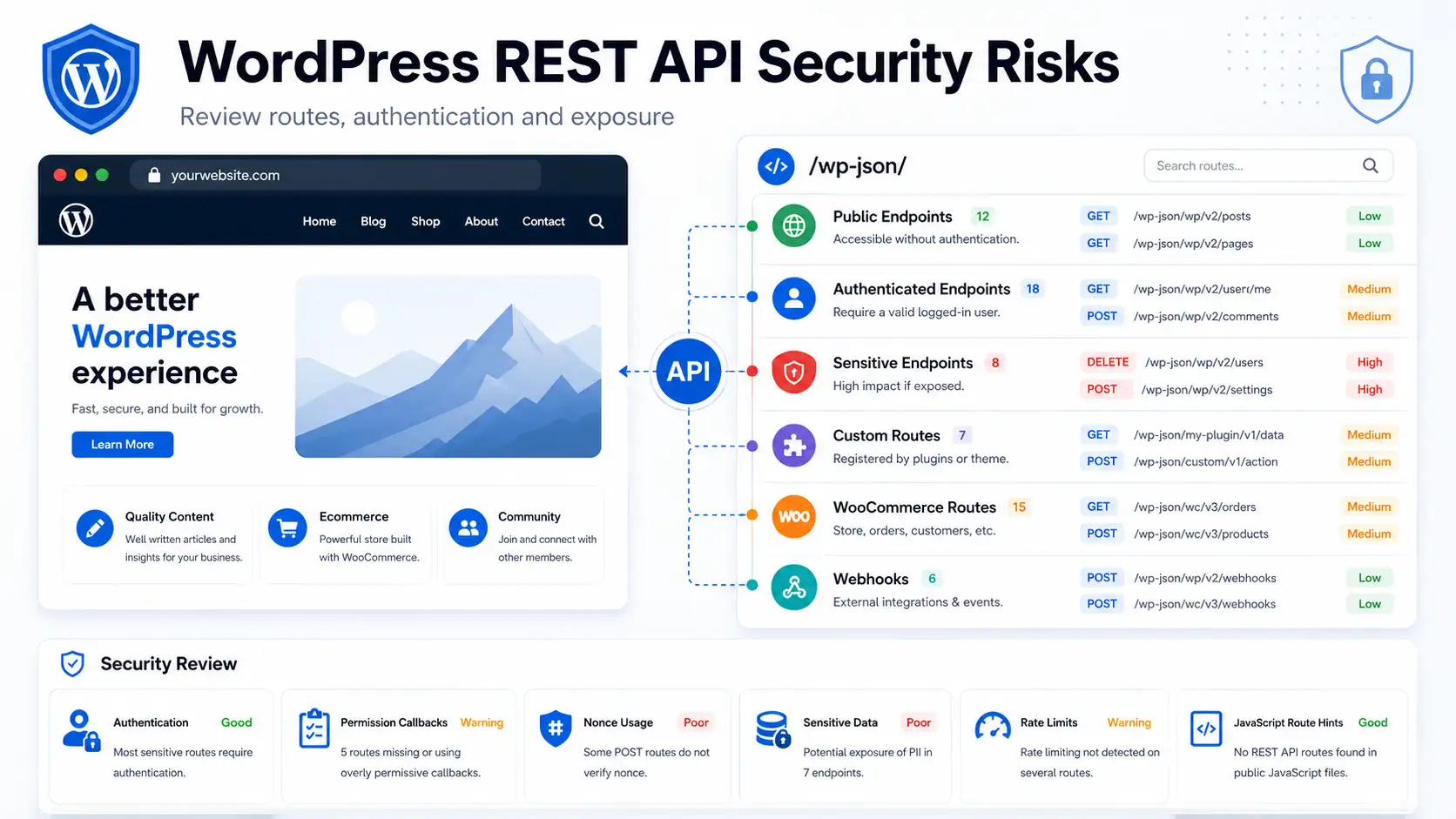
WordPress routes are created by core, themes, plugins, and custom code. The WordPress REST API maps routes to one or more HTTP methods, while WordPress AJAX can expose separate actions for authenticated and public users. Those interfaces are useful, but they also expand the number of request paths that administrators must understand.
OWASP describes a web application firewall as a control that applies rules to HTTP conversations and commonly addresses attacks such as SQL injection and cross-site scripting. Modern operations require more than a rule list.
Teams also need route context, visibility, tuning, and a defensible boundary between a detection and a production block.
How the Aegisify WAF Workflow Works
-
1
Inventory
Collect supported WordPress, plugin, application, REST, AJAX, and
security configuration metadata into a protected local snapshot. -
2
Monitor
Observe selected application URLs and automatically monitor REST and
AJAX activity without enabling blocking by default. -
3
Analyze
Review local findings or manually send a minimized, redacted snapshot
through the approved Aegisify Core AI service path. -
4
Map
Convert validated recommendations into specific WAF controls tied to
observed routes and application targets. -
5
Enforce
Keep monitor-only defaults, require administrative approval, and use
evidence-based thresholds before eligible traffic can be blocked.
Configuration Intelligence: Build a Security Baseline
The Configuration workflow creates a versioned view of the environment Aegisify WAF is protecting. A manual inventory scan can collect supported metadata about WordPress runtime posture, installed components, public
application URLs, REST route patterns, AJAX actions, XML-RPC availability, rewrite rules, scheduled tasks, updates, and current WAF coverage.
Inventory is saved locally in encrypted snapshots. A later full scan can be compared with the previous snapshot to identify added, changed, or removed attack-surface items. Scanning remains separate from AI analysis: collecting
the inventory does not automatically transmit it to an external service. When an administrator requests AI analysis, the provider-bound copy is minimized and redacted, then routed through Aegisify Core.
This creates a more disciplined path from “What is running?” to “Which WAF controls should be reviewed?” It also helps agencies and operators document changes instead of relying on memory or a one-time screenshot of settings.
App Monitor & Alerts: Protect Business-Critical WordPress Paths
Not every public page needs the same operational attention. A product catalog, account portal, checkout path, subscription workflow, or custom application archive may have different traffic patterns and business
consequences.
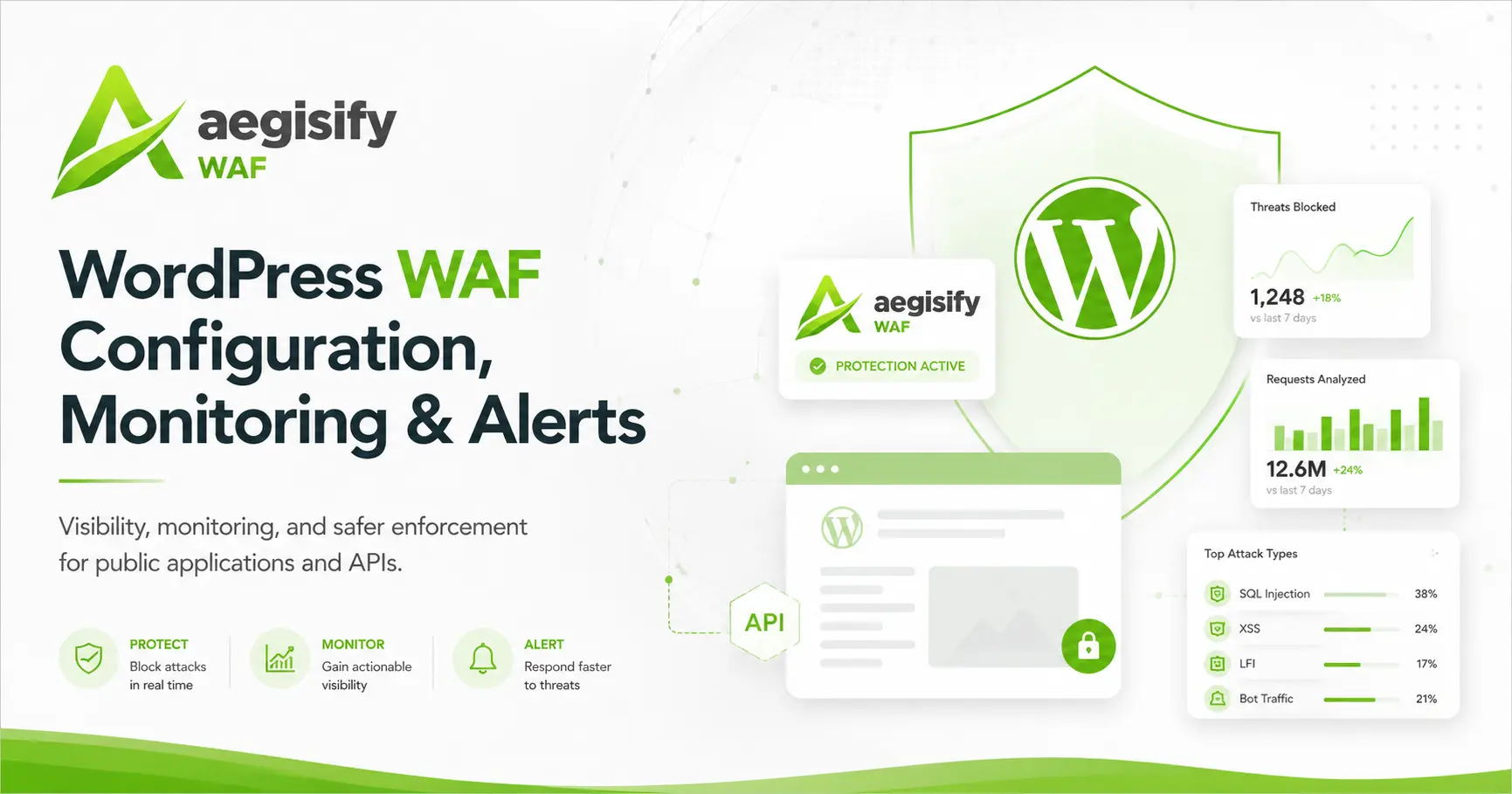
From the inventory preview, an administrator can add a verified same-site application URL to App Monitor & Alerts. New targets begin in monitor-and-alert mode. The dashboard can show request activity, suspicious event counts, enforcement status, last-seen information, and alert history. Alerts can be delivered through the centrally managed Aegisify Core email service.
Normal monitoring is intentionally bounded. It focuses on aggregate activity and security decisions rather than storing request bodies, passwords, cookies, session tokens, or application content.
API Monitoring: Continuous Visibility for REST and AJAX
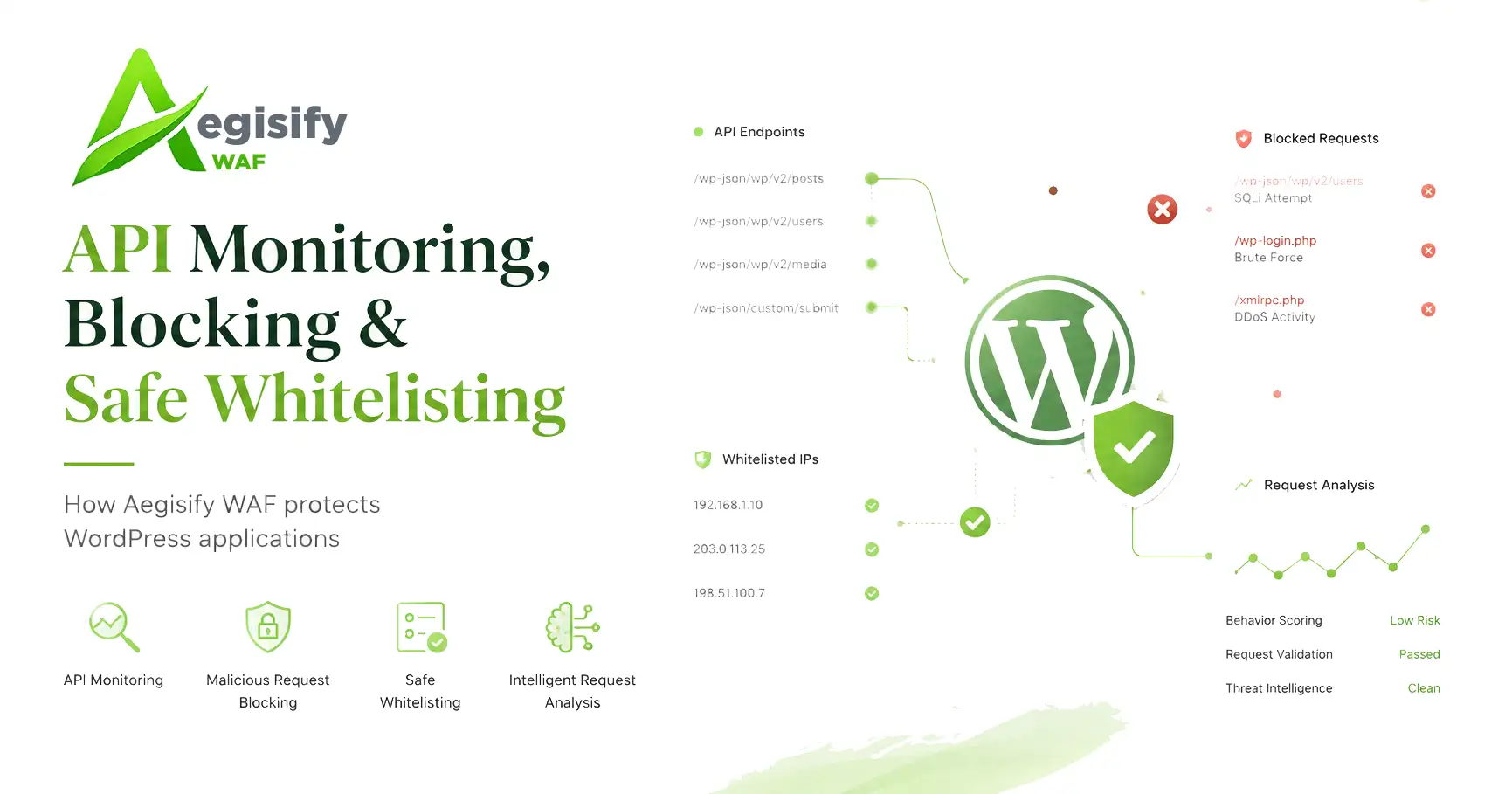
REST routes and AJAX actions are monitored automatically so they do not depend on an administrator finding and enabling hundreds of individual entries. Registered routes and actions can be associated with HTTP methods,
ownership context, public exposure, activity counts, alerts, and when explicitly enabled enforcement status.
This is especially useful for WordPress installations that act as an application backend. OWASP’s API Security risks include broken authorization, broken authentication, unrestricted resource consumption, and unsafe server-side request behavior. Monitoring cannot replace secure endpoint design, but it can help expose unusual request pressure and policy violations at runtime.
What “Enforce Blocks” Means
Aegisify WAF does not treat every unusual request as proof of an attack. Monitoring and alerts are enabled first. Blocking requires the relevant application, REST, or AJAX enforcement control to be deliberately enabled. Eligible detections are then evaluated through a score-and-evidence model.
| Signal or Decision | Default Treatment | Reason |
|---|---|---|
| One ordinary managed attack signature | Alert only | A single pattern can be ambiguous. It normally does not satisfy both the score and independent-evidence requirements. |
| Multiple independent managed signatures | Block eligible | Corroborating signals can meet the configured threshold after the administrator enables enforcement. |
| Heuristic or unexpected-method signal | Alert only | Contextual anomalies help investigation but do not become block score by themselves. |
| Explicit custom Block rule | Direct policy |
The administrator deliberately created a rule with a block action and enabled the applicable enforcement path. |
| Deterministic API policy | Direct policy |
A configured authentication, authorization, route, or rate policy may reject a request when direct API enforcement is enabled. |
The default middle ground is monitor first, require administrative intent, and require corroborating evidence for ordinary attack-pattern decisions. OWASP Core Rule Set operations use a comparable anomaly-scoring concept:
detections accumulate points and enforcement occurs only after a configured threshold is reached. That structure gives teams room to tune exclusions rather than weakening the entire firewall.
Why the Model Works
Inventory connects firewall decisions to real WordPress applications, routes, methods, and components.
Monitor-only defaults allow administrators to understand legitimate traffic before production blocking is introduced.
Scoring, independent signals, explicit policies, and visible decision reasons reduce reliance on one ambiguous match.
The model also preserves operational control. Configuration backups, protected inventory history, reviewed AI mapping, explicit approval, and rollback planning help make changes understandable and reversible. This is important for agencies, ecommerce teams, and organizations where a false positive can interrupt revenue, customer access, publishing, or integration traffic.
Practical Questions
Does monitoring slow down or block normal WordPress traffic?
Monitoring is designed to observe and aggregate security activity without enabling blocking by default. Actual performance depends on site size, hosting, traffic volume, installed components, and enabled controls, so staging and production observation remain important.
Does AI automatically change the firewall?
Inventory collection and AI analysis are separate. AI output is treated as untrusted input, mapped to supported controls, and should remain human-reviewable before any configuration is applied.
Can a WAF replace patching, secure code, MFA, and backups?
No. A WAF is one application-layer control. Secure development, authorization, updates, least privilege, authentication safeguards, logging, testing, and recoverable backups remain necessary.
Technical Source Notes
Reference guidance:
OWASP Core Rule Set anomaly scoring,
OWASP API Security Top 10,
WordPress REST API key concepts, and
WordPress AJAX guidance.