WordPress Database Bloat: How to Safely Reduce wp_posts and wp_postmeta
WordPress database optimization becomes urgent when the wp_posts table or wp_postmeta table grows far beyond the amount of visible content on the site. Revisions, auto-drafts, trashed content, custom post types, plugin metadata, legacy WooCommerce records, and orphaned rows can quietly increase database size, slow backup jobs, consume storage, and make administration more difficult.
A large table does not automatically mean a slow website. Performance depends on query design, indexes, hosting resources, object caching, active plugins, and how the data is used. However, unexpected database growth is a clear reason to investigate, create a verified backup, remove data that is truly unnecessary, and measure the result.
Does a 1GB wp_posts Table Slow Down WordPress?
It can, but size alone is not enough to diagnose the problem. A large table may increase the time required for exports, backups, sorting, maintenance, and poorly targeted queries. It may also increase storage and temporary-space requirements. At the same time, a properly indexed database on capable infrastructure can handle a large data set efficiently.
The correct question is not simply, “How large is the table?” It is, “What created the growth, is the data still required, which queries touch it, and what measurable problem is occurring?” That distinction prevents administrators from deleting valid content simply because a table looks large.
Revisions and Auto-Drafts
WordPress stores revisions in wp_posts so editors can compare or restore earlier content. High publishing frequency, large editorial teams, and page builders can create many historical records.
Custom Post Types
Products, media attachments, forms, events, templates, reusable blocks, and plugin-created content types can share the same posts table even when they are not visible as ordinary blog posts.
Post Metadata
The wp_postmeta table stores additional information connected to posts and custom post types. Plugins can create many metadata rows for one content object.
Legacy or Orphaned Data
Deleted content, abandoned plugin data, old migrations, failed cleanup routines, and records without a valid parent can leave data that deserves review.
What the wp_posts and wp_postmeta Tables Actually Store
The wp_posts table is not limited to published posts. WordPress uses it for pages, attachments, revisions, navigation items, custom post types, and other content objects. The wp_postmeta table stores additional values associated with those objects, including plugin-defined custom fields.
This explains why a site with only twenty published articles can still contain thousands of rows. The visible post count represents only one part of the content model. A page builder may save layouts as custom post types. An ecommerce plugin may store product attributes and variations. A forms plugin may retain submissions or configuration objects. A multilingual plugin may multiply records across languages.
wp_posts and wp_postmeta. Never delete suspected order records until the store’s authoritative storage mode and synchronization status are confirmed.How Silent Database Growth Becomes Operational Risk
Database bloat is therefore not merely technical clutter. It can lengthen backup windows, complicate migration, consume storage, increase maintenance time, and reduce confidence during an incident. It can also make teams reluctant to perform changes because every backup or restore feels heavier than it should.
For SEO and conversion performance, the relationship is indirect. Search engines do not rank a page based on the size of wp_posts. The business concern is that inefficient database operations can contribute to poor administration, delayed publishing, unstable plugins, or slower user experiences when database-heavy requests are involved.
| Observed Condition | What It May Mean | Safer Next Step |
|---|---|---|
| Thousands of revisions | Frequent editing, page-builder saves, or no revision-retention policy. | Review the revision count by post type, keep required recovery history, and delete only approved revisions. |
Rapid wp_postmeta growth | A plugin, ecommerce workflow, import, or custom field system is producing high metadata volume. | Identify the largest meta keys and owning plugin before removing anything. |
| Orphaned metadata | Metadata references a post ID that no longer exists. | Back up the database, preview the affected rows, then remove only confirmed orphans. |
| Backups take much longer | The database, file set, compression workload, or server limits have changed. | Compare package size and duration, review large tables, and verify available disk and memory. |
| WooCommerce order rows remain | Legacy storage or HPOS compatibility synchronization may still be active. | Confirm authoritative order storage and extension compatibility before cleanup. |
Inspect the Database Before You Change It
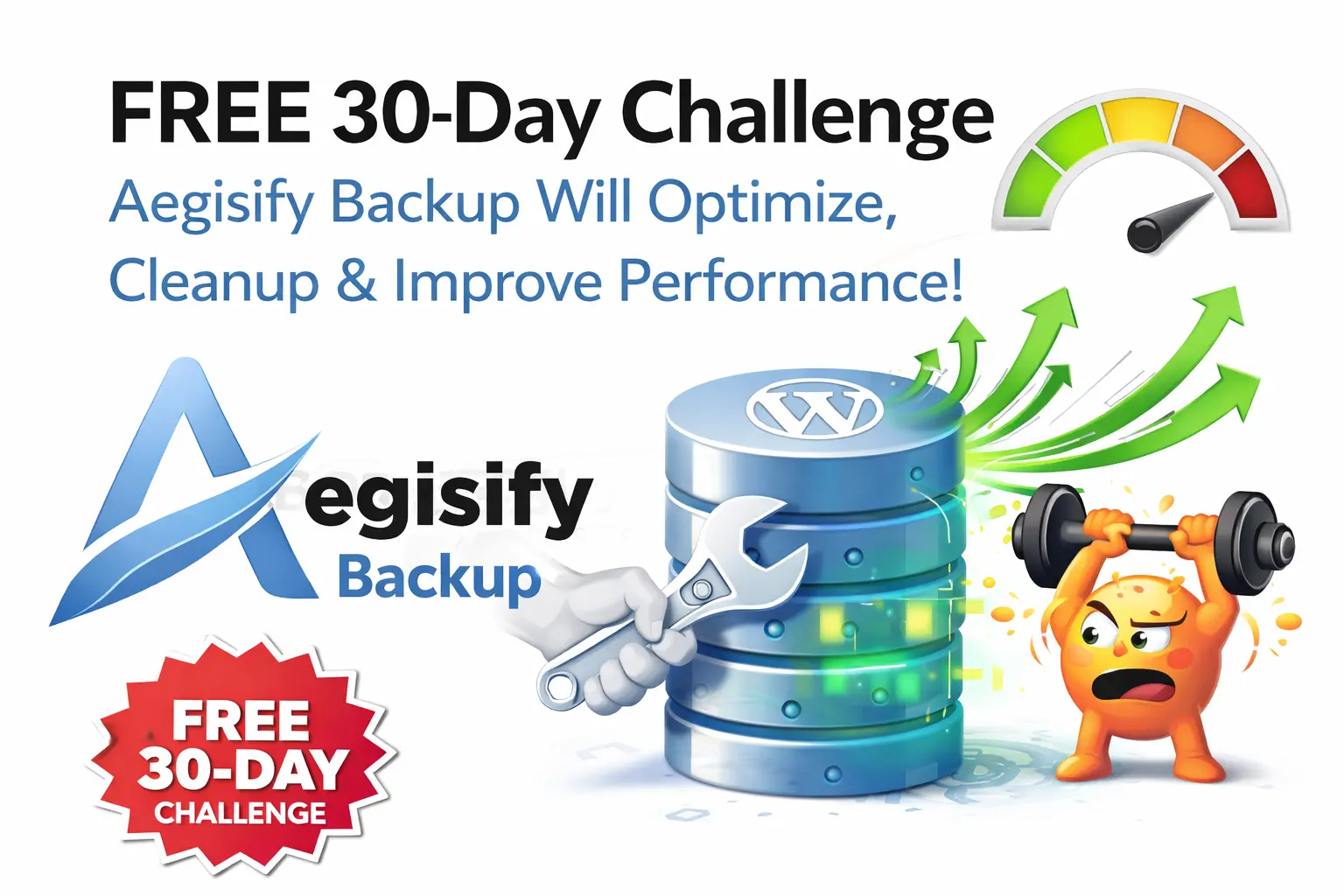
Aegisify Backup is designed to make database work more controlled. Its database overview can help administrators review table size, row counts, storage engines, recent activity, and unexpectedly growing tables. That inventory matters because a large table is not automatically defective.
Before cleanup, teams can create database or table-level recovery points and document the intended change. This turns database optimization into an operational workflow rather than an improvised SQL exercise.
Remove Only Data That Has Been Classified and Approved
Potential cleanup targets can include confirmed orphaned post metadata, approved historical revisions, stale auto-drafts, and trashed records that have exceeded the organization’s retention policy. The important words are confirmed and approved.
Direct SQL snippets copied from forums may skip WordPress relationships, hooks, plugin dependencies, multisite context, ecommerce storage changes, or application-specific retention requirements. A controlled tool should use appropriate WordPress capabilities, request validation, sanitized input, and structured database access while preserving logs of what changed.
Optimize, Verify, and Preserve Rollback Evidence
After approved records are removed, table optimization may help reclaim allocated space depending on the database engine and hosting environment. It is not automatically beneficial for every table, and it can require temporary disk space, database privileges, and a maintenance window.
The final step is verification: confirm login, frontend rendering, media, forms, scheduled tasks, REST endpoints, ecommerce operations, integrations, and backup completion. Compare table sizes and job duration before and after the change. Keep the recovery point until the site owner accepts the result.
A Safer Five-Step WordPress Database Optimization Process
Record table size, row count, growth, query symptoms, and backup duration.
Identify the post types, meta keys, plugins, and business processes that own the data.
Create a verified database snapshot and, when risk justifies it, a full-site recovery package.
Preview and apply only approved revision, draft, trash, or orphan cleanup actions.
Test the application, compare measurements, preserve logs, and retain rollback evidence.
Turn Database Cleanup Into a Recoverable Change
Aegisify Backup brings database visibility, granular backups, recovery workflows, migration, logs, retention controls, and database tools into one WordPress resilience workflow. Feature availability can vary by product version and license, so review the current License screen and product guide before planning the change.
WordPress Database Optimization FAQ
Is every large wp_posts table bloated?
No. A large table may contain legitimate products, attachments, revisions, templates, custom post types, or legacy WooCommerce data. Investigate ownership and usage before deleting records.
Can I safely delete all WordPress revisions?
Revisions are recovery history. Some organizations can retain fewer revisions, while others need them for editorial or audit reasons. Create a backup and approve a retention policy before removing them.
What is orphaned post metadata?
It is a wp_postmeta row whose referenced post ID no longer exists. Confirm the relationship and create a recovery point before cleanup.
Should WooCommerce stores clean order records from wp_posts?
Not without checking HPOS, legacy storage, compatibility synchronization, and extension behavior. Order data may still be valid even when it appears duplicated across storage systems.
Does database optimization guarantee a faster site?
No. It can reduce unnecessary data and improve operational efficiency, but performance also depends on queries, indexes, caching, PHP, hosting, plugins, themes, network latency, and page design.
Technical References
References include the Aegisify Backup product guide, WordPress database backup guidance, WordPress database structure guidance, and WooCommerce High-Performance Order Storage documentation.