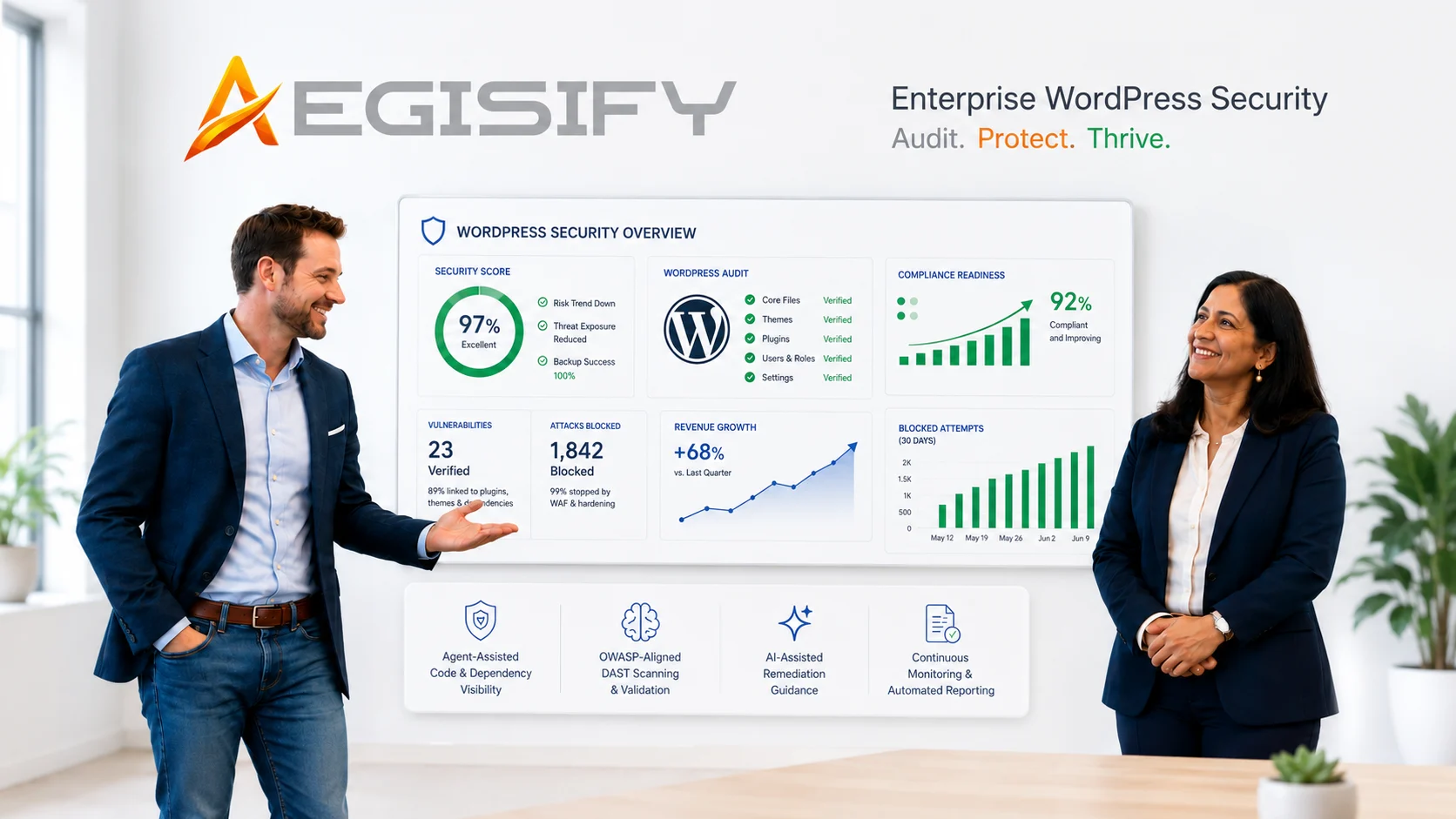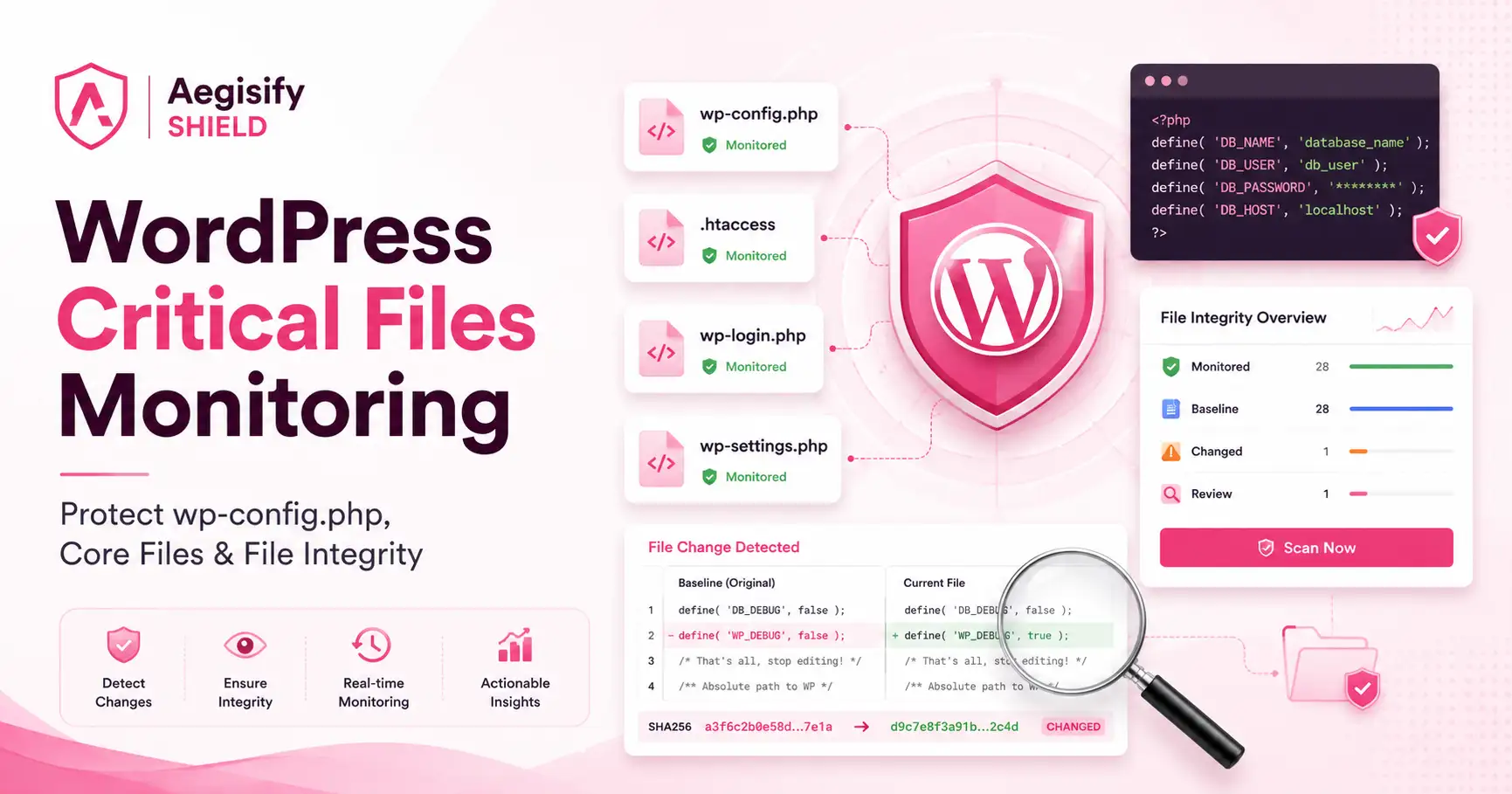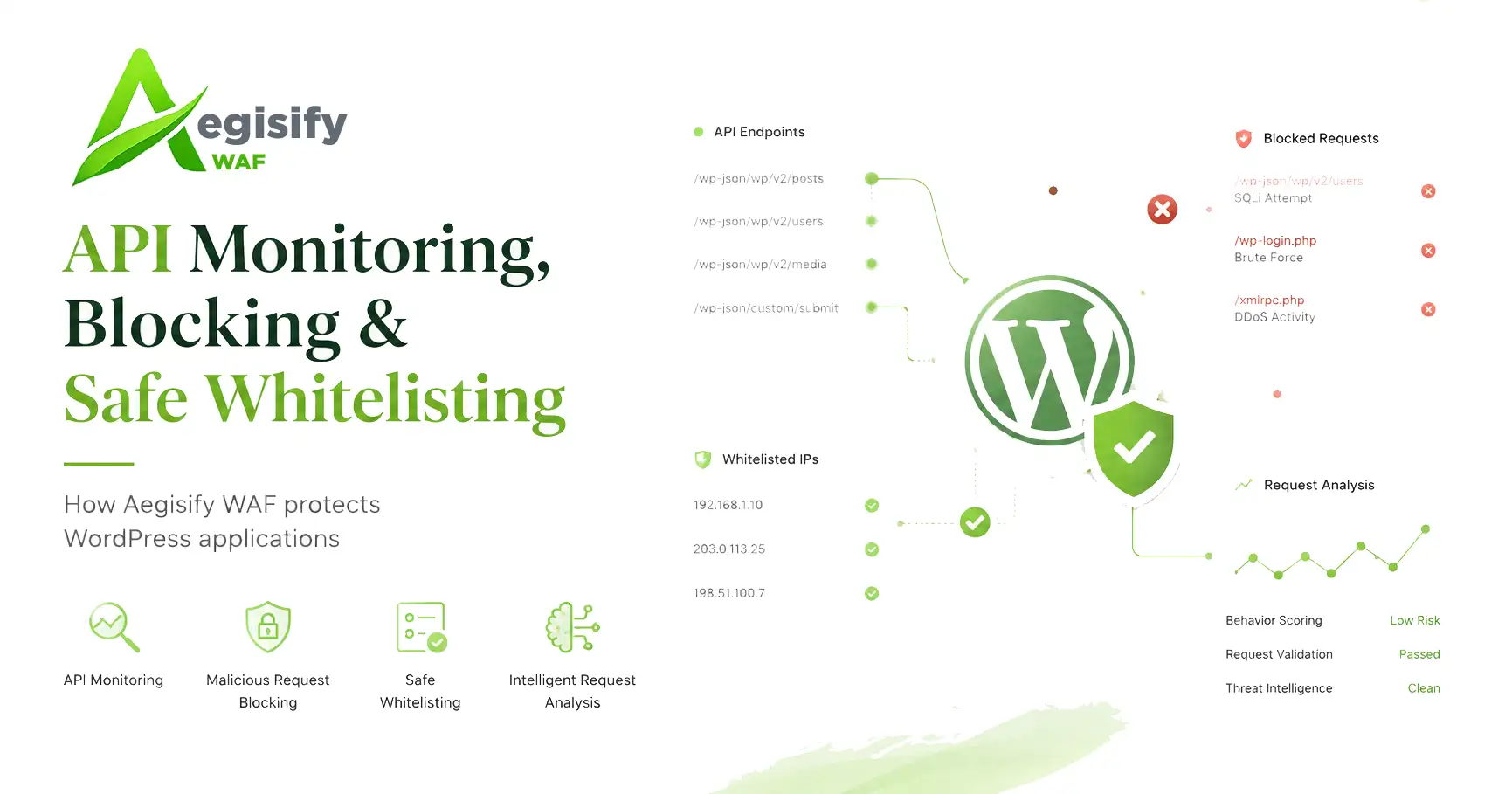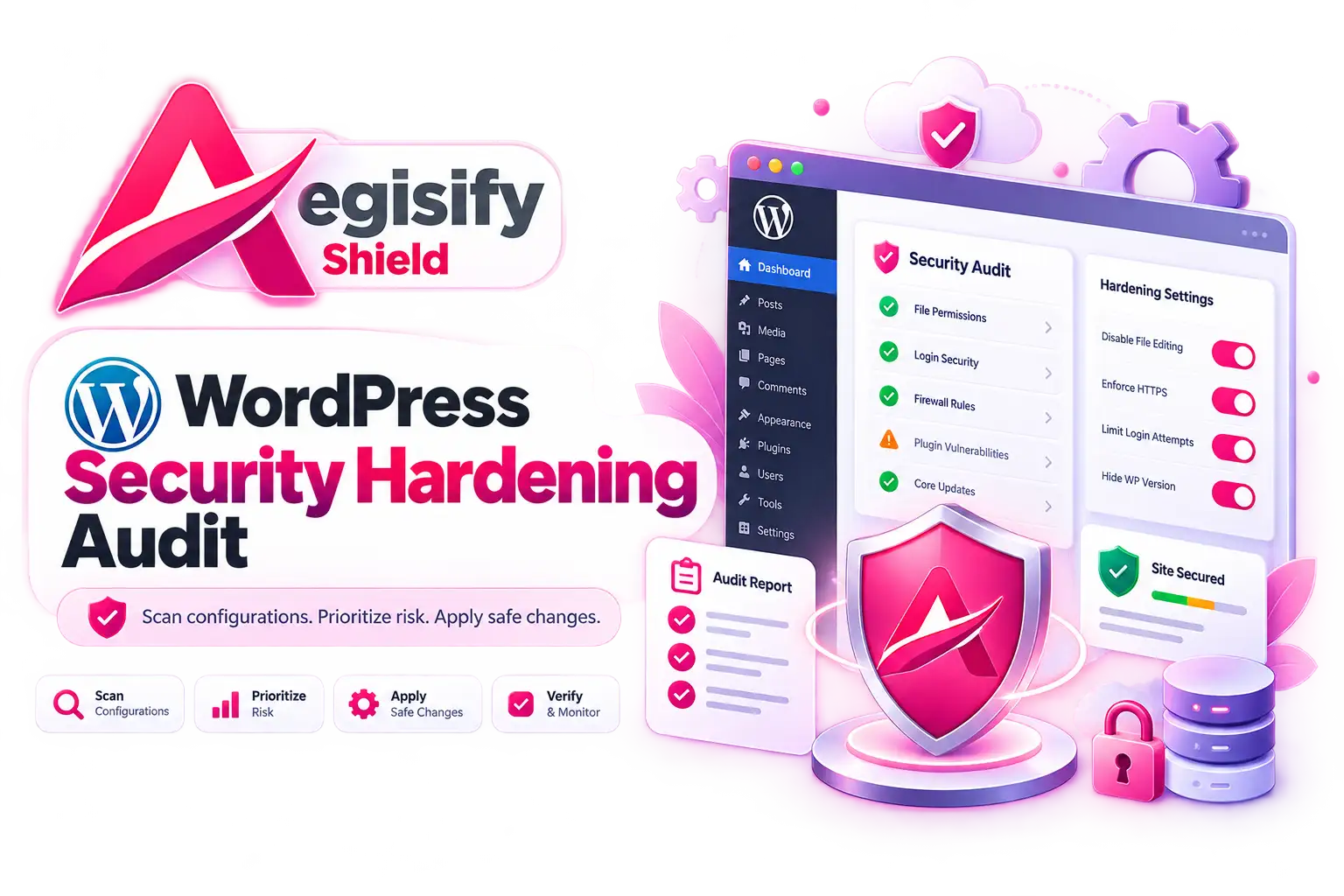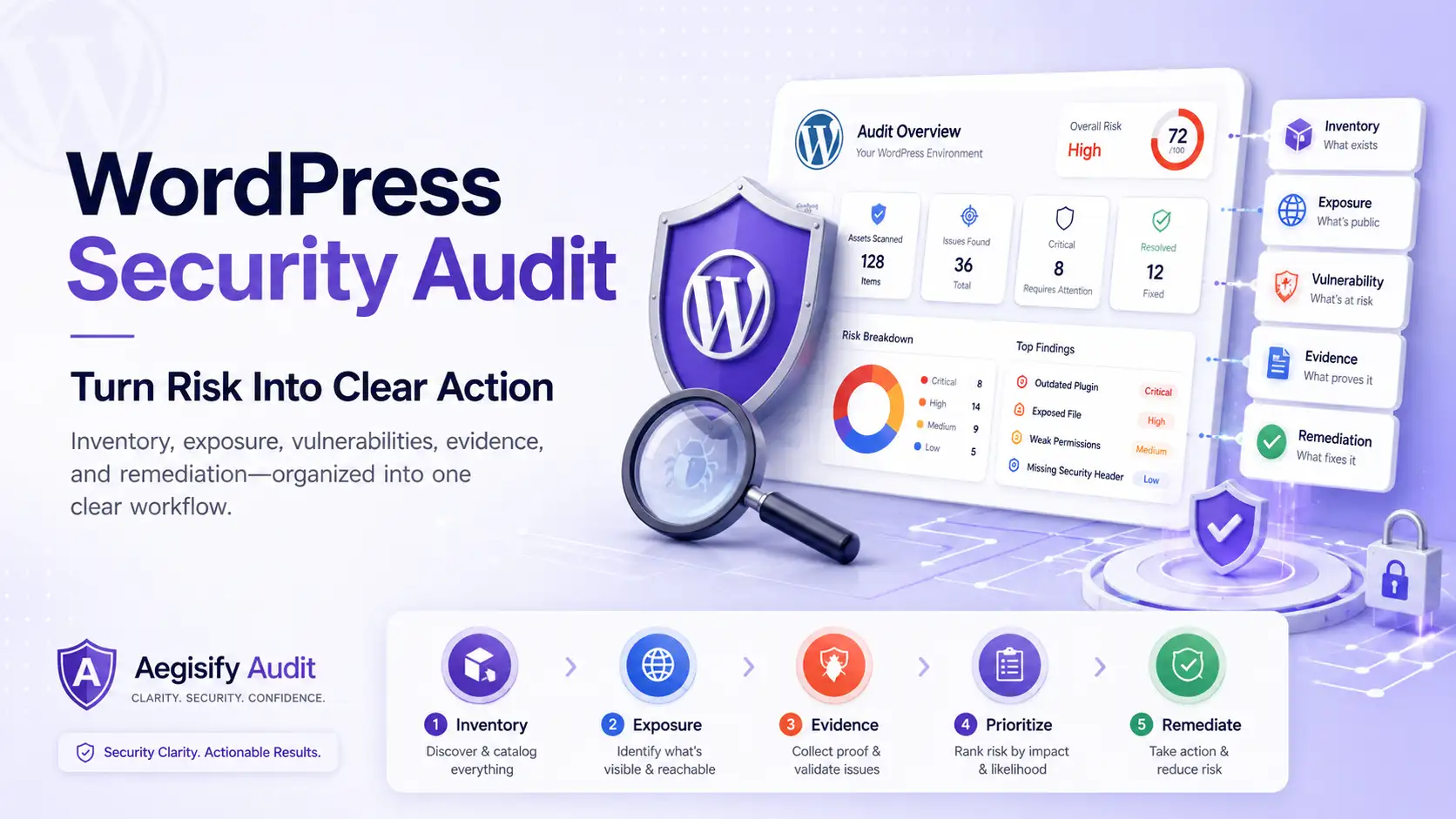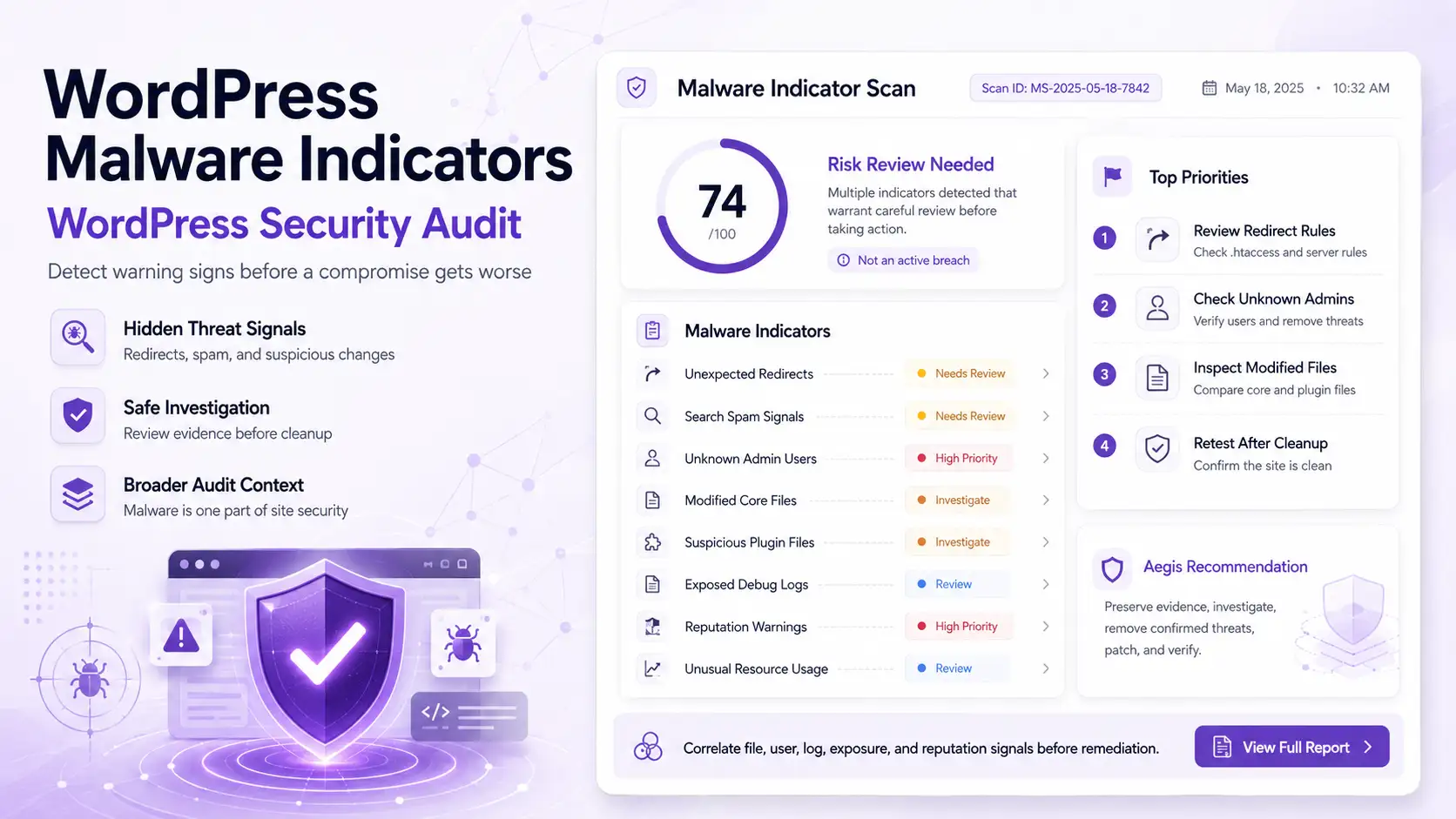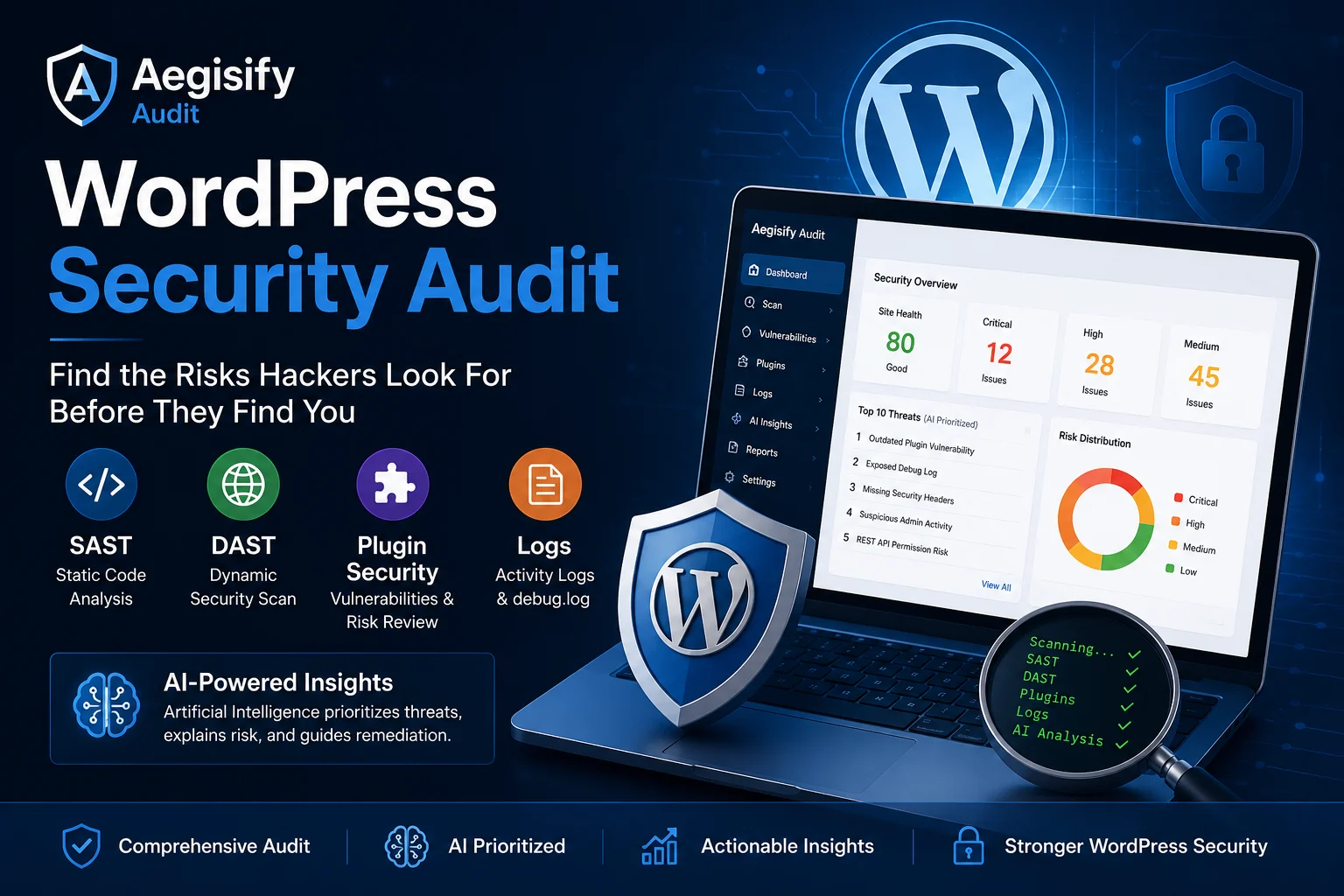
A WordPress site can look healthy while plugin risk, exposed routes, weak headers, risky code, failed logins, debug errors, and suspicious changes build underneath. A real WordPress Security Audit should show what is exposed, what changed, what matters, and what to fix first.
Aegisify Audit combines SaaS security intelligence with a WordPress Agent. It connects public exposure, plugin security, SAST, DAST, vulnerability signals, WordPress activity logs, debug.log evidence, WooCommerce risk, reporting, and AI-assisted remediation in one workflow.
What Is a WordPress Security Audit?
A WordPress Security Audit is a structured review of website security, software, configuration, code, users, APIs, public exposure, logs, and business workflows. It identifies security gaps, connects technical evidence, and ranks remediation by severity, exploitability, exposure, and business impact.
A complete audit reviews WordPress core, plugins, themes, dependencies, SAST findings, DAST evidence, REST API routes, authentication, security headers, cookies, file permissions, activity logs, debug.log, known vulnerabilities, WooCommerce workflows, and suspicious change.
| Why WordPress Security Audits Matter | |
|---|---|
| Hidden Exposure | Public files, APIs, forms, routes, headers, cookies, login pages, and development artifacts may expose more than expected. |
| Plugin Risk | Outdated, inactive, abandoned, vulnerable, or misconfigured plugins can expand the WordPress attack surface. |
| Code Risk | Unsafe handlers, missing nonce checks, weak capability checks, insecure REST permissions, and risky input processing may remain hidden inside code. |
| Operational Evidence | Failed logins, plugin changes, user changes, file activity, warnings, and fatal errors can reveal what changed and when. |
| Business Impact | Security issues can affect availability, SEO, customer data, checkout, payments, memberships, lead generation, and trust. |
Security Findings Need Context, Not More Noise
Most WordPress security problems begin as small gaps: one outdated plugin, one exposed log, one risky route, one weak permission, one suspicious admin account, or one code pattern that was never reviewed. The problem is not only detection. The problem is deciding what matters first.
Aegisify Audit connects scan data with local evidence. This helps site owners, agencies, developers, and security teams move from disconnected alerts to a prioritized WordPress security review.
| SAST, DAST, Logs, and AI | |
|---|---|
| SAST | Reviews code patterns, plugin and theme logic, nonce use, capability checks, REST permission callbacks, risky handlers, and static findings. |
| DAST | Tests public routes, forms, APIs, headers, cookies, exposed files, authentication surfaces, and browser-facing behavior. |
| Logs | Reviews failed logins, admin actions, software changes, content events, debug.log errors, warnings, and operational signals. |
| AI Analysis | Connects findings, reduces duplicate noise, explains risk, ranks threats, and suggests human-reviewable remediation steps. |
Plugin Security and WordPress Inventory
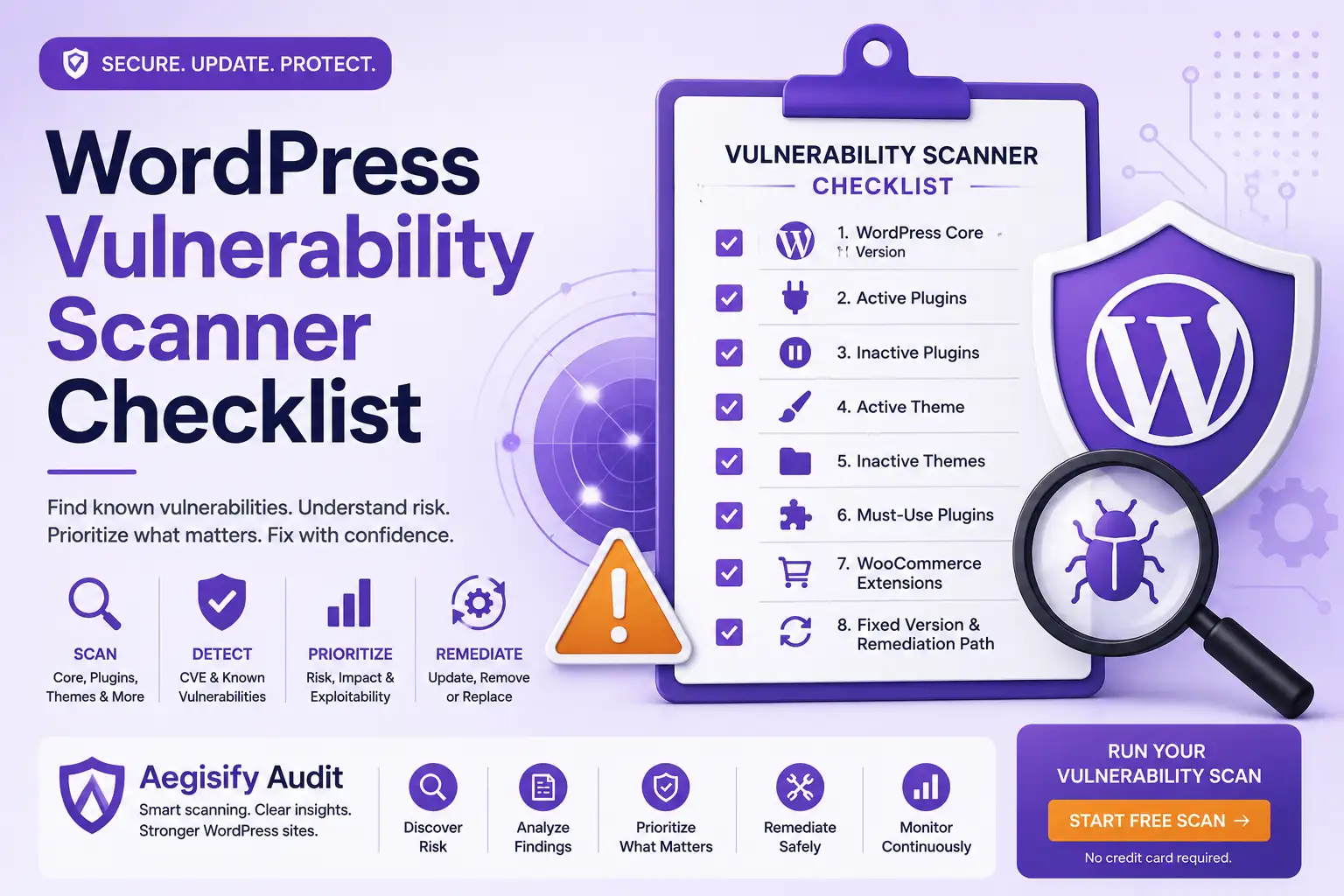
Plugins make WordPress flexible, but every plugin adds code, routes, settings, permissions, dependencies, and update behavior. Aegisify Audit reviews plugin and theme inventory, installed versions, active and inactive components, vulnerability signals, dependency risk, and local WordPress evidence.
| Inventory | Identify WordPress core, plugins, themes, must-use plugins, versions, status, and dependencies. |
|---|---|
| Vulnerability Signals | Connect software versions with known vulnerability and component-risk evidence. |
| Risk Context | Prioritize issues by exposure, component function, exploitability, and effect on business workflows. |
Context changes urgency. A plugin issue on a simple content page may not carry the same impact as the same issue on checkout, account, membership, learning, payment, or customer-data workflows.
DAST and Public WordPress Exposure
DAST-style security scanning reviews the running website from the public side. It helps confirm what visitors, bots, scanners, and attackers may reach before local WordPress evidence is added.
| Routes and APIs | Review REST API routes, GraphQL endpoints, OpenAPI files, admin-ajax actions, forms, and authentication surfaces. |
|---|---|
| Headers and Cookies | Check security headers, cookie attributes, HTTPS behavior, sessions, redirects, and browser-facing controls. |
| Exposed Artifacts | Look for backups, logs, readme files, source maps, configuration remnants, directory listings, and predictable sensitive paths. |
SAST for WordPress Code and Application Logic
Static application security testing reviews code without waiting for an attacker to trigger it. Aegisify Audit can help surface risky WordPress code patterns across custom plugins, themes, integrations, and supported application components.
| Authorization | Review capability checks, privileged actions, role boundaries, REST permissions, and administrative handlers. |
|---|---|
| Request Integrity | Review nonce use, request validation, sanitization, escaping, input handling, and output behavior. |
| Custom Rules | Identify project-specific patterns, unsafe functions, exposed operations, and WordPress code-hygiene issues. |
WordPress Activity Logs and debug.log Review
Raw logs are difficult to use without structure. Aegisify Audit brings WordPress activity and approved runtime evidence into the same audit process. This creates a clearer timeline for investigation and remediation.
| Activity Events | Review login activity, plugin changes, theme changes, users, roles, content, settings, comments, and admin actions. |
|---|---|
| Runtime Errors | Review debug.log warnings, notices, fatal patterns, deprecated behavior, plugin conflicts, and recurring failures. |
| Investigation Timeline | Connect what happened, when it happened, what changed, and which technical evidence needs review. |
This is useful when a client reports slow checkout, failed orders, broken forms, unexpected redirects, login problems, or a plugin update that changed site behavior.
| What Aegisify Audit Reviews | |
|---|---|
| Verified Domain | Confirm the security audit is tied to a domain the user owns or controls. |
| Public Attack Surface | Review routes, APIs, forms, headers, cookies, login surfaces, exposed files, and browser behavior. |
| Code and Components | Review SAST findings, plugins, themes, dependencies, versions, permissions, and vulnerability signals. |
| WordPress Evidence | Review activity logs, software changes, authentication events, admin actions, file activity, and approved debug.log data. |
| WooCommerce Security | Review checkout, cart, Store API, webhooks, payment integrity, HPOS, privacy, customer, and order-related risk. |
| Threat Prioritization | Rank important findings by evidence, severity, exposure, exploitability, operational impact, and remediation urgency. |
| Reports | Organize findings, evidence, remediation guidance, validation steps, and scan comparison for technical and business review. |
AI-Assisted WordPress Security Analysis
Artificial Intelligence should not be treated as a magic security button. Its practical role is to analyze available evidence, reduce repeated noise, explain technical findings, connect related patterns, and recommend a safer order of operations.
Aegisify Audit can use AI-assisted analysis across scan results, SAST, DAST, plugin vulnerability signals, activity events, debug evidence, threat context, and business impact. The result is a human-reviewable Top 10 threat summary with clearer remediation priorities.
| WordPress Security Audit Checklist | |
|---|---|
| Transport | Is HTTPS active, consistent, and correctly enforced? |
| Headers | Are security headers present, useful, and aligned with site behavior? |
| Exposure | Are backups, logs, readme files, source maps, routes, or sensitive artifacts public? |
| Software | Are WordPress core, plugins, themes, and dependencies current and supported? |
| Vulnerabilities | Are installed components affected by known vulnerability signals? |
| APIs | Are REST, GraphQL, OpenAPI, admin-ajax, and integration endpoints appropriately exposed? |
| Authentication | Are login, session, cookie, logout, password reset, and role boundaries reviewed? |
| Files | Are critical files writable, changed unexpectedly, or exposed to PHP execution risk? |
| Logs | Are failed logins, admin actions, software changes, and debug.log patterns reviewed? |
| Commerce | Are checkout, payment, webhook, order, Store API, and customer workflows reviewed? |
| Priority | Are findings ranked by business impact, exploitability, exposure, and urgency? |
| Verification | Are fixes tested, rescanned, documented, and confirmed without breaking operations? |
Who Should Run a WordPress Security Audit?
A WordPress Security Audit is important when a website supports revenue, customer trust, ecommerce, memberships, lead generation, publishing, documentation, or internal operations. It is especially useful for site owners, agencies, WooCommerce stores, developers, security-conscious founders, and teams managing mission-critical WordPress applications.
The Aegisify Difference: From Alerts to Audit Intelligence
Many tools display alerts. Aegisify Audit helps explain the larger security story by connecting external scanning, local WordPress evidence, plugin security, SAST, DAST, vulnerability intelligence, logs, AI triage, reporting, and remediation verification.
A vulnerable plugin, weak header, exposed REST route, failed login pattern, suspicious admin change, and debug.log warning may appear unrelated. Combined evidence can reveal higher risk. Aegisify Security and Audit helps teams see that relationship, focus on meaningful threats, and act in a controlled order.
WordPress Security Audit FAQ
What is the goal of a WordPress Security Audit?
The goal is to identify security risk across WordPress software, code, configuration, public exposure, APIs, users, logs, and business workflows, then prioritize what should be fixed first.
Does a WordPress Security Audit replace a firewall?
No. A firewall filters traffic. A security audit identifies, explains, prioritizes, and verifies risk across the WordPress environment. They support different parts of layered security.
Why are SAST and DAST both important?
SAST reviews code and internal logic. DAST tests the running public application. WordPress risk can exist in both code and exposed behavior.
How does AI help with WordPress security?
AI can connect scan data, logs, vulnerability findings, and activity events to reduce noise, explain risk, rank threats, and suggest human-reviewable next steps.
Can Aegisify Audit guarantee a WordPress site is secure?
No security audit can guarantee complete security. Aegisify Audit improves visibility, prioritization, remediation planning, verification, and ongoing security decisions.